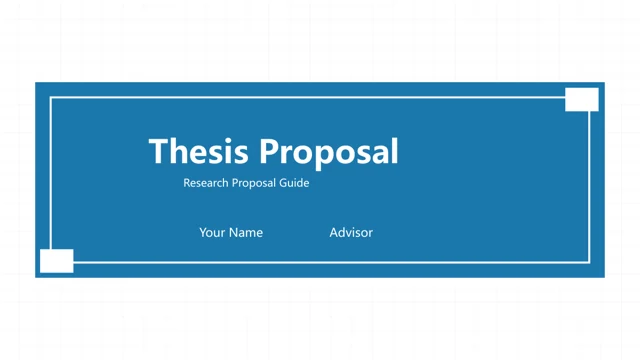
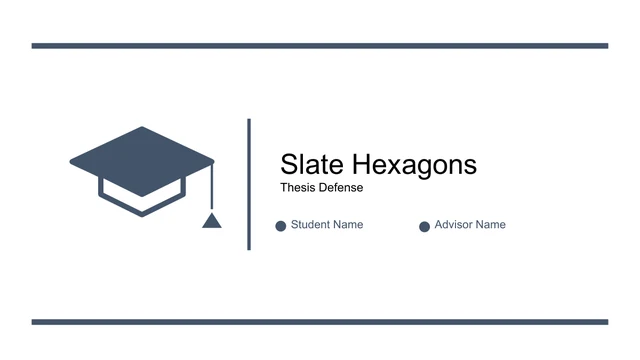
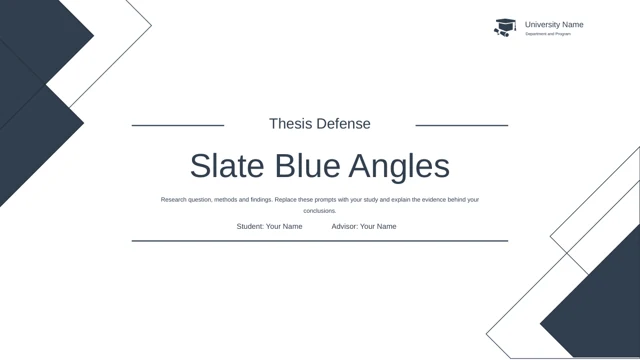
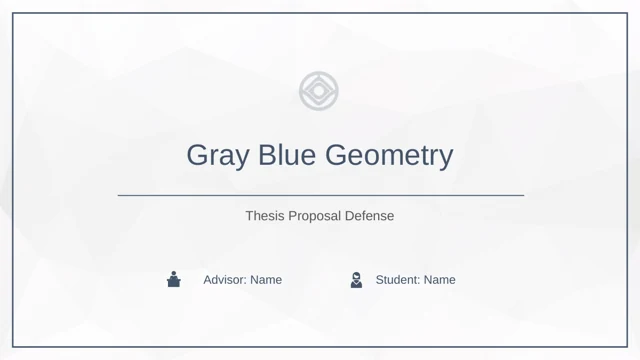
navy blue ppt template: a structured graduation defense
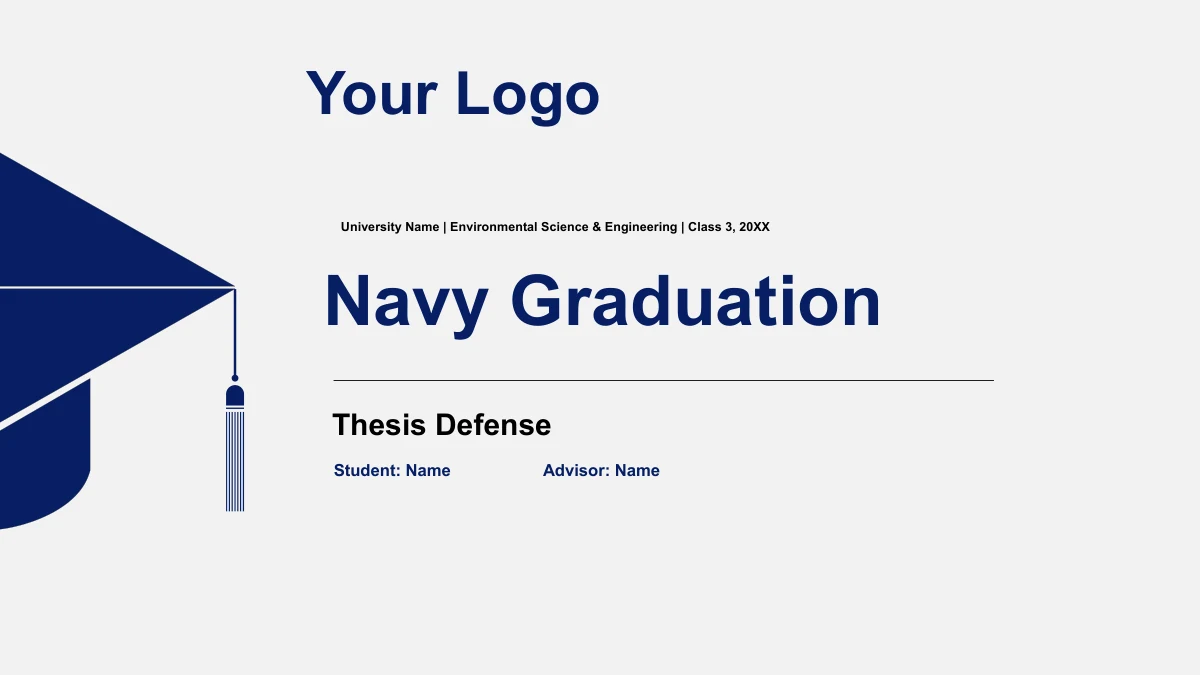
This navy blue PPT template brings a graduation-cap cover, gray backgrounds and navy diagrams into one 36-page research sequence. Navy Graduation Thesis Defense Presentation Template moves through five sections, from Intro to Advice & Summary. The navy blue PPT template combines pathways, comparisons, cycles and a native column chart. Use the layouts to explain your own study, replacing sample statements and checking the retained reference appendix against the sources you actually use.
Features of this navy blue PPT template
See how this navy blue PPT template connects the academic cover, research diagrams and reference page.
Navy Design Across 36 Pages
This navy blue PPT template repeats dark blue headers, nodes and chapter accents against gray and white, with graduation-cap artwork on the opening and closing.
Five Chapters in the Navy Blue PPT Template
The navy blue PPT template moves through Intro, methods, technical challenges, results and advice, with five chapter dividers to keep the research sequence clear.
Paths in the Navy Blue PPT Template
Trace a research approach with connected stages, layered diamonds and branching nodes. The navy blue PPT template keeps these diagrams available for your labels.
Layouts for Comparing Ideas
Opposing arrows, a seesaw and a two-column comparison give this navy blue PPT template several ways to present alternatives, tensions and supporting explanations.
A Chart in the Navy Blue PPT Template
The navy blue PPT template includes a clustered column chart with an embedded workbook. Replace its illustrative values and labels with data from your own study.
References in the Navy Blue PPT Template
A twelve-entry source bibliography remains in the navy blue PPT template. Review its relevance, preserve needed credits and add the references your study requires.
How to use this navy blue PPT template
Prepare your argument, update the examples and rehearse with the navy blue PPT template.
-
Plan the Defense Sequence
Preview all 36 pages of the navy blue PPT template. Match each chapter to your research question, methods and conclusions, then choose the diagrams that explain your argument most clearly.
-
Edit the Navy Blue PPT Template
Download the navy blue PPT template with active paid membership. Add student and advisor details, replace sample content, edit the chart data and check every bibliography entry you retain.
-
Review and Present
Check the navy blue PPT template at presentation size, especially small diagram labels and the reference page. Rehearse chapter transitions and keep an editable copy before exporting your work.
Questions about this navy blue PPT template
How do I download this navy blue PPT template?
Active paid membership provides the navy blue PPT template as a PowerPoint PPTX, with no daily download limit and repeat downloads available. Preview the complete gallery before downloading. Save your edited navy blue PPT template separately so a fresh download does not replace your work.
How many pages are in this navy blue PPT template?
The navy blue PPT template includes 36 widescreen pages, with an opening, contents, five chapter dividers, research layouts, references and a closing. The navy blue PPT template covers Intro, Approach & Methods, Technical Challenges, Results & Applications, and Advice & Summary. Select pages that support your study and speaking time.
What can I edit in the navy blue PPT template?
Text, native shapes and the column chart in the navy blue PPT template are editable. Diagram groups keep related elements together, while the small illustration assets remain images. Replace the sample labels and explanations in your navy blue PPT template, then check connectors and alignment before presenting.
Does the navy blue PPT template contain real research data?
The column chart in the navy blue PPT template contains illustrative data. Open its data editor to replace category names, series labels and values, then review the plotted result. The navy blue PPT template also contains example statements from different topics; these do not establish a complete, verified research study.
Does the gallery show every navy blue PPT template page?
Yes. The gallery shows all 36 pages from the English navy blue PPT template. Inspect the radial diagrams, layered diamonds, pathways, comparisons and reference page before choosing layouts. The navy blue PPT template uses diagram-led pages rather than photographs, so your text and evidence provide the main content.
Can I use the navy blue PPT template in Google Slides?
The navy blue PPT template is supplied as a PowerPoint PPTX. Google Slides and Keynote compatibility has not been verified. If you import it into another editor, check the native chart, grouped diagrams, small labels and reference appendix. Review the complete imported navy blue PPT template before presenting.
Which language and font does the navy blue PPT template use?
The navy blue PPT template has English headings and working content, using Arial with no embedded fonts. Every localized detail page offers the same English download. Make sure Arial is available, then check the navy blue PPT template again after changing fonts, adding text or replacing diagram labels.
How should I handle references in the navy blue PPT template?
The navy blue PPT template retains a twelve-entry bibliography from the source deck. Those entries are not evidence for a new study by default. Check their relevance and bibliographic details against your own sources, retain required attribution and add citations that support the claims you present.
What permissions apply to the navy blue PPT template?
Membership gives access to download the navy blue PPT template and does not extend third-party rights. Check source, quotation and redistribution permissions for your intended use. Share this page to preview the navy blue PPT template, and distribute edited files only where allowed, keeping required credits and private research details in mind.