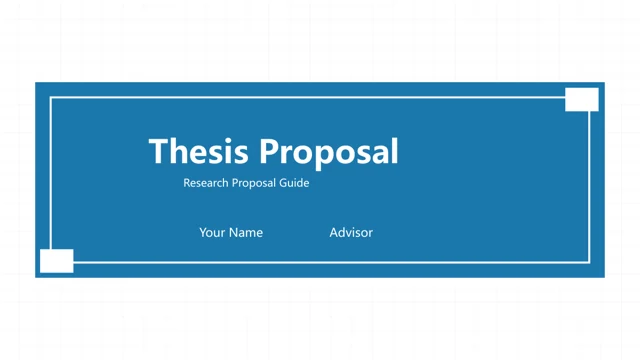
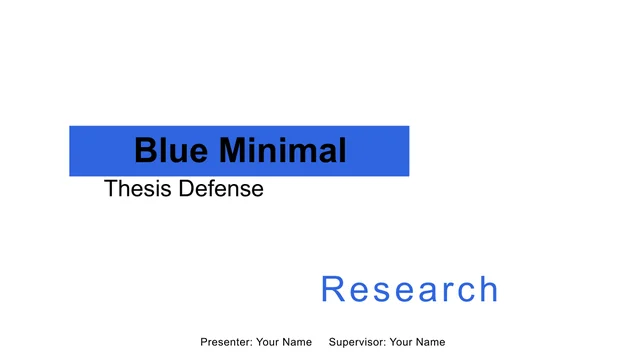
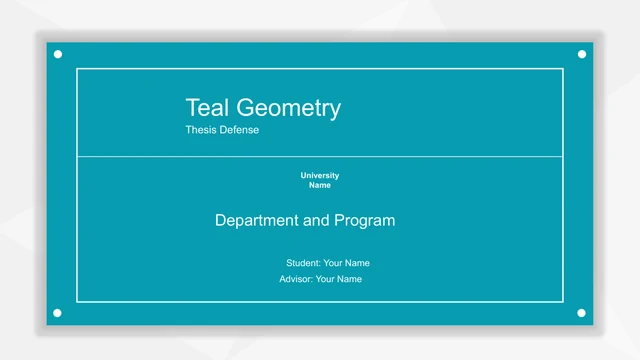
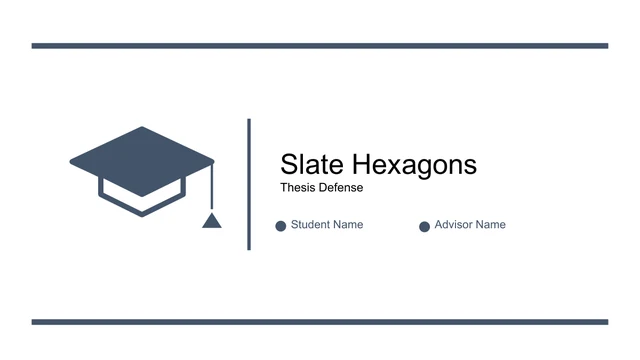
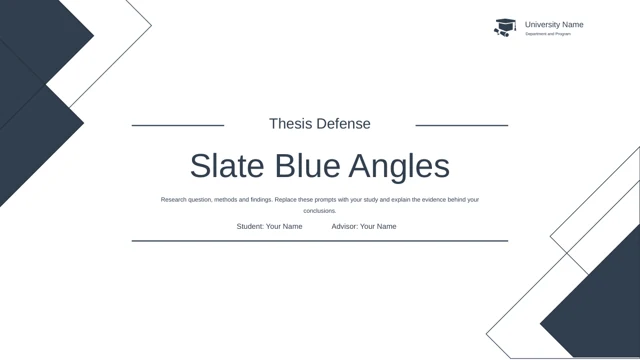
border slides: a slate blue frame for your thesis defense
These border slides give a research talk a consistent outline: slate blue corner blocks and a fine frame surround white pages. Slate Blue Frame Thesis Defense Presentation Template has 14 widescreen pages in four chapters: Background, Research Content, Methods and Results. The border slides combine a two-hexagon comparison, a four-stage route and icon-led notes. Coffee and flower photos soften three content pages. Replace the English prompts with your own question, evidence and conclusion.
Features of these border slides
Explore the frames, research sequence and content layouts in these border slides.
Frames Across All 14 Pages
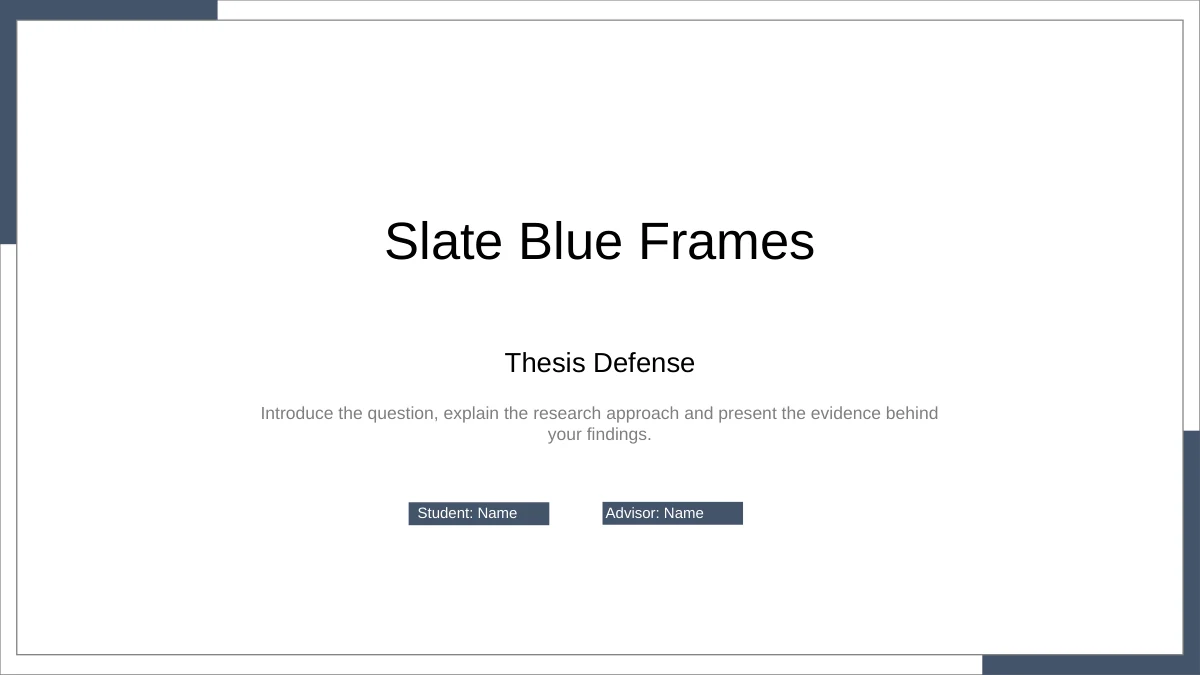
These border slides pair slate blue corner blocks with a fine rectangular outline. The same framing continues through the cover, chapters and closing.
Border Slides with Four Research Chapters
The border slides organise Background, Research Content, Methods and Results into four numbered sections, with an outline to introduce the sequence.
Photo Layouts for Border Slides
Coffee and flower photos appear on three border slides beside context, method and result notes. Their role is visual; the research topic remains yours.
A Two-Sided Comparison
Two hexagons face a central VS on these border slides. Use the paired text areas to contrast approaches or perspectives without implying measured data.
Four Stages on a Rising Route
These border slides place Define, Plan, Collect and Review along four connected points. The numbered stages describe a process, not a measured trend.
Hexagons and Result Prompts
The border slides group Design and Analysis with four surrounding notes. A separate photo layout uses large quote marks around editable result prompts.
How to use these border slides
Turn the working prompts in these border slides into a focused academic presentation.
-
Map the Research Story
Preview all 14 border slides and choose a route through the four chapters. Assign a purpose to each content page, keeping the comparison, process and conclusion tied to your own study.
-
Replace the Sample Content
Download these border slides with active paid membership. Add your title, student and advisor details, then replace the prompts with evidence. Keep photo crops and nearby labels balanced.
-
Check and Rehearse
Review the border slides at presentation size. Check the inner frame, short icon labels and result text, then rehearse the chapter changes. Save an editable copy before exporting for delivery.
Questions about these border slides
How do I download these border slides?
Active paid membership provides the border slides as a PowerPoint PPTX, with no daily download limit and repeat downloads available. Save your edited border slides separately so a fresh copy does not replace your work. Preview the complete gallery before downloading.
How many pages are included in these border slides?
The border slides contain 14 widescreen pages: a cover, outline, four chapter dividers, content layouts and a thank-you closing. The sequence moves through Background, Research Content, Methods and Results. Select the border slides that support your argument and fit your speaking time.
What can I edit in these border slides?
Text and native shapes in the border slides are editable; photos remain image objects. Keep groups aligned and preserve photo proportions. These border slides contain no native charts or linked workbooks. Edit the four-stage route and hexagon comparison directly as diagram layouts.
Does the gallery show every page of these border slides?
Yes. The gallery shows all 14 border slides from the English download. Compare the diagrams and photo pages before placing your material. Coffee and flowers decorate three border slides, offering a softer visual pause between the comparison, process and research summary layouts.
Can I use these border slides in Google Slides?
These border slides are supplied as a PowerPoint PPTX. Google Slides and Keynote compatibility has not been verified. If you import the border slides elsewhere, check the thin frames, grouped diagrams, photo crops and labels. Review the full imported presentation before presenting.
Which font do these border slides use?
The border slides use Arial, with no embedded fonts. Make sure Arial is available in your editor. After changing the typeface in these border slides, check narrow labels, chapter headings and the closing page. Keep text within the frame and shorten crowded labels.
Are these border slides already in English?
Yes. The border slides have English headings, prompts and generic student and advisor fields. Every localized page offers the same English PPTX. Replace the examples in these border slides with your work. Decorative quotation marks surround result prompts, not a real quotation or verified finding.
What permissions should I check for these border slides?
Check source, photo and redistribution permissions before using the border slides. Membership provides download access and does not extend third-party rights. Review new images, quotations and research material added to these border slides. Retain required credits and confirm that your intended use is allowed.
How can I share work made with these border slides?
Share this page link to preview the border slides, or send an edited file where permissions allow. Remove private participant details and unpublished material that should not circulate. Keep an editable copy of your border slides, and check the exported version before sharing it.