Blue Grey Teaching Presentation Template: photo chapters and diagrams for a teaching plan
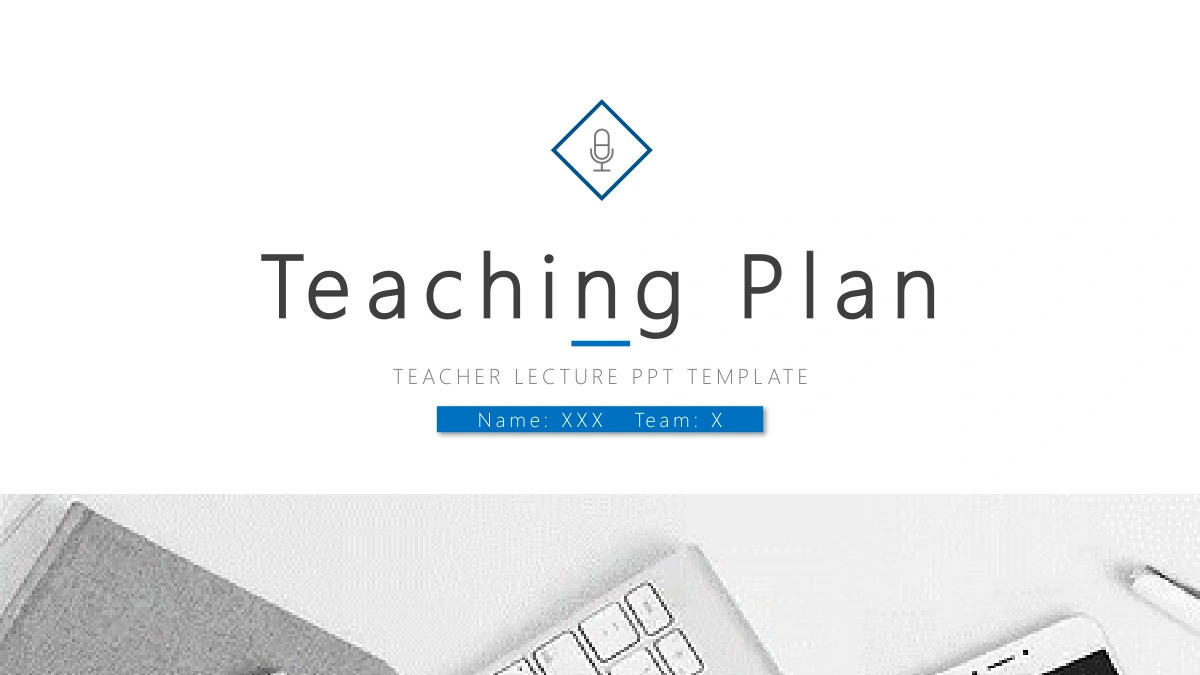
Blue Grey Teaching Presentation Template combines a white background with blue corner lines, gray panels and photographs of books, workspaces and people. A microphone inside a diamond introduces the cover. Four photo dividers place their section titles on raised white circles, separating content, goals, preparation and process. Blue Grey Teaching Presentation Template offers different ways to explain a plan: interlocking gears connect six ideas, numbered cards show a sequence, and chevrons lead from one step to the next. Circular arcs and an orbit arrangement carry sample percentages as ordinary slide elements. Other pages place notes around a computer or beside architectural photographs. A thank-you page precedes a final collection of small icons. Choose only the layouts that help explain your teaching decisions, replace the placeholder notes and check that every number and symbol has a clear meaning in your own lesson.
Key Features of Blue Grey Teaching Presentation Template
Photo chapter breaks, blue diagrams and space for a teaching plan.
Four circular photo dividers
Blue Grey Teaching Presentation Template has four photo chapter breaks for content, goals, preparation and process. Match each heading to your teaching outline.
Gears and connected ideas
Blue Grey Teaching Presentation Template links six gears and offers hexagon icon panels. Label the relationships so the shapes explain your teaching choices.
Numbered cards and chevrons
Blue Grey Teaching Presentation Template provides five numbered cards and four chevron steps. Check the order and time labels when adapting a lesson sequence.
Manual percentage diagrams
Blue Grey Teaching Presentation Template uses arcs, circles and mountain shapes with sample numbers. Edit labels and shapes together when changing the examples.
Photographs beside explanations
Blue Grey Teaching Presentation Template pairs photos with notes and uses a tall central image between four points. Check every crop when replacing pictures.
Closing and icon collection
Blue Grey Teaching Presentation Template includes a thank-you page followed by an icon collection. Choose relevant symbols and place them beside clear explanations.
How to Use Blue Grey Teaching Presentation Template
Define your lesson, select the layouts and review your examples.
-
Organize the teaching plan
Review the 24 pages of Blue Grey Teaching Presentation Template. Decide what belongs under content, goals, preparation and process, then choose diagrams or photo layouts that explain your plan.
-
Download an editable copy
Download Blue Grey Teaching Presentation Template with an active paid plan. Paid members have unlimited daily and repeat downloads. Keep an unchanged copy as you replace the sample teaching notes.
-
Check labels and presentation order
Edit Blue Grey Teaching Presentation Template in PowerPoint. Give diagrams clear labels, replace sample percentages and check that chapter headings match the pages in your finished teaching plan.
Questions about Blue Grey Teaching Presentation Template
How do I download Blue Grey Teaching Presentation Template?
Use the download button on Blue Grey Teaching Presentation Template after signing in with an active paid plan. Paid members can download the PowerPoint file without a daily limit, including repeat downloads. Browse Blue Grey Teaching Presentation Template to compare its teaching diagrams before choosing pages. Save an unchanged Blue Grey Teaching Presentation Template copy and edit a separate file for your lesson. The sample notes in Blue Grey Teaching Presentation Template need your actual content and explanation. Plan the sequence you want to present rather than treating every layout in Blue Grey Teaching Presentation Template as a required part of the lesson.
How many pages are in Blue Grey Teaching Presentation Template?
Blue Grey Teaching Presentation Template has 24 widescreen pages in 16:9 format. Its contents page lists four sections, with photo dividers on pages 3, 8, 13 and 18. Blue Grey Teaching Presentation Template places the thank-you page on page 23 and an icon collection on page 24. The icon collection in Blue Grey Teaching Presentation Template can supply symbols for other pages rather than serving as the final screen. Keep only the layouts from Blue Grey Teaching Presentation Template that support your outline. Update the contents in your Blue Grey Teaching Presentation Template copy if you remove or reorder a chapter.
Can I edit the diagrams in Blue Grey Teaching Presentation Template?
Blue Grey Teaching Presentation Template contains editable text and native slide shapes, including the gears, cards, chevrons and percentage diagrams. The percentage examples in Blue Grey Teaching Presentation Template are not native data charts linked to spreadsheets. Changing a number in Blue Grey Teaching Presentation Template will not automatically resize the corresponding shape. Check both the written label and the shape when adapting Blue Grey Teaching Presentation Template for your results. Photographic content in Blue Grey Teaching Presentation Template stays part of the image rather than separate editable objects. Add your own verified figures and explain any scale or relationship you want the audience to infer.
Can I see all pages of Blue Grey Teaching Presentation Template before downloading?
The Blue Grey Teaching Presentation Template gallery covers all 24 pages, including the final icon collection. Compare the content pages between each photo divider in Blue Grey Teaching Presentation Template. Enlarge Blue Grey Teaching Presentation Template to inspect the narrow numbered cards and the smaller percentage labels. The tall-photo layout in Blue Grey Teaching Presentation Template leaves a different amount of text space from the wide photo-and-notes pages. Select layouts from Blue Grey Teaching Presentation Template according to the explanation they need to carry, then arrange the selected pages in the order you intend to teach.
Can another presentation editor open Blue Grey Teaching Presentation Template?
Import a copy of Blue Grey Teaching Presentation Template into an editor that supports .pptx files. No separate native version of Blue Grey Teaching Presentation Template is supplied for every application. Compare the circular photo dividers in Blue Grey Teaching Presentation Template with the preview after import, especially their shadows and title placement. Check whether the layered shapes and small icons in Blue Grey Teaching Presentation Template still line up. Read the compact notes in Blue Grey Teaching Presentation Template for changed line breaks. Keep the PowerPoint file and review any PDF export on the screen your audience will use before sharing a finished lesson.
Which fonts does Blue Grey Teaching Presentation Template use?
Blue Grey Teaching Presentation Template references Microsoft YaHei and Microsoft YaHei Light. The English text renders in Microsoft YaHei Light. No font files are embedded in Blue Grey Teaching Presentation Template. Match these fonts when opening Blue Grey Teaching Presentation Template to preserve the spacing of titles and narrow notes. If you select replacement fonts in Blue Grey Teaching Presentation Template, inspect the five-card layout and the labels around the percentage diagrams. Review both chapter headings and small text throughout your Blue Grey Teaching Presentation Template copy, then check the exported presentation for missing symbols or unexpected line breaks.
Are the slides in Blue Grey Teaching Presentation Template in English?
Blue Grey Teaching Presentation Template is supplied as one English PowerPoint file. Its headings and sample notes are in English, alongside the photographs, diagrams and icons. The downloadable Blue Grey Teaching Presentation Template file and all 24 previews show the same pages. Choosing a different website language changes the Blue Grey Teaching Presentation Template page description rather than creating another translated deck. Replace the sample notes in your Blue Grey Teaching Presentation Template copy with teaching decisions, examples and explanations that belong to your lesson.
Can I use Blue Grey Teaching Presentation Template commercially?
Paid access to Blue Grey Teaching Presentation Template provides a download without expanding rights to third-party photos, icons or fonts. Check the permissions that apply to Blue Grey Teaching Presentation Template and the elements you keep for your intended use. Replace photographs in Blue Grey Teaching Presentation Template if their terms are unclear or unsuitable. Your own additions to Blue Grey Teaching Presentation Template also need appropriate rights. Keep any relevant terms with Blue Grey Teaching Presentation Template and confirm that your teaching examples may be distributed. Editing the slide layout does not by itself grant broader permission to reuse third-party assets.
How should I share Blue Grey Teaching Presentation Template?
Send the Blue Grey Teaching Presentation Template page link to show the original design and its gallery. The link does not carry changes made in your working Blue Grey Teaching Presentation Template file. To share a finished lesson, send the edited Blue Grey Teaching Presentation Template presentation or a suitable export. Check that the four-part contents in Blue Grey Teaching Presentation Template matches the pages you retained. Review the sample percentages, chapter titles and remaining instructions in Blue Grey Teaching Presentation Template before distribution. Keep an editable copy for future lessons, and decide whether the icon collection belongs in the version your audience receives.