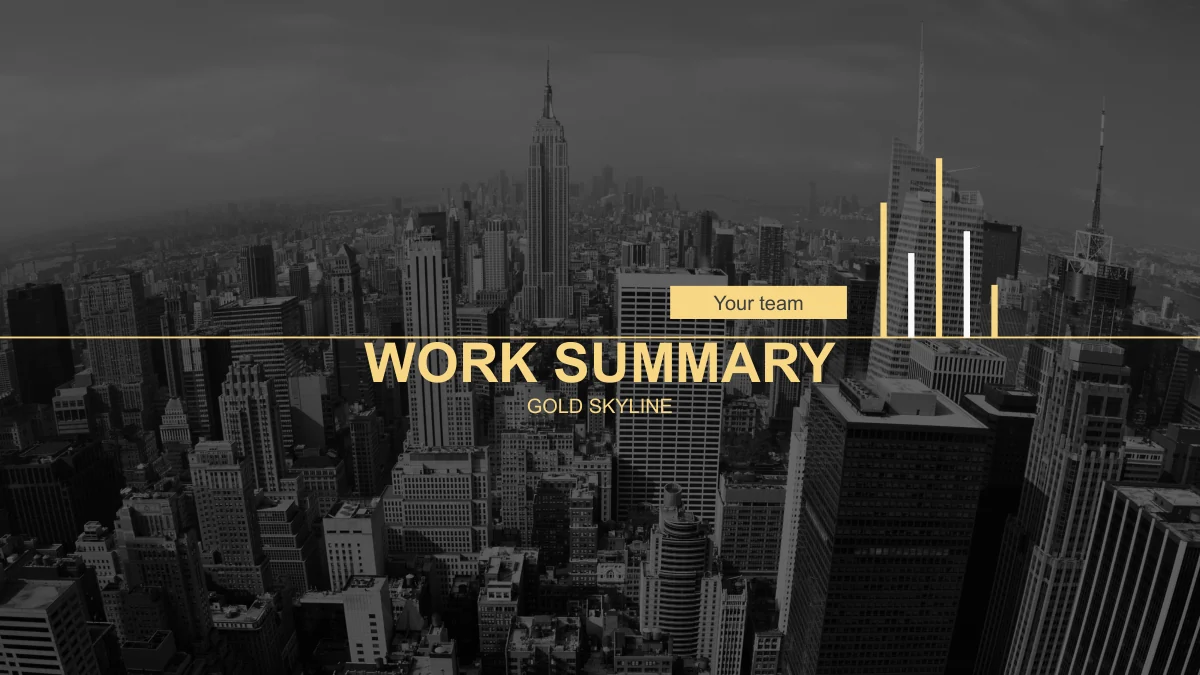
Gold Skyline Work Summary Presentation Template: a city backdrop with gold detail
Gold Skyline Work Summary Presentation Template sets a work review against a dark, monochrome city photograph. Gold lines, numbered diamonds and pale text carry the same visual language through 35 widescreen pages. A five-part contents page and matching chapter dividers give Gold Skyline Work Summary Presentation Template a clear sequence. Inside, a five-person profile layout and photo timelines make room for the people and events behind a report. Later pages offer service comparisons, percentage graphics, gears and a world map. The diagrams in Gold Skyline Work Summary Presentation Template are drawn elements, not spreadsheet-linked charts: adjust their shapes as well as their labels. Gold Skyline Work Summary Presentation Template also places photographs inside laptop and desktop frames, with landscape cards adding a change of pace. Choose the pages that explain your work, then keep copy concise so the city remains a backdrop rather than competing with the message.
Key Features of Gold Skyline Work Summary Presentation Template
Gold dividers, photo stories and diagrams for a focused review.
Five diamond chapter breaks
Gold Skyline Work Summary Presentation Template uses five numbered diamond dividers. Their gold outlines echo the contents page and mark each new section.
People and project history
Gold Skyline Work Summary Presentation Template includes five profile columns and several photo timelines. Pair team roles with the milestones they helped deliver.
Illustrated performance figures
Gold Skyline Work Summary Presentation Template uses rings, bars and pie shapes for sample figures. Resize the graphics manually when you change their values.
Ideas shown as connected parts
Gold Skyline Work Summary Presentation Template links ideas through a tree, gears and a six-part ring. Select a diagram that matches the relationship you describe.
Photographs within device frames
Gold Skyline Work Summary Presentation Template places images inside laptop and desktop frames. Replace them with your project visuals and check the cropping.
City and landscape contrast
Gold Skyline Work Summary Presentation Template pairs a dark skyline with gold accents and three landscape photos. Keep captions short and clear.
How to Use Gold Skyline Work Summary Presentation Template
Plan the review, make a copy and check every illustrated figure.
-
Build your report sequence
Browse 35 pages of Gold Skyline Work Summary Presentation Template. Use the five sections as a starting outline, then retain only the profiles, timelines and diagrams that support your review.
-
Download and save a copy
Get Gold Skyline Work Summary Presentation Template with an active paid membership. Keep an untouched file and edit a separate copy; paid members can download again without a daily limit.
-
Match the visuals to your facts
Edit Gold Skyline Work Summary Presentation Template with your text, photos and figures. Adjust drawn percentages by hand, inspect labels against the dark background and test the full slideshow.
Questions about Gold Skyline Work Summary Presentation Template
How do I download Gold Skyline Work Summary Presentation Template?
Sign in with an active paid membership to download Gold Skyline Work Summary Presentation Template. The editable PPTX can be saved locally before opening. Paid members can download Gold Skyline Work Summary Presentation Template repeatedly without a daily limit. Keep an untouched original of Gold Skyline Work Summary Presentation Template when preparing several reports from the same layout.
How many slides does Gold Skyline Work Summary Presentation Template include?
Gold Skyline Work Summary Presentation Template has 35 slides, starting with a cover and five-part contents page. Dividers on pages 3, 11, 17, 23 and 29 separate the report sections. Gold Skyline Work Summary Presentation Template ends on slide 35. Shorten Gold Skyline Work Summary Presentation Template by removing unused sections, or move individual layouts to the relevant part of your review.
What can I edit in Gold Skyline Work Summary Presentation Template?
Text, colors and separate shapes in Gold Skyline Work Summary Presentation Template can be changed. Diagrams in Gold Skyline Work Summary Presentation Template have no linked spreadsheet data, so update labels and proportions together. For automatic plotting, insert your own chart into Gold Skyline Work Summary Presentation Template, matching its colors and type.
What should I inspect in Gold Skyline Work Summary Presentation Template?
Enlarge the team page in Gold Skyline Work Summary Presentation Template to judge portrait sizes, then compare its timelines with your events. The city background in Gold Skyline Work Summary Presentation Template requires care with small labels and thin gold lines. Check them at presentation size. All 35 previews show Gold Skyline Work Summary Presentation Template in file order, helping you select useful layouts.
Can I open Gold Skyline Work Summary Presentation Template outside PowerPoint?
Other editors may import the PPTX, but grouping, icon fonts and image crops can change. After importing Gold Skyline Work Summary Presentation Template, inspect the diamond dividers, device frames, ring segments and small symbols. Retain a PowerPoint working copy of Gold Skyline Work Summary Presentation Template. Check the complete slideshow and any PDF export before presenting.
Which fonts are used in Gold Skyline Work Summary Presentation Template?
Gold Skyline Work Summary Presentation Template uses Arial for text, plus FontAwesome and simple-line-icons for symbols. Missing icon fonts may produce boxes or the wrong characters. After substituting a font in Gold Skyline Work Summary Presentation Template, inspect small symbols and line breaks as carefully as the main headings.
Is Gold Skyline Work Summary Presentation Template in English?
Yes. Gold Skyline Work Summary Presentation Template contains English headings and sample copy. The website language menu translates this detail page, not the English file or previews of Gold Skyline Work Summary Presentation Template. Names, years, prices and percentages in Gold Skyline Work Summary Presentation Template are replaceable examples. Use verified facts and profiles of the people actually involved in your work.
Can I use Gold Skyline Work Summary Presentation Template commercially?
Paid access to Gold Skyline Work Summary Presentation Template does not grant extra rights to source photographs, fonts or other assets. Check the permissions for Gold Skyline Work Summary Presentation Template against your project and replace anything you cannot use. This page does not establish resale or redistribution rights for Gold Skyline Work Summary Presentation Template, including editable files sent to clients.
How can I share Gold Skyline Work Summary Presentation Template?
Send this public page so colleagues can inspect Gold Skyline Work Summary Presentation Template. Before sharing a report made with Gold Skyline Work Summary Presentation Template, decide whether recipients need an editable file or a PDF. Check exported symbols and text over photographs. Keep your working version of Gold Skyline Work Summary Presentation Template separately, and distribute only material you have permission to share.