sage green powerpoint background: a soft frame for classroom ideas
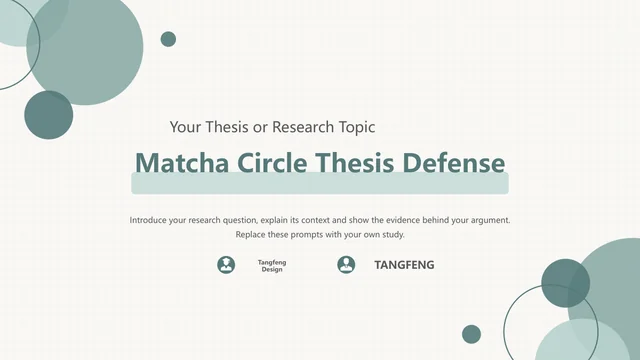
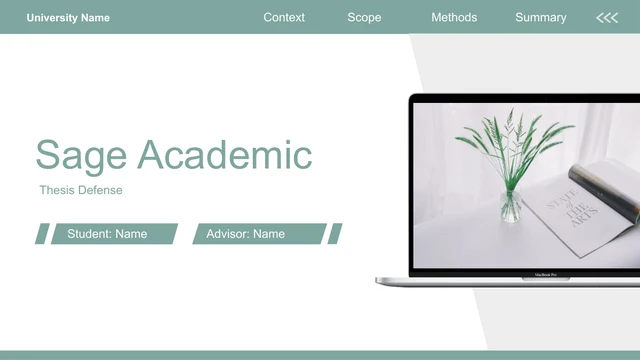
A sage green powerpoint background of muted circles and fine borders gives Sage Circle Lesson its quiet visual setting. White space separates notes from decoration. Across 14 widescreen slides, numbered ribbon dividers introduce Intro, Lesson, Practice and Homework. The sage green powerpoint background continues around three still-life photographs: a glass beside a branch, a flower and plate, and a circular view of dried flowers. These images support observation prompts for your subject. An idea circle connects an example, a question and an explanation; other pages pair reading with notes or organise three practice actions. Four homework cards organise independent tasks. Adapt the sage green powerpoint background and lesson layouts together, replacing English guidance with your objectives and examples. The diagrams use editable shapes and text, with no linked chart data.
Explore the sage green powerpoint background and layouts
The sage green powerpoint background connects notes, photographs and teaching tasks.
Muted Circles and a Fine Border
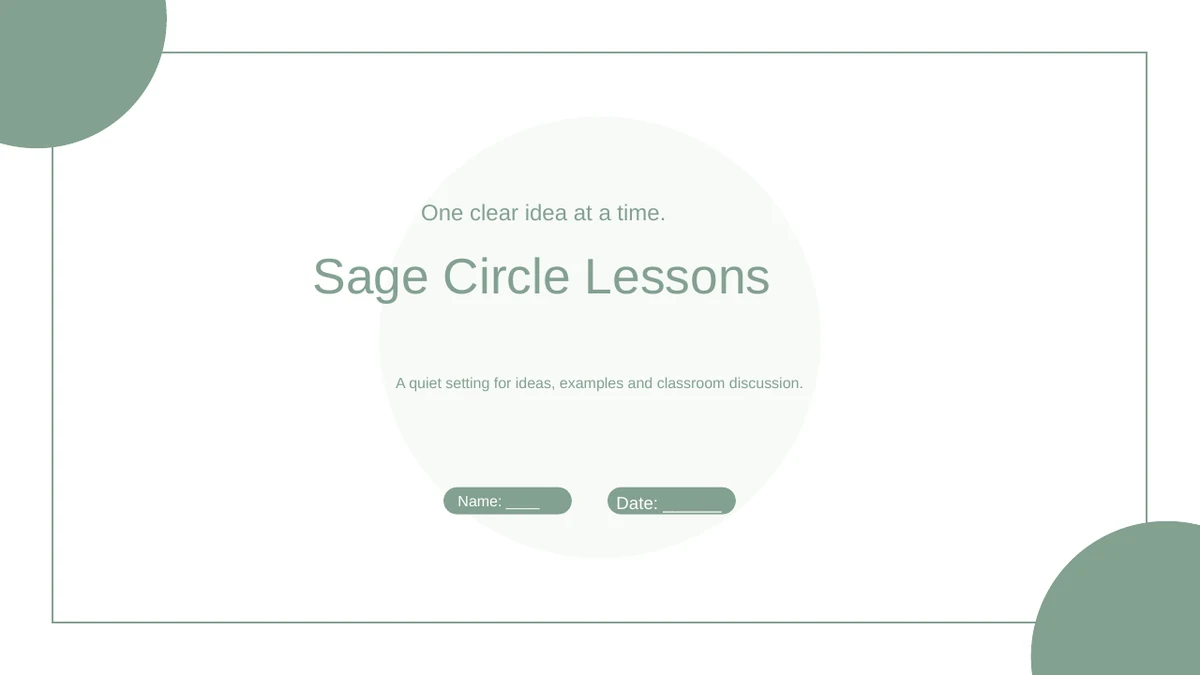
The sage green powerpoint background uses cropped corner circles and a fine outline. White central areas separate teaching notes from the soft green decoration.
Four Ribbon Chapter Markers
Numbered ribbons extend the sage green powerpoint background through Intro, Lesson, Practice and Homework. A short sentence gives each chapter a clear purpose.
Three Still-Life Photo Prompts
Three photographs sit within the sage green powerpoint background for observation and discussion. Rectangular and circular crops give each example its own space.
An Idea with Linked Notes
On the sage green powerpoint background, an idea circle connects to an example, question and explanation. Edit each supporting note to explain your lesson topic.
Practice with Three Actions
The sage green powerpoint background frames three numbered actions beside icon circles. Add a task, then use the reflection space to discuss possible improvements.
Four Homework Cards
Four cards continue the sage green powerpoint background through review, a response, an everyday example and preparation. Use the closing note to explain the task.
Use the sage green powerpoint background in your lesson
Build a teaching sequence around the sage green powerpoint background.
-
Plan a Focused Lesson
Preview the sage green powerpoint background across all 14 pages. Choose one learning goal, select photo or linked-note layouts that support it, and plan a practice task with a useful follow-up.
-
Prepare Your Examples
Download the sage green powerpoint background with its lesson slides using an active paid plan. Replace English prompts and photos, keeping labels inside circles, ribbons and homework cards.
-
Check the Classroom Display
Test the sage green powerpoint background at presentation size. Check pale green contrast, white labels and photo crops, then review the instructions and save an editable copy before sharing.
Questions about this sage green powerpoint background
How do I download the sage green powerpoint background?
Active paid members can download the sage green powerpoint background in a lesson PPTX. Downloads are unlimited daily and repeatable. Keep an untouched copy of the sage green powerpoint background and layouts before editing.
How many slides come with the sage green powerpoint background?
The sage green powerpoint background accompanies 14 slides in 16:9: a cover, contents, four dividers, seven teaching layouts and a closing page. Shorten the sage green powerpoint background presentation for your lesson.
Can I edit the sage green powerpoint background and content?
Edit text, circles, ribbons, connectors and activity icons in the sage green powerpoint background presentation. Replace or recrop its three photos. The sage green powerpoint background layouts contain no native charts or embedded spreadsheets.
Can I preview every sage green powerpoint background layout?
All 14 previews show the downloadable English file. Compare the sage green powerpoint background photo areas, linked notes and homework cards with your material. Use wider areas within the sage green powerpoint background for explanations.
Can I use the sage green powerpoint background in another editor?
The sage green powerpoint background is supplied in PowerPoint PPTX format. Google Slides and Keynote compatibility is unverified. After import, check the sage green powerpoint background circles, photo masks, connectors and animation timing.
Which font accompanies the sage green powerpoint background?
The English slides with this sage green powerpoint background use Arial without embedded fonts. After substitution, inspect ribbon titles, numbered rows and card labels against the sage green powerpoint background for changed line breaks.
Are the sage green powerpoint background slides in English?
Yes. The sage green powerpoint background includes English chapter names and sample instructions. All website languages describe that same PPTX. Add subject material to the sage green powerpoint background; these layouts are a teaching framework.
What rights apply to the sage green powerpoint background?
Check source and photograph terms before commercial use or redistribution of the sage green powerpoint background. Paid membership does not expand third-party rights. Retain required attribution when adapting the sage green powerpoint background.
How should I share the sage green powerpoint background presentation?
Share the sage green powerpoint background page link, or your edited PPTX/PDF where permitted. Fill the blank name and date fields, review instructions and retain an editable sage green powerpoint background copy.