Terracotta Art Portfolio Presentation Template: Floral Paintings, Ochre Panels and Four Artwork Sections
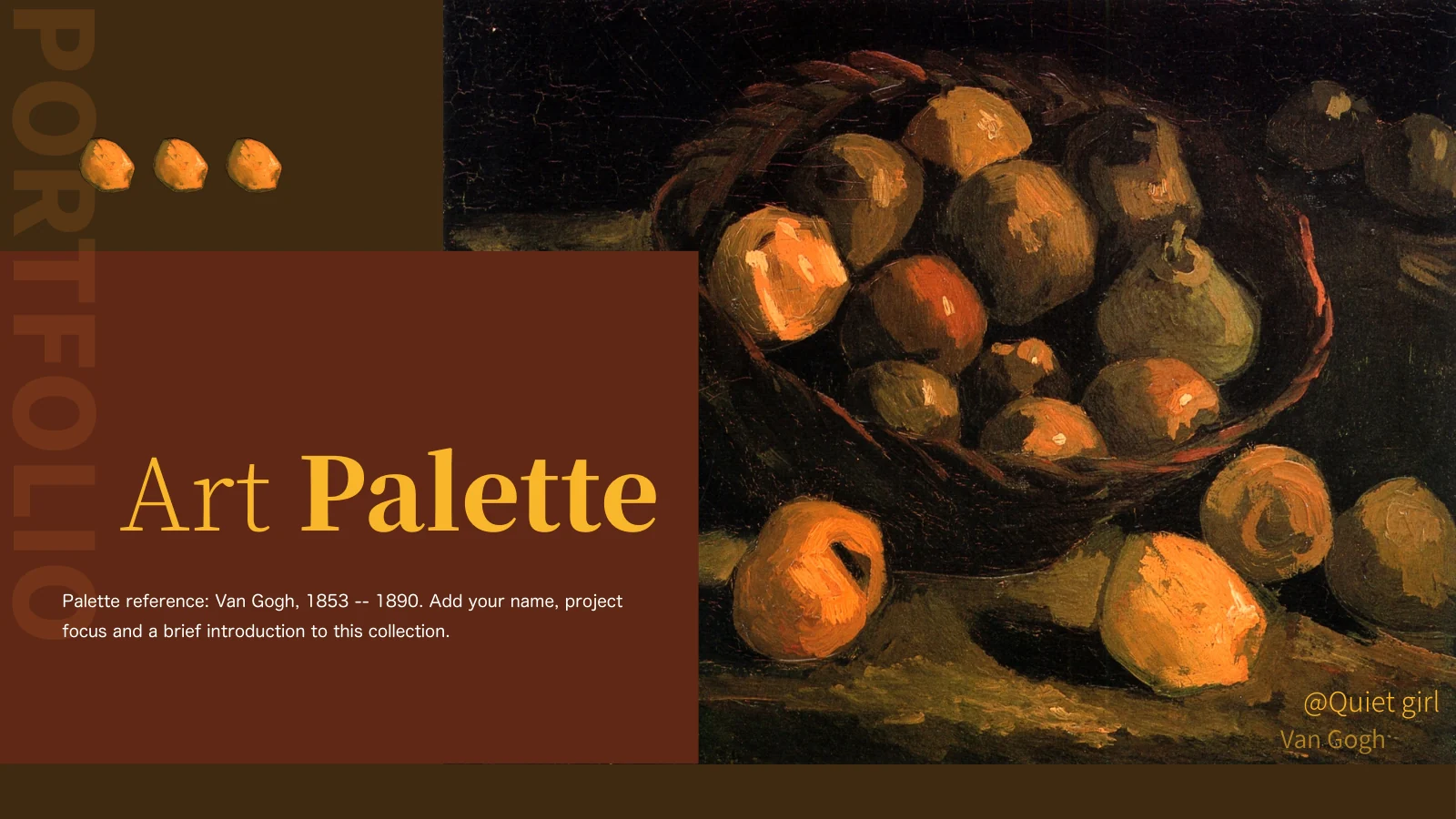
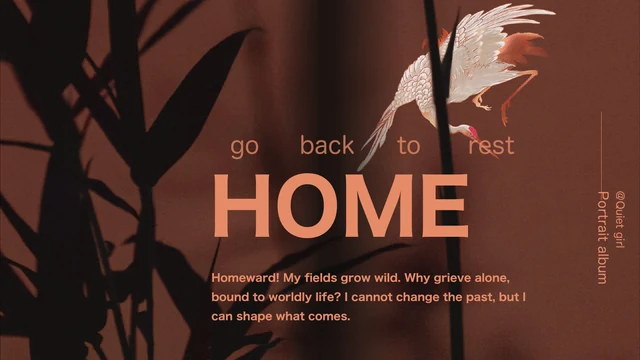
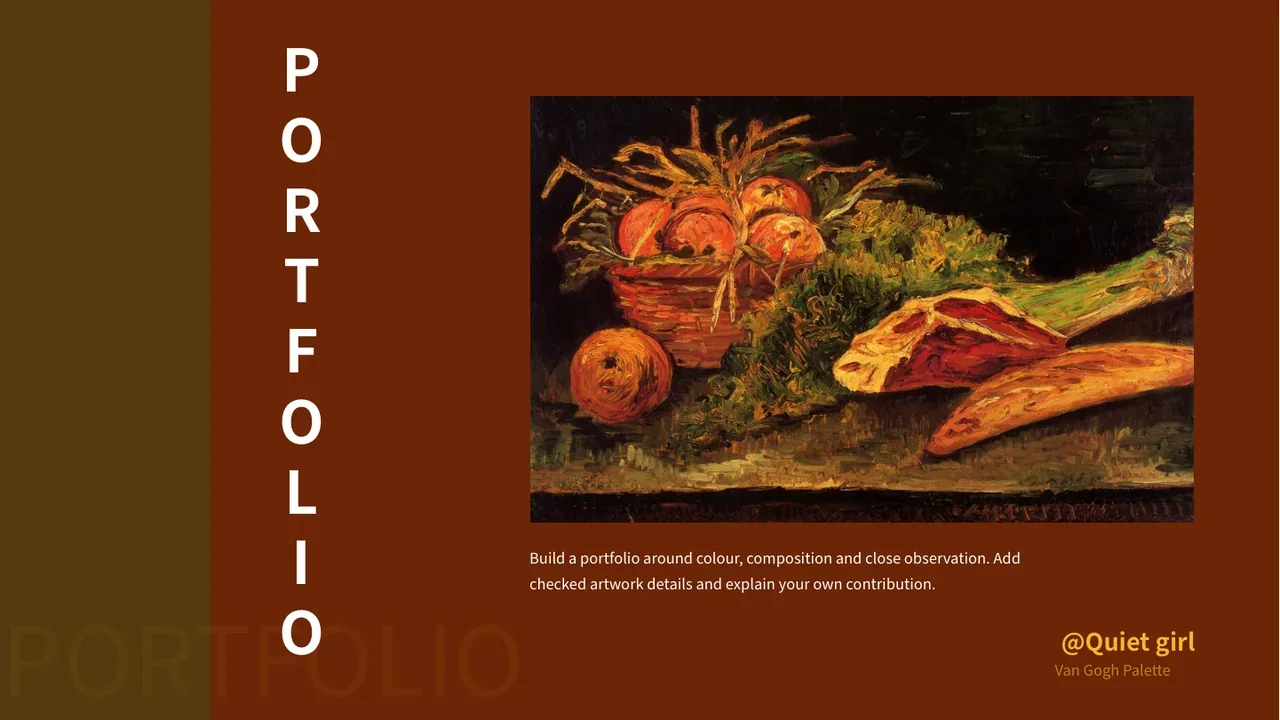
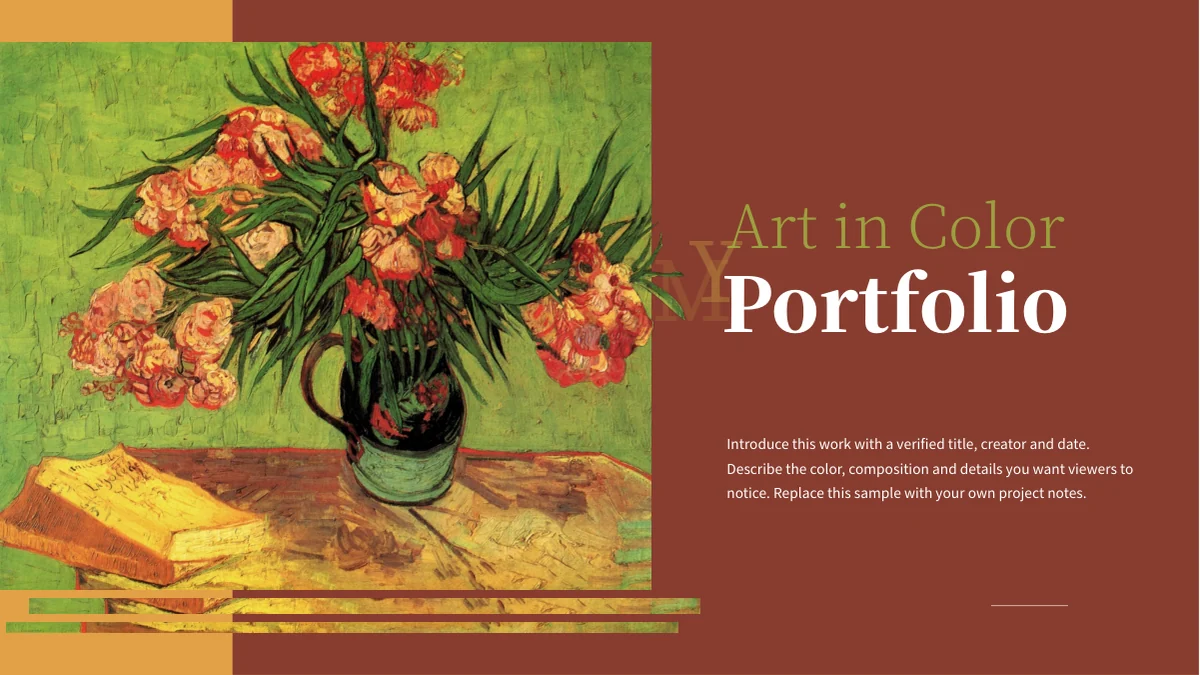
Terracotta Art Portfolio Presentation Template frames colorful paintings with red-brown backgrounds, ochre bands and white serif headings. A floral still life fills the cover, while small flower details recur near the page corners. Across 15 widescreen slides, Terracotta Art Portfolio Presentation Template moves from a portrait introduction and a four-image contents page into four numbered sections. Large individual paintings alternate with paired images and layouts that separate a short description from two or three supporting notes. Terracotta Art Portfolio Presentation Template includes flowers, trees, fruit, cattle and a house scene, offering varied compositions to compare without changing the warm palette. The last slide remains an artwork page rather than a dedicated thank-you screen. Replace the neutral sample notes with your own observations and verified artwork information. Keep the distinction between a visible detail and an attribution that needs a reliable source; the pictures alone do not establish a title, date or authorship.
Key Features of Terracotta Art Portfolio Presentation Template
Warm colors, painted subjects and concise notes in four sections.
Terracotta and Ochre Palette
Terracotta Art Portfolio Presentation Template sets white headings against red-brown pages and ochre panels. Keep notes short and check contrast around the artwork.
Floral Cover and Corner Details
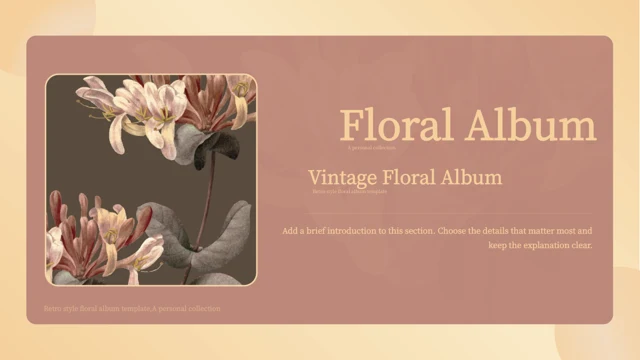
Terracotta Art Portfolio Presentation Template opens with a floral still life and repeats small flower accents. Choose artwork that fits the warm composition.
Four-Image Contents Page
Terracotta Art Portfolio Presentation Template uses four staggered paintings to introduce numbered sections. Match labels to the artwork groups that follow.
Large and Paired Artwork Layouts
Terracotta Art Portfolio Presentation Template mixes tall paintings with paired images and offset panels. Check each crop to keep important details visible.
Two- and Three-Part Notes
Terracotta Art Portfolio Presentation Template separates descriptions from two or three notes. Give each note a distinct observation rather than repeat the summary.
Artwork-Based Closing Page
Terracotta Art Portfolio Presentation Template ends with a house painting and notes rather than a thank-you slide. Let the final image complete your sequence.
How to Use Terracotta Art Portfolio Presentation Template
Choose an artwork sequence, write precise captions and review the finished deck.
-
Build an Artwork Sequence
Preview all 15 pages of Terracotta Art Portfolio Presentation Template. Choose a coherent group of works, then align the four contents labels with the sections you plan to keep.
-
Download and Write Your Notes
Get Terracotta Art Portfolio Presentation Template with an active paid plan; daily and repeat downloads are unlimited. Work on a copy and replace sample notes with accurate descriptions.
-
Check Captions and Picture Crops
Review Terracotta Art Portfolio Presentation Template at presentation size. Check image crops, caption sources and white text on colored panels, then inspect your exported file.
Questions About Terracotta Art Portfolio Presentation Template
How do I download Terracotta Art Portfolio Presentation Template?
Sign in with an active paid plan to download Terracotta Art Portfolio Presentation Template. Daily and repeat downloads are unlimited. Keep the supplied Terracotta Art Portfolio Presentation Template and create a working copy for your own material. Decide what connects the works before changing the text: color, composition, a project theme or a sequence of your own studies. Terracotta Art Portfolio Presentation Template provides several arrangements, so choose layouts that support that connection. Write a brief description for each selected image in Terracotta Art Portfolio Presentation Template, then add supporting observations only where they reveal something useful. A small note in Terracotta Art Portfolio Presentation Template should explain a specific detail rather than repeat the heading. Use Terracotta Art Portfolio Presentation Template to organize a coherent presentation; the sample paintings and text do not by themselves establish your own creative contribution or ownership.
How many slides are in Terracotta Art Portfolio Presentation Template?
Terracotta Art Portfolio Presentation Template includes 15 slides in a 16:9 format. A cover and portrait introduction precede a four-image contents page. The numbered section dividers in Terracotta Art Portfolio Presentation Template are on pages 4, 7, 10 and 13. Each divider in Terracotta Art Portfolio Presentation Template pairs a large floral painting with a number and short explanation. Between them, Terracotta Art Portfolio Presentation Template varies the image scale and the position of supporting notes. The final page of Terracotta Art Portfolio Presentation Template features a house painting and commentary rather than a dedicated thank-you message. You can shorten Terracotta Art Portfolio Presentation Template or reorganize the works, but update the contents and section labels together. Keep an opening that explains your selection and a final image that gives the audience a clear stopping point. Four numbered sections do not require four equally long discussions.
Can I replace the paintings in Terracotta Art Portfolio Presentation Template?
You can replace images in Terracotta Art Portfolio Presentation Template with artwork you have permission to use. The source includes floral still lifes as well as trees, fruit, cattle and a house scene. Terracotta Art Portfolio Presentation Template uses large vertical images, side-by-side pictures and offset arrangements, so inspect the proportions before selecting replacements. Check the focal point and the edges of each crop in Terracotta Art Portfolio Presentation Template; a stem, face or architectural detail may be important to the discussion. Avoid stretching images to fill the frames in Terracotta Art Portfolio Presentation Template. Painted textures in Terracotta Art Portfolio Presentation Template are picture content, not individually editable brushstrokes. Keep original attribution where required, and do not present source paintings as your own work. When adapting Terracotta Art Portfolio Presentation Template for a personal portfolio, make your role and the origin of each image clear.
Can I preview every page of Terracotta Art Portfolio Presentation Template?
All 15 pages of Terracotta Art Portfolio Presentation Template appear in the gallery. Use the thumbnails and arrows to compare the four-image contents layout with the larger paintings and the pages that combine two or three notes. Enlarge Terracotta Art Portfolio Presentation Template to check the small white body text and the transition between terracotta and ochre panels. Compare your intended captions with the available space in Terracotta Art Portfolio Presentation Template before inserting them. A long paragraph may work better as two short observations. The gallery shows the supplied Terracotta Art Portfolio Presentation Template, not the changes in your working copy. Review your edited Terracotta Art Portfolio Presentation Template separately at the size your audience will see. Check the last page of Terracotta Art Portfolio Presentation Template particularly carefully where notes meet the artwork, and make sure the picture still has enough space to be understood.
Does Terracotta Art Portfolio Presentation Template contain charts or spreadsheets?
Terracotta Art Portfolio Presentation Template contains no native charts, tables or embedded spreadsheet workbooks. Its colored panels organize images and written observations rather than linked numerical data. The four chapter numbers in Terracotta Art Portfolio Presentation Template are navigation labels, not chart values. Use the supporting note areas in Terracotta Art Portfolio Presentation Template for composition, subject matter, process or another detail that you can explain accurately. If you add measurements or dates to Terracotta Art Portfolio Presentation Template, state what they describe and verify them from a reliable source. Do not infer an artwork date or title from its appearance alone. You can add your own chart to a working copy of Terracotta Art Portfolio Presentation Template, but keep its purpose clear and check that the new element remains readable within the warm, image-led design.
Which fonts does Terracotta Art Portfolio Presentation Template use?
Terracotta Art Portfolio Presentation Template uses Source Han Sans Regular and Heavy, together with Source Han Serif ExtraLight, Heavy and SemiBold. Fonts are not embedded in the PPTX. Install the matching fonts when needed and compare Terracotta Art Portfolio Presentation Template with the gallery before editing a large amount of text. The serif headings in Terracotta Art Portfolio Presentation Template provide contrast with the smaller body copy, so an unexpected substitution can change both the tone and the line breaks. Keep headings concise rather than shrinking them until they lose emphasis. Review narrow labels on the contents page of Terracotta Art Portfolio Presentation Template and check longer captions near picture edges. Inspect both the edited Terracotta Art Portfolio Presentation Template and its exported version for missing characters, altered spacing and text that overlaps a painting or a neighboring note.
Is Terracotta Art Portfolio Presentation Template supplied in English?
The finished Terracotta Art Portfolio Presentation Template uses English headings and neutral sample artwork notes. Website translations describe the same downloadable PPTX, rather than a separate native file for every language. The copy in Terracotta Art Portfolio Presentation Template is guidance for presenting artwork, not a verified biography or catalog of the paintings shown. Replace it with your own observations and check any attribution, title or date you add to Terracotta Art Portfolio Presentation Template. Editors that import PPTX may display fonts, picture crops and overlapping panels differently. Compare an imported Terracotta Art Portfolio Presentation Template with the gallery and use PowerPoint as the reference when reviewing the layout. Keep captions consistent across Terracotta Art Portfolio Presentation Template, especially when distinguishing your own work, an illustrative source image and a reproduction discussed for a specific purpose.
Can I use Terracotta Art Portfolio Presentation Template commercially?
Check the applicable conditions for Terracotta Art Portfolio Presentation Template, its images, fonts and any new material you add. A paid download does not establish every reuse or redistribution permission. When using Terracotta Art Portfolio Presentation Template, preserve genuine attribution and confirm whether the intended use of each reproduction is permitted. A familiar-looking painting in Terracotta Art Portfolio Presentation Template is not, on appearance alone, proof of its author, exact title or the terms covering that particular image file. Do not imply that source artwork is your own portfolio work. Separate your commentary from the image credit in Terracotta Art Portfolio Presentation Template, so the audience understands what you created and what you are discussing. Before distributing an editable Terracotta Art Portfolio Presentation Template file, check redistribution conditions separately from permission to display a finished presentation.
How should I share Terracotta Art Portfolio Presentation Template?
Share this public page when recommending Terracotta Art Portfolio Presentation Template, allowing recipients to inspect the gallery and download with their own eligible accounts. Keep an editable copy of Terracotta Art Portfolio Presentation Template for later changes to captions, image choices and section order. Before exporting Terracotta Art Portfolio Presentation Template, review the four contents entries against the numbered dividers and remove any sample note that no longer fits the artwork. Check that paired images in Terracotta Art Portfolio Presentation Template have a meaningful relationship and that the supporting observations identify different details. Run through Terracotta Art Portfolio Presentation Template from the floral cover to the house scene at the end. Inspect the export for changed crops, small text and uneven spacing, then test the presentation on the intended screen. A final artwork can close the narrative without adding an unrelated summary page.