Ochre Painting Portfolio Presentation Template: painted apples, warm panels and a four-part collection
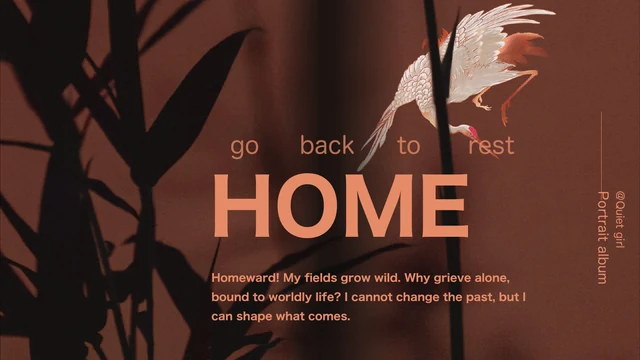
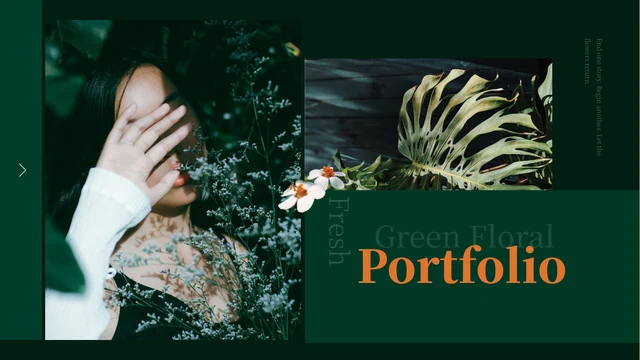
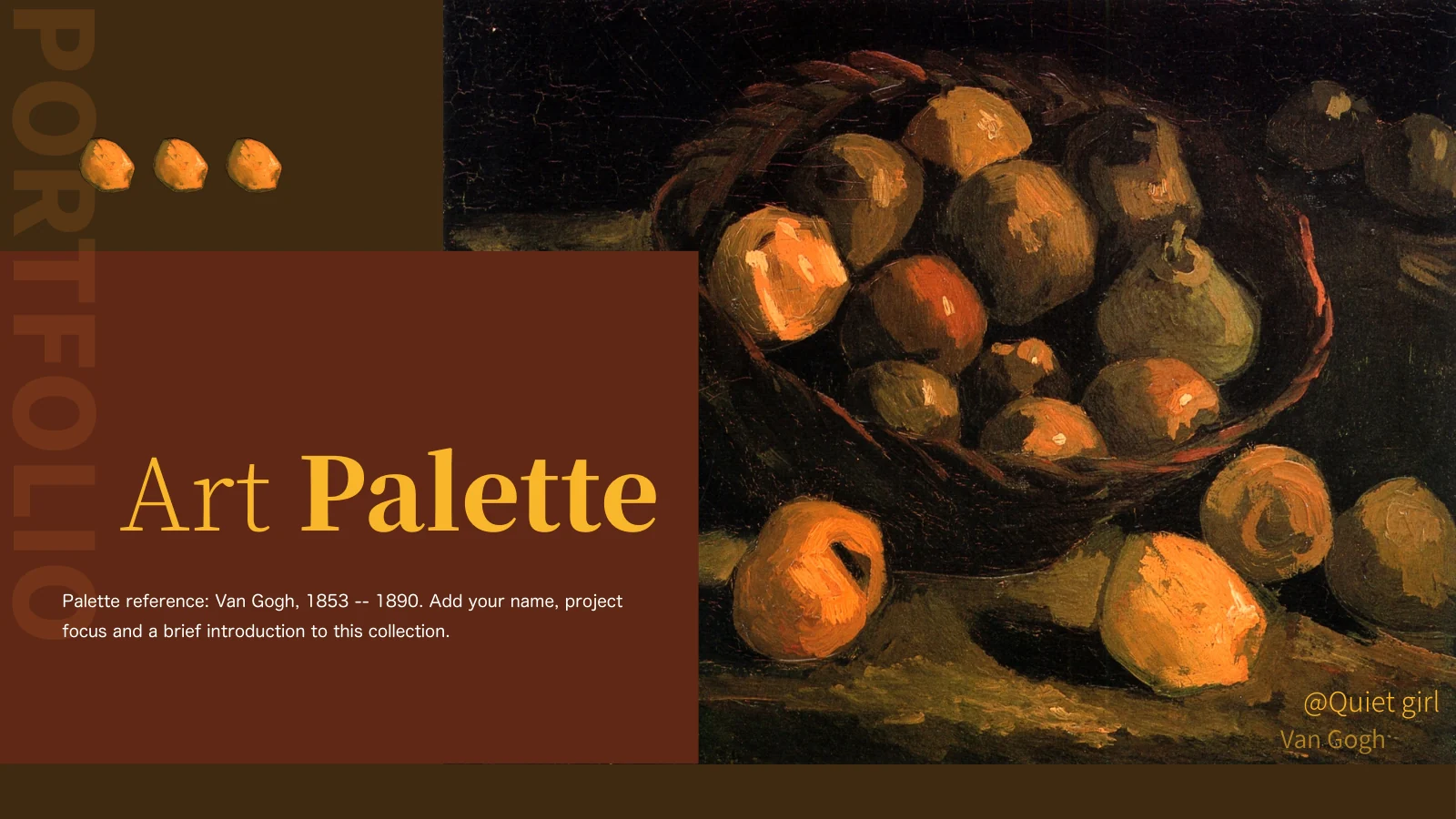
Ochre Painting Portfolio Presentation Template opens with an apple still life, ochre lettering and a brown title panel. Apple cutouts repeat across the pages, with a large vertical Portfolio word at the left. Ochre Painting Portfolio Presentation Template contains 15 widescreen slides, a four-entry menu and dividers on pages 4, 7, 10 and 13. Studies, Bouquets, Details and Gallery organise the English headings. Ochre Painting Portfolio Presentation Template moves from a painted portrait to vegetable still life, woodland scenes and flower vases. Broad pictures, tall crops and image pairings leave room for a title and a few observations. Ochre Painting Portfolio Presentation Template closes with a mixed bouquet on the right and two idea notes on the left, with no separate Thanks slide. The Van Gogh palette reference and source credit @Quiet girl remain in the file. Choose work you may present, explain a visible design choice and keep captions clear of the painted images.
Key Features of Ochre Painting Portfolio Presentation Template
Apple accents, warm colour blocks and picture-led chapters for selected work.
Painted Apple Motif
Ochre Painting Portfolio Presentation Template repeats an apple still life and apple cutouts. Ochre headings and brown panels draw colours from the painted images.
Four-Part Contents
Ochre Painting Portfolio Presentation Template has four contents entries and dividers on pages 4, 7, 10 and 13. Group selected work under four short chapter names.
Portrait and Woodland Views
Ochre Painting Portfolio Presentation Template pairs a portrait with vegetables and woodland scenes. Alternate tall and broad pictures to vary your collection.
Paired Flower Studies
Ochre Painting Portfolio Presentation Template places flower paintings in pairs with notes. Compare colour, shape or composition without crowding the image frames.
Flexible Idea Notes
Ochre Painting Portfolio Presentation Template offers one, two or four idea labels beside images. Give each note a distinct point tied to a detail in the work.
Bouquet Closing Layout
Ochre Painting Portfolio Presentation Template ends with a mixed bouquet and two idea notes, with no Thanks page. Summarise your work beside the final painting.
How to Use Ochre Painting Portfolio Presentation Template
Select a collection, connect four chapters and check each picture with its notes.
-
Preview the Picture Sequence
Review all 15 pages of Ochre Painting Portfolio Presentation Template, including the dividers and flower pairings. Choose a sequence that links subjects, colours and observations in your work.
-
Download and Keep a Copy
Sign in and download Ochre Painting Portfolio Presentation Template with an active paid plan. Daily and repeat downloads are unlimited; keep a copy before replacing the sample titles and notes.
-
Edit Your Collection
Edit permitted images and short notes in Ochre Painting Portfolio Presentation Template. Check crops, credits and chapter names, then reopen a PDF and inspect each page before sharing your work.
Ochre Painting Portfolio Presentation Template FAQs
How do I download Ochre Painting Portfolio Presentation Template?
Sign in and use the page’s download button with an active paid plan for Ochre Painting Portfolio Presentation Template. Daily and repeat downloads are unlimited. Save an untouched copy of Ochre Painting Portfolio Presentation Template to retain the original sequence. Anyone can preview the gallery; downloading Ochre Painting Portfolio Presentation Template requires your own eligible active paid membership.
How many pages are in Ochre Painting Portfolio Presentation Template?
Ochre Painting Portfolio Presentation Template has 15 slides in 16:9. A four-entry menu leads to dividers on pages 4, 7, 10 and 13. Ochre Painting Portfolio Presentation Template includes an introduction, individual pictures, flower pairings and idea areas. The final page of Ochre Painting Portfolio Presentation Template pairs a bouquet with two notes; choose the pages you need rather than looking for a separate Thanks slide.
What can I edit in Ochre Painting Portfolio Presentation Template?
You can change native text, coloured panels and picture contents in Ochre Painting Portfolio Presentation Template. Paintings, the apple cutout and the polygon-style palette image are raster assets; their brush strokes are not editable drawing objects. Ochre Painting Portfolio Presentation Template has no native charts or linked Excel workbook. Use permitted images, retain credits and edit the notes in Ochre Painting Portfolio Presentation Template to explain your own work.
Can I preview every page of Ochre Painting Portfolio Presentation Template?
Yes. All 15 pages of Ochre Painting Portfolio Presentation Template can be previewed before purchase. Use thumbnails and arrows to follow the sequence, then enlarge a page for a closer view. Compare apple accents, broad paintings and picture pairings in Ochre Painting Portfolio Presentation Template before choosing layouts. The gallery shows the same English file available to download as Ochre Painting Portfolio Presentation Template.
Can I open Ochre Painting Portfolio Presentation Template in another editor?
A PPTX-compatible editor may open Ochre Painting Portfolio Presentation Template, but fonts, line breaks, crops and overlapping layers can change. Identical appearance is not guaranteed. Compare Ochre Painting Portfolio Presentation Template in PowerPoint with the gallery to check the layout. After editing Ochre Painting Portfolio Presentation Template, export and reopen a PDF to inspect every page; the file provides picture layouts, not native data charts.
Which fonts does Ochre Painting Portfolio Presentation Template use?
Ochre Painting Portfolio Presentation Template retains source references to 思源黑体 CN Normal, 思源黑体 Light, 思源黑体 Heavy, 思源宋体 CN ExtraLight, 思源宋体 CN Heavy, 思源宋体 CN SemiBold, 华文中宋, Kozuka Gothic Pr6N R and Segoe Script. Themes also reference Arial, Calibri and Times New Roman. No fonts are embedded in Ochre Painting Portfolio Presentation Template; previews use available fonts or substitutes. Check headings, vertical lettering and notes in Ochre Painting Portfolio Presentation Template after font substitution.
Are the different language versions of Ochre Painting Portfolio Presentation Template separate files?
The website descriptions for Ochre Painting Portfolio Presentation Template are available in 15 languages, but every version downloads the same English PPTX. Native Chinese headings and repeated samples in Ochre Painting Portfolio Presentation Template have been adapted to short English editing prompts. Van Gogh, the source dates and @Quiet girl remain as source references. Ochre Painting Portfolio Presentation Template keeps the original painting images and their lettering; translate your own captions for another presentation language.
Can I use Ochre Painting Portfolio Presentation Template commercially?
A paid download of Ochre Painting Portfolio Presentation Template gives access to the file; it does not establish ownership of the artwork, scans, fonts or template design. Commercial use and redistribution permissions for Ochre Painting Portfolio Presentation Template have not been verified. The source credit @Quiet girl and visible painting signatures are retained. Before presenting Ochre Painting Portfolio Presentation Template publicly or for a client, check the rights for each asset and replace restricted material.
How do I share work made with Ochre Painting Portfolio Presentation Template?
Use this page’s sharing controls or copy its URL to recommend Ochre Painting Portfolio Presentation Template. Friends can view the full gallery for free and need their own eligible paid access to download. Before sharing work from Ochre Painting Portfolio Presentation Template, remove private information and check image distribution rights. Keep an editable PPTX copy of Ochre Painting Portfolio Presentation Template; export a PDF for viewing, reopen it and inspect every page.