Aqua Book Garden Reading Presentation Template: book gardens and a thoughtful reading conversation
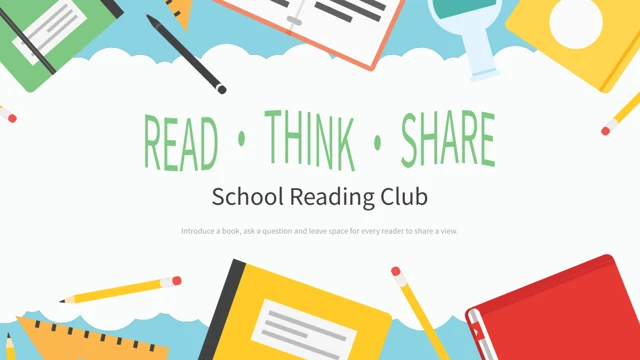
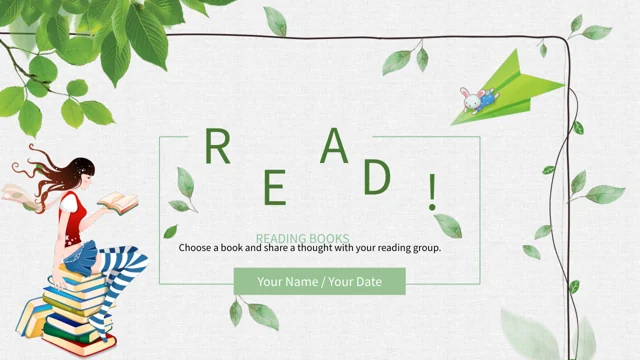
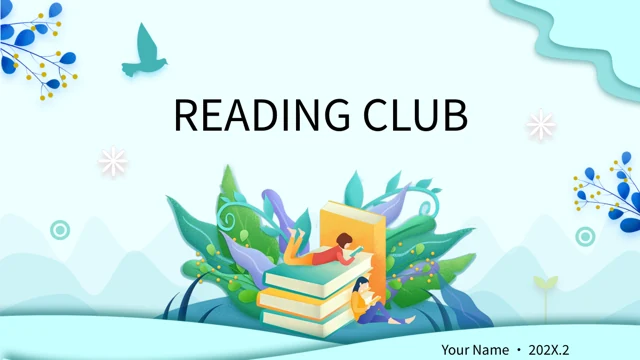
Aqua Book Garden Reading Presentation Template opens with a garden growing from a stack of books, aqua waves and leafy branches. Aqua Book Garden Reading Presentation Template follows a four-item index with numbered sections for Book Focus, Key Ideas, Discussion and Reading Notes. Teachers, seated readers, open books and a book-shaped world bring variety to the pages. Aqua Book Garden Reading Presentation Template offers pairs of writing areas, three-book comparisons, four-note layouts and a four-point reading sequence. Two pages keep narrow text areas beside larger illustrations, while a rounded reading photograph adds a quieter picture layout. Aqua Book Garden Reading Presentation Template includes 24 widescreen slides and a matching Thank You ending. Editable English prompts invite you to introduce your own book and discussion questions; original Chinese lettering inside the teacher’s book picture remains part of the artwork. Replace the prompts and leave the illustrations clear.
Key Features of Aqua Book Garden Reading Presentation Template
Book gardens, reader illustrations and space for concise discussion notes.
Aqua Book Gardens
Aqua Book Garden Reading Presentation Template pairs book gardens with leaves and aqua waves. Introduce your chosen book while leaving the illustrations clear.
Four Reading Sections
Aqua Book Garden Reading Presentation Template links a four-item index to numbered breaks. Organize a book focus, ideas, discussion and your next reading notes.
Readers and a Teacher
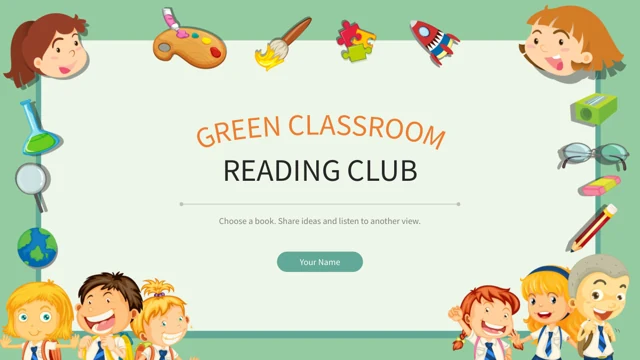
Aqua Book Garden Reading Presentation Template shows a teacher and young readers beside short prompts. Add your book observations without crowding the pictures.
Compare Three Ideas
Aqua Book Garden Reading Presentation Template has three open-book and pencil layouts. Name each idea briefly and add a useful connection in the space below.
Narrow Text Layouts
Aqua Book Garden Reading Presentation Template pairs narrow writing areas with larger illustrations. Check English text direction and keep your phrases brief.
A Four-Point Sequence
Aqua Book Garden Reading Presentation Template puts four numbered notes beside a reader on a book stack. Plan reading, conversation and reflection at each point.
How to Use Aqua Book Garden Reading Presentation Template
Choose your book, replace the prompts and review the reading sequence.
-
Choose Your Reading Focus
Review 24 slides of Aqua Book Garden Reading Presentation Template. Select book introductions, comparisons and discussion layouts. Prepare observations and questions for your reading group.
-
Download a Working Copy
Get Aqua Book Garden Reading Presentation Template with an active paid plan. Daily downloads are unlimited and can be repeated. Save a working copy and add your own book material before presenting.
-
Edit and Rehearse
Edit Aqua Book Garden Reading Presentation Template with book questions and notes. Check narrow text direction, picture crops and audio playback, then rehearse the sequence at your display size.
Aqua Book Garden Reading Presentation Template FAQs
How do I download Aqua Book Garden Reading Presentation Template?
Aqua Book Garden Reading Presentation Template is available with an active paid plan. Sign into that account and open the download control for Aqua Book Garden Reading Presentation Template. Daily downloads of Aqua Book Garden Reading Presentation Template are unlimited, and you can download the file again when needed. Save Aqua Book Garden Reading Presentation Template as a working copy before replacing its English prompts with your chosen book and discussion material. You can review the complete page previews before choosing Aqua Book Garden Reading Presentation Template. A downloaded deck can be opened in PowerPoint so you can edit its text, select suitable pages and prepare a reading session for your own audience.
How many slides are in Aqua Book Garden Reading Presentation Template?
Aqua Book Garden Reading Presentation Template contains 24 slides in a 16:9 widescreen format. Aqua Book Garden Reading Presentation Template starts with an illustrated reading-club cover and a four-item index. Numbered breaks in Aqua Book Garden Reading Presentation Template appear on pages 3, 8, 13 and 18, separating Book Focus, Key Ideas, Discussion and Reading Notes. Aqua Book Garden Reading Presentation Template finishes with a Thank You slide that returns to the opening book-garden artwork. Choose the sections of Aqua Book Garden Reading Presentation Template that match your session rather than feeling obliged to present every page. The sequence also includes paired writing areas, three-note comparisons and a four-point plan for choosing, reading, sharing and reflecting.
What illustrations does Aqua Book Garden Reading Presentation Template include?
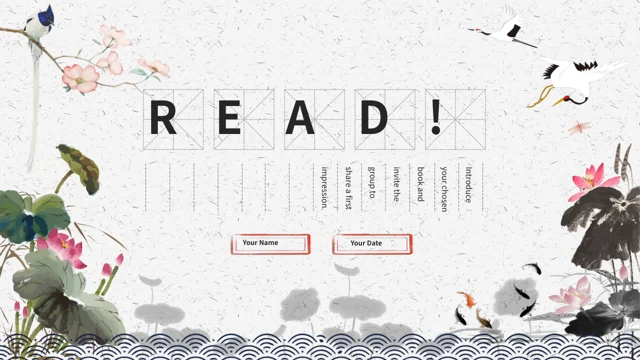
Aqua Book Garden Reading Presentation Template combines book stacks with garden leaves, flowers, birds and pale aqua waves. Aqua Book Garden Reading Presentation Template also includes a teacher holding a book, seated readers, children on book stacks and an open-book world with balloons. The illustrations in Aqua Book Garden Reading Presentation Template provide visual context rather than identify a real teacher, school or reading group. A rounded reading photograph in Aqua Book Garden Reading Presentation Template offers a quieter picture layout among the illustrated pages. Keep the pictures in Aqua Book Garden Reading Presentation Template clear when adding captions, and describe your own subject without attributing it to the people shown. Chinese lettering printed on the teacher’s book remains part of that original picture.
Is Aqua Book Garden Reading Presentation Template an English PowerPoint file?
Aqua Book Garden Reading Presentation Template uses editable English sample guidance for introducing a book, comparing ideas and inviting discussion. Aqua Book Garden Reading Presentation Template retains original artwork, including the Chinese lettering inside the teacher’s book picture. Original source text references in Aqua Book Garden Reading Presentation Template are kept in the corresponding slide notes; they are separate from the new English prompts. Every website language for Aqua Book Garden Reading Presentation Template downloads the same PowerPoint file rather than a separately translated deck. Replace the visible prompts in Aqua Book Garden Reading Presentation Template with your own material, and check the notes if you need the original wording as a reference. The file is therefore an English adaptation, with some original artwork text and source notes retained.
Can I change the text and pictures in Aqua Book Garden Reading Presentation Template?
Aqua Book Garden Reading Presentation Template lets you replace its editable headings and discussion prompts with your own book material. Aqua Book Garden Reading Presentation Template uses several picture arrangements, including a rounded photograph, open books and larger reader illustrations. When changing a picture in Aqua Book Garden Reading Presentation Template, review the crop and leave room for nearby captions. The narrow writing areas in Aqua Book Garden Reading Presentation Template work best with short phrases and a careful check of text direction. Keep the main reading sequence in Aqua Book Garden Reading Presentation Template clear by choosing a small number of ideas for each page. Printed lettering inside an image is part of that image, so it does not behave like a separate editable text box.
Does Aqua Book Garden Reading Presentation Template contain editable charts?
Aqua Book Garden Reading Presentation Template does not include native charts, linked workbooks or table objects. Aqua Book Garden Reading Presentation Template uses illustrated books, numbered notes and ordinary text areas to support a reading conversation. The four-point sequence in Aqua Book Garden Reading Presentation Template is a manual planning layout for choosing a book, reading, sharing and reflecting. It does not calculate progress or show measured reading results. Use Aqua Book Garden Reading Presentation Template to explain your own ideas and questions, and label any new figures you add accurately. If you need a data chart in Aqua Book Garden Reading Presentation Template, insert one separately and check that its size, labels and colours remain readable beside the existing aqua artwork.
Which fonts does Aqua Book Garden Reading Presentation Template use?
Aqua Book Garden Reading Presentation Template uses Source Han Sans SC Regular and Bold for ordinary editable text. Aqua Book Garden Reading Presentation Template does not include embedded font files, so you should check those fonts are available when editing on another computer. The large headings in Aqua Book Garden Reading Presentation Template and the narrow writing layouts need a quick review after you change the wording or font size. Text printed inside pictures in Aqua Book Garden Reading Presentation Template remains part of the artwork and follows the picture rather than the editable font settings. Keep your additions to Aqua Book Garden Reading Presentation Template concise, especially in the narrow areas, and review the full slide at presentation size before sharing your finished reading session.
Does Aqua Book Garden Reading Presentation Template include background music?
Aqua Book Garden Reading Presentation Template retains the original background audio associated with its opening slide. The file metadata for Aqua Book Garden Reading Presentation Template does not supply a track title or performer, so the soundtrack is not presented as music by a named artist. Review playback in Aqua Book Garden Reading Presentation Template before using it for your reading session, and choose settings that suit your audience and venue. The audio in Aqua Book Garden Reading Presentation Template is separate from the editable book prompts and does not establish an additional music licence. When preparing Aqua Book Garden Reading Presentation Template for delivery, test the start of the presentation, the volume and your preferred transition into discussion so the soundtrack supports the session rather than distracting from it.
Who can use Aqua Book Garden Reading Presentation Template for a reading session?
Aqua Book Garden Reading Presentation Template provides a friendly structure for a book introduction, reading group or classroom discussion. Aqua Book Garden Reading Presentation Template does not supply a finished analysis of a named book or describe a verified school event. The English guidance in Aqua Book Garden Reading Presentation Template asks you to choose your own passages, observations and questions. Use Aqua Book Garden Reading Presentation Template to distinguish a book’s ideas from your own interpretation, and allow other readers to offer a different view. The people and dates in Aqua Book Garden Reading Presentation Template are presentation examples rather than evidence of a real group or session. Replace the presenter and date placeholders, then finish with a clear next step for the book or discussion you have chosen.