Moonlit Mountain Portfolio Presentation Template: mountain photographs on quiet white pages
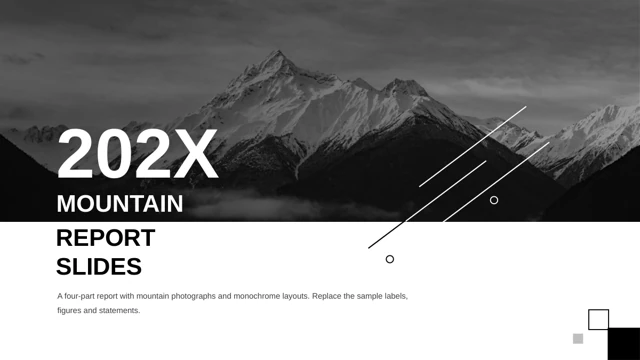
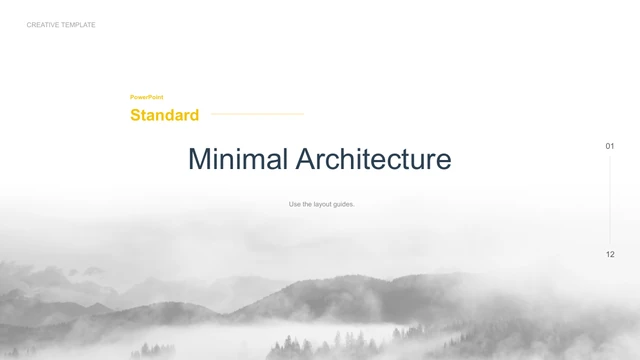
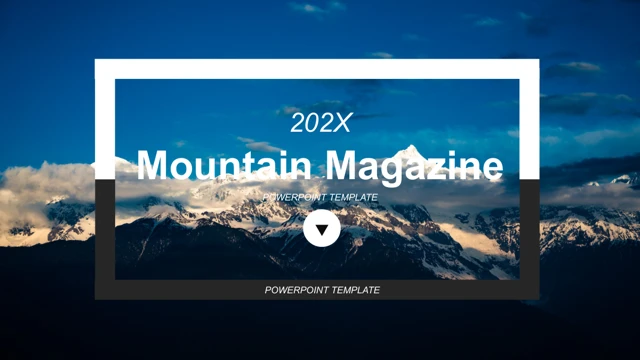
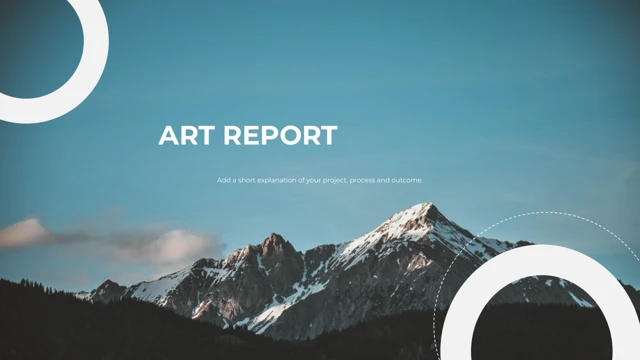
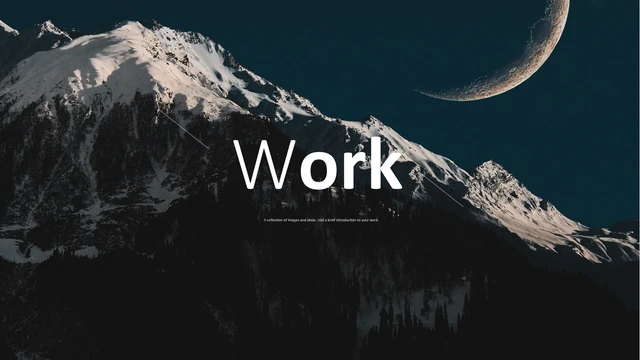
Moonlit Mountain Portfolio Presentation Template opens and closes with a snowy ridge beneath a large crescent moon. Between those dark image pages, white layouts give mountain photographs and short project notes their own space. Moonlit Mountain Portfolio Presentation Template includes ten widescreen pages with tall forest views, mist over snow, warm autumn trees and a small lakeside building reflected in water. A night village appears beside a pale mountain scene. Other pages pair vertical pictures or group three views. Thin black rules underline the project headings, and light grey bands sit at the page edges. Moonlit Mountain Portfolio Presentation Template uses these restrained details to connect images with a brief account of your work. Choose clear photographs, explain your role and select the layouts that support the project. The supplied landscapes are examples, not evidence of places you visited or work you created. Keep text concise so the photographs remain the focus.
Key Features of Moonlit Mountain Portfolio Presentation Template
Mountain images, white space and small black rules.
Moon and Mountain Cover
Moonlit Mountain Portfolio Presentation Template frames cover and ending with a crescent moon above snow. Keep white titles clear against the dark image.
Quiet White Pages
Moonlit Mountain Portfolio Presentation Template leaves white space between images and notes. Grey bands support the layout without distracting from the photographs.
Tall Landscape Frames
Moonlit Mountain Portfolio Presentation Template has tall frames for forests and peaks. Check the horizon and main subject before using a different photograph.
Paired Views
Moonlit Mountain Portfolio Presentation Template places views side by side or offsets them. Choose two photos that explain different aspects of the project.
Three-Image Layouts
Moonlit Mountain Portfolio Presentation Template pairs a main photograph with two smaller images. Choose details that add context without repeating the large picture.
Project Titles and Notes
Moonlit Mountain Portfolio Presentation Template keeps titles, notes and black rules as native objects. Add a short heading and explain your role in a few words.
How to Use Moonlit Mountain Portfolio Presentation Template
Choose Moonlit Mountain Portfolio Presentation Template pages that fit your photographs and project story.
-
Compare the Photo Layouts
Preview all ten pages of Moonlit Mountain Portfolio Presentation Template. Match your images to the tall or paired frames, then choose a sequence that explains each of your projects.
-
Save the Download
Download Moonlit Mountain Portfolio Presentation Template with an active paid plan. Save the untouched original first; eligible members can download repeatedly without a daily limit.
-
Edit the Project Notes
Edit Moonlit Mountain Portfolio Presentation Template in PowerPoint. Replace photos and prompts, check crops and font spacing, then open your exported PDF before sharing your work.
Moonlit Mountain Portfolio Presentation Template FAQs
How do I download Moonlit Mountain Portfolio Presentation Template?
Sign in with an active paid plan and use the download control for Moonlit Mountain Portfolio Presentation Template. Keep an original Moonlit Mountain Portfolio Presentation Template before replacing images and notes. Eligible members may download Moonlit Mountain Portfolio Presentation Template repeatedly without a daily count limit. Preview the gallery first; paid file access does not add commercial or redistribution rights to the photographs or original design.
How many pages does Moonlit Mountain Portfolio Presentation Template contain?
Moonlit Mountain Portfolio Presentation Template contains ten 16:9 pages, from the dark moon-and-mountain cover to the matching closing image. The eight interior pages offer single, paired and grouped photo layouts. Moonlit Mountain Portfolio Presentation Template has no native charts or embedded spreadsheet workbooks. Select pages of Moonlit Mountain Portfolio Presentation Template or rearrange them; the download keeps the full sequence shown in the gallery.
Can I edit Moonlit Mountain Portfolio Presentation Template?
Moonlit Mountain Portfolio Presentation Template has native headings, project notes, grey bands and black rules. Replace photographs in Moonlit Mountain Portfolio Presentation Template with permitted images and inspect the crops. The moon and mountain in Moonlit Mountain Portfolio Presentation Template are stored together within the cover image, not separate editable objects. Captured lettering inside a photograph is not a text box; replace the image if that content needs changing.
Can I preview all of Moonlit Mountain Portfolio Presentation Template?
All ten pages of Moonlit Mountain Portfolio Presentation Template can be viewed without purchasing the download. Use thumbnails or arrows and enlarge small notes. The previews show the English Moonlit Mountain Portfolio Presentation Template provided in the file. Compare the tall crops, photo pairs and text areas before choosing Moonlit Mountain Portfolio Presentation Template; review your finished deck at its intended display size.
Which editors support Moonlit Mountain Portfolio Presentation Template?
Moonlit Mountain Portfolio Presentation Template is a .pptx with native text and shapes, and photographs. PowerPoint opens Moonlit Mountain Portfolio Presentation Template. Other editors may import it, but fonts, image crops and alignment can change. Test a copy of Moonlit Mountain Portfolio Presentation Template in your intended editor, compare every page with the gallery and check the export. Identical rendering across editors is not guaranteed.
What fonts are in Moonlit Mountain Portfolio Presentation Template?
Moonlit Mountain Portfolio Presentation Template uses Calibri for English text and preserves references to Calibri Light, Montserrat, Lato, Adobe Hebrew, 等线 (DengXian) and 阿里巴巴普惠体 B (Alibaba PuHuiTi B). Six original font parts remain in Moonlit Mountain Portfolio Presentation Template: Montserrat Bold, DengXian Regular and Calibri Regular, Bold, Italic and Bold Italic. Some are character subsets. The preview uses Calibri Regular, Bold and Light. When opening or changing fonts in Moonlit Mountain Portfolio Presentation Template, check glyphs, line breaks and spacing. Document embedding does not grant separate font distribution rights.
Does Moonlit Mountain Portfolio Presentation Template have other languages?
The website copy of Moonlit Mountain Portfolio Presentation Template is translated, but all languages download the same English .pptx. The headings and project prompts in Moonlit Mountain Portfolio Presentation Template are English. Web translation changes neither the deck nor photographed lettering. To use Moonlit Mountain Portfolio Presentation Template in another language, replace editable text and check character support, alignment and reading order.
Can I use Moonlit Mountain Portfolio Presentation Template commercially?
Commercial and template redistribution permission for Moonlit Mountain Portfolio Presentation Template is unverified. A paid plan allows downloading Moonlit Mountain Portfolio Presentation Template; it does not establish ownership or extra photo and design rights. Obtain permissions for your intended use of Moonlit Mountain Portfolio Presentation Template and replace example images with appropriate material. Missing source authorship does not make the design or photographs public domain.
How do I share Moonlit Mountain Portfolio Presentation Template?
Share the page for Moonlit Mountain Portfolio Presentation Template through its public URL or the sharing controls. Friends need their own download eligibility for Moonlit Mountain Portfolio Presentation Template. Before sending an edited Moonlit Mountain Portfolio Presentation Template, replace examples and check asset rights and redistribution permission. Export a PDF, open it to inspect images and notes, then send it. Keep your editable working copy.