Muted Design Portfolio Presentation Template: quiet photography and four design fields
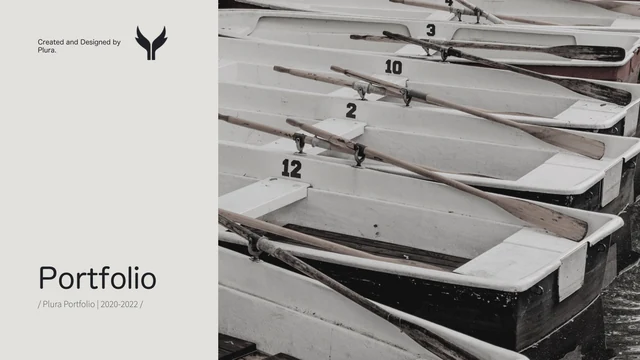
Muted Design Portfolio Presentation Template uses warm grey pages, restrained color and large photographs to frame a designer’s work. Its 20 widescreen slides open with canoes beside a title panel, then a five-column profile and four-item index. Muted Design Portfolio Presentation Template groups pages under Branding, Packaging, Illustration and Layout, each introduced by a wide photo band and numbered divider. Rocks, waves, flowers and soft coastal images fill the project frames. Replace these examples with your work; they are not completed branding or packaging designs. Muted Design Portfolio Presentation Template combines large images, small details, paired photographs and notes on objectives, methods and results. Thin rules and open margins give the pictures room. Labels and editing prompts are English, while original names and Plura design credits remain. The closing page returns to the canoes. Sample dates, contacts and qualifications need your own verified information.
Key Features of Muted Design Portfolio Presentation Template
Quiet photographs, clear chapters and space to explain your work.
Muted Photo Palette
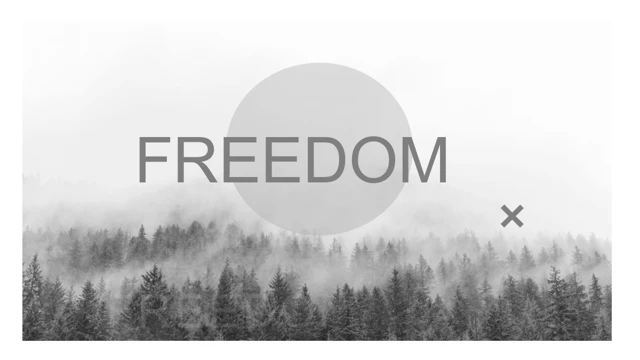
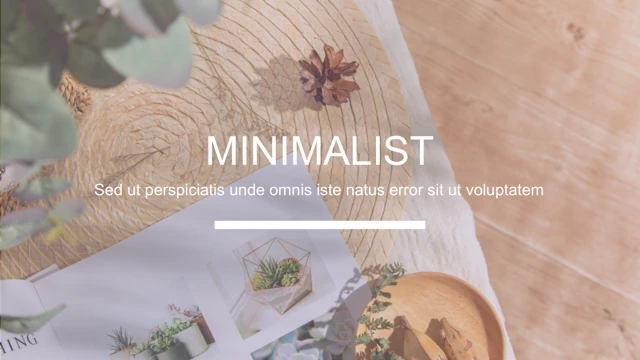
Muted Design Portfolio Presentation Template pairs warm grey pages with softly colored nature photos. Keep the quiet palette or match it to your own project images.
Four Design Fields
Muted Design Portfolio Presentation Template has four design fields with wide photo bands and numbered breaks. Branding, packaging, illustration and layout stay distinct.
Five-Column Profile
Muted Design Portfolio Presentation Template gives your statement, education, work, projects and skills five columns. Add your own contacts and dates.
Images and Details
Muted Design Portfolio Presentation Template pairs large photos with small crops and side notes. Show the whole project, then explain a material, choice or detail.
Project Explanations
Muted Design Portfolio Presentation Template includes idea, objective, method and result notes. Add concise design context; the nature photos are visual examples.
Restrained Layouts
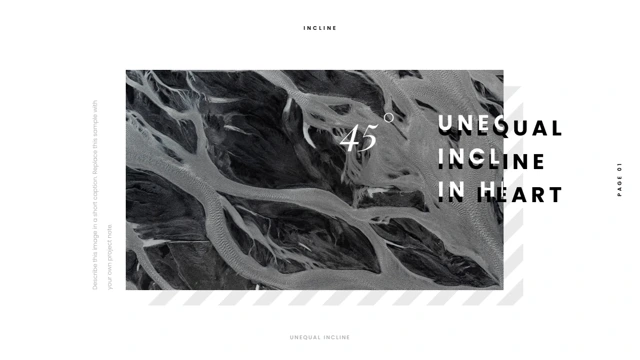
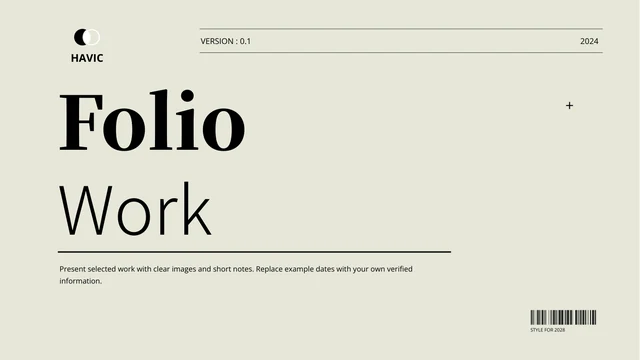
Muted Design Portfolio Presentation Template uses thin rules, open margins, paired images and rotated headings. Reuse these frames while retaining the Plura credits.
How to Use Muted Design Portfolio Presentation Template
Choose the work, replace the examples and inspect the result.
-
Choose the Story
Preview all 20 pages of Muted Design Portfolio Presentation Template. Select the fields that suit your work and choose useful photo layouts. Update the index to match the projects you include.
-
Replace the Examples
Open a copy of Muted Design Portfolio Presentation Template in PowerPoint. Add your profile and images, replace sample dates and contacts, and describe your contribution in the existing notes.
-
Review and Share
Check Muted Design Portfolio Presentation Template at full size for text, photo crops and missing fonts. Keep required credits, export a PDF and open it before sending your finished portfolio.
Questions about Muted Design Portfolio Presentation Template
How do I download Muted Design Portfolio Presentation Template?
Sign in and use the download button on Muted Design Portfolio Presentation Template. An active paid plan is required. Download Muted Design Portfolio Presentation Template without a daily limit, and repeat it while eligible. Save an original copy of Muted Design Portfolio Presentation Template, then edit a separate file. You can inspect the gallery before obtaining the PPTX.
How many slides does Muted Design Portfolio Presentation Template contain?
Muted Design Portfolio Presentation Template has 20 slides in 16:9, including the cover, profile, index and thank-you page. Four dividers introduce Branding, Packaging, Illustration and Layout. Muted Design Portfolio Presentation Template offers varied image arrangements within those fields. Choose useful pages of Muted Design Portfolio Presentation Template and update the index. The sample 2018–2022 and 2020–2022 dates are not a verified career history.
What can I edit in Muted Design Portfolio Presentation Template?
Edit text, native shapes and colors in Muted Design Portfolio Presentation Template, and replace or crop the photographs. The canoe, rocks, flowers and waves are flat pictures, not editable scenes. Muted Design Portfolio Presentation Template has no native data charts or linked Excel workbooks. Use the notes to explain your own design decisions, and replace example qualifications and contacts. Keep the source attribution in Muted Design Portfolio Presentation Template unless you have permission to change it.
Can I preview all of Muted Design Portfolio Presentation Template before downloading?
The gallery for Muted Design Portfolio Presentation Template includes all 20 pages. Browse thumbnails, use the arrows and enlarge a page to inspect it. Viewing Muted Design Portfolio Presentation Template does not require purchasing file access. The previews represent the same English deck as the download. Compare the profile, chapter breaks and project layouts of Muted Design Portfolio Presentation Template before choosing your pages.
Can I open Muted Design Portfolio Presentation Template in other presentation software?
Muted Design Portfolio Presentation Template is a PPTX intended for PowerPoint. Other editors may import it, but missing fonts, line wrapping, picture crops and object positions can change. Compare an imported copy of Muted Design Portfolio Presentation Template with the gallery and check full-image pages as well as small captions. Use PowerPoint to inspect the original layout. Export and open a PDF before presenting Muted Design Portfolio Presentation Template; identical appearance in every editor is not guaranteed.
Which fonts does Muted Design Portfolio Presentation Template reference?
Muted Design Portfolio Presentation Template references Helvetica Neue, Big John PRO and Source Han Sans CN variants, PangMenZhengDao-XiXian and Comfortaa Light. There are no embedded fonts in Muted Design Portfolio Presentation Template. Available fonts and substitutions determine its appearance on another device. Check headings, vertical labels and thin body text after opening Muted Design Portfolio Presentation Template. A family name in the file does not supply the font or establish permission to use that font commercially.
What language is the file in Muted Design Portfolio Presentation Template?
The visible labels and editing guides in Muted Design Portfolio Presentation Template are English. All 15 website languages describe one English PPTX, not separate translated decks. Muted Design Portfolio Presentation Template retains original proper names and Plura credits. Photographs remain unchanged. Replace the guides in Muted Design Portfolio Presentation Template with project descriptions, and check the text areas when adding another language.
Can I use Muted Design Portfolio Presentation Template commercially?
Complete commercial and redistribution rights for Muted Design Portfolio Presentation Template have not been verified. The source credits say “Created and Designed by Plura,” but that attribution does not grant permission for every photograph or design element. Paid access to Muted Design Portfolio Presentation Template is not a third-party copyright clearance. Obtain the permissions required for your intended use of Muted Design Portfolio Presentation Template, including any images you retain, and preserve required attribution.
How do I share Muted Design Portfolio Presentation Template?
Use the share controls or copy this page’s URL to share Muted Design Portfolio Presentation Template. Friends need their own eligible access to download Muted Design Portfolio Presentation Template. For finished work made with Muted Design Portfolio Presentation Template, export a PDF, open it and check crops and text before sending. Confirm redistribution rights and keep Plura’s credits. Retain an editable copy of Muted Design Portfolio Presentation Template; a page link does not transfer asset licenses.