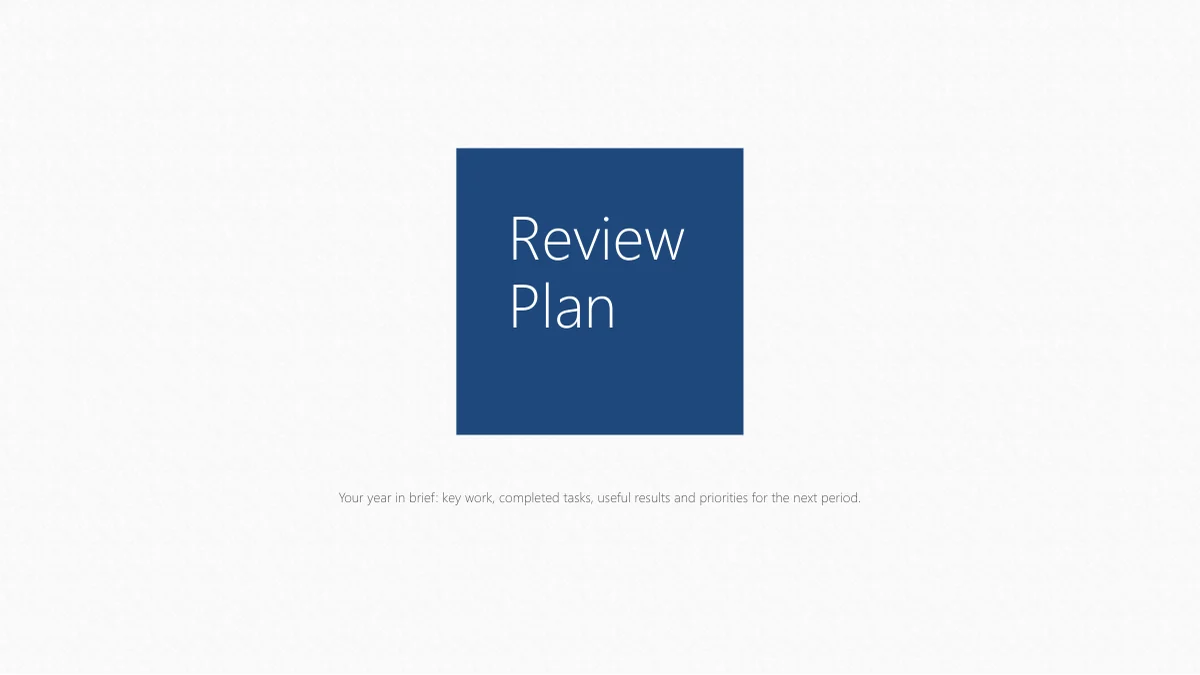
Navy Square Work Review Presentation Template: A simple frame for your year
Navy Square Work Review Presentation Template puts a solid navy square on a lightly textured white cover. Inside, diamonds mark the contents; numbered dividers separate an overview, completed work, project highlights and the next plan. Navy Square Work Review Presentation Template keeps that sequence easy to follow without turning every page into the same diagram. Use connected circles to explain a goal, four flags for review points, or curved arrows for the way forward. Hexagons carry sample percentages that you change by hand; a four-picture page offers a quieter pause between text layouts. Navy Square Work Review Presentation Template includes 22 widescreen slides and closes with a navy-square thank-you page. The editable labels and concise English prompts give you room to supply your own evidence. Choose useful layouts, replace the sample notes and check the photographs before sharing. Use the layouts and guidance as a starting point for your own review.
Key Features of Navy Square Work Review Presentation Template
Use Navy Square Work Review Presentation Template to give each part of the review its own clear visual structure.
A square on a quiet white canvas
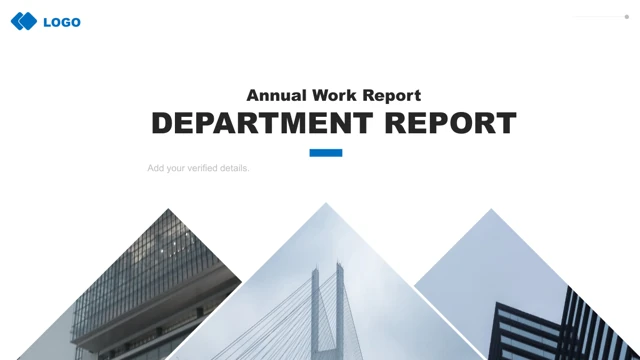
Navy Square Work Review Presentation Template pairs navy squares with a pale paper texture. Keep the opening title short so the simple cover stays balanced.
Four sections with a clear purpose
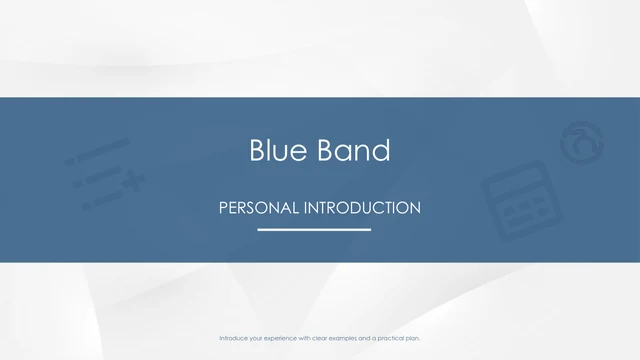
Navy Square Work Review Presentation Template moves from overview to delivery, projects and planning. Four numbered dividers help you keep the review in order.
Figures you control by hand
Navy Square Work Review Presentation Template groups four sample percentages in hexagons. Edit values and labels by hand; these shapes have no linked data.
Flags, circles and curved arrows
Navy Square Work Review Presentation Template offers connected circles, flags and arrow layouts. Choose the diagram that explains your work or the next step.
A page with four photo examples
Navy Square Work Review Presentation Template places four photographs beside short notes. Add suitable project images and check the original picture crops.
Space for a focused next plan
Navy Square Work Review Presentation Template includes goal and action layouts for your next plan. Name a priority, a responsible role and a review point.
How to Use Navy Square Work Review Presentation Template
Start with the Navy Square Work Review Presentation Template previews, then build a review from your own work and evidence.
-
Preview the full sequence
Browse all 22 Navy Square Work Review Presentation Template previews, including the diagrams, photo page and closing slide. Choose the layouts that fit your work before you download the file.
-
Download with a paid account
Sign in with an active paid membership to download Navy Square Work Review Presentation Template. You can download without a daily limit and repeat the download when you need another copy.
-
Edit and share your own review
Edit Navy Square Work Review Presentation Template with your headings, checked figures and photos. Review text fit and crops, then save the PPTX or export a PDF to share your finished review.
Navy Square Work Review Presentation Template: Frequently Asked Questions
How do I download Navy Square Work Review Presentation Template?
Navy Square Work Review Presentation Template requires an active paid membership. Sign in and use the download button. You may download Navy Square Work Review Presentation Template without a daily limit, including repeat downloads. Save an unchanged copy of Navy Square Work Review Presentation Template before editing so you can reuse the original layouts later.
How many slides are in Navy Square Work Review Presentation Template?
Navy Square Work Review Presentation Template has 22 slides on a 16:9 canvas. Dividers on slides 3, 8, 13 and 18 separate the four main sections. Navy Square Work Review Presentation Template includes a contents page, diagrams, a four-photo layout and planning pages. The final Navy Square Work Review Presentation Template slide closes with a thank-you message.
Can I change the text and colors in Navy Square Work Review Presentation Template?
Select the editable text or shapes in Navy Square Work Review Presentation Template to change wording and colors. The percentage hexagons in Navy Square Work Review Presentation Template are manual samples, so edit their labels and values directly. Navy Square Work Review Presentation Template has no linked chart or workbook; verify your figures instead of expecting an automatic update.
Can I see every slide of Navy Square Work Review Presentation Template before downloading?
All 22 Navy Square Work Review Presentation Template previews appear in the numbered gallery. Compare the circles, flags, arrows and photo layout before choosing your pages. The Navy Square Work Review Presentation Template previews show the English download file. Check the final Navy Square Work Review Presentation Template image as well as the cover to see the closing page.
Can I use Navy Square Work Review Presentation Template in another presentation editor?
Navy Square Work Review Presentation Template is a PowerPoint PPTX. Another editor may import it, but text wrapping and picture crops can vary. Test a copy of Navy Square Work Review Presentation Template against the previews before editing the whole review. The static shapes in Navy Square Work Review Presentation Template do not become interactive controls in another editor.
Which font does Navy Square Work Review Presentation Template use?
Navy Square Work Review Presentation Template renders its English text in Microsoft YaHei Light. The font is not embedded. Use a suitable licensed copy when matching Navy Square Work Review Presentation Template, and preserve the original bold styling where it appears. Check headings and divider numbers after opening Navy Square Work Review Presentation Template; a substitute font can affect text fit.
Is the text in Navy Square Work Review Presentation Template translated for each website language?
Navy Square Work Review Presentation Template contains English headings and short English guidance. The website localizes its descriptions and image captions; the PPTX remains in English. Replace the notes in Navy Square Work Review Presentation Template with your own wording. Every language version links to the same Navy Square Work Review Presentation Template PPTX, so review the text before presenting.
Can I use Navy Square Work Review Presentation Template for a commercial work review?
Use Navy Square Work Review Presentation Template subject to the applicable template terms. Paid membership does not extend rights in the original photographs or fonts. Check those materials before using Navy Square Work Review Presentation Template for clients, or replace them with assets you may use. The sample percentages in Navy Square Work Review Presentation Template are not verified business results.
How can I share Navy Square Work Review Presentation Template with a colleague?
Use this page's sharing controls or copy its link to share Navy Square Work Review Presentation Template. Colleagues can preview Navy Square Work Review Presentation Template and download through eligible accounts. After editing Navy Square Work Review Presentation Template, save your finished PPTX or export a PDF for your audience. Sharing the template file remains subject to the applicable terms and asset rights.