Pastel Fern Teaching Review Presentation Template: look back and plan ahead
Pastel Fern Teaching Review Presentation Template helps teachers explain what they worked on during the year and what comes next. Sage green frames, fern details and soft pink, lavender and blue corners give the 23 widescreen slides a calm, consistent setting. Four chapters organize the discussion: Year-end Overview, Achievements, Completion and Next-year Plan. Classroom photographs, a four-piece puzzle, linked icons and numbered notes let you move between teaching activities, supporting examples and practical actions. The prompts leave room for your own observations; they do not supply assessment results or a finished annual report. Use the photo layouts to introduce classroom context, the achievement pages to explain evidence and the final action rows to identify priorities. Keep the small labels brief, connect each claim to an example and finish with a plan that colleagues can discuss.
Inside Pastel Fern Teaching Review Presentation Template
Soft colors, classroom context and space to reflect.
Pastel Fern Framing
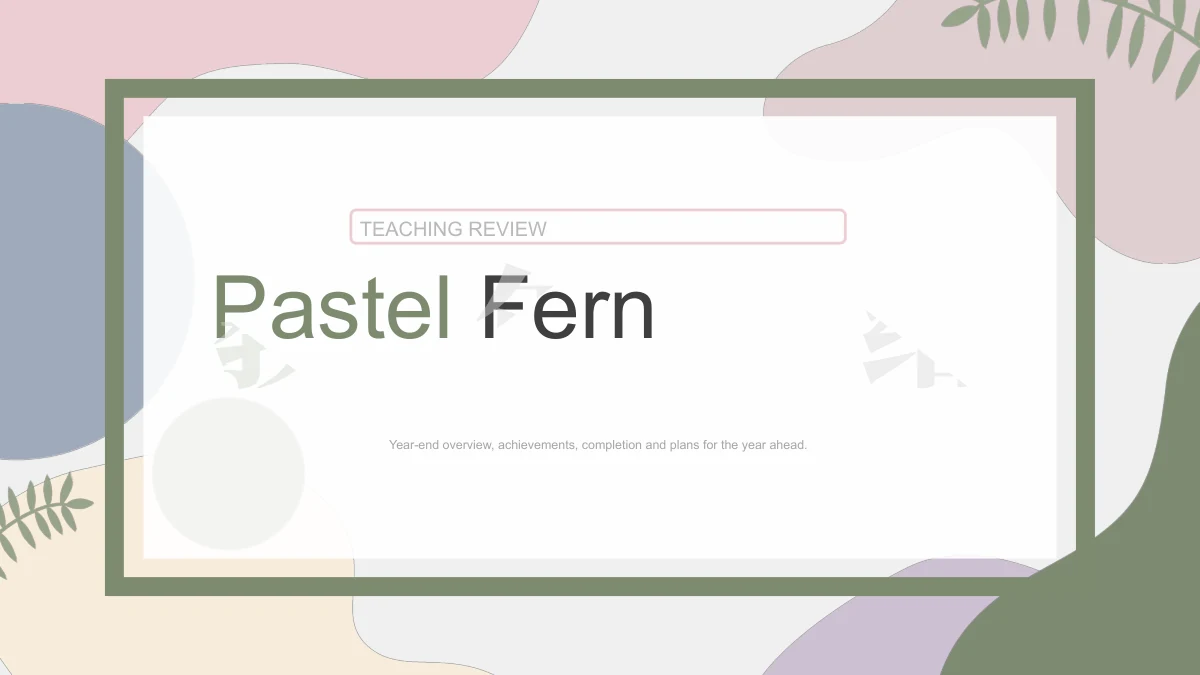
Sage outlines and fern details sit among pink, lavender and blue corner shapes. White content areas keep the teaching notes separate from the decorative edges.
Four Review Chapters
Year-end Overview, Achievements, Completion and Next-year Plan guide the sequence. Matching dividers separate the teaching context, evidence and proposed actions.
Classroom Photo Layouts
Tall images, a large circle and cropped photo cards show study materials, students and teaching settings. Pair each picture with a short, relevant classroom note.
Connected Teaching Ideas
Four puzzle pieces connect Plan, Teach, Review and Observe. Linked circles and a six-icon layout give you other ways to explain activities, support and follow-up.
Evidence and Completion
Six numbered boxes, four progress areas and three-column notes organize examples. Add your own evidence and distinguish completed work from needs still to address.
Priorities for Next Year
Two goals, three action rows and four manual marker lines support planning. The lines are shapes without linked data; adjust them to suit your own explanation.
How to use Pastel Fern Teaching Review Presentation Template
Select examples, explain progress and agree next steps.
-
Preview the Review Sequence
Browse all 23 slides and choose the layouts that fit your year. Follow the four chapters to introduce the teaching context, explain achievements and completion, then set priorities.
-
Download and Add Your Evidence
Use an active paid membership to download the PPTX. Replace the English prompts with teaching examples, concise observations and next-year actions; update photo choices where needed.
-
Rehearse and Share the Review
Check short labels, picture crops and animation order in your presentation app. Rehearse the transition from evidence to proposed actions, then share a permitted file or export with colleagues.
Questions about Pastel Fern Teaching Review Presentation Template
How do I download Pastel Fern Teaching Review Presentation Template?
An active paid membership gives you access to the PowerPoint PPTX, with unlimited daily and repeat downloads. Save a copy before editing so you can return to the original pastel layouts when preparing another teaching review.
How many slides are included, and what do they cover?
There are 23 slides in 16:9 format: a cover, agenda, four chapter dividers, review layouts and a thank-you page. The chapters cover Year-end Overview, Achievements, Completion and Next-year Plan. They structure a teacher’s annual review; the classroom examples and conclusions are yours to add.
Can I change the text, colors and diagrams?
You can edit text, shape fills and grouped diagrams, including the puzzle pieces, icon arrangements and numbered action rows. The four horizontal marker lines are manually drawn shapes, with no native data charts or embedded workbooks. Photographs remain images; replace or crop a picture to change its content.
Can I preview the complete presentation?
Yes. All 23 slides appear in order in the gallery, from the Pastel Fern cover to the matching Thank You page. Check the photo layouts, review diagrams and planning pages before downloading, and choose the ones that give your evidence enough room.
Can I use the file in Google Slides or Keynote?
The supplied file is a PowerPoint PPTX. Google Slides and Keynote compatibility has not been tested. If you import the deck, check grouped diagrams, cropped photographs, fonts and animation order in that app before presenting your teaching review.
Which font is used?
The English text uses Arial in regular and bold styles, without embedded font files. Keep Arial available on the editing computer and check line breaks after changing text. Short labels work best in the puzzle pieces, small icon headings and narrow planning boxes.
Is the downloadable presentation in English?
Yes. The cover, chapter headings and editable review prompts are in English. Every localized template page provides the same English PPTX. Replace the prompts with your own teaching context and evidence; translating the web page does not change the language of the download.
What permissions should I check before using it?
Paid membership provides download access, but does not create additional rights to third-party material. Check the applicable source and redistribution terms before commercial use or sharing an edited file. Confirm permission for any photographs, student work or other content you add.
How should I share the finished teaching review?
Send colleagues this template page if they need to see the design. Where permitted, share your edited presentation or an export after checking its layout. Remove private student information and retain an editable copy so you can update the actions agreed during the review.