Spring Courtyard Presentation Template: blossoms, swallows and garden pages
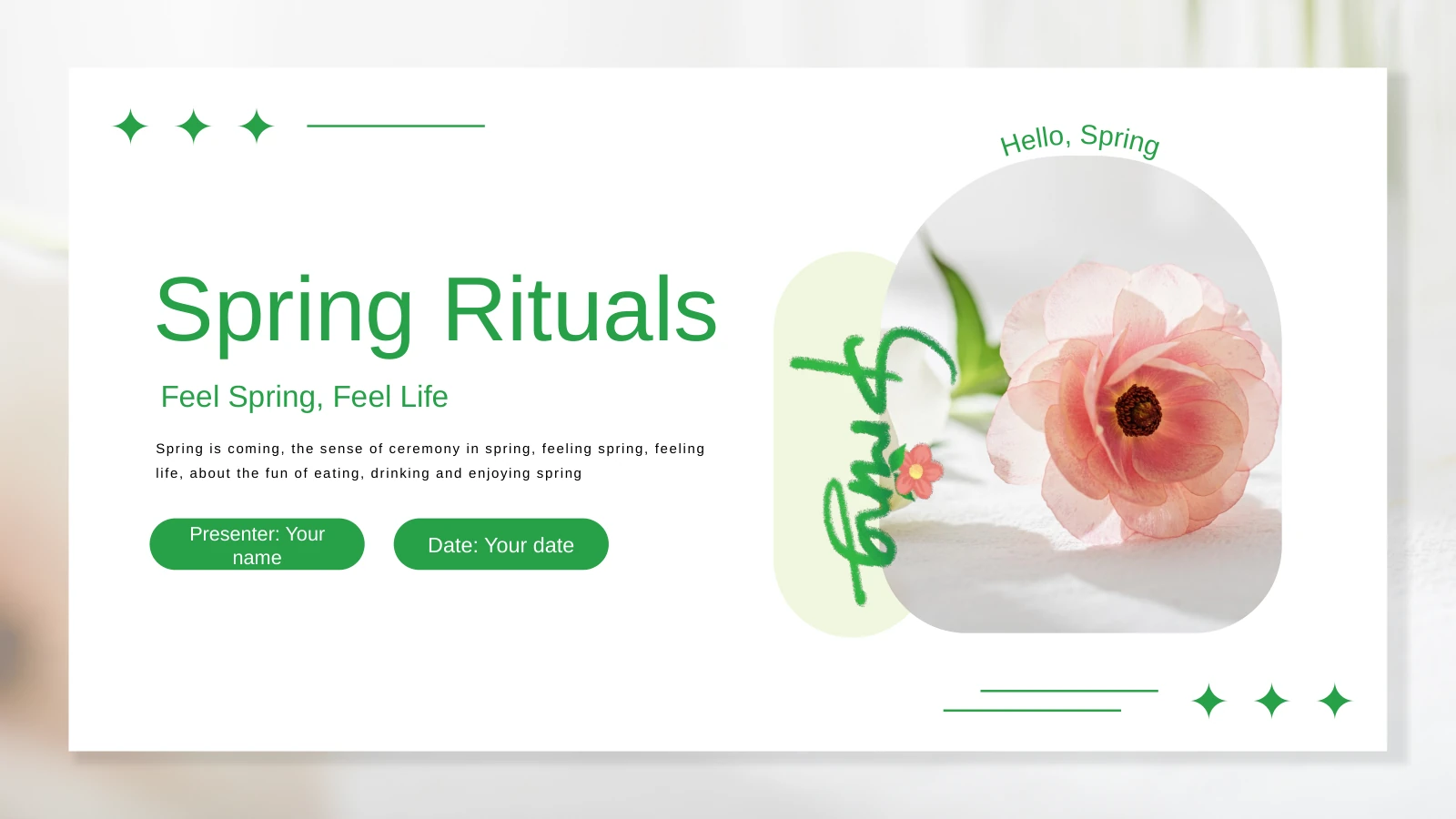
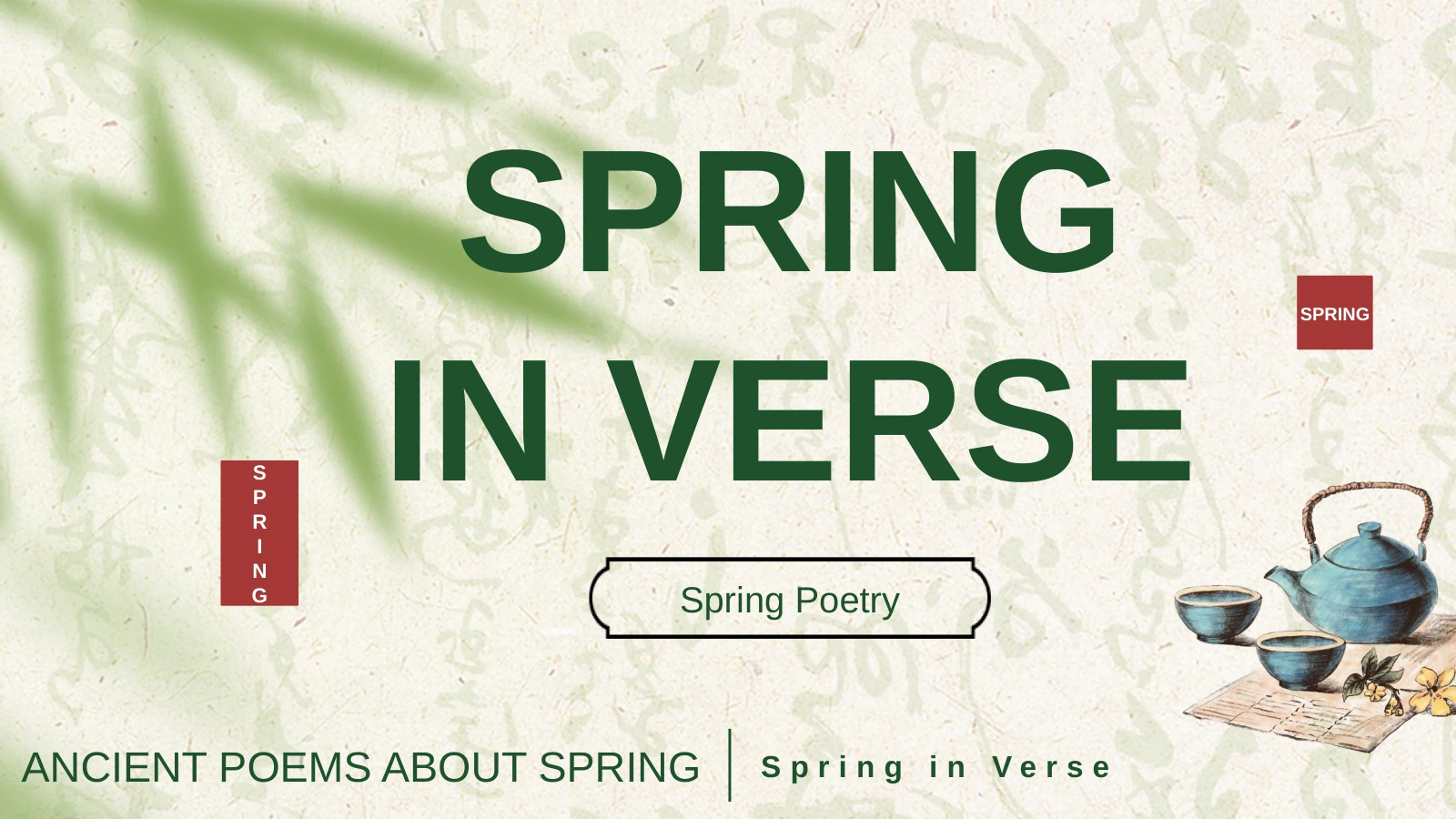
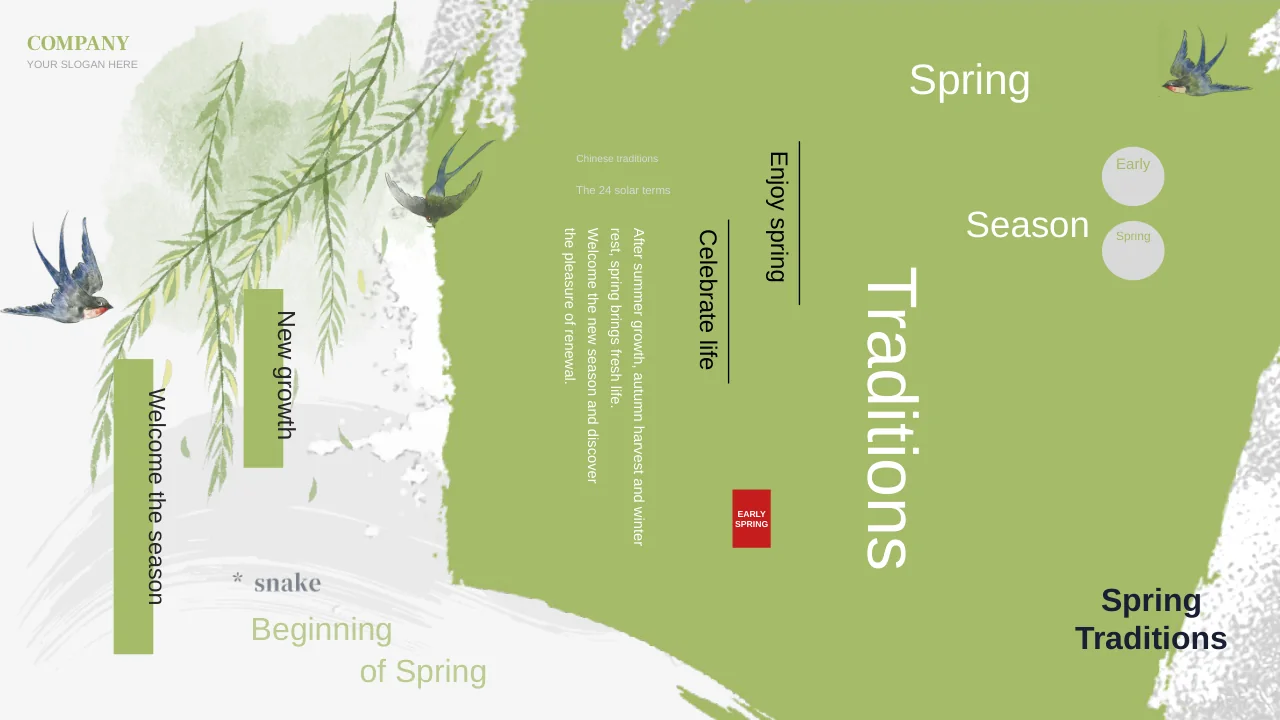
Spring Courtyard Presentation Template combines pale green backgrounds with blossom branches, swallows, willow leaves and garden imagery. Its 22 widescreen slides open with a spring greeting and a presenter line, followed by a contents page and four numbered section dividers. Spring Courtyard Presentation Template includes picture-led pages, short text groups, a four-card flow and a native column chart. Circular flower photographs and illustrated landscapes vary the pace while keeping the botanical theme intact. Spring Courtyard Presentation Template leaves the section titles open for your own outline, so you can choose and rename pages around the message you want to present. The percentage labels and large counts are examples, separate from the editable chart; replace them with verified information when needed. Use concise headings beside the decorative branches and birds, and review small labels against the soft green background.
Key Features of Spring Courtyard Presentation Template
A green spring setting with flexible content pages.
Blossoms and Swallows
Spring Courtyard Presentation Template frames pale green pages with blossom branches and swallows. Leave space for this artwork when adding text or pictures.
Four Open Chapters
Spring Courtyard Presentation Template has a contents page and four numbered dividers. Outline your talk first, then edit chapter names to guide the audience.
Garden Image Layouts
Spring Courtyard Presentation Template mixes courtyard, willow and landscape images with round flower photos. Choose relevant pictures and check their crops.
Native Column Chart
Spring Courtyard Presentation Template retains a native column chart and workbook. Edit figures in the worksheet, then check categories, labels and the legend.
Manual Highlight Figures
Spring Courtyard Presentation Template includes separate count and percentage labels. Replace each example; chart worksheet edits will not update these shapes.
Cards and Short Flows
Spring Courtyard Presentation Template offers outlined cards, lists and a four-card flow. Use brief points and reserve arrows for a real sequence of ideas.
How to Use Spring Courtyard Presentation Template
Preview, download and make it your own.
-
Inspect the garden pages
Browse all 22 pages of Spring Courtyard Presentation Template. Choose image, card and chart layouts for your outline, then check how the four section breaks connect the garden-themed pages.
-
Save an editable copy
Sign in with an active paid plan to download Spring Courtyard Presentation Template as a PPTX. Downloads have no daily limit. Save a working copy before changing pictures or chart data.
-
Edit and verify
Replace text and figures in Spring Courtyard Presentation Template, including manual percentages and chart data. Check the workbook, fonts and image crops before exporting the finished file.

Questions about Spring Courtyard Presentation Template
How can I download Spring Courtyard Presentation Template?
Sign in with an active paid plan and choose Download PPTX. Paid members have unlimited daily downloads of Spring Courtyard Presentation Template, including repeat downloads. Preview the image and chart pages of Spring Courtyard Presentation Template first, and retain an original copy of Spring Courtyard Presentation Template before changing the worksheet.
How many pages does Spring Courtyard Presentation Template contain?
Spring Courtyard Presentation Template has 22 slides in the original 16:9 format. The contents page and four numbered dividers in Spring Courtyard Presentation Template organise flexible picture, text, flow and chart layouts. You can rename sections and shorten Spring Courtyard Presentation Template to match the subject you plan to explain.
Can I edit the text and chart in Spring Courtyard Presentation Template?
Text, shapes and the native column chart in Spring Courtyard Presentation Template remain editable. The chart has an embedded workbook; update its data and review the labels. Other percentages and counts in Spring Courtyard Presentation Template are manual examples, so replace them separately rather than expecting the chart worksheet to update them.
Can I view every slide of Spring Courtyard Presentation Template?
The gallery contains all 22 pages of Spring Courtyard Presentation Template, including the final landscape quotation layout. Use the large preview to check the blossom branches, bird artwork and chart labels. Choose pages in Spring Courtyard Presentation Template that support your outline, and test small text at the intended screen size.
Does Spring Courtyard Presentation Template support other presentation software?
Other PPTX editors may open Spring Courtyard Presentation Template, but fonts, image masks and the workbook connection can behave differently. Compare the import with the previews and check the native chart. Keep the editable PowerPoint version of Spring Courtyard Presentation Template and inspect a PDF before sharing a fixed layout.
Which fonts are used by Spring Courtyard Presentation Template?
The translated text in Spring Courtyard Presentation Template uses Arial-compatible replacements for Chinese-bound faces, while original Latin font references remain. Spring Courtyard Presentation Template has no embedded font files. If fonts are substituted, check the section headings, quote page and chart labels throughout Spring Courtyard Presentation Template.
Is the downloadable Spring Courtyard Presentation Template translated?
Spring Courtyard Presentation Template is supplied as an English release: Chinese text is translated and separate Chinese title images are replaced with editable English words. The garden artwork and original sample figures remain. Changing the page language translates the description of Spring Courtyard Presentation Template; the same English PPTX is downloaded.
Is Spring Courtyard Presentation Template cleared for commercial use?
Commercial rights to the source and its illustrations have not been independently verified. Use Spring Courtyard Presentation Template only where your permissions cover the presentation and its assets. A paid download of Spring Courtyard Presentation Template does not grant new rights to publish, sell or redistribute the garden imagery or other protected material.
What is the best way to share Spring Courtyard Presentation Template?
Share this page for a complete preview of Spring Courtyard Presentation Template; recipients download through their own accounts. Share your edited Spring Courtyard Presentation Template only within the rights you hold. Before exporting Spring Courtyard Presentation Template, replace sample figures and text, check the chart workbook, and retain an editable version for later changes.