Leap April Presentation Template: watercolour blossoms and riverside scenes
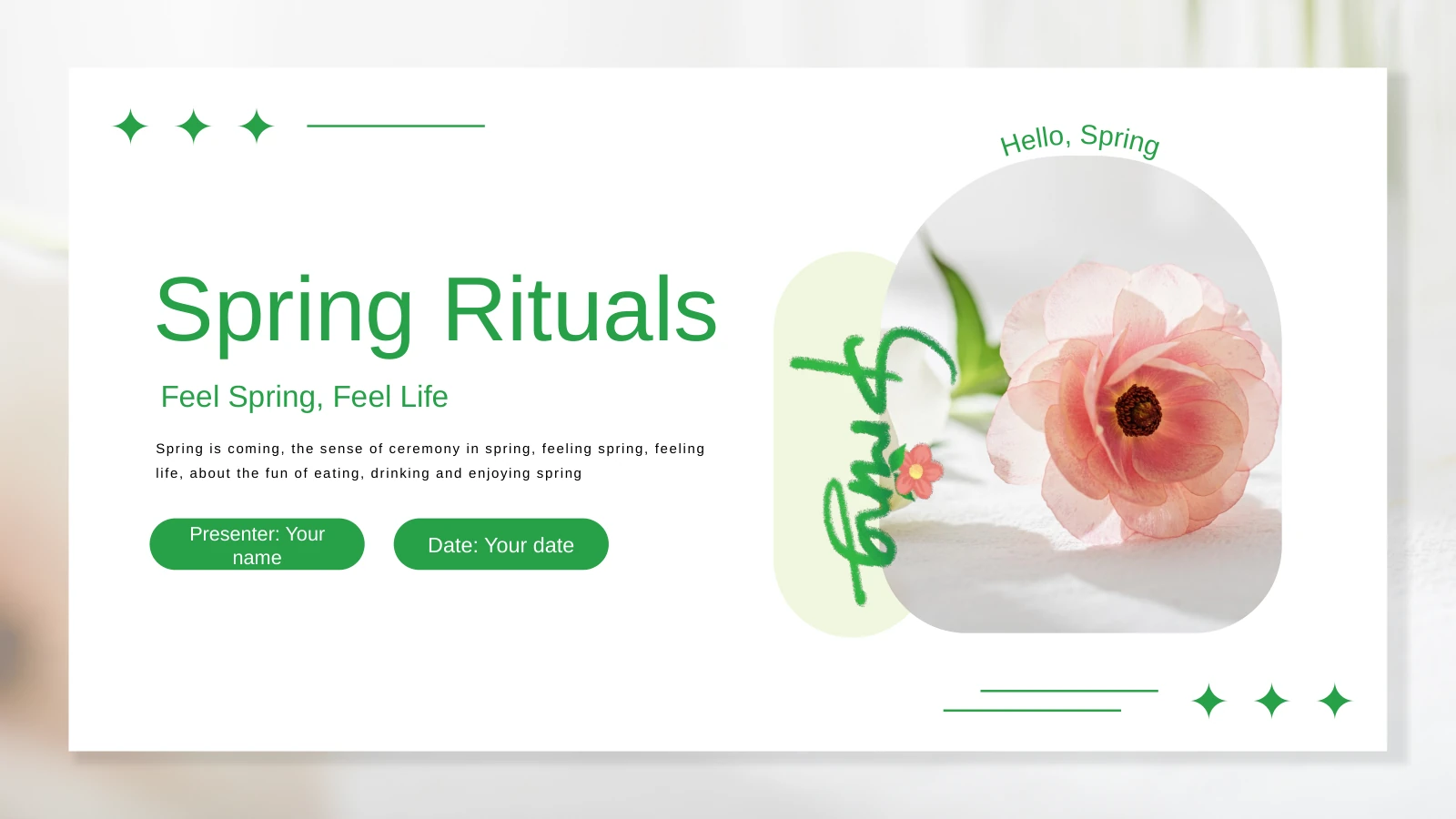
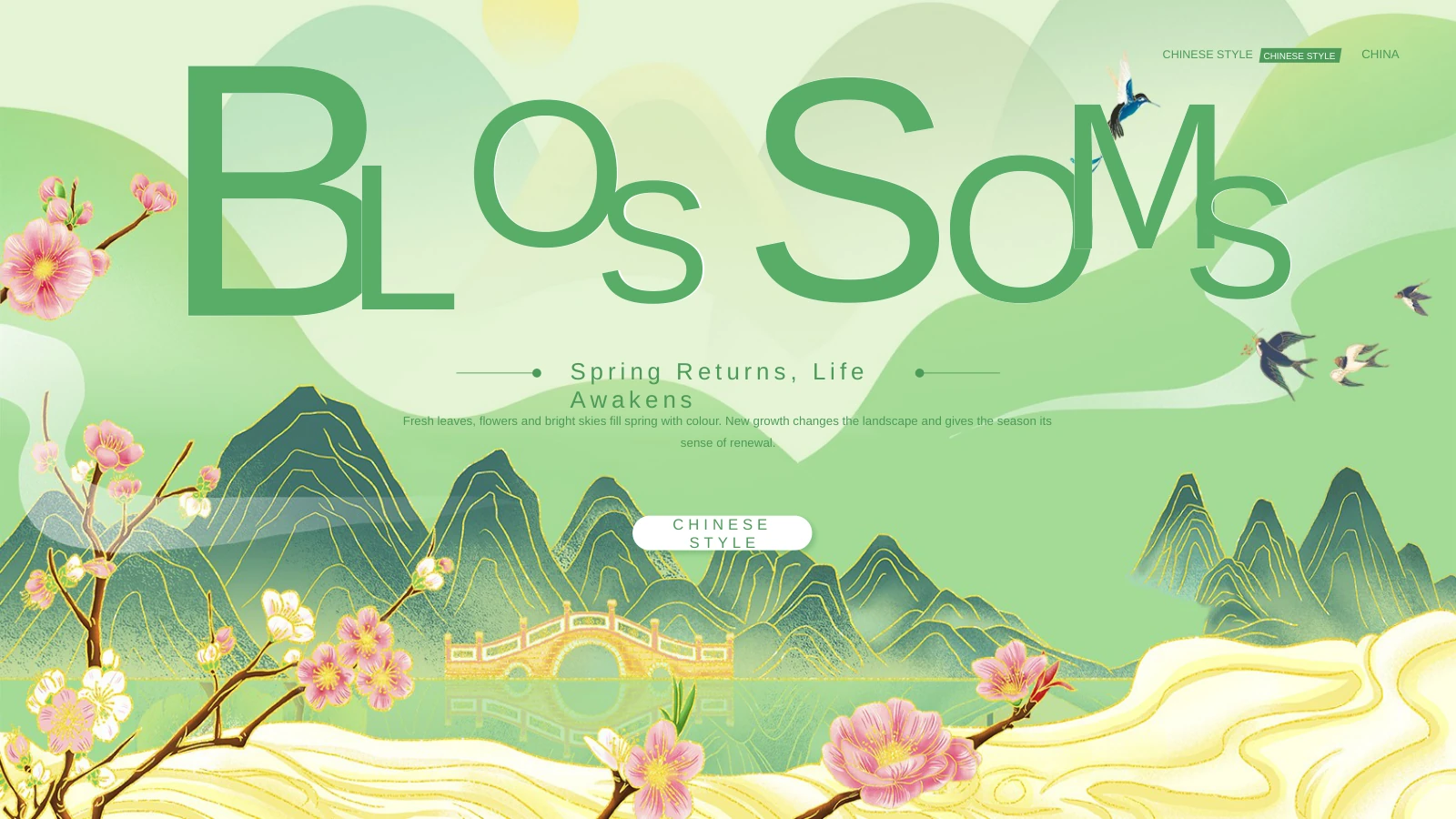
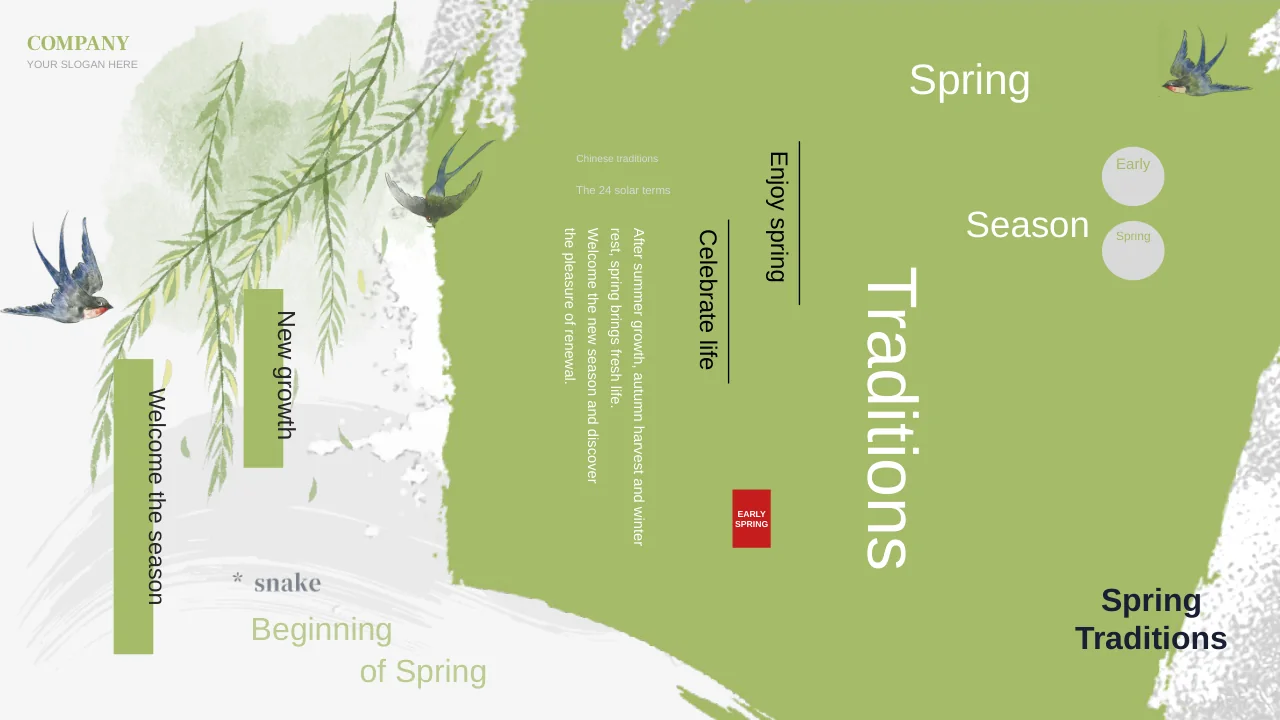
Leap April Presentation Template combines pale green pages with pink blossoms and riverside village illustrations. In Leap April Presentation Template, distant mountains, flowering branches and water reflections create a quiet background for a spring presentation. Leap April Presentation Template has 23 widescreen pages, including a contents slide and four illustrated chapter dividers. Vases, floral arrangements, a tea scene and a colourful ship give Leap April Presentation Template a varied set of focal images. Narrow vertical labels sit beside larger reading panels. Leap April Presentation Template offers English sample titles, text and a short translated poem. Plan a compact story before filling the panels; the illustrations already carry much of the atmosphere. View every page of Leap April Presentation Template to choose the balance of poetry, images and explanation that suits your audience.
Key Features of Leap April Presentation Template
Design, layouts and editing at a glance.
Riverside village scenes
Leap April Presentation Template frames four dividers with villages, rivers and blossoms. Keep these illustrated pauses to connect the parts of your seasonal story.
Soft green and pink
Leap April Presentation Template pairs mint-green panels with pink branches. Keep headings brief and let the gentle palette support a quiet seasonal presentation.
Four illustrated dividers
Leap April Presentation Template has four illustrated dividers in a 23-page sequence. Give each chapter a purpose before adding images and supporting text.
Poetry and vertical labels
Leap April Presentation Template includes a poem and vertical labels. Keep captions and poetry concise so each line reads clearly beside the watercolour scenes.
Flowers and cultural images
Leap April Presentation Template combines flowers, tea scenes and a painted ship. Choose images that relate to your story, letting each illustration stay prominent.
Multiple text arrangements
Leap April Presentation Template offers columns, reading areas and paired photos. Match one idea to each layout and leave enough space around the illustrations.
How to Use Leap April Presentation Template
Choose, replace and check.
-
Plan a short seasonal story
Preview 23 pages of Leap April Presentation Template. Choose chapter breaks and reading layouts for your story, then give each part of Leap April Presentation Template a clear title.
-
Download the English file
Download Leap April Presentation Template with an active paid plan and unlimited daily downloads. Save a working copy of Leap April Presentation Template and open it in PowerPoint.
-
Keep the poetry readable
Add captions or poems to Leap April Presentation Template. Check fonts, narrow labels and reading order, then view Leap April Presentation Template at its intended screen size.

Questions about Leap April Presentation Template
How do I download Leap April Presentation Template?
With an active paid plan, select the download button on Leap April Presentation Template. The download is an editable PowerPoint (.pptx) file. Paid members can download Leap April Presentation Template repeatedly without a daily limit.
How many pages are in Leap April Presentation Template?
Leap April Presentation Template includes 23 widescreen slides in 16:9. The contents, four chapter dividers and closing page are included. You can use fewer pages of Leap April Presentation Template for a shorter presentation.
Can I change the colours and text in Leap April Presentation Template?
Native text and shapes in Leap April Presentation Template can be edited in PowerPoint. Illustrated scenery is stored as pictures; changing its colours may require replacing the image within Leap April Presentation Template.
Can I preview all of Leap April Presentation Template?
Yes. The thumbnails show the entire English Leap April Presentation Template. Check each poem panel, village scene and divider before downloading. The gallery helps you choose which pages of Leap April Presentation Template suit your material.
Can another editor open Leap April Presentation Template?
PPTX-compatible editors may import Leap April Presentation Template, but narrow labels and font metrics can differ. Compare every imported page with the preview of Leap April Presentation Template before exporting or presenting.
Which fonts are used in Leap April Presentation Template?
The English replacement text in Leap April Presentation Template uses Arial; retained source text and font resources may use additional styles. Check the vertical labels of Leap April Presentation Template if a font is substituted by your editor.
Is the text in Leap April Presentation Template translated?
The downloadable Leap April Presentation Template has English titles, prompts and the sample poem. Other website languages explain the same English PPTX; the illustrated images in Leap April Presentation Template remain part of the original design.
Can I use Leap April Presentation Template for a commercial project?
Access to Leap April Presentation Template requires a paid plan. Commercial permission for its original illustrations and photographs must be confirmed separately; membership alone is not evidence of source rights to Leap April Presentation Template.
How do I share a finished Leap April Presentation Template?
Send the public link to Leap April Presentation Template when discussing the design. To distribute your edited work, review a PDF or slideshow export of Leap April Presentation Template and keep the editable file for later revisions.