

Pastel Windmill Presentation Template: a playful setting for your ideas
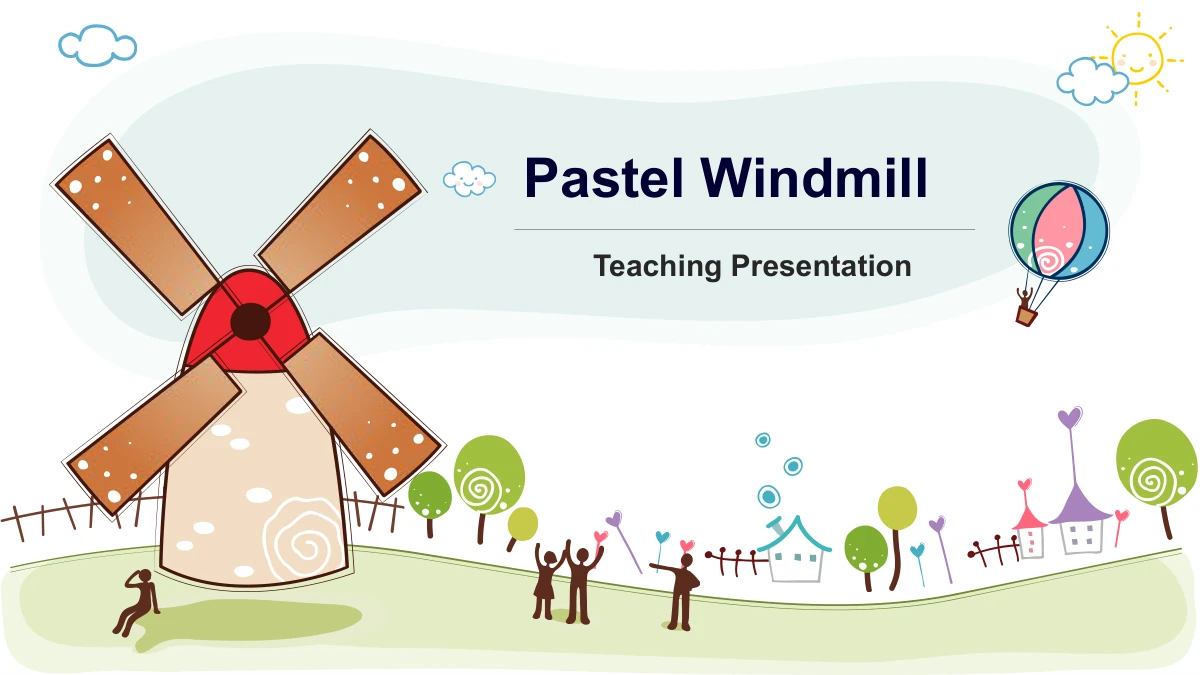
Pastel Windmill pairs a hand-drawn countryside scene with colorful layouts for a teaching presentation. The 25-slide deck opens with a windmill and hot-air balloon, then introduces four sections: Intro, Ideas, Details and Review. Television-shaped illustrations mark the chapter breaks, while white content pages leave room for short explanations. Inside, you will find connected circles, numbered arrows, ribbon notes, a small hierarchy and an open-box diagram. Planning and meeting photographs add variety alongside the illustrated pages. These are flexible starting points for your own subject, not a complete lesson. Several layouts contain manual figures and percentages; replace them with information appropriate to your explanation. Choose diagrams for their meaning, keep labels short and use the recurring colors to connect related points. The final windmill scene closes the presentation with a simple thank-you message.
Pastel Windmill Presentation Template Features
Illustrated chapters, clear notes and colorful connections.
Windmill and Balloon Scenes
A windmill, floating balloon and rolling countryside give the cover a playful setting. Repeated landscape details connect chapter openings and the closing page.
Four Television-Style Chapters
Intro, Ideas, Details and Review appear beside television illustrations. Rename these four dividers and the matching contents entries to suit your own teaching plan.
Connected Ideas and Directions
Circles, interlocking pieces, arrows and hexagons arrange ideas into groups. Select the structure that fits your explanation, then replace its short example labels.
Photographs Beside Your Notes
Planning, phone and meeting photos sit beside colored text panels. Use the available notes to explain why each picture matters, or replace it with your own image.
Manual Figures to Customize
Social-symbol arrows and a small hierarchy contain sample figures and percentages. Edit the labels and drawing shapes separately; no workbook updates them for you.
Numbered Notes and Summaries
Ribbon banners, a four-flap box and ascending steps offer compact ways to organize notes. Keep each point concise so the colors and numbers remain easy to follow.
How to Use the Pastel Windmill Presentation Template
Choose a structure, add your subject and review the result.
-
Outline Your Four Chapters
Browse all 25 previews and decide what each chapter should explain. Choose a photograph, grouped diagram or sequence for each main point, then rename the contents and dividers together.
-
Add Your Own Teaching Content
Download the English PPTX with an active paid membership. Replace the sample headings and brief notes, check every manual figure and use photographs that support your explanation.
-
Check Labels and Presentation Size
Review small numbers, narrow panels and text near the illustrations at the size your audience will see. Check the chapter order and exported PDF, then keep an editable copy for updates.
Pastel Windmill Presentation Template Questions
How can I download this teaching presentation?
Sign in with an active paid membership and use the download button. You can download the English PPTX without a daily count limit and return to download it again when needed.
What do the 25 slides include?
The 16:9 file contains a cover, contents page, four television-style section dividers, 18 content layouts and a thank-you page. The preview gallery shows all 25 pages in their original order.
Does the file contain a complete lesson?
No. It provides a general four-part framework with editable example text. Choose your own subject, explanation and activities; the windmill artwork does not turn it into a lesson about wind energy.
Are the figures connected to live data?
No. The 3.3M, 5.6M, 8.6M and 2.4M labels are manual examples, as are 80% and 30%. There are no native data charts or embedded workbooks. Update the numbers and shapes separately.
Which parts can I edit?
The headings, notes and separate drawing shapes are editable. Pictures and their internal details remain image objects, so replace an entire picture when you need to change artwork stored inside it.
Can I change the chapter order?
Yes. Reorder or remove pages to fit your outline, then update the contents and section titles together. Check connectors, labels and any animation after changing a grouped diagram.
Which fonts and presentation apps should I use?
The English file uses Arial without embedded font files. Open it in PowerPoint and check the layout on your device. Compatibility with Google Slides or Keynote has not been tested.
Is background music included?
The downloadable English version has no background music. All 25 pages and the non-audio animation remain; preview images are static and do not demonstrate playback behavior.
Does each website language download a different file?
Every localized page uses the same English PPTX. Translate its editable text for your audience if needed. Website descriptions explain the same layouts, photographs and example figures in each language.