Van Gogh Starry Night Presentation Template: painted skies and clear text panels
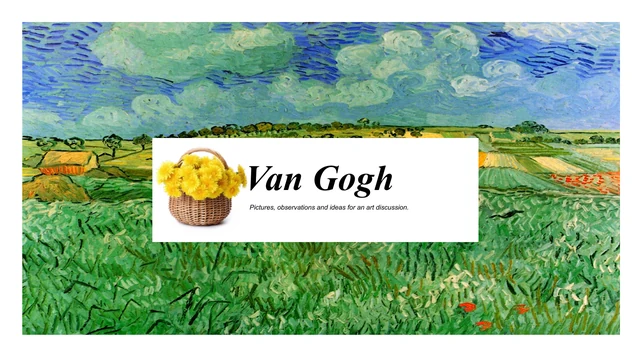
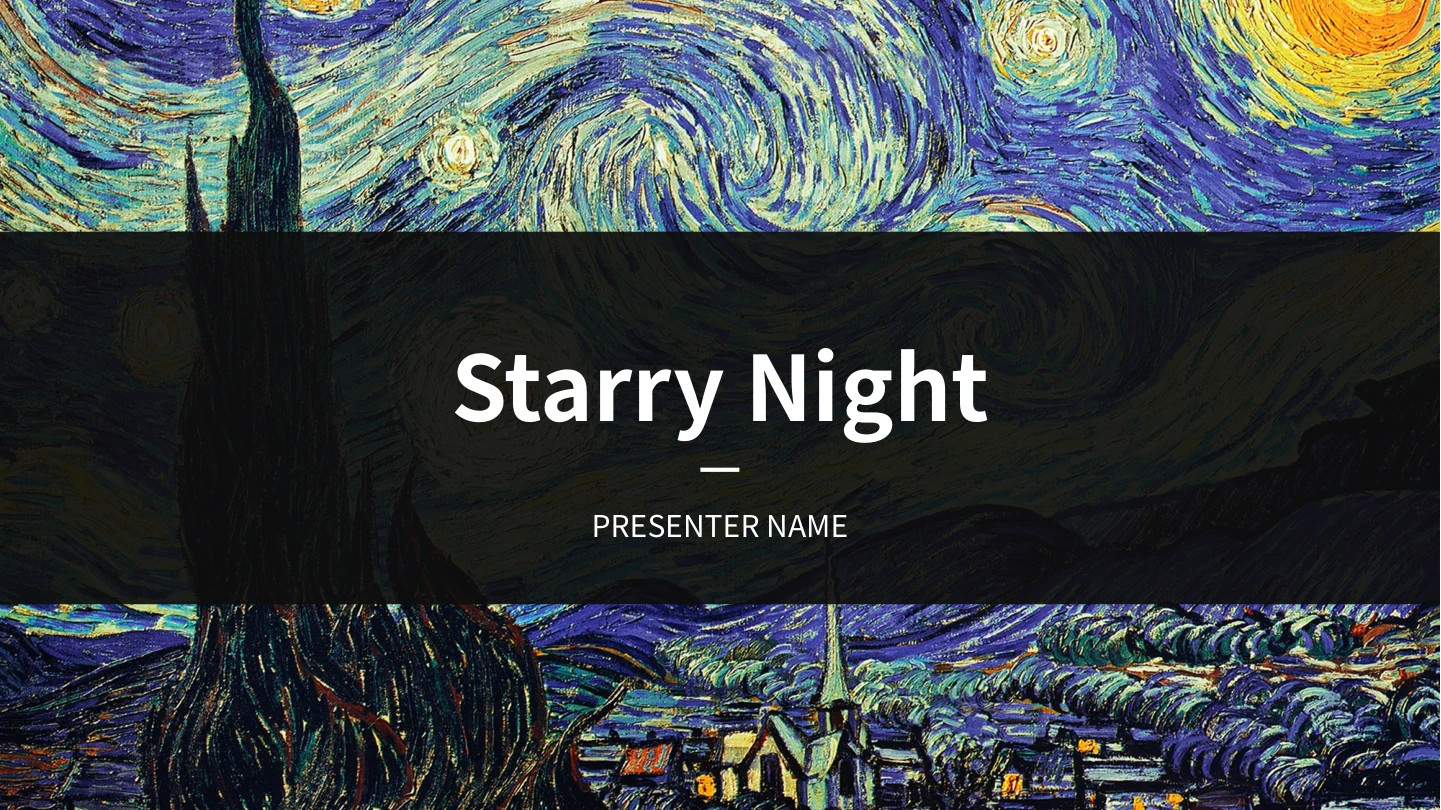
Van Gogh Starry Night Presentation Template combines sweeping painted skies with yellow blocks, deep purple panels and white space. The cover and closing use a dark band across the same night scene. Van Gogh Starry Night Presentation Template offers 16 slides in 16:9, with three Part dividers on pages 3, 7 and 11; the four-item contents page is a separate layout. Two picture files show different crops of the same painting. Van Gogh Starry Night Presentation Template varies their placement through narrow strips, tall crops and image bands, rather than different artworks. Lists, icon columns and text cards place your own ideas beside the brushwork. In Van Gogh Starry Night Presentation Template, keep explanations short and use the quieter panels for detail. The English PowerPoint supplies editable prompts and a presenter field; the original presenter text is retained in slide notes as a source record. Choose layouts that support your outline and verify any artwork commentary you add.
Key Features of Van Gogh Starry Night Presentation Template
Painted backgrounds, contrasting panels and structured text.
Painted Sky Backgrounds
Van Gogh Starry Night Presentation Template repeats two crops of one painting. Keep the sky as decoration and write your own caption for its role in your talk.
Three Part Dividers
Van Gogh Starry Night Presentation Template has Part 1, 2 and 3 pages with yellow blocks. Rename them to match your outline and keep the contents list consistent.
Contrasting Text Panels
Van Gogh Starry Night Presentation Template pairs purple and white areas with yellow accents. Put detail on calm panels and check text against each background.
Numbered Idea Lists
Van Gogh Starry Night Presentation Template includes three-point lists and four labels numbered 01, 02, 04 and 05. Adapt the labels to your own sequence of ideas.
Icon-Led Columns
Van Gogh Starry Night Presentation Template has three-column layouts with decorative icons. Give each column one idea and replace every short sample explanation.
Varied Picture Crops
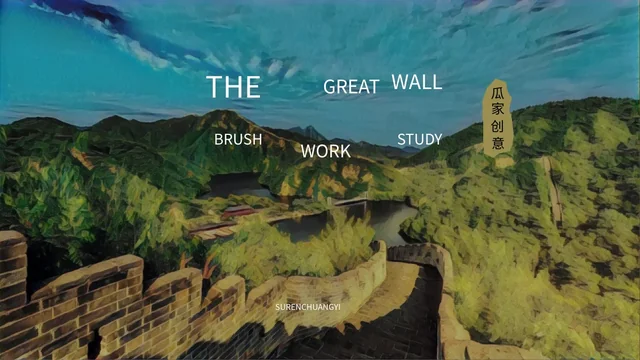
Van Gogh Starry Night Presentation Template uses tall strips, image bands and four-panel layouts. Review edits at full size to keep each crop and caption clear.
How to Use Van Gogh Starry Night Presentation Template
Choose your sequence, add your message and check the result.
-
Preview the Sequence
Review all 16 pages of Van Gogh Starry Night Presentation Template. Compare the contents, three Part dividers and text layouts with your outline; select a shorter sequence if needed.
-
Download the PowerPoint
Download Van Gogh Starry Night Presentation Template with an active paid plan. Paid members can download daily without a count limit; keep a working copy before adding your own content.
-
Edit and Present
Replace prompts in Van Gogh Starry Night Presentation Template with your own titles and notes. Check the presenter field, list numbers, text contrast and picture crops before presenting.
Questions about Van Gogh Starry Night Presentation Template
What is included in Van Gogh Starry Night Presentation Template?
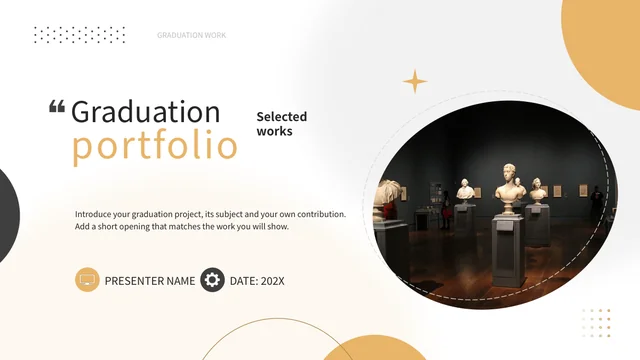
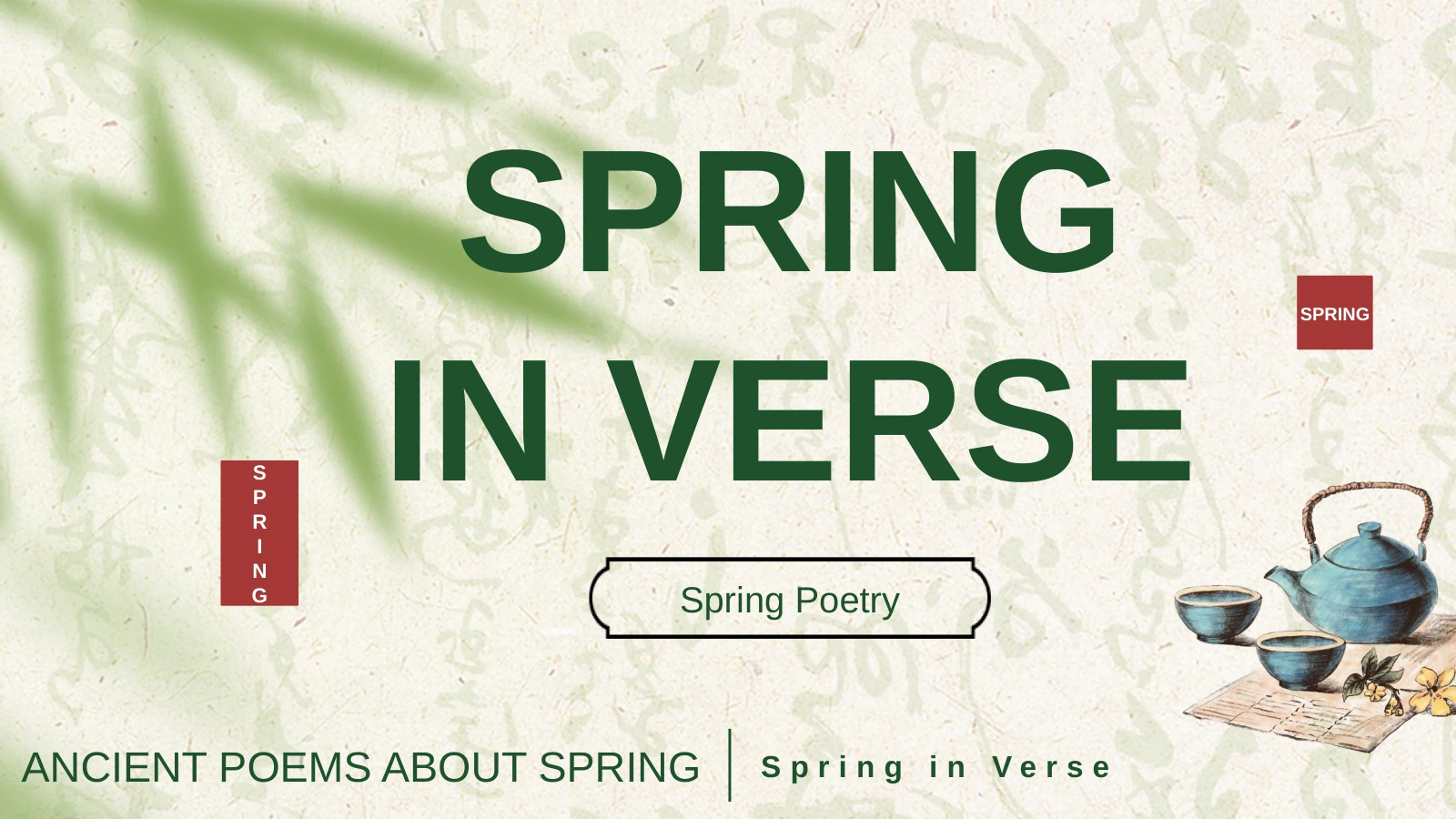
Van Gogh Starry Night Presentation Template contains 16 PowerPoint slides: a cover, four-item contents layout, three Part dividers, several text-and-picture arrangements and a closing page. Van Gogh Starry Night Presentation Template includes the pictured sequence, not a finished art lecture. Use the preview to choose the pages that fit your own argument. Short captions and a clear outline help the painted backgrounds support your message. The Van Gogh Starry Night Presentation Template cover introduces your own subject. The Van Gogh Starry Night Presentation Template closing gives you a clear final page. Van Gogh Starry Night Presentation Template supplies layouts for your content, not verified claims.
Does Van Gogh Starry Night Presentation Template have four chapters?
Van Gogh Starry Night Presentation Template has three actual Part dividers on pages 3, 7 and 11. The contents layout in Van Gogh Starry Night Presentation Template has four entries; those entries do not create a fourth divider. Decide how your topics fit the existing sequence, then align the contents labels with your chosen headings. You may remove a contents entry or adapt its wording when you rearrange pages. In Van Gogh Starry Night Presentation Template, the Part labels are editable. Review Van Gogh Starry Night Presentation Template after moving a divider so your audience can follow the order.
Are the paintings in Van Gogh Starry Night Presentation Template editable shapes?
The two painting files in Van Gogh Starry Night Presentation Template are raster pictures showing different crops of the same artwork. You can change picture placement or replace an image, but the painted strokes are not individual PowerPoint shapes. Van Gogh Starry Night Presentation Template also uses editable text and native layout shapes. Keep a copy of the original crop before experimenting, especially where a picture meets a text panel. The Van Gogh Starry Night Presentation Template painting files also appear in narrow strips. Use Van Gogh Starry Night Presentation Template picture crops to frame a point without adding unnecessary decoration. Text in Van Gogh Starry Night Presentation Template can be edited independently of the painting pictures.
Is Van Gogh Starry Night Presentation Template a complete art-history lesson?
Van Gogh Starry Night Presentation Template is a visual layout for your own presentation, with editable prompts rather than researched commentary. Van Gogh Starry Night Presentation Template does not establish dates, interpretations or historical claims for your talk. Check the sources for any art facts or quotations you add, and identify the artwork appropriately. Let your evidence determine the wording; the decorative background alone does not support an argument. You can use Van Gogh Starry Night Presentation Template for a discussion of visual design. Keep Van Gogh Starry Night Presentation Template layout choices separate from the evidence for your subject.
Can I change the lists in Van Gogh Starry Night Presentation Template?
Van Gogh Starry Night Presentation Template includes a three-item list and a separate four-item arrangement labelled 01, 02, 04 and 05. These are static text labels, not automatic numbering or a data chart. In Van Gogh Starry Night Presentation Template, replace them with the sequence you need, then check all matching references. The columns, circles and boxes can organise ideas; they do not contain a linked spreadsheet or live dataset. The Van Gogh Starry Night Presentation Template list numbers remain editable text. Check Van Gogh Starry Night Presentation Template carefully if you add or delete an item. Van Gogh Starry Night Presentation Template contains no native chart or table to update.
Is Van Gogh Starry Night Presentation Template translated into English?
The editable prompts and headings in Van Gogh Starry Night Presentation Template are supplied in English. The presenter field is a placeholder for your own name; the original presenter text remains in slide notes as a source record, not a claim about the template author. Van Gogh Starry Night Presentation Template keeps the painting pictures as images. Website language versions describe the same English PowerPoint file; they do not create separate translated artwork. The Van Gogh Starry Night Presentation Template English prompts are starting points. Replace them throughout Van Gogh Starry Night Presentation Template, including the closing page.
Which fonts does Van Gogh Starry Night Presentation Template use?
Van Gogh Starry Night Presentation Template uses Source Han Sans SC Regular and Bold for its editable English text. These fonts are not embedded in the PowerPoint. Install the fonts or choose replacements, then check Van Gogh Starry Night Presentation Template for changed line breaks. In Van Gogh Starry Night Presentation Template, review narrow headings, list labels and captions over painted backgrounds particularly carefully. The painting strokes are pictures, not font glyphs. After changing fonts in Van Gogh Starry Night Presentation Template, inspect both the white panels and the dark cover band before presenting.
How do I download Van Gogh Starry Night Presentation Template?
Sign in with an active paid plan to download Van Gogh Starry Night Presentation Template. Paid members have unlimited daily downloads and can download the file again. Van Gogh Starry Night Presentation Template is supplied as a PowerPoint file; save a working copy before editing it. If you cannot download, check your signed-in account and plan status. Previewing the page does not itself grant a paid membership or confirm download access. Keep Van Gogh Starry Night Presentation Template on your own device while editing. Reopen Van Gogh Starry Night Presentation Template to confirm the download before changing its contents.
How should I share Van Gogh Starry Night Presentation Template?
Share the Van Gogh Starry Night Presentation Template page link when someone needs the original preview and download information. For your finished presentation, replace sample text in Van Gogh Starry Night Presentation Template, verify captions and inspect any exported PDF. Review text over both light and dark panels on the screen you will use. Check the permissions that apply to your own material and any artwork use; the template page does not grant additional rights to third-party content. In Van Gogh Starry Night Presentation Template, the same sky appears on several pages. Review Van Gogh Starry Night Presentation Template as a complete sequence rather than checking only the cover.