Rose Brush Work Review Presentation Template: A Work Review with Soft Brush Strokes
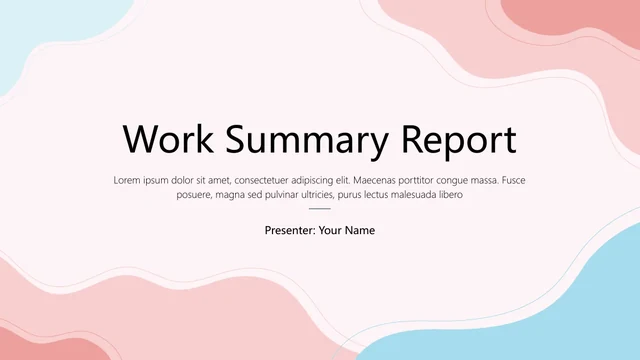
Rose Brush Work Review Presentation Template combines rough rose strokes with beige, lavender and grey accents on an off-white background. Its 15 widescreen pages alternate short notes, rounded cards and cropped work photos. Rose Brush Work Review Presentation Template opens with a four-topic agenda for reviewing work, discussing challenges, considering market conditions and planning next steps. Seven native charts provide line, column, pie and stacked-bar layouts with linked data sheets. Other pages use a six-piece puzzle ring, icon circles and photo cards to organise points. Rose Brush Work Review Presentation Template gives a compact review room for both figures and explanations. Select layouts that support your own outline, replace the presenter and logo samples, and rewrite the English guidance. Treat the photographs, totals and percentages as examples: label the period and evidence behind your figures, and keep manual labels consistent with the charts you edit.
Key Features of Rose Brush Work Review Presentation Template
Brush textures, work photos and editable data layouts
Soft Brush Textures
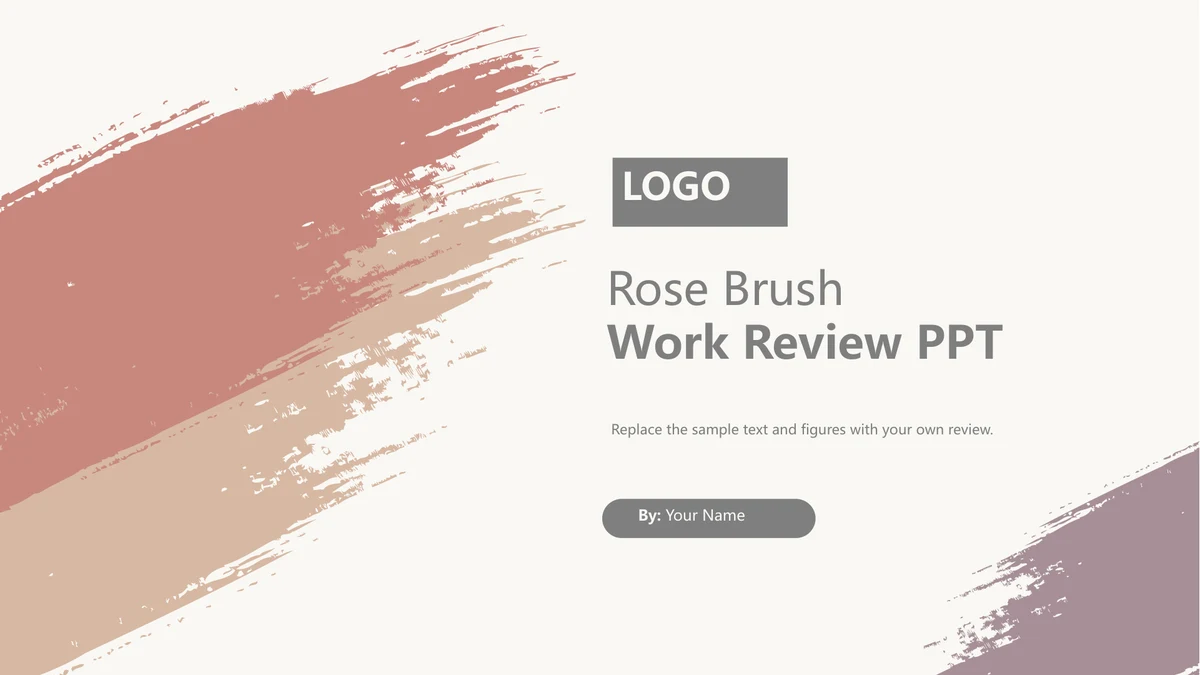
Rose Brush Work Review Presentation Template uses rose, beige and lavender brush textures. Keep notes on the plain panels so the rough edges frame the content.
Seven Editable Charts
Rose Brush Work Review Presentation Template includes seven charts with linked data sheets. Edit line, column, pie and stacked-bar examples using your figures.
Four-Topic Agenda
Rose Brush Work Review Presentation Template opens with four agenda topics: review, challenges, market context and plans. Select an order that suits your material.
Puzzle Ring and Icon Notes
Rose Brush Work Review Presentation Template pairs a six-piece puzzle ring with icon notes. Give each issue a heading and explain its meaning beside the symbol.
Rounded Photo Cards
Rose Brush Work Review Presentation Template combines circular crops, photo panels and rounded cards. Choose relevant images and check their crops before presenting.
Figures with Context
Rose Brush Work Review Presentation Template explains manual totals and percentages. Replace examples and state each figure’s period, units and source.
How to Use Rose Brush Work Review Presentation Template
Preview the layouts, download a copy and prepare your review
-
Preview the 15 Pages
Preview Rose Brush Work Review Presentation Template. Compare chart space, photo cards and notes with your outline. Select useful layouts and decide what evidence each page needs.
-
Download an English Copy
Sign in with an active paid plan to download Rose Brush Work Review Presentation Template. Save a working PPTX copy. Paid members have unlimited daily downloads and can download the file again.
-
Edit and Share Your Review
Edit Rose Brush Work Review Presentation Template in PowerPoint. Replace prompts, chart data and manual figures. Check fonts and crops, review the sequence, then save or export your report.
FAQs about Rose Brush Work Review Presentation Template
How do I download Rose Brush Work Review Presentation Template?
Sign in with an active paid membership and use the download button for Rose Brush Work Review Presentation Template. Save Rose Brush Work Review Presentation Template as a working PPTX before editing. Paid members have unlimited daily downloads and can repeat downloads of Rose Brush Work Review Presentation Template. Keep your edited review in a separate file.
How many slides are in Rose Brush Work Review Presentation Template?
Rose Brush Work Review Presentation Template contains 15 slides in 16:9, including an agenda and a thank-you closing. Rose Brush Work Review Presentation Template provides four agenda topics and varied content pages rather than four numbered chapter dividers. Choose the layouts from Rose Brush Work Review Presentation Template that suit the length of your review.
Can I change the text and colours in Rose Brush Work Review Presentation Template?
You can edit headings, guidance, native cards and icon shapes in Rose Brush Work Review Presentation Template. The seven charts in Rose Brush Work Review Presentation Template have linked data sheets. Brush textures and photographs are image assets, while some totals and percentage bars are manual shapes. Keep those labels and graphics consistent when adapting Rose Brush Work Review Presentation Template.
Can I preview every slide of Rose Brush Work Review Presentation Template?
The gallery for Rose Brush Work Review Presentation Template shows all 15 pages of the English file. Use the thumbnails or arrows to compare chart layouts, photo crops and space for notes. Preview Rose Brush Work Review Presentation Template at a useful size before selecting pages. The images show how Rose Brush Work Review Presentation Template is arranged; they do not turn sample data into verified results.
Can I open Rose Brush Work Review Presentation Template in another presentation editor?
Other PPTX editors may open Rose Brush Work Review Presentation Template. Test a copy of Rose Brush Work Review Presentation Template in your chosen software, especially its charts, linked data sheets, image crops and fonts. Inspect the exported pages as well as the editing view. Keep a PowerPoint copy of Rose Brush Work Review Presentation Template while you check that workflow.
Which fonts are used in Rose Brush Work Review Presentation Template?
Rose Brush Work Review Presentation Template uses Microsoft YaHei Regular and Bold. Font files are not embedded in Rose Brush Work Review Presentation Template. Use the matching fonts where available, or choose suitable replacements and inspect headings, small chart labels and figure boxes. Review every page of Rose Brush Work Review Presentation Template for changed wrapping before presenting.
Is Rose Brush Work Review Presentation Template translated into my language?
All localised web pages describe the same English Rose Brush Work Review Presentation Template. Its headings and editing prompts are in English; it is a starting file rather than a completed review. You can add your own language to Rose Brush Work Review Presentation Template. Check fonts and spacing, then adapt the examples in Rose Brush Work Review Presentation Template to your actual work.
Can I use Rose Brush Work Review Presentation Template for commercial work?
Check the source terms and your rights to photographs or replacement material before commercial use of Rose Brush Work Review Presentation Template. Download access to Rose Brush Work Review Presentation Template does not grant extra rights to those assets. Use material you can lawfully share and support the claims and figures in your completed review.
How can I share Rose Brush Work Review Presentation Template?
Use the Share button on the page for Rose Brush Work Review Presentation Template, or copy its public URL. Recipients can preview Rose Brush Work Review Presentation Template and decide whether it suits their review. Downloading Rose Brush Work Review Presentation Template still requires an active paid membership. Share your finished report separately after checking its data and included material.