Light Design Portfolio Presentation Template: open space, dark mountain views and a changing photo rhythm
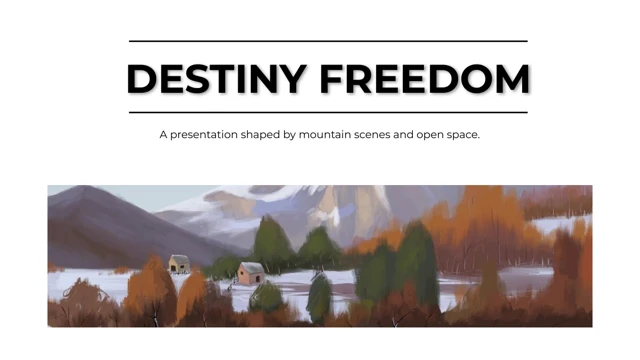
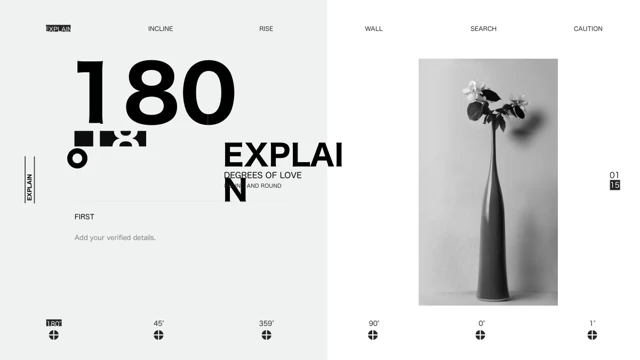
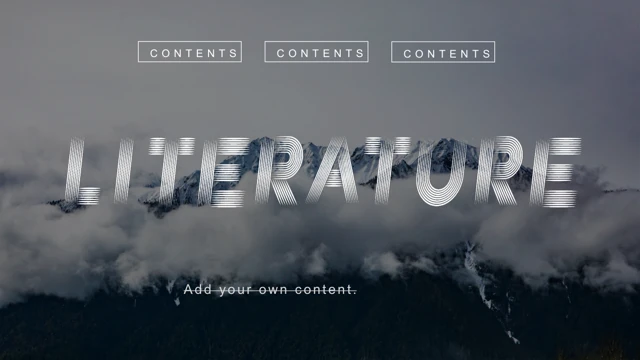
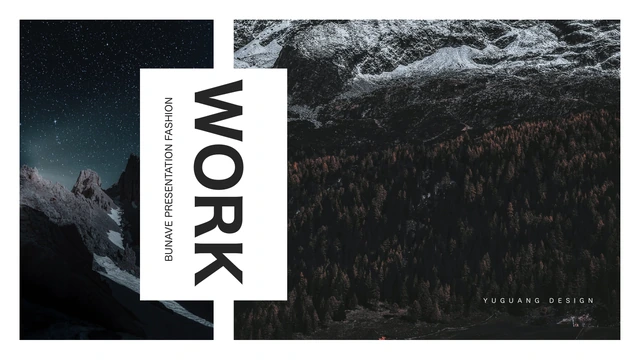
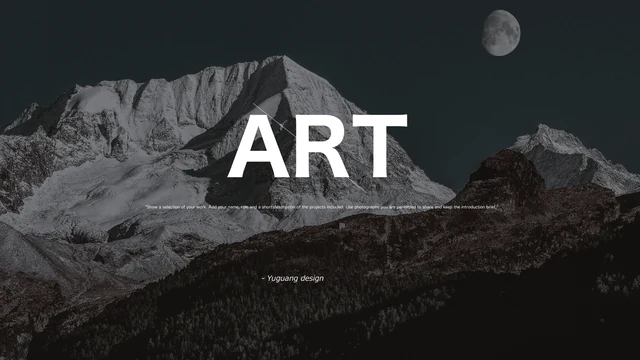
Light Design Portfolio Presentation Template balances mountain photographs with white space, black title rules and pale grey corner blocks. The 10 widescreen pages begin and end on a moonlit mountain scene, with large white words and a retained Yuguang design credit. Light Design Portfolio Presentation Template varies the inner pages with a wide image beside notes, upright pairs, offset views and a four-photo grouping. Light Design Portfolio Presentation Template also sets two broad pictures across one page and gives a tall photograph its own side of another. Mountain, snow, forest and cloud scenes remain sample images to replace with permitted work. Light Design Portfolio Presentation Template has no contents page, numbered chapters or data charts. Build the order around your projects, explain your contribution briefly and give each picture a useful caption. Keep the light pages in balance with the dark opening, then review crops and reading order before sharing.
Key Features of Light Design Portfolio Presentation Template
White margins, mountain scenes and contrasting image arrangements.
Moonlit Opening and Closing
Light Design Portfolio Presentation Template opens and closes on the same mountain scene. Keep the white title brief and let the dark landscape lead the visual.
Black Rules and Grey Corners
Light Design Portfolio Presentation Template uses black heading rules and pale grey corners. Keep project titles short and the surrounding white space clear.
Side-by-Side Upright Images
Light Design Portfolio Presentation Template pairs upright pictures beside project notes. Choose related views and explain their connection in a concise caption.
Four-Photo Grouping
Light Design Portfolio Presentation Template groups four photos around the notes. Give the images a coherent order and check the crops in all four picture frames.
Wide Picture Pair
Light Design Portfolio Presentation Template aligns two broad pictures at the top of a page. Explain the paired views with the title and short notes below them.
Tall Image and Short Notes
Light Design Portfolio Presentation Template places a tall photo beside short notes. The Learn More label is a decorative shape with no supplied working link.
How to Use Light Design Portfolio Presentation Template
Choose the views, add your project notes and review the sequence.
-
Choose a Photo Sequence
Browse all 10 pages of Light Design Portfolio Presentation Template. Match pictures to wide, upright or grouped frames, then plan a project order before writing captions for the selected views.
-
Download and Add Your Work
Download Light Design Portfolio Presentation Template with an active paid plan; daily and repeat downloads are unlimited. Save a copy, replace the photos and add brief project titles and notes.
-
Check and Share
Review Light Design Portfolio Presentation Template on your intended screen. Check crops, type and credits, export a PDF and reopen it to inspect every page before sharing the finished work.
Questions about Light Design Portfolio Presentation Template
How do I download Light Design Portfolio Presentation Template?
Sign in with an active paid plan and use the download button for Light Design Portfolio Presentation Template. Daily and repeat downloads are unlimited for paid members. Light Design Portfolio Presentation Template is an English PowerPoint (.pptx). Save a copy of Light Design Portfolio Presentation Template before edits. File access does not establish permission to reuse the retained photographs, design or fonts.
How many pages are in Light Design Portfolio Presentation Template?
Light Design Portfolio Presentation Template has 10 slides in a 16:9 widescreen format. First and last share a moonlit mountain image; eight inner pages vary the photo layouts. Light Design Portfolio Presentation Template has no contents page or numbered chapters. Arrange Light Design Portfolio Presentation Template around your projects. Choose useful pages; the original order is a starting point, not a rule.
What can I edit in Light Design Portfolio Presentation Template?
Edit the native titles, subtitles, notes and pictures in Light Design Portfolio Presentation Template. Black rules, grey corners and picture frames are separate objects. Light Design Portfolio Presentation Template has no native charts or linked data workbook. Replace the sample text in Light Design Portfolio Presentation Template with an accurate account. The Learn More label is a shape, not a working link; add a destination if needed.
Can I preview every page of Light Design Portfolio Presentation Template?
All 10 pages of Light Design Portfolio Presentation Template can be viewed without a purchase. Use thumbnails or arrows and enlarge a page to inspect layout and text. The gallery represents the English file offered for Light Design Portfolio Presentation Template. Review the sequence before choosing pages. Previewing Light Design Portfolio Presentation Template does not establish permission to use a retained photograph, design or font.
Will Light Design Portfolio Presentation Template work in other editors?
Other editors may import the PPTX for Light Design Portfolio Presentation Template, but fonts, line breaks, crops and overlaps can change. Compare Light Design Portfolio Presentation Template with the gallery, especially large cover words and narrow captions. Check every page. PowerPoint and a reopened PDF provide comparison views for Light Design Portfolio Presentation Template; the Learn More shape has no built-in action.
Which fonts does Light Design Portfolio Presentation Template use?
Light Design Portfolio Presentation Template references 游ゴシック, 游ゴシック Light, 等线, 等线 Light, 阿里巴巴普惠体 B, 阿里巴巴普惠体 L, Arial, Calibri and Times New Roman. Light Design Portfolio Presentation Template has no embedded fonts. Previews use available fonts, including substitutions; your editor may substitute differently in Light Design Portfolio Presentation Template. Check headings, captions and line breaks. Retaining a family name does not provide its licence.
Is Light Design Portfolio Presentation Template available in other languages?
The website presents Light Design Portfolio Presentation Template in 15 languages; the download remains one English PPTX. Light Design Portfolio Presentation Template replaces source Chinese and meaningless Latin placeholders with brief English editing prompts. The original Yuguang design credit stays. Translate your own project words inside Light Design Portfolio Presentation Template if needed, then check the existing boxes. Website translations do not create 15 separate slide files.
Can I use Light Design Portfolio Presentation Template commercially?
Commercial rights for the photographs and design of Light Design Portfolio Presentation Template are unverified. A paid download of Light Design Portfolio Presentation Template provides file access, not copyright. Source creator 与光设计 and the visible Yuguang design credit remain. Use images you own or are permitted to use in Light Design Portfolio Presentation Template, check attribution and confirm font rights before distributing commercial or client work.
How should I share Light Design Portfolio Presentation Template?
Use this page’s sharing controls or URL so others can preview Light Design Portfolio Presentation Template freely; each needs an eligible paid plan to download. In work made with Light Design Portfolio Presentation Template, remove private details and check redistribution rights. Export a PDF, reopen it and inspect every page. A PPTX stays editable: keep your working copy of Light Design Portfolio Presentation Template before sending the finished file.