Teal Geometric Resume Presentation Template: A clear sequence for introducing your work
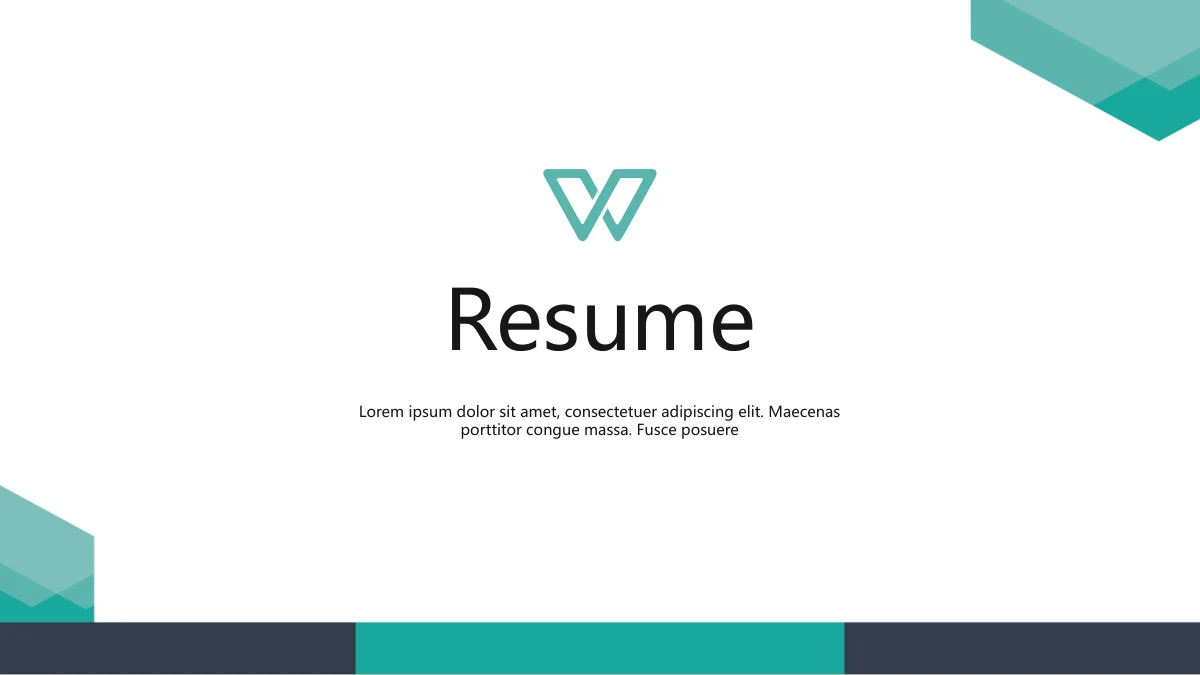
Teal Geometric Resume Presentation Template offers ten slides for introducing your background, work and target role. Layered teal corners, a navy footer and white space connect the pages. Teal Geometric Resume Presentation Template opens with a resume cover, then a portrait and contact layout. An education zigzag leads into four dated experience columns. Teal Geometric Resume Presentation Template also has three skill rings, a photo portfolio, award callouts and a six-point role diagram. The final pages frame innovation, leadership and teamwork before a thank-you slide. Teal Geometric Resume Presentation Template contains English headings and Latin filler, not a completed application. Replace the portrait, sample dates, contact details and achievement claims with accurate material. Select pages that help the reader understand your experience; the photos and sample percentages do not establish anyone’s qualifications. Check the narrow labels and image crops after editing.
Key Features of Teal Geometric Resume Presentation Template
Profile, experience and portfolio layouts at a glance.
Teal corners and a navy footer
Teal Geometric Resume Presentation Template uses layered teal corners and a navy footer to connect white slides. Consistent framing leaves room for your details.
A portrait and contact page
Teal Geometric Resume Presentation Template gives you a round portrait, contact icons and a quote band. Add your own name, role, contact details and profile image.
Education and experience layouts
Teal Geometric Resume Presentation Template uses an education zigzag and four dated experience columns. Replace sample dates and labels with accurate details.
Three manual skill rings
Teal Geometric Resume Presentation Template uses manual rings marked 50%, 70% and 80%. Edit the figures and shape arcs together; these are sample skills.
A three-card portfolio
Teal Geometric Resume Presentation Template shows three photo crops beside numbered work labels and an overview. Replace the sample image with your project work.
Awards, role points and qualities
Teal Geometric Resume Presentation Template has award callouts, a six-point role ring and three quality circles. Add specific examples that support your application.
How to Use Teal Geometric Resume Presentation Template
Preview Teal Geometric Resume Presentation Template, add your details and share a checked copy.
-
Preview the complete sequence
Preview Teal Geometric Resume Presentation Template page by page. In Teal Geometric Resume Presentation Template, select profile, timeline and portfolio layouts that fit your application.
-
Download the English PPTX
Sign in to download Teal Geometric Resume Presentation Template with an active paid plan. Daily and repeat downloads of Teal Geometric Resume Presentation Template are unlimited for paid members.
-
Edit, check and share
Edit Teal Geometric Resume Presentation Template with your details. Check labels and crops, export a readable copy, and share the page URL for Teal Geometric Resume Presentation Template.
Questions about Teal Geometric Resume Presentation Template
How do I download Teal Geometric Resume Presentation Template?
Sign in with an active paid membership and use the download button for Teal Geometric Resume Presentation Template. The file is an editable English PowerPoint (.pptx). Paid members can download Teal Geometric Resume Presentation Template without a daily limit, including repeat downloads. Keep an untouched download of Teal Geometric Resume Presentation Template and edit a separate copy, so you can compare the original layout when needed.
How many slides are in Teal Geometric Resume Presentation Template?
Teal Geometric Resume Presentation Template contains 10 slides in a 16:9 format. The sequence moves from a cover and profile to education, experience, skills, portfolio, awards and role-related layouts, ending with a thank-you page. Teal Geometric Resume Presentation Template does not require you to use every page. Choose relevant layouts in Teal Geometric Resume Presentation Template and keep the sequence focused on your application.
Can I edit the text and colors in Teal Geometric Resume Presentation Template?
Yes. Text and native shapes in Teal Geometric Resume Presentation Template can be edited in PowerPoint. The skill rings and six-point diagram are manual shapes, with no linked chart or workbook. In Teal Geometric Resume Presentation Template, update the displayed figures and visual proportions together. Replace photo images separately; changing a caption will not change printed material inside a photograph.
Can I preview all of Teal Geometric Resume Presentation Template before downloading?
Yes. The gallery shows all 10 pages of Teal Geometric Resume Presentation Template. Use thumbnails or the preview controls to inspect each layout. Review the contact page, education labels and work captions carefully because these use narrow text areas. Teal Geometric Resume Presentation Template previews are static images; they let you compare the design and sequence, rather than test presentation playback.
Will Teal Geometric Resume Presentation Template work in another presentation editor?
An editor that supports PPTX may open Teal Geometric Resume Presentation Template, but fonts, custom shapes, crops and effects can differ. Test a copy of Teal Geometric Resume Presentation Template in your chosen editor and compare it with the full preview. PowerPoint is a practical starting point for editing. Keep an editable copy and review any PDF export on the device your recipient will use.
Which fonts does Teal Geometric Resume Presentation Template use?
Teal Geometric Resume Presentation Template uses Microsoft YaHei Regular, Microsoft YaHei Light and DengXian Regular/Bold. Some text retains bold styling on the light face. Fonts are not embedded in Teal Geometric Resume Presentation Template, so install the appropriate fonts or select suitable replacements in your editor. After changing fonts, check line breaks, contact details, date labels and the thank-you heading throughout the file.
Is the slide text in Teal Geometric Resume Presentation Template translated?
The downloadable Teal Geometric Resume Presentation Template has English headings, labels and editable sample contact fields. Latin filler remains on several pages and must be replaced with your own content. Every website language links to the same English Teal Geometric Resume Presentation Template file. Original photographs keep their printed details. Translating the website does not provide a separate PPTX for each language.
Can I use Teal Geometric Resume Presentation Template commercially?
Check the applicable template terms before using Teal Geometric Resume Presentation Template in commercial work. Make sure you have permission for any photographs, portrait, original outline emblem or other material you retain. Downloading Teal Geometric Resume Presentation Template does not grant additional rights to those assets. In Teal Geometric Resume Presentation Template, replace sample achievements with truthful information and use your own licensed project images where appropriate.
How do I share Teal Geometric Resume Presentation Template?
Use the Share button or copy the URL of the Teal Geometric Resume Presentation Template detail page to recommend the template. The recipient can review all pages and sign in with an active paid plan to download Teal Geometric Resume Presentation Template. When sharing an edited application, check your contact details and export a suitable viewing format. Keep an editable working copy of Teal Geometric Resume Presentation Template for later changes.