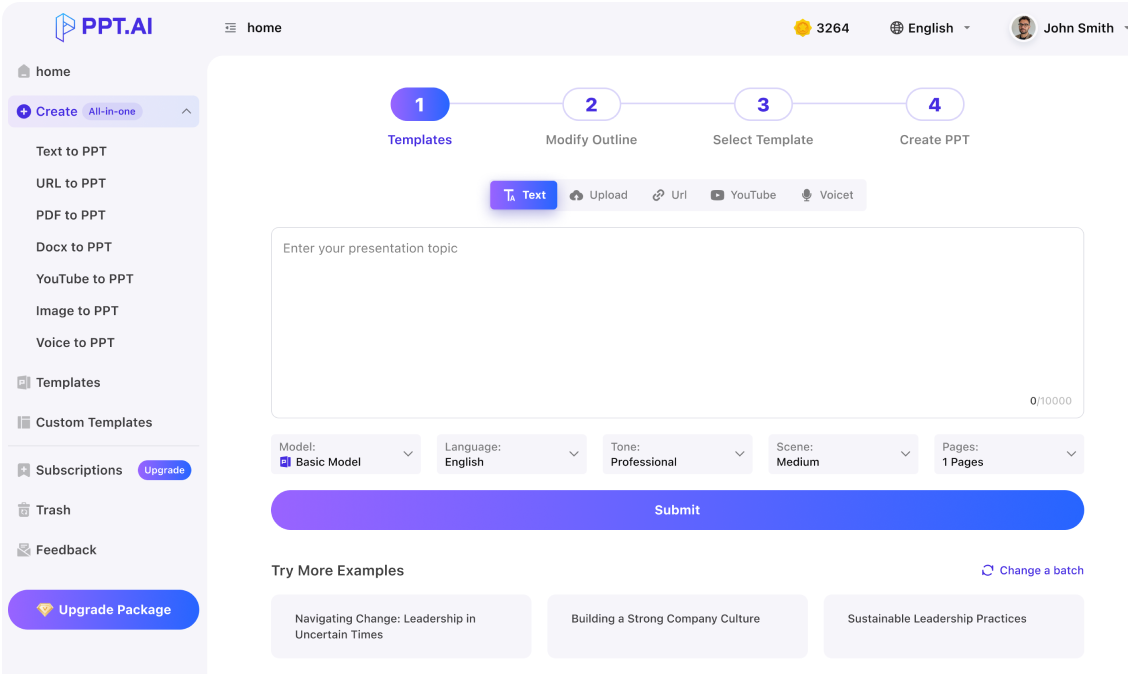
Use ai pembuat ppt to develop a clear presentation story from your own material.
Professional
Creative
Standard
Text
Upload
Url
YouTube
Image
Basic Model
English
简体中文
繁體中文
日本語
한국어
Français
Русский
العربية
Deutsch
Español
Italiano
Português
ภาษาไทย
Bahasa Melayu
Tiếng Việt
Türkçe
Bahasa Indonesia
General Scene
Teaching Materials
Work Summary
Work Plan
Project Report
Solution
Research Report
Meeting Materials
Product Introduction
Company Introduction
Business Plan
Science Popularization
Public Speaking
Public
Students
Teachers
Superiors
Subordinates
Interviewer
Colleagues
Professional
Friendly
Technical
Persuasive
Academic
Inspirational
Educational
Humorous
Concise
Medium
Short
Long
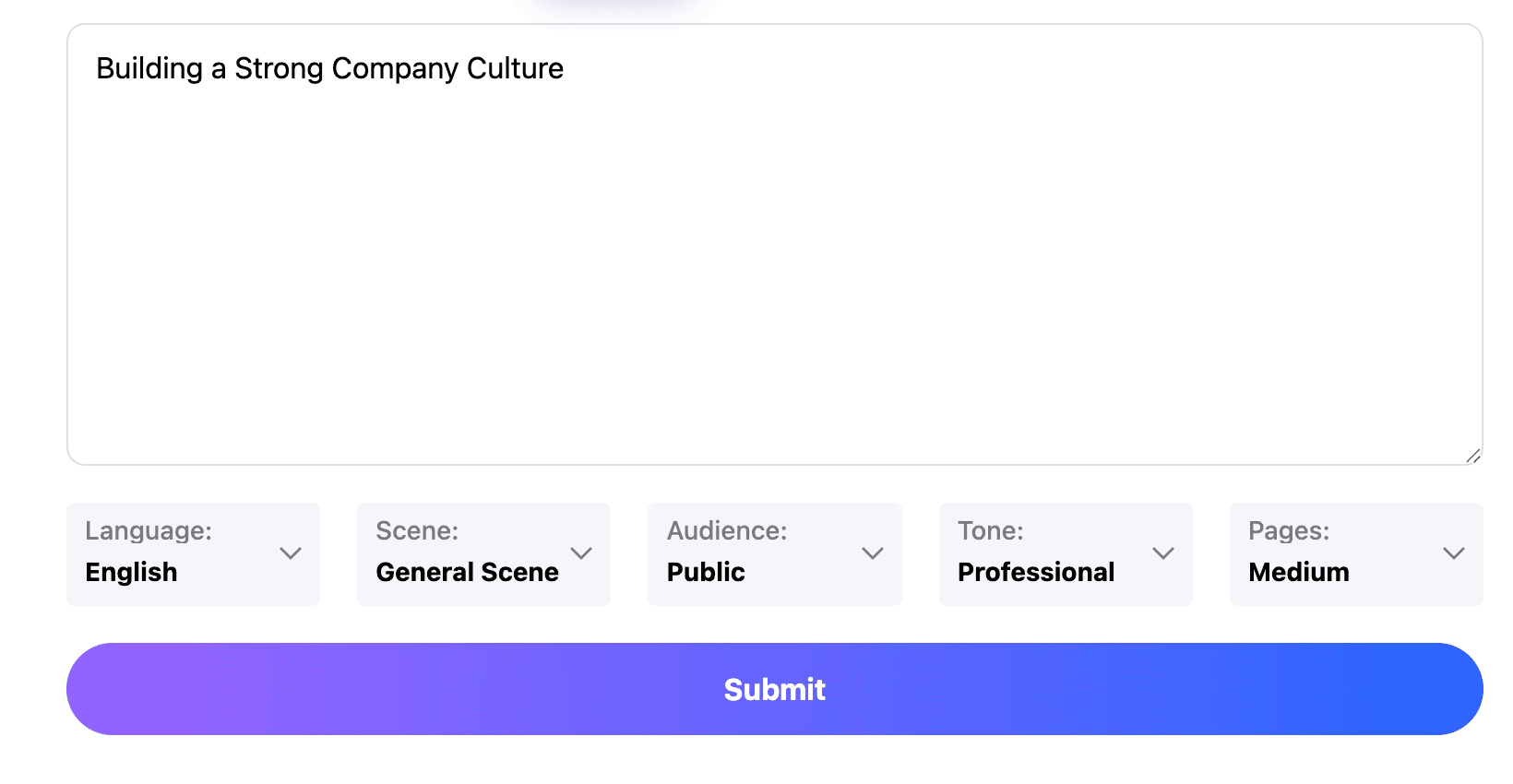
Submit
Drag and drop a file to create a PPT
Supports DOC, DOCX, PDF, PPT, PPTX, TXT, MD, XLS, XLSX, CSV, HTML, EPUB, MOBI, XMIND, and MM files under 10MB
Choose a File
Basic Model
English
简体中文
繁體中文
日本語
한국어
Français
Русский
العربية
Deutsch
Español
Italiano
Português
ภาษาไทย
Bahasa Melayu
Tiếng Việt
Türkçe
Bahasa Indonesia
General Scene
Teaching Materials
Work Summary
Work Plan
Project Report
Solution
Research Report
Meeting Materials
Product Introduction
Company Introduction
Business Plan
Science Popularization
Public Speaking
Public
Students
Teachers
Superiors
Subordinates
Interviewer
Colleagues
Professional
Friendly
Technical
Persuasive
Academic
Inspirational
Educational
Humorous
Concise
Medium
Short
Long
Basic Model
English
简体中文
繁體中文
日本語
한국어
Français
Русский
العربية
Deutsch
Español
Italiano
Português
ภาษาไทย
Bahasa Melayu
Tiếng Việt
Türkçe
Bahasa Indonesia
General Scene
Teaching Materials
Work Summary
Work Plan
Project Report
Solution
Research Report
Meeting Materials
Product Introduction
Company Introduction
Business Plan
Science Popularization
Public Speaking
Public
Students
Teachers
Superiors
Subordinates
Interviewer
Colleagues
Professional
Friendly
Technical
Persuasive
Academic
Inspirational
Educational
Humorous
Concise
Medium
Short
Long
Submit
Basic Model
English
简体中文
繁體中文
日本語
한국어
Français
Русский
العربية
Deutsch
Español
Italiano
Português
ภาษาไทย
Bahasa Melayu
Tiếng Việt
Türkçe
Bahasa Indonesia
General Scene
Teaching Materials
Work Summary
Work Plan
Project Report
Solution
Research Report
Meeting Materials
Product Introduction
Company Introduction
Business Plan
Science Popularization
Public Speaking
Public
Students
Teachers
Superiors
Subordinates
Interviewer
Colleagues
Professional
Friendly
Technical
Persuasive
Academic
Inspirational
Educational
Humorous
Concise
Medium
Short
Long
Submit
Drag and drop a file to create a PPT
Supports PNG, JPG, JPEG, and BMP files under 5MB
Choose a IMAGE
Basic Model
English
简体中文
繁體中文
日本語
한국어
Français
Русский
العربية
Deutsch
Español
Italiano
Português
ภาษาไทย
Bahasa Melayu
Tiếng Việt
Türkçe
Bahasa Indonesia
General Scene
Teaching Materials
Work Summary
Work Plan
Project Report
Solution
Research Report
Meeting Materials
Product Introduction
Company Introduction
Business Plan
Science Popularization
Public Speaking
Public
Students
Teachers
Superiors
Subordinates
Interviewer
Colleagues
Professional
Friendly
Technical
Persuasive
Academic
Inspirational
Educational
Humorous
Concise
Medium
Short
Long
ai pembuat ppt: Describe the real situation
An ai pembuat ppt brief works best when it explains the situation behind the request. Supply your facts and any required terminology. Give ai pembuat ppt a practical objective so the presentation develops around a task rather than a broad topic alone.
ai pembuat ppt: Organize the main points into a story
Use ai pembuat ppt to draft a sequence, then check the relationship between sections. Context should prepare the audience for the evidence, and evidence should support the recommendation. Remove detours that consume time without helping the argument. Review ai pembuat ppt output with the intended audience in mind, especially when the subject contains unfamiliar concepts.
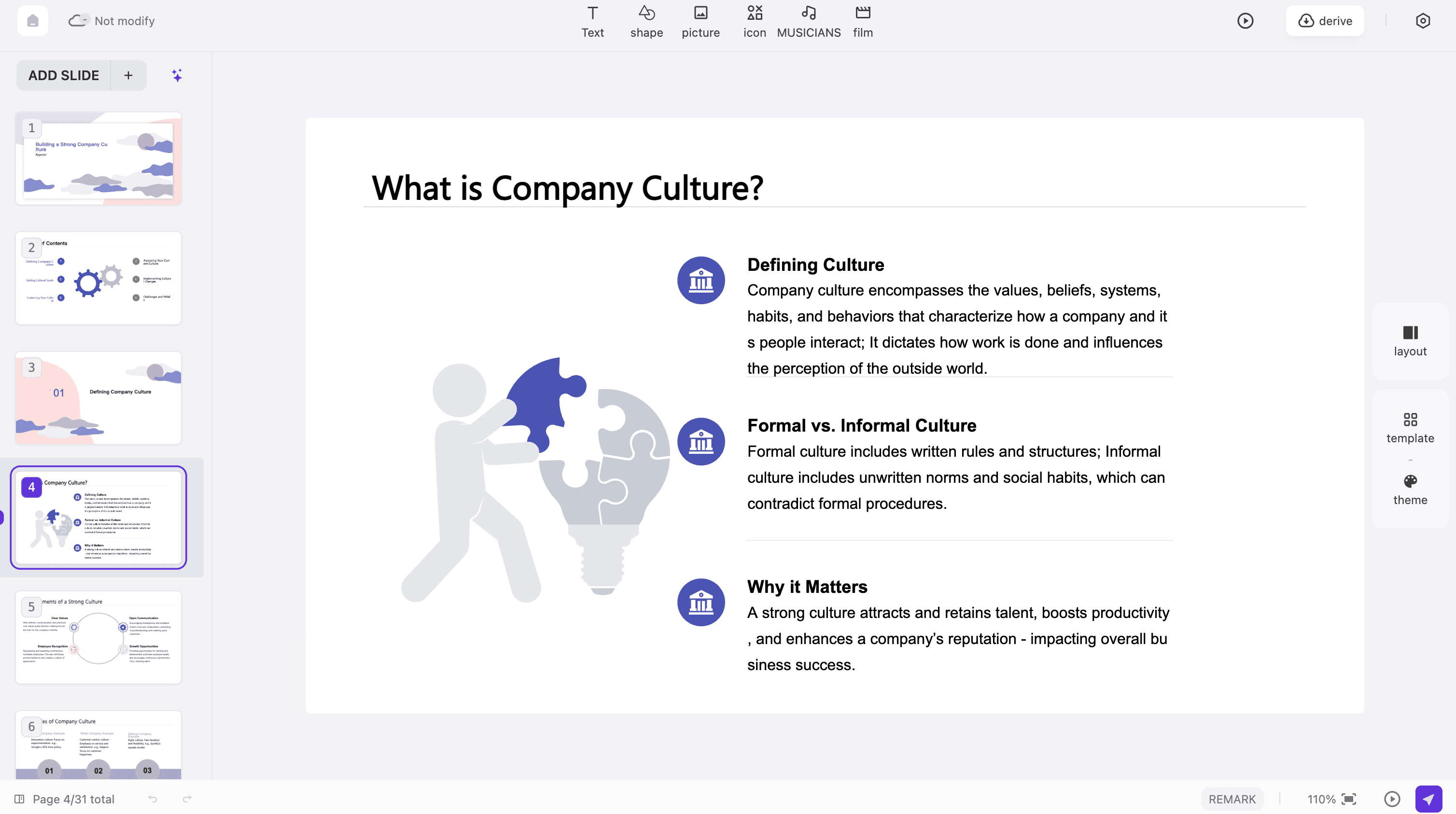
Read ai pembuat ppt slides aloud and check the time needed for examples and questions. Improve awkward transitions and simplify crowded explanations. Inspect the available export and sharing options in your account before planning delivery. An ai pembuat ppt workflow is complete when you have reviewed the material in the form the audience will actually receive.
Work with ai pembuat ppt by defining the audience, choosing a useful structure and refining the presentation until each slide supports the main message.
Step 1
Step 2
Step 3
Set the purpose
Tell ai pembuat ppt the audience, desired outcome and available time. Add source material you are allowed to use and identify any details that must stay exact during drafting.
Review the outline
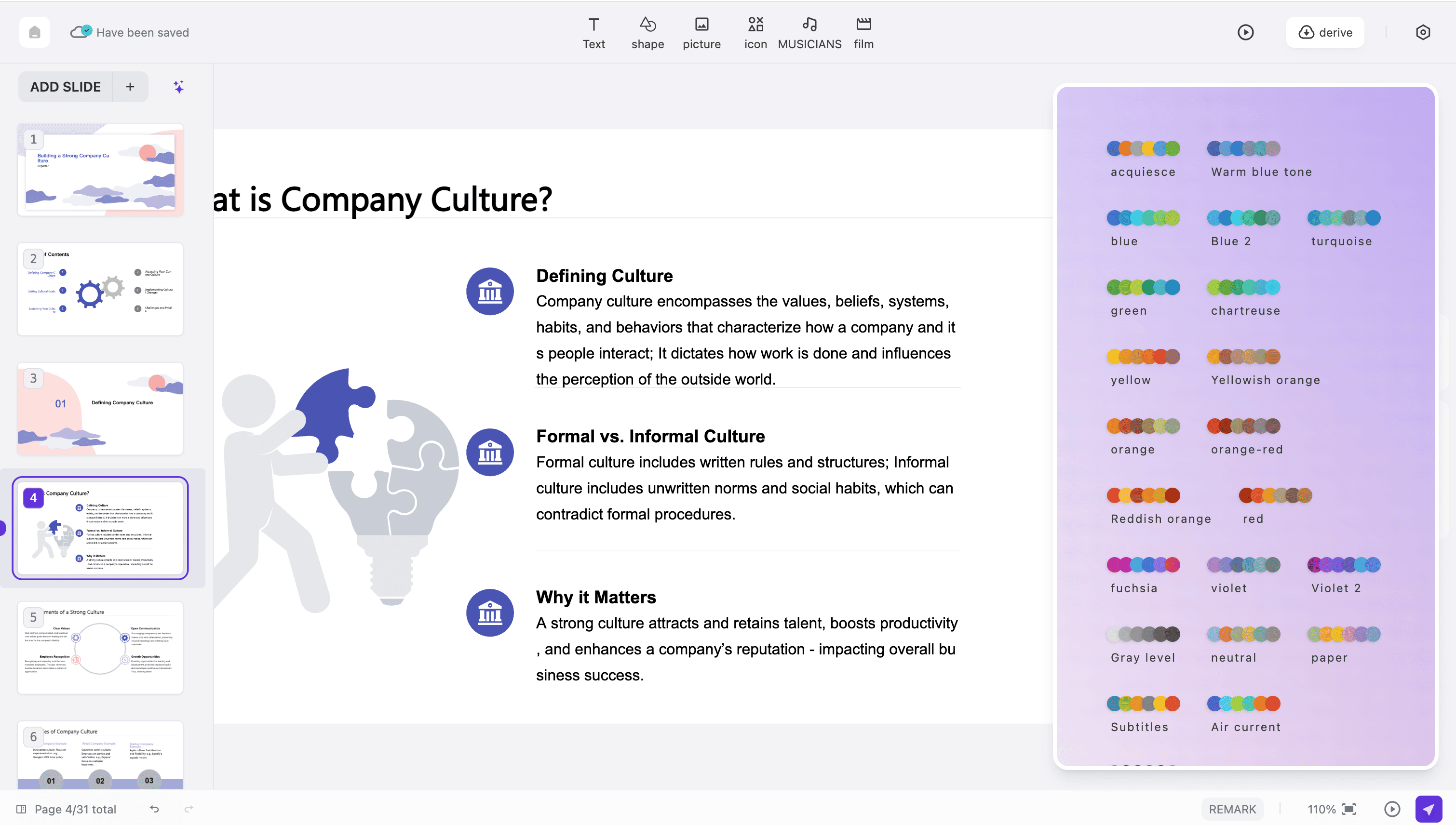
Check the ai pembuat ppt outline for gaps and repeated ideas. Select the strongest examples, put them near the relevant claims and choose an available visual style that suits the setting.
Practice the delivery
Rehearse the ai pembuat ppt result, verify facts and review the final format. Make sure the opening explains why the topic matters and the ending gives a useful next step.
These ai pembuat ppt scenarios connect common presentation tasks with a specific audience, purpose and kind of evidence.
School assignments
Use ai pembuat ppt to organize a topic into a question, explanation and example. Follow the assignment rules and review sources so the deck reflects your own understanding of the subject.
Small business pitches
Give ai pembuat ppt the customer's problem, your proposed solution and evidence of value. Keep assumptions visible and make the requested next action clear enough for the audience to respond.
Workplace reports
Use ai pembuat ppt to connect results with decisions. State the reporting period, explain changes and show the work required next, with owners and dates where they are already agreed.
Training sessions
An ai pembuat ppt brief can describe a learner's task and the mistakes to avoid. Include a demonstration and a practice question that checks whether participants can apply the explanation.
Community projects
Prepare ai pembuat ppt material with a plain-language description of the goal, beneficiaries and resources needed. Explain how people can participate and where they can find more detailed information.
Interview introductions
Use ai pembuat ppt to connect relevant experience with the role you are discussing. Choose concrete examples of your contribution and keep confidential details from previous projects out of the presentation.
ai pembuat ppt: Questions
Answers about creating an effective brief, selecting examples and reviewing a draft before presenting or sharing it.
What does ai pembuat ppt mean?
The Indonesian phrase ai pembuat ppt means an AI tool for making presentations.
Can I brief ai pembuat ppt in Indonesian?
Select the output language offered in the workflow and review the result for natural wording.
How do I choose the right ai pembuat ppt length?
Specify the available speaking time and the complexity of the subject. A short talk needs fewer main ideas and selective examples. Rehearse the draft before deciding whether to remove detail or add supporting explanation.
What related task should I explore?
After using ai pembuat ppt to develop a draft, you may need a focused editing workflow or another guide to organizing slides. Choose according to whether the next improvement concerns wording, structure or delivery. edit ppt dengan aippt ai maker free
Will the first outline be complete?
Review the ai pembuat ppt outline for missing context and evidence. The draft may need your judgment about what matters most.
Can I include my own examples?
Your examples can make ai pembuat ppt output more relevant. Explain what each example demonstrates and provide the facts needed to describe it accurately.
What should I check in generated text?
For ai pembuat ppt, verify names, dates, quotations and calculations. Look for confident statements that go beyond the source.
How do I choose a visual style?
Select an ai pembuat ppt style that fits the audience and content density. Check contrast and title hierarchy with real text.
What are the account requirements?
Before using ai pembuat ppt for a deadline, review the current account conditions, available modes and export requirements.
How can I make the conclusion useful?
End an ai pembuat ppt presentation with the main answer and a specific next action.
Discover More PPT AI Products
Unlock even more with PPT AI suite of intelligent solutions






 AI Pembuat PPT:






ai pembuat ppt: Applications