What makes your platform different from other slide creation tools?
Our AI presentation PPT tools use advanced multi-model technology including DeepSeek, GPT-4o, Claude 3.5, and Gemini to better understand content structure and context. This sophisticated approach creates more professionally designed and contextually accurate slides than traditional single-model alternatives available elsewhere.
Is there a limit to how many slides I can create?
Free users can create AI presentation PPT slides with up to 1,500 words of content per project, while premium users enjoy unlimited creation capacity with additional advanced features, priority processing, cloud storage, and access to our complete template library with over 200 designs.
Does the system maintain my original content formatting?
Yes, our advanced AI presentation PPT tools preserve headings, bullet points, numbered lists, and paragraph structure while intelligently optimizing them for professional slide format. The system automatically enhances your content organization to create a logical flow throughout your presentation.
Can I add custom images and media to my slides?
The basic tools focus primarily on text-to-slide conversion for maximum efficiency, but our comprehensive editor allows you to add images, charts, videos, and other media after the initial AI presentation PPT creation process. Premium users also gain access to our integrated AI image generation features.
How long does the slide creation process typically take?
Our AI presentation PPT platform typically completes slide creation in under 60 seconds, regardless of content complexity or length. The system is specifically optimized for speed without sacrificing quality, ensuring you get professional results quickly when you need them most.
Does the platform support multiple languages for international users?
Yes, our AI presentation PPT tools support 15 major languages including Chinese, Japanese, Korean, Spanish, French, German, Portuguese, Italian, Russian, Arabic, and more. The system handles multilingual content seamlessly, making it perfect for international teams.
Can I customize and edit slides after the initial creation?
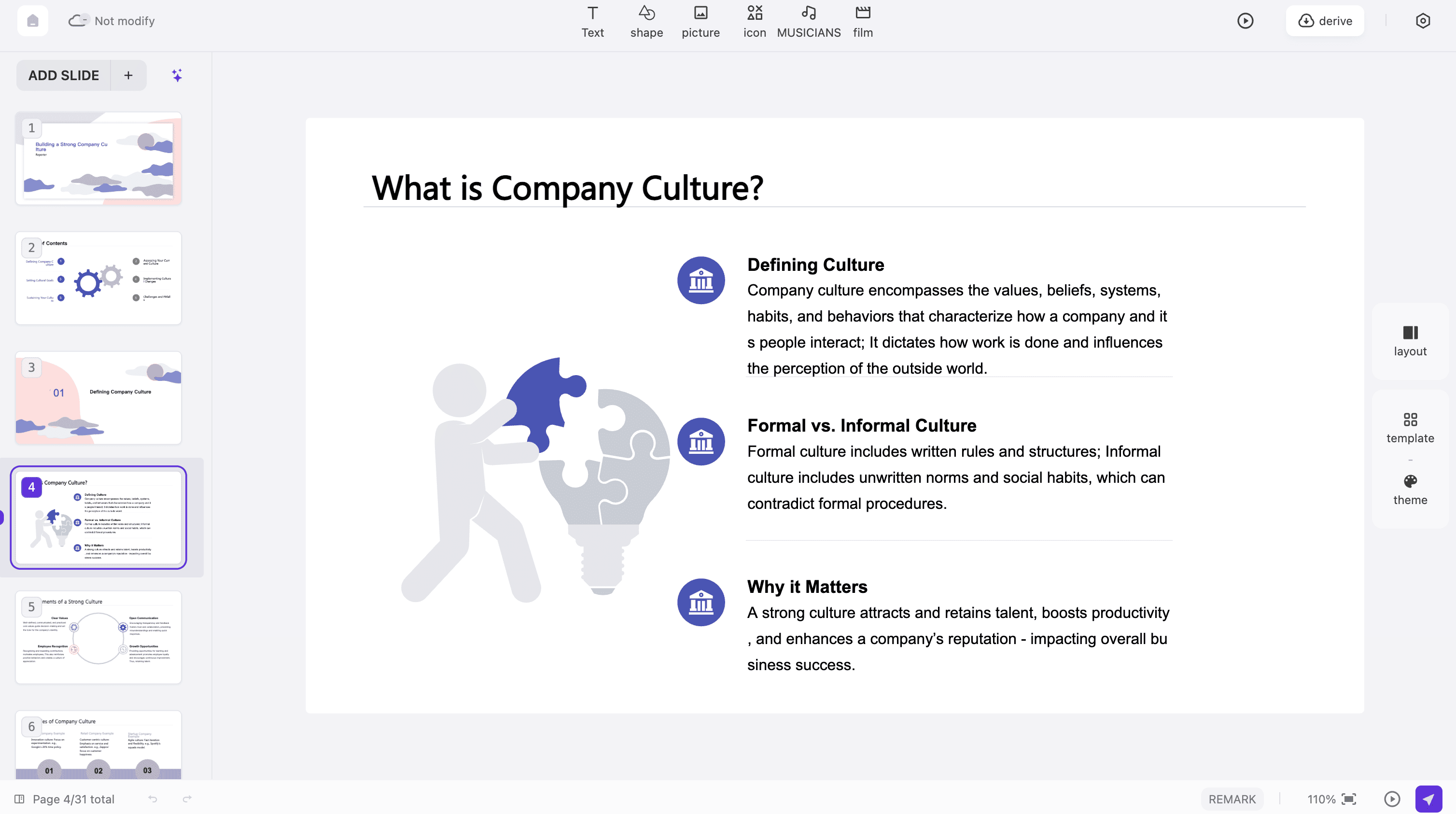
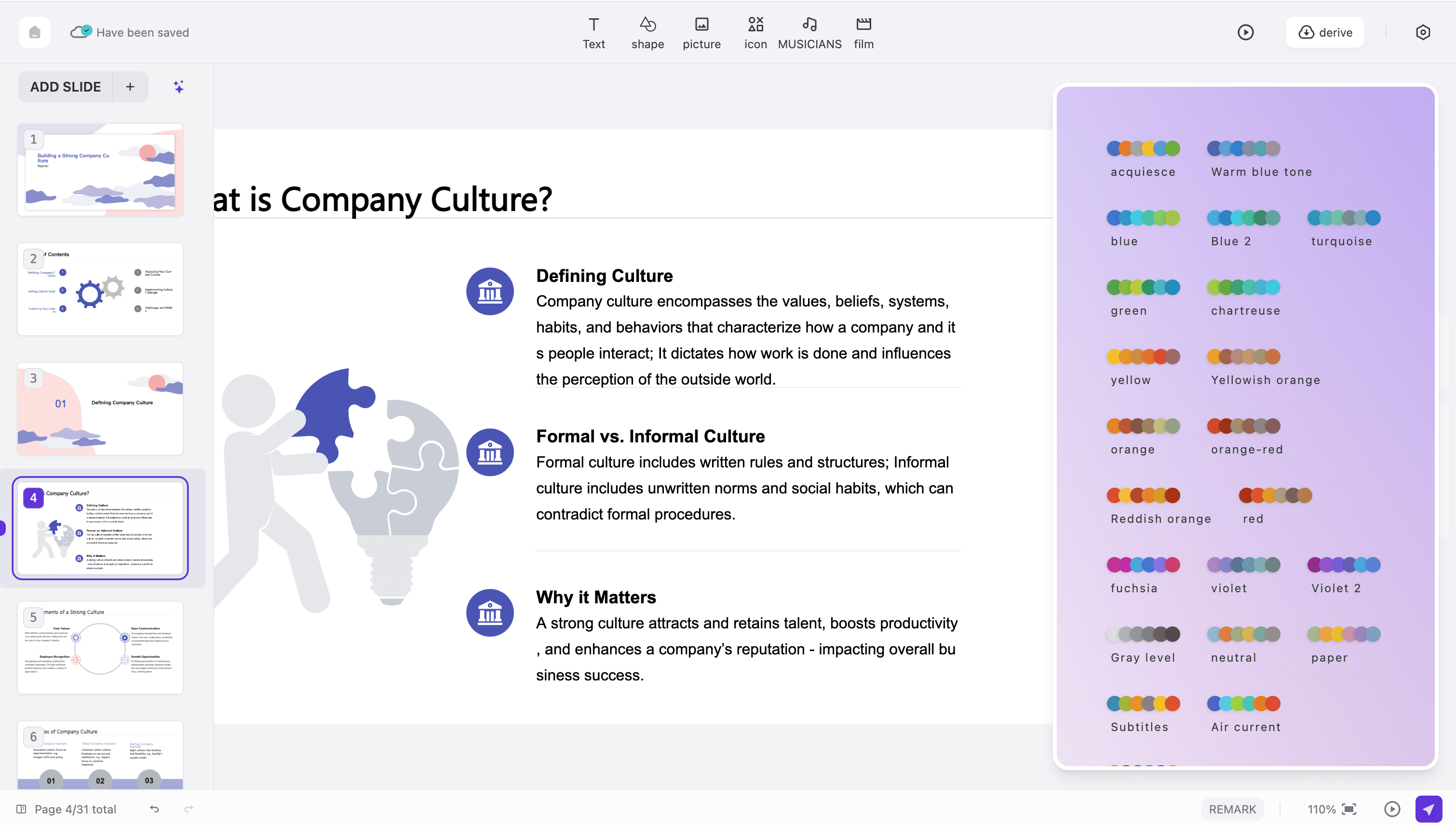
Absolutely. After creation, you can fully edit text content, change color schemes, add images and graphics, adjust layouts, modify fonts, and customize every element using our intuitive drag-and-drop editor. Every aspect of your AI presentation PPT is completely customizable to match your vision.
Is my data secure and private when using your platform?
Yes, we take security extremely seriously. Our AI presentation PPT platform uses bank-level 256-bit encryption during all processing and data transmission. All submitted content is automatically and permanently deleted from our servers after 24 hours to ensure your complete privacy.
Can I access the platform on mobile devices and tablets?
Yes, our platform is fully responsive and works perfectly on smartphones, tablets, laptops, and desktop computers. Create professional AI presentation PPT slides anywhere, anytime with full functionality on any device with an internet connection and a modern web browser.
Do I need to create an account to start using the tools?
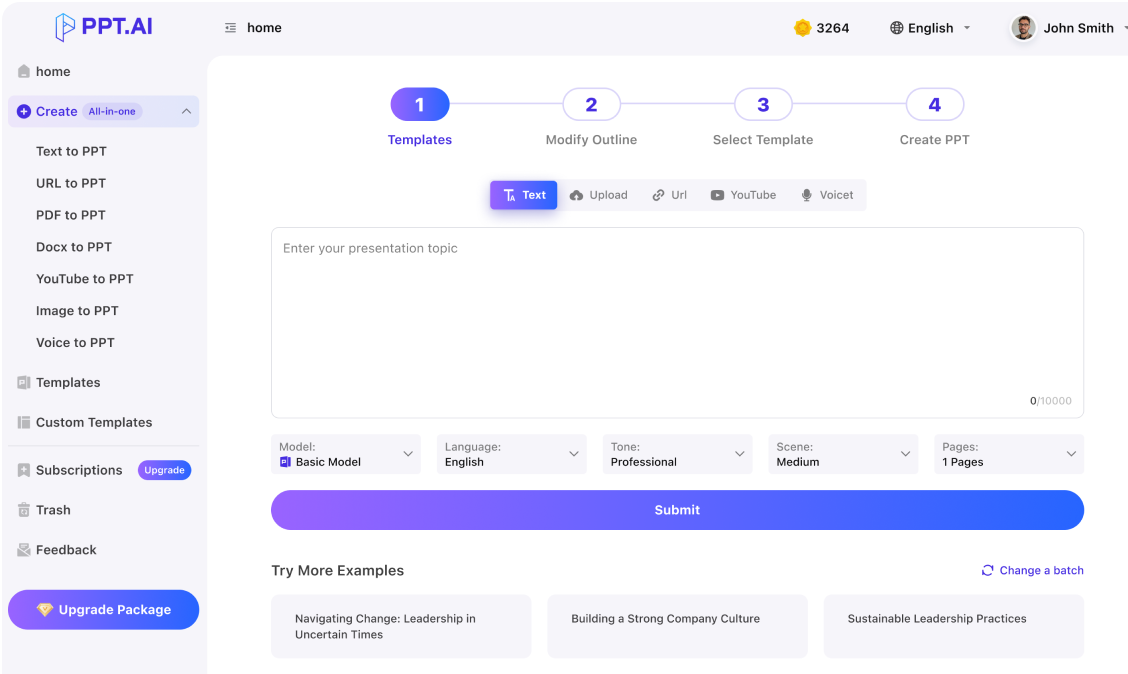
You can try our AI presentation PPT tools with basic features without any registration required. However, creating a free account unlocks additional templates, advanced customization features, cloud storage for your projects, and the ability to save your work for future editing.





 AI Presentation PPT:







What Users Say About Our Platform