Text
Upload
Url
YouTube
Image
Submit
Drag and drop a file to create a PPT
Supports DOC, DOCX, PDF, PPT, PPTX, TXT, MD, XLS, XLSX, CSV, HTML, EPUB, MOBI, XMIND, and MM files under 10MB
Choose a File
Submit
Submit
Drag and drop a file to create a PPT
Supports PNG, JPG, JPEG, and BMP files under 5MB
Choose a IMAGE

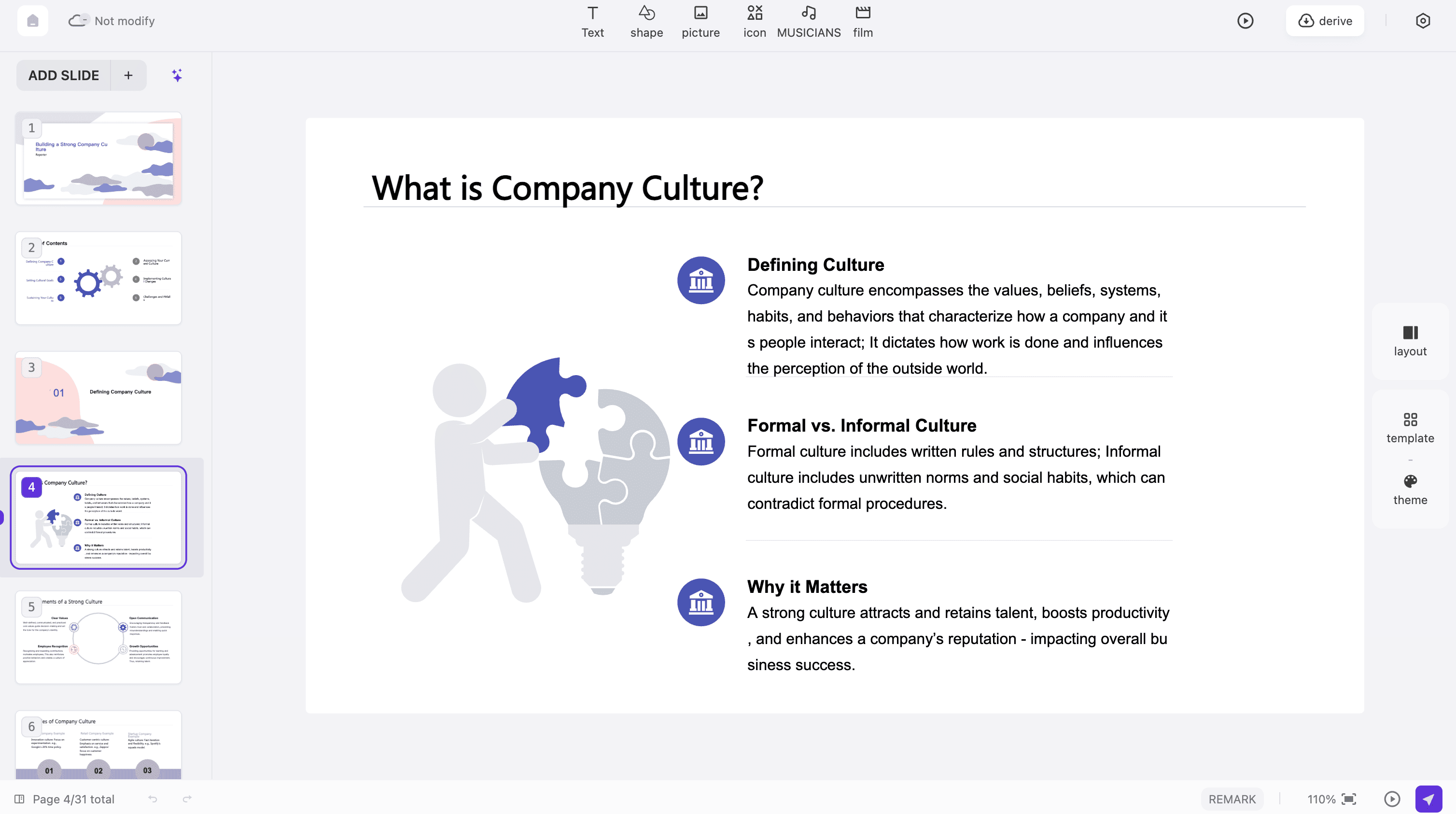
Instant Presentation Creation

Our advanced platform transforms your content into beautiful Canva Slides within seconds. Simply input your ideas and watch as professional presentations are generated automatically with stunning visual layouts and modern design elements that captivate your audience.
Create Canva Slides Now

Smart Content Organization

The intelligent system analyzes your content structure to create perfectly organized presentations. Every slide features optimal design layout and visual hierarchy for maximum audience engagement, ensuring your message is delivered clearly and effectively.
Create Canva Slides Now

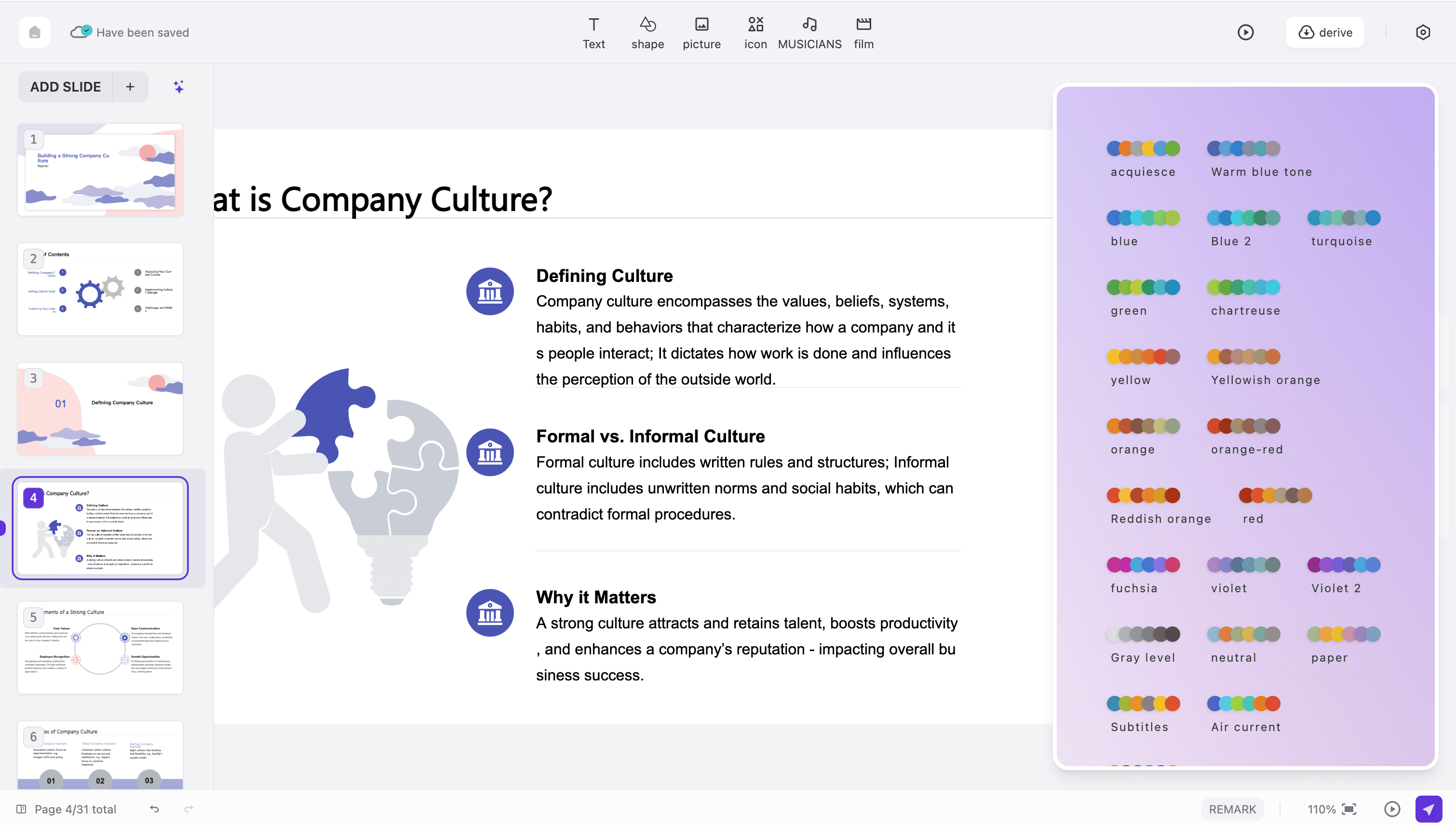
Professional Template Library

Choose from over 50 professionally designed templates when creating your presentations. Each template is crafted by expert designers to make your Canva Slides visually stunning, highly impactful, and memorable for every viewer.
Create Canva Slides Now

How to Create Canva Slides Online

Design Professional Presentations in Three Easy Steps
Step 1
Step 2
Step 3

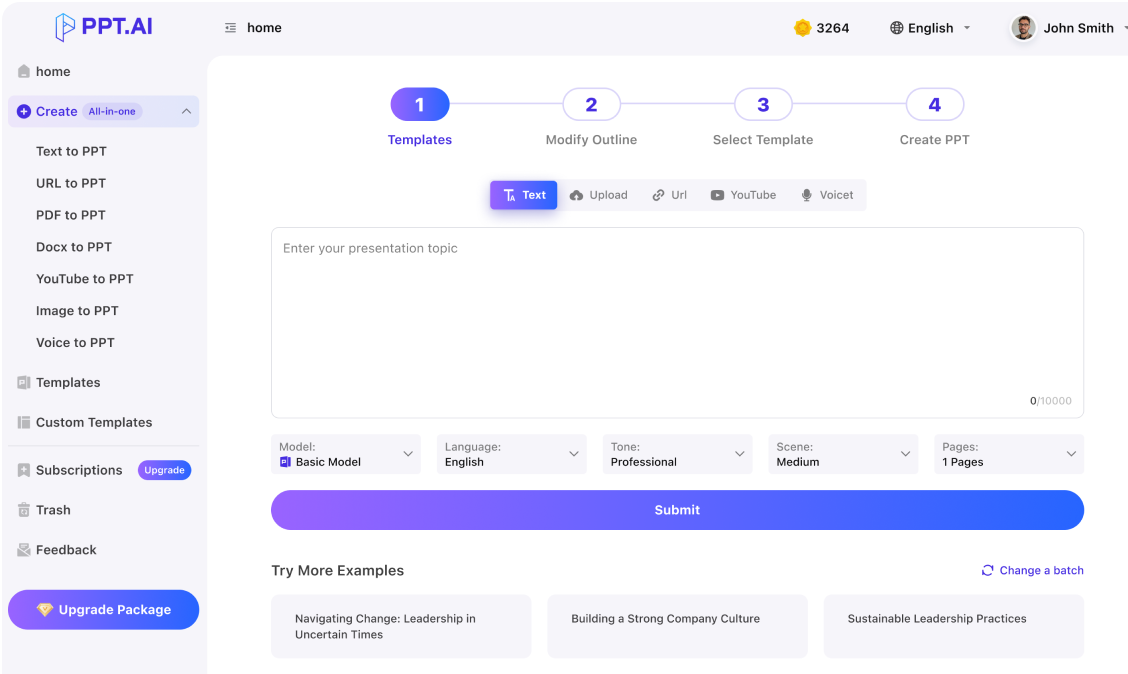
Enter Your Content

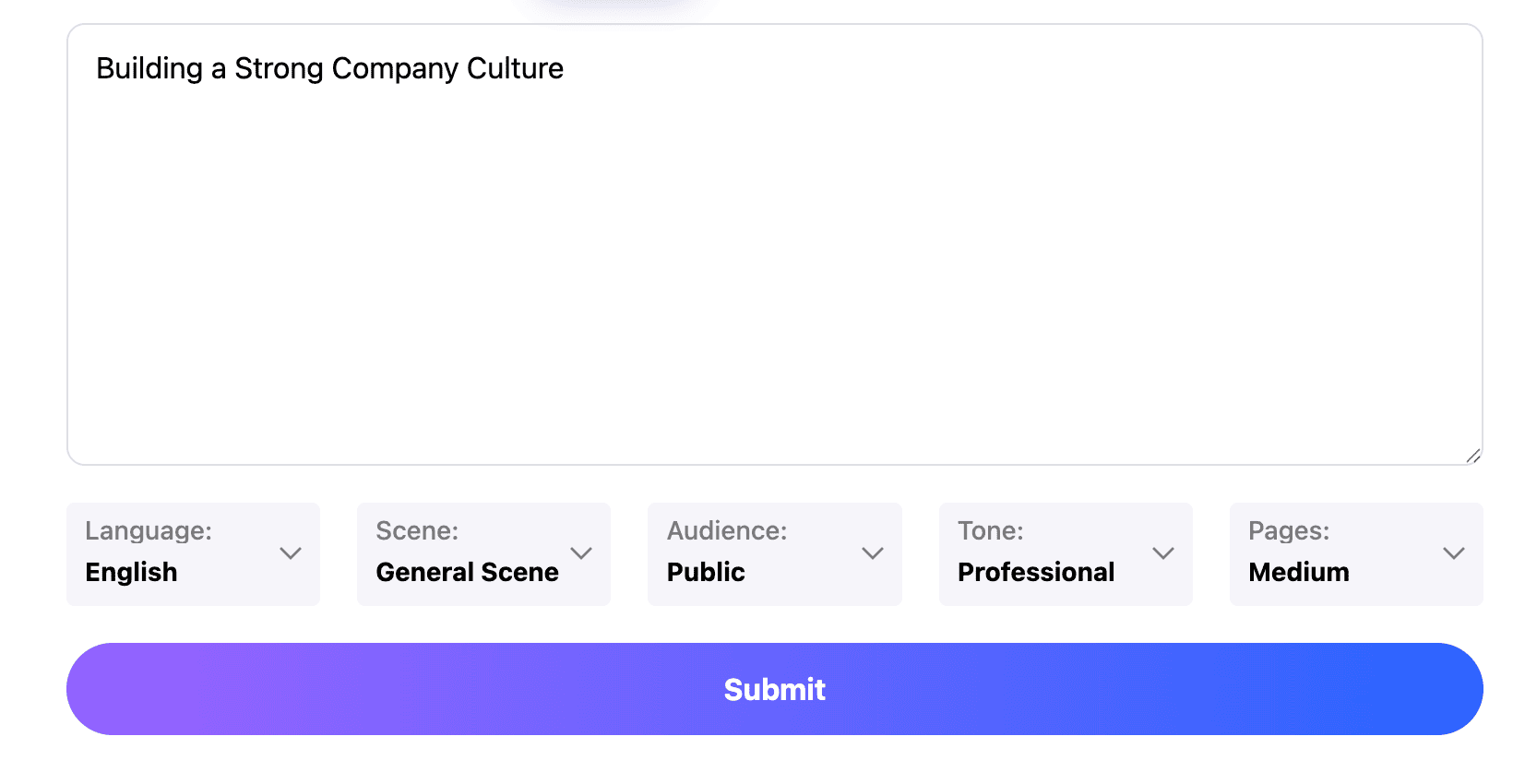
Begin your presentation journey by simply pasting any text into our platform or typing directly in the input area. Our intelligent system accepts various content formats including documents, outlines, and raw text for your convenience and flexibility.

Choose Your Template

Select your preferred template and adjust settings to customize your output. Choose from professional layouts, modern color schemes, and beautiful typography options that perfectly match your brand identity and presentation goals.

Download and Share

Your Canva Slides are generated instantly with professional quality. Use our built-in editor to make any final adjustments, add personal touches, then download in multiple formats or share directly with your audience.
Start Creating Now

What Users Say About Our Platform

Real Experiences from Satisfied Users Worldwide
Amanda Chen
Marketing Manager
Creating presentations has never been easier. This platform transformed my workflow completely. What used to take hours now takes minutes, and my Canva Slides look more professional than anything I could design manually. The templates are absolutely gorgeous.
Mark Johnson
Business Development Director
The quality of presentations from this platform consistently exceeds my expectations. The AI understands content structure perfectly and creates visually stunning slides every single time. My clients are always impressed with the professional results.
Dr. Sarah Williams
University Professor
As an educator, I create lecture materials regularly for my classes and workshops. This platform understands academic content brilliantly and saves me countless hours each week. The Canva Slides I create look polished and engaging.
David Thompson
Startup Founder
Our team relies on this platform for investor presentations and pitch decks. The professional output has helped us secure significant funding by presenting our ideas clearly, compellingly, and with beautiful visual design that stands out.
Jessica Wong
Graduate Student
Making presentations for thesis defense used to stress me out completely. Now I simply input my research content and get beautifully designed academic slides in minutes. This tool has been an absolute game-changer for my academic career.
Michael Garcia
Sales Director
I was initially skeptical about AI-powered presentation tools. However, the results exceeded my expectations completely. The platform intelligently organizes content into clear, persuasive presentations that help close deals faster.

Frequently Asked Questions About Canva Slides

Have another question? Contact us by email

What makes your platform unique for creating presentations?

Our platform uses advanced multi-model AI technology including DeepSeek, GPT-4o, Claude 3.5, and Gemini 2.0. This powerful combination ensures superior content understanding and creates professionally designed Canva Slides with optimal visual layouts that engage audiences effectively.

How many presentations can I create for free?

Free users can create presentations with up to 1,500 words of content. Premium subscribers enjoy unlimited creation capacity along with access to exclusive templates, advanced customization features, and priority processing for faster results.

Does the platform preserve my original content formatting?

Yes, when creating your presentation, our system preserves headings, bullet points, and paragraph structure from your original content. The AI optimizes these elements for professional presentation format while maintaining your intended structure and hierarchy.

Can I add images to my presentations?

Absolutely. While the initial creation focuses on content structure, our built-in editor allows you to add images, charts, diagrams, and graphics. You can also access our extensive library of professional stock images to enhance your Canva Slides.

How quickly can I create a complete presentation?

Our platform generates complete presentations in under 60 seconds, regardless of content length or complexity. This remarkable speed allows you to focus on refining your message and practicing delivery rather than spending hours on design work.

What languages does the platform support?

Our platform supports 15 major languages including English, Chinese, Japanese, Korean, Spanish, French, German, Italian, Portuguese, Russian, and Arabic. Create professional Canva Slides in your preferred language effortlessly and reach global audiences.

Can I customize my presentation after creation?

Yes, every presentation is fully customizable after initial generation. You can edit text, change colors, modify layouts, add smooth animations, and insert additional elements using our intuitive design editor with drag-and-drop functionality.

Is my content secure when using your platform?

Security is our absolute priority. When you create presentations on our platform, all data is protected with bank-level encryption during transmission and processing. Submitted content is automatically deleted from our servers within 24 hours.

Can I create presentations on mobile devices?

Yes, our platform is fully responsive and works seamlessly on smartphones and tablets. Create professional Canva Slides anywhere, anytime, on any device you prefer without compromising quality or functionality.

Do I need an account to use the platform?

You can try creating basic presentations without an account to experience our platform. However, registering unlocks premium templates, advanced customization options, cloud storage for your work, and powerful collaboration features for teams.

Discover More PPT AI Products

Unlock even more with PPT AI suite of intelligent solutions

PPT AI Blog

Explore premium articles to learn how to maximize your use of PPT AI for better presentations.
Try PPT.AI Today
Start here, better presentations instantly.
Start for free
Help us understand?
What was the reason you didn't complete your payment?
Continue payment
Submit feedback