Text
Upload
Url
YouTube
Image
Submit
Drag and drop a file to create a PPT
Supports DOC, DOCX, PDF, PPT, PPTX, TXT, MD, XLS, XLSX, CSV, HTML, EPUB, MOBI, XMIND, and MM files under 10MB
Choose a File
Submit
Submit
Drag and drop a file to create a PPT
Supports PNG, JPG, JPEG, and BMP files under 5MB
Choose a IMAGE

Fast NotebookLM PPT Creation

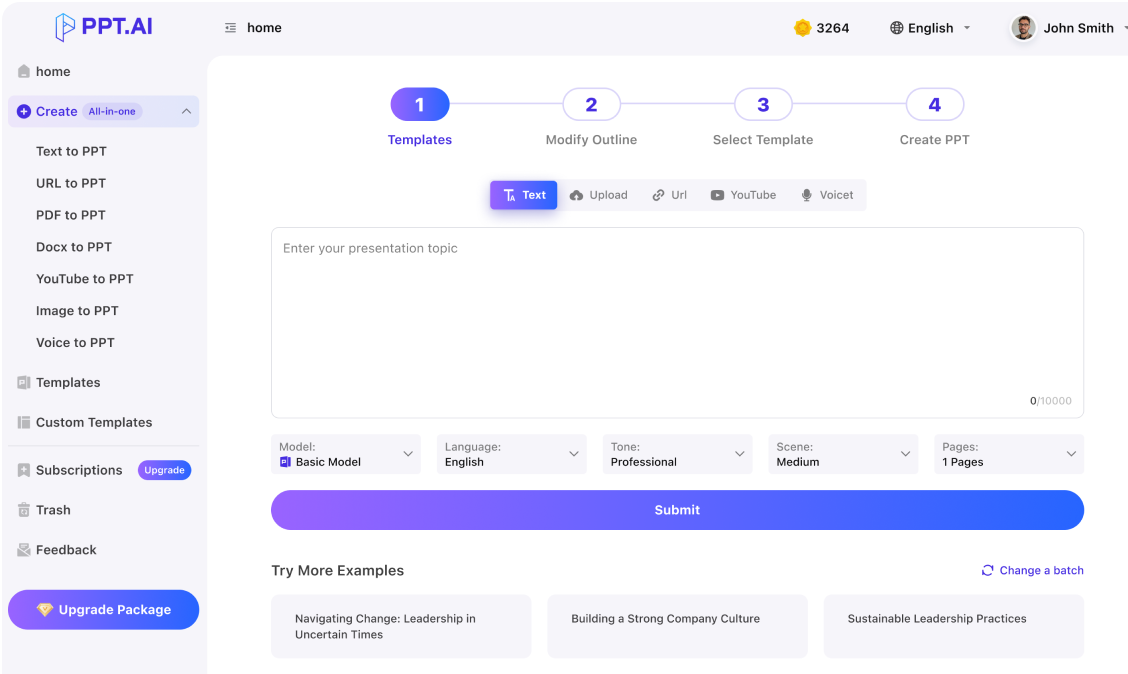
Our platform transforms your notes into professional presentations within seconds. Simply paste your content or enter a topic, and the AI generates well-designed slides with clean layouts and structured content automatically.
Try NotebookLM PPT Free

Smart Content Organization

The intelligent NotebookLM PPT engine analyzes your research notes, summaries, and source materials. It organizes the extracted content into logically ordered slides with optimal visual hierarchy and professional typography for maximum clarity.
Try NotebookLM PPT Free

Rich Template Library

Browse over 800 professional templates in our NotebookLM PPT gallery. Each template is designed for different industries and occasions, helping you find the right style for your project quickly and effortlessly.
Try NotebookLM PPT Free

How to Make NotebookLM PPT in 3 Steps

Turn Your Notes into Slides Easily
Step 1
Step 2
Step 3

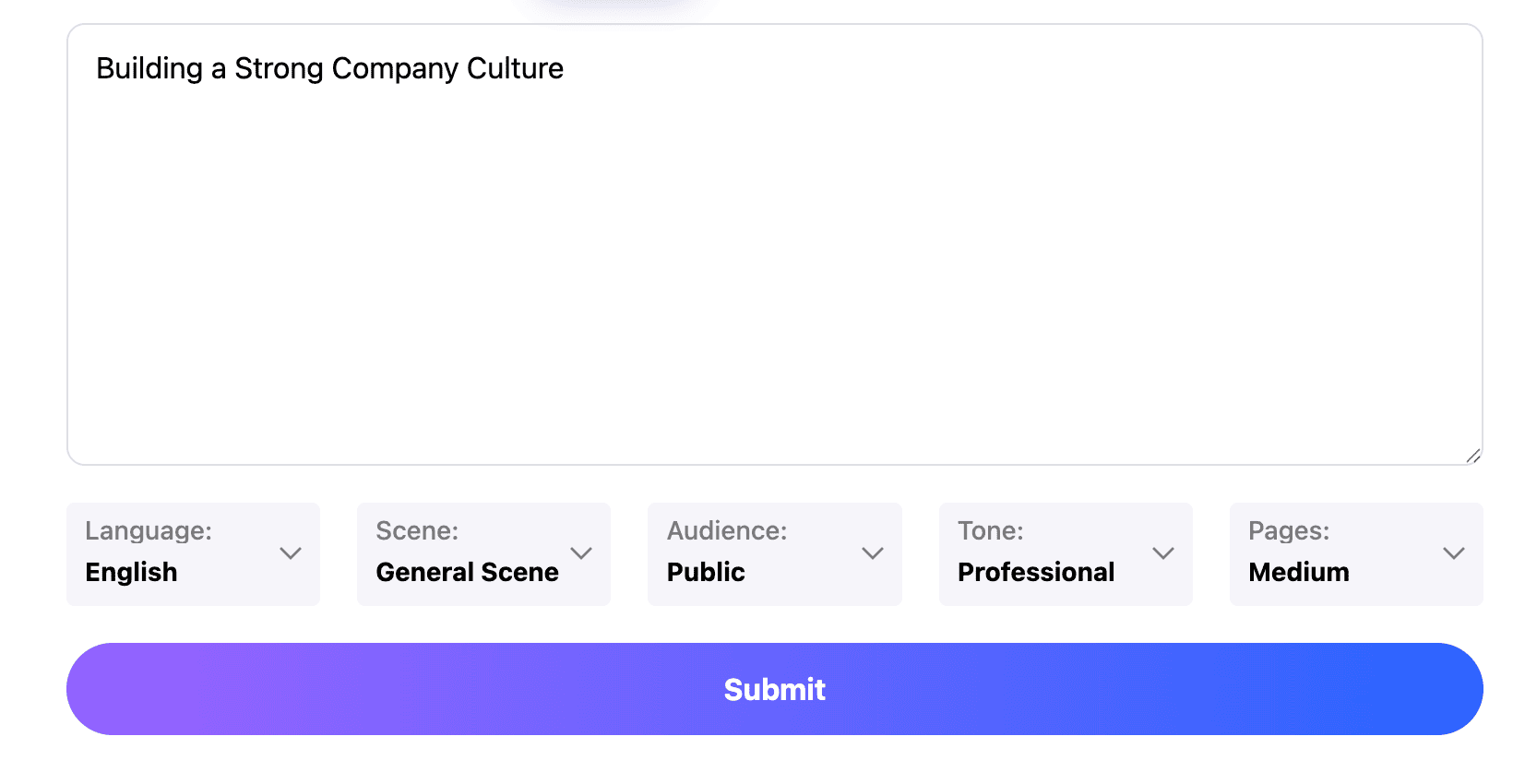
Paste Your Notes

Copy your research notes, summaries, or key insights and paste them into the editor. You can also upload documents in Word, PDF, or Markdown format. The system analyzes your material and prepares a structured outline for slide creation.

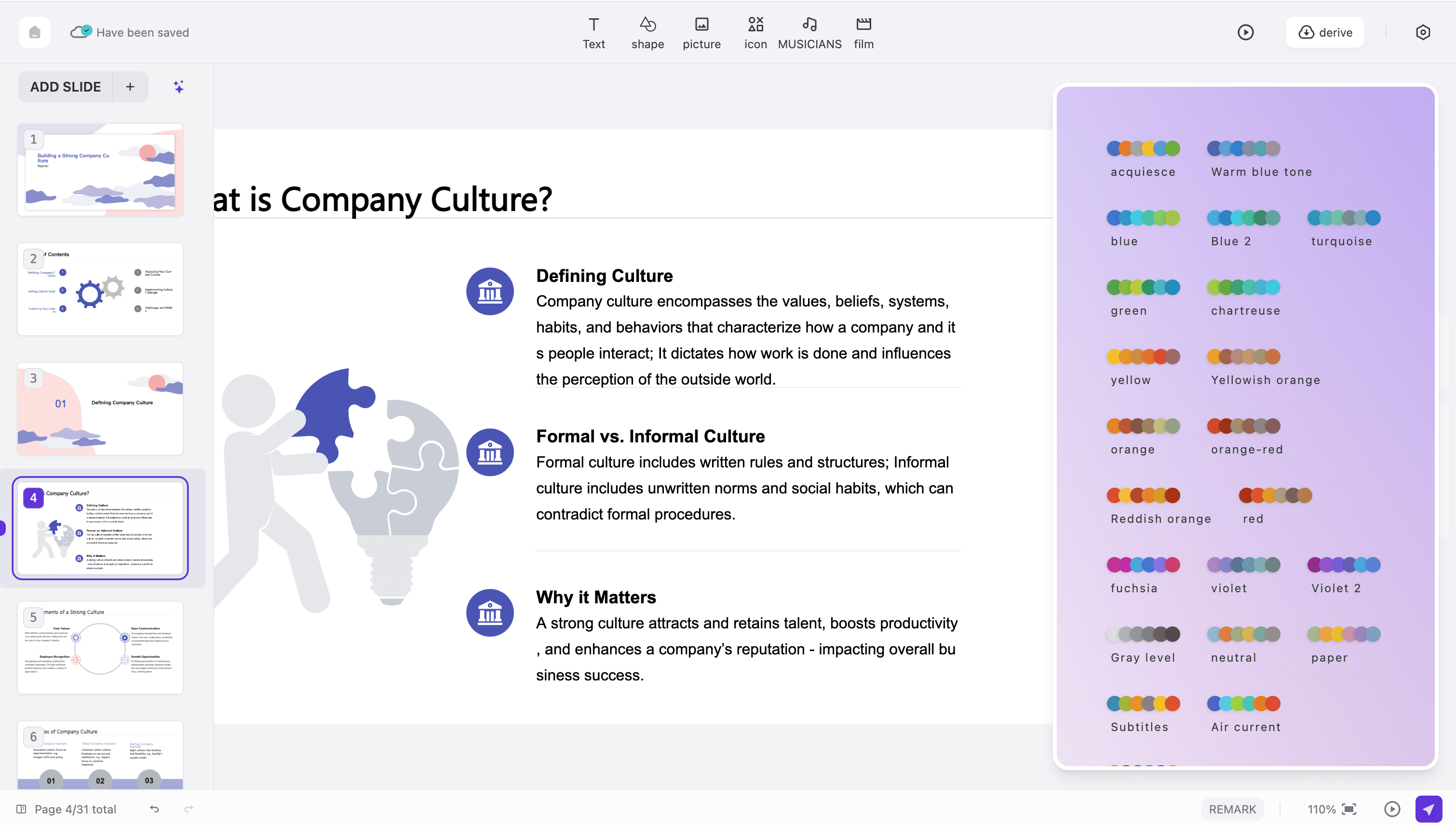
Choose a Template

Select from hundreds of professional templates in our NotebookLM PPT library. Adjust the tone, audience, and slide count to match your needs. The engine arranges your content into well-structured, visually appealing slides.

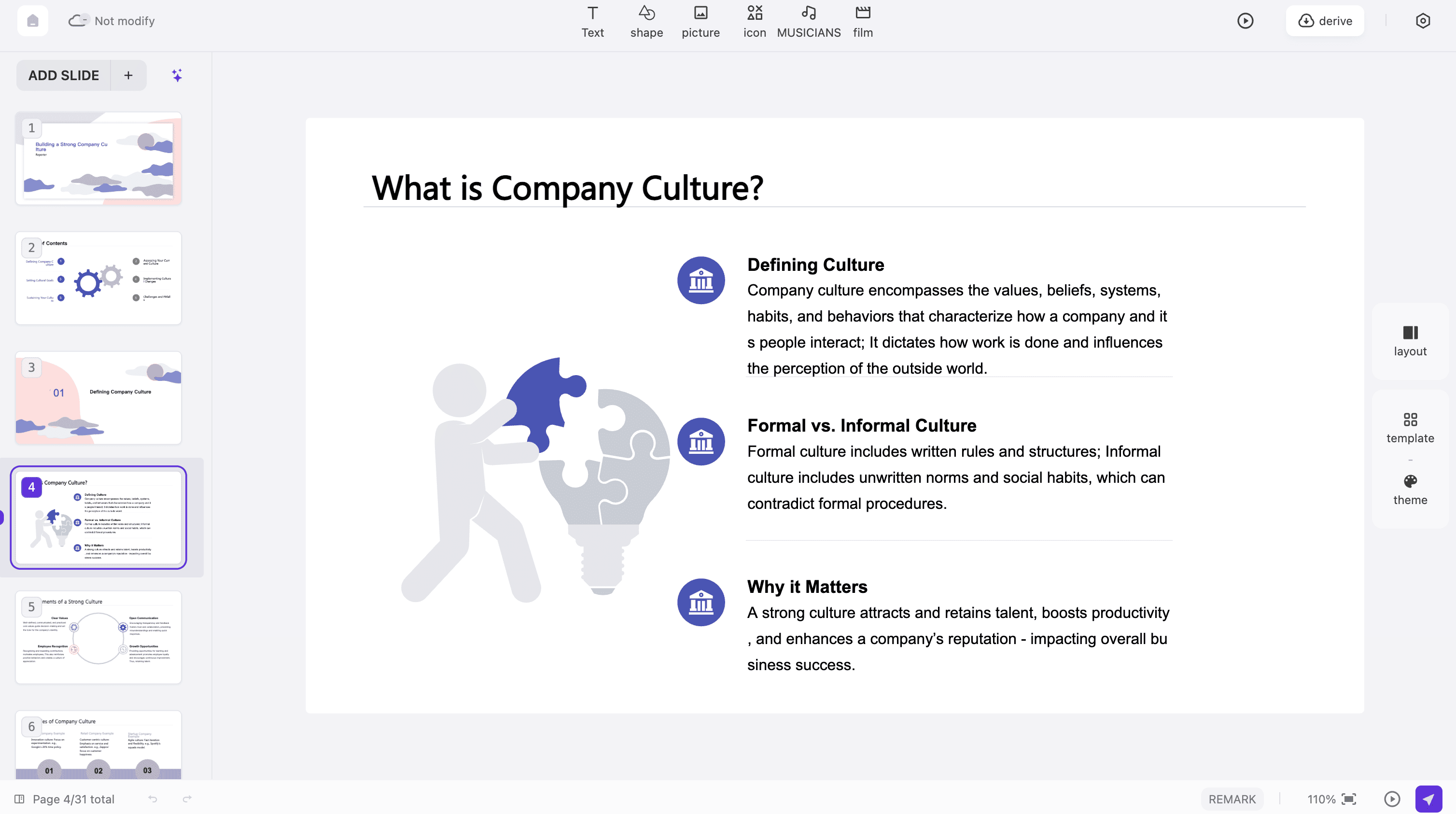
Edit and Download

Review your completed presentation and make final adjustments using the built-in editor. Modify text, swap images, and refine the design. Then export your file in PowerPoint or PDF format for your next meeting or class.
Start Creating Now

What Users Say About This Tool

Real Feedback from Our Presentation Users
Sarah Mitchell
Marketing Director
NotebookLM PPT has completely changed how I turn research into meeting decks. I used to spend hours formatting notes into slides manually, but now I get professional presentations in just a few minutes. It is a must-have for busy professionals.
James Rodriguez
Business Consultant
I discovered NotebookLM PPT last month and it quickly became my go-to tool for client pitches. The AI extracts key points from my notes and generates beautifully structured slides that always impress stakeholders during presentations.
Dr. Emily Zhang
University Professor
As a lecturer, I often need to turn research notes into teaching slides. This tool saves me significant time while producing clean, well-organized presentations that keep my students engaged and help them learn more effectively.
Michael Turner
Sales Executive
Our team relies on NotebookLM PPT for turning research summaries into pitch decks. The output quality is consistently excellent, and the template variety ensures every presentation we deliver looks fresh, unique, and tailored to our audience.
Lisa Chen
Graduate Student
I was skeptical at first, but this tool completely proved me wrong. It pulls content from my study notes and creates incredibly polished slides, which is exactly what I needed for my thesis defense and conference presentations.
David Thompson
Project Manager
Converting project notes into client-facing presentations used to take our team an entire day. Now we deliver stunning results within minutes. This tool has become an essential part of our daily workflow and reporting process.

Frequently Asked Questions

Have another question? Contact us by email

What is NotebookLM PPT and how does it work?

NotebookLM PPT is an AI-powered tool that transforms your research notes and summaries into professional presentation slides. Paste your content, choose a template, and the system generates polished slides with professional layouts in under 60 seconds.

Is it free to use?

Yes, we offer a free plan that lets you create up to three presentations per month with basic templates and up to 15 slides per project. Premium plans unlock unlimited creation, over 800 templates, advanced editing features, and watermark removal.

What types of content work best?

The tool works well with research notes, article summaries, study guides, meeting notes, project briefs, and any structured text content. It reads headings, bullet points, and paragraphs to build well-organized, visually compelling slides.

How fast does NotebookLM PPT generate slides?

A complete presentation with over 20 professionally designed slides is typically generated in under 60 seconds. The AI processes your content quickly while ensuring each slide is well-designed, logically structured, and visually compelling.

Can I edit slides after generation?

Absolutely. After your presentation is created, you can fully customize every slide. Edit text, change colors, swap templates, adjust layouts, and add images or charts using our intuitive built-in editor before downloading the final version.

What export formats are supported?

You can export your finished presentations in PowerPoint format and PDF format. The exported files maintain full design fidelity and are compatible with Microsoft PowerPoint, Google Slides, Keynote, and other popular presentation software.

Does it work on mobile devices?

Yes, the platform is fully responsive and works smoothly on smartphones, tablets, and desktop computers. You can create, edit, and download presentations from any device with a modern web browser without installing any additional software.

What AI models power the platform?

The platform uses multiple advanced AI models including DeepSeek, GPT-4o, Claude 3.5, and Gemini 2.0. This multi-model approach ensures the highest quality content analysis, intelligent structure planning, and professional slide generation.

Is my data secure?

Yes, we employ enterprise-grade encryption for all data processing and transmission. All uploaded content is automatically deleted from our servers within 24 hours after your presentation is created, ensuring your information remains completely private.

Does NotebookLM PPT support multiple languages?

Yes, the platform supports over 15 languages including English, Chinese, Japanese, Korean, Spanish, French, German, Portuguese, Arabic, and Russian. You can create professional presentations in any supported language with natural, fluent results.

Discover More PPT AI Products

Unlock even more with PPT AI suite of intelligent solutions

PPT AI Blog

Explore premium articles to learn how to maximize your use of PPT AI for better presentations.
Try PPT.AI Today
Start here, better presentations instantly.
Start for free
Help us understand?
What was the reason you didn't complete your payment?
Continue payment
Submit feedback