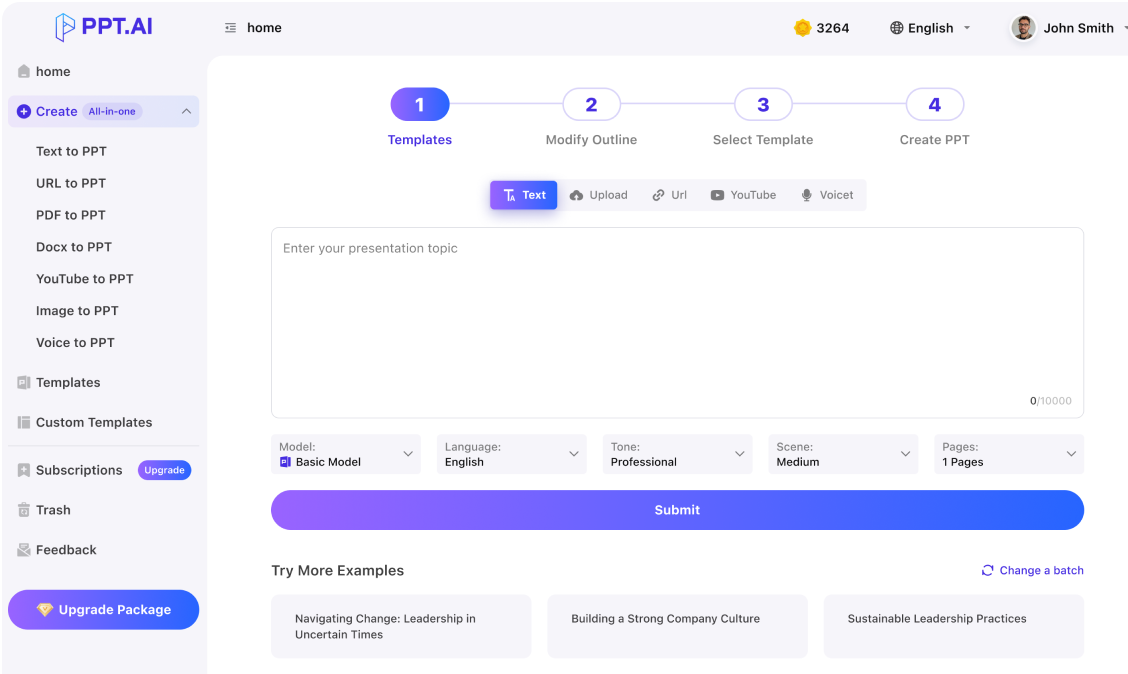
Text
Upload
Url
YouTube
Image
Submit
Drag and drop a file to create a PPT
Supports DOC, DOCX, PDF, PPT, PPTX, TXT, MD, XLS, XLSX, CSV, HTML, EPUB, MOBI, XMIND, and MM files under 10MB
Choose a File
Submit
Submit
Drag and drop a file to create a PPT
Supports PNG, JPG, JPEG, and BMP files under 5MB
Choose a IMAGE

Instant PowerPoint Presentation Creation

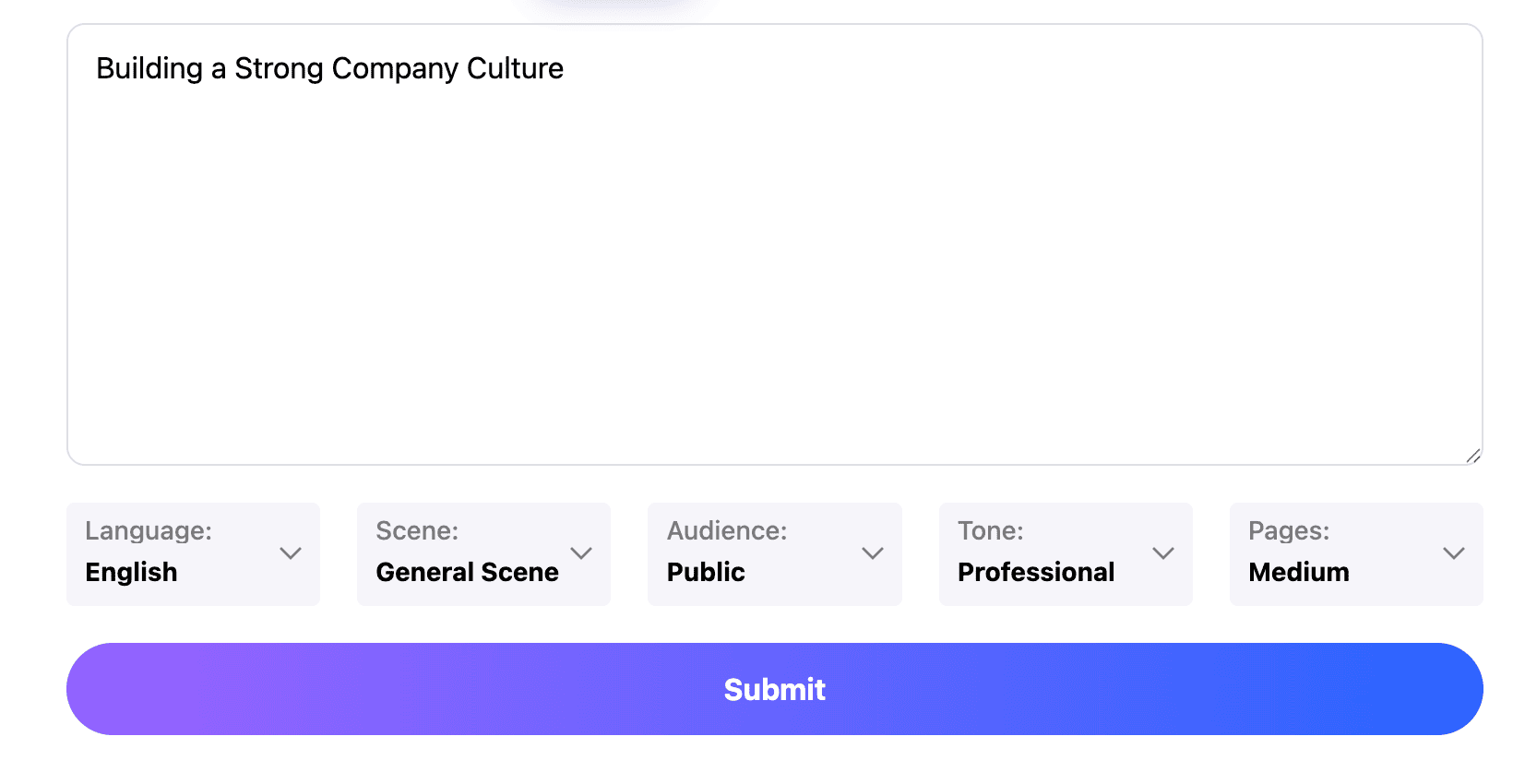
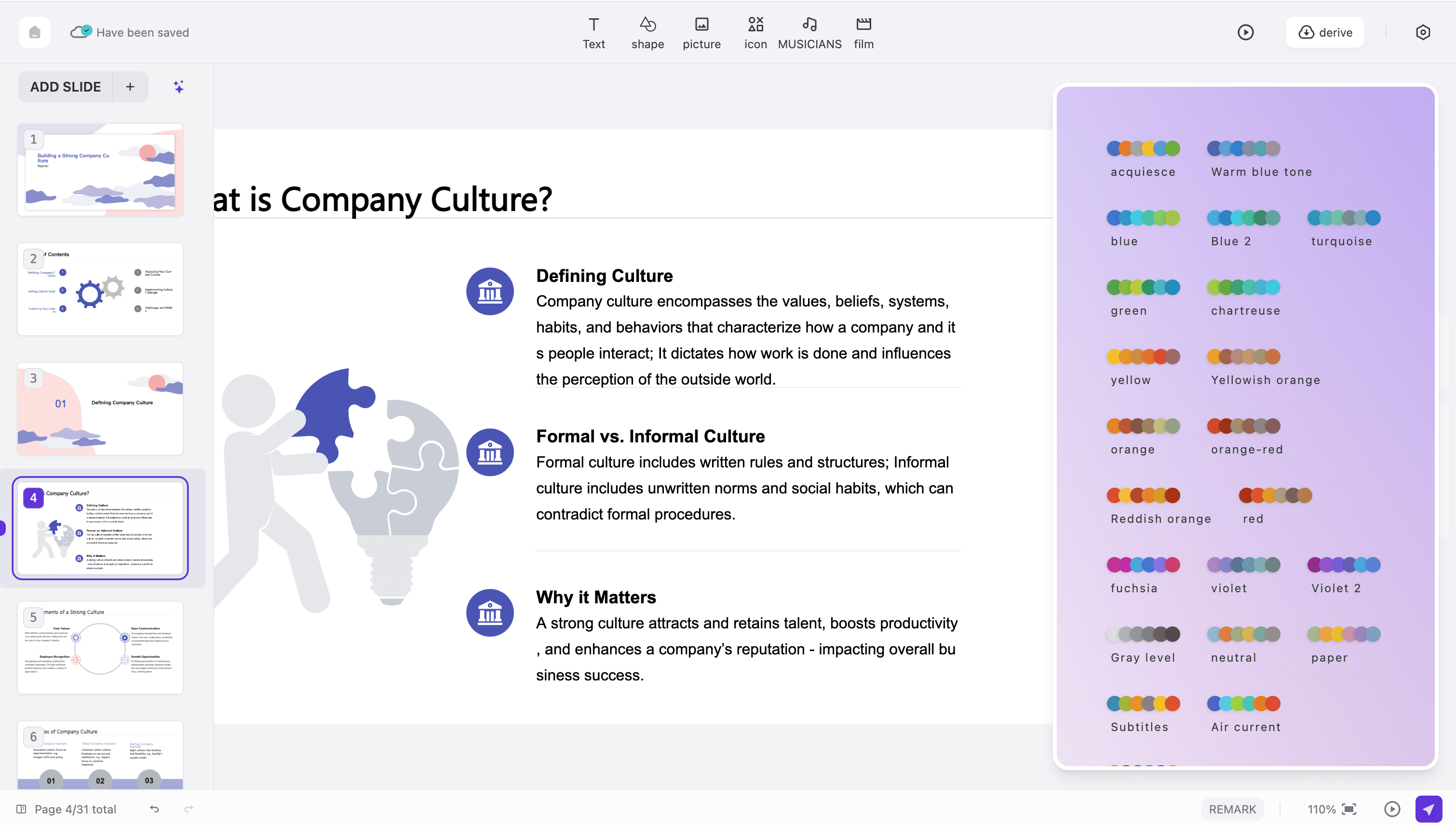
Our advanced tools transform your content into beautiful PowerPoint presentations within seconds. Simply enter your topic or paste your text, and watch as our system generates professionally designed slides with optimal layouts, engaging visuals, and cohesive styling that captures your audience's attention.
Create Your PowerPoint Presentation

Smart Content Organization

The intelligent system analyzes your content structure to create perfectly organized PowerPoint presentations. Each slide is thoughtfully arranged with clear visual hierarchy, logical flow, and balanced design elements that enhance readability and maintain viewer engagement throughout your entire presentation.
Create Your PowerPoint Presentation

Professional Template Library

Access over 50 professionally designed templates for your PowerPoint presentation needs. Whether you're preparing a business proposal, academic lecture, or creative pitch, our diverse collection ensures your slides look polished and appropriate for any professional context or audience.
Create Your PowerPoint Presentation

How to Create Your PowerPoint Presentation

Design Professional Slides in Three Simple Steps
Step 1
Step 2
Step 3

Enter Your Content

Begin your PowerPoint presentation by entering your topic, outline, or full text content. You can paste existing documents, type directly, or simply describe what your presentation should cover. Our system accepts various input formats to accommodate your workflow.

Choose Your Design Style

Select from our extensive library of professional templates to match your PowerPoint presentation style. Customize colors, fonts, and layouts to align with your brand identity or personal preferences. Preview different options before finalizing your design choices.

Review and Download

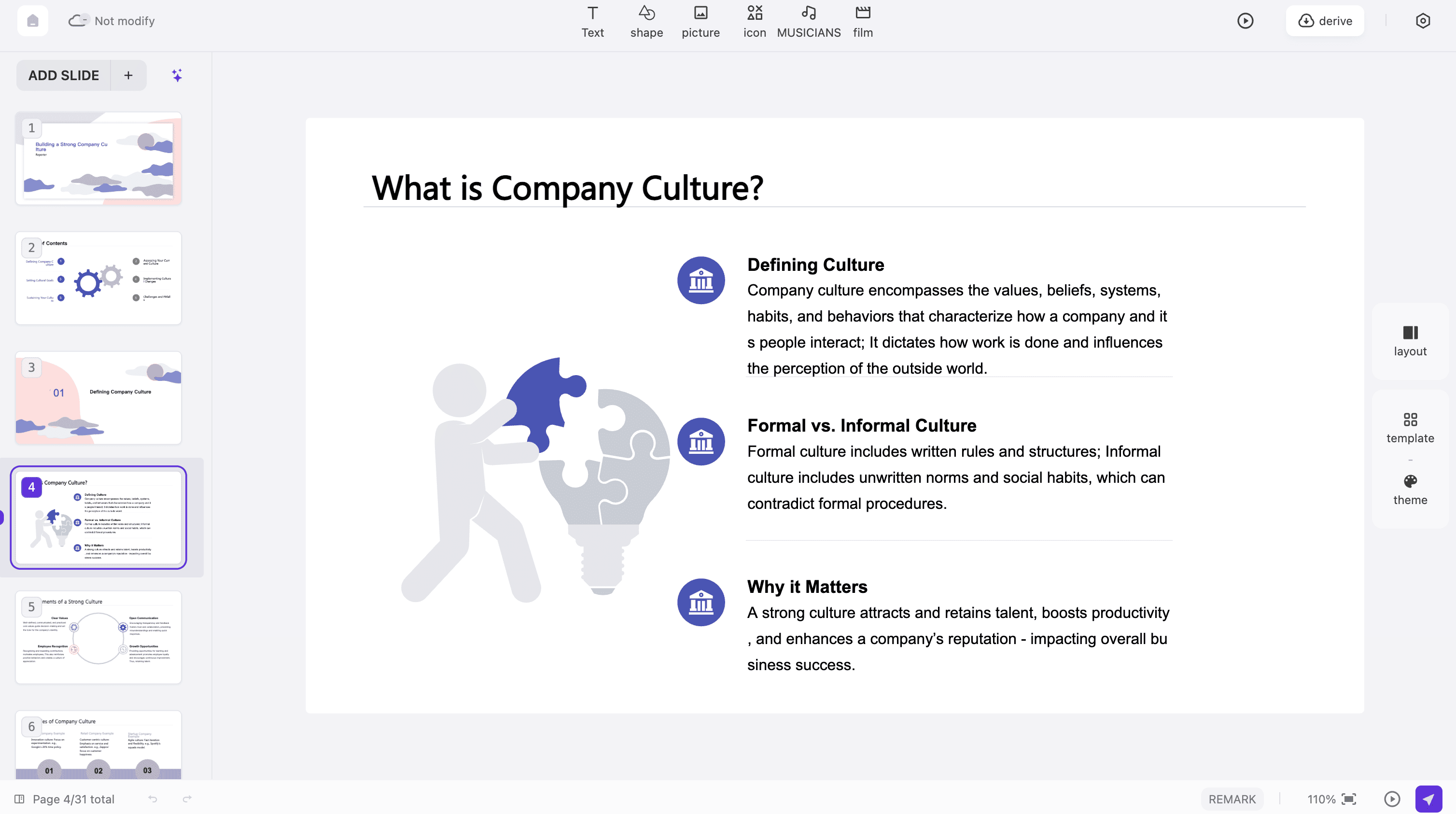
Your PowerPoint presentation is generated instantly. Use our built-in editor to refine text, adjust layouts, add images, or reorganize slides. Once satisfied, download your completed presentation in multiple formats including PPTX and PDF.
Start Creating Now

What Users Say About Our PowerPoint Presentation Tool

Real Experiences from Professionals Worldwide
Amanda Chen
Project Manager
This tool has completely transformed how I create PowerPoint presentations. What used to take me hours now takes just minutes. The slides look professional and the content organization is exactly what I need for client meetings and team updates.
Mark Johnson
Business Development Director
The quality of presentations from this platform exceeds my expectations every time. It understands business context and creates slides that effectively communicate key points. My sales pitches have never looked better.
Dr. Sarah Williams
University Professor
As an educator, I constantly need fresh PowerPoint presentations for my lectures. This tool understands academic content structure brilliantly and creates visually engaging slides that keep my students attentive and interested.
David Thompson
Management Consultant
Our consulting firm relies on impactful presentations for every client engagement. This platform delivers consistent quality across different industries and topics. The time savings alone have justified our subscription many times over.
Jessica Wong
Graduate Student
Creating polished PowerPoint presentations used to stress me out before every thesis defense and conference. Now I can focus on my research content while this tool handles the design work. It's been a game-changer for my academic career.
Michael Garcia
Sales Director
I was skeptical about automated design tools initially, but the PowerPoint presentations generated here consistently impress my prospects. The professional layouts and clear visual hierarchy help me close deals faster than ever before.

Frequently Asked Questions About PowerPoint Presentations

Have another question? Contact us by email

What makes this presentation tool different?

Our platform uses advanced multi-model AI technology including DeepSeek, GPT-4o, Claude 3.5, and Gemini to understand your content deeply. This enables us to create professional slides with superior structure, relevant visuals, and polished design that truly communicates your message effectively.

Is there a limit to presentation length?

Free users can create slides with content up to 1,500 words, which typically generates 10-15 slides. Premium subscribers enjoy unlimited content length and can create comprehensive presentations for lengthy reports, detailed proposals, or extensive training materials.

Does the tool maintain my original content formatting?

Yes, our system intelligently preserves headings, bullet points, numbered lists, and paragraph structure from your original content. It optimizes these elements for effective PowerPoint presentation format while maintaining the logical flow and emphasis you intended.

Can I add images to my PowerPoint presentation?

Absolutely. After initial generation, use our built-in editor to add images, charts, icons, and other visual elements to enhance your PowerPoint presentation. You can upload your own media or choose from our library of professional stock images and graphics.

How quickly are presentations generated?

Most slides are completed within 30 to 60 seconds, regardless of content complexity. Our optimized infrastructure processes your input rapidly while maintaining high-quality output that meets professional standards for any business or academic context.

Which languages does this tool support?

Our platform supports 15 major languages for creating professional slides, including English, Chinese, Japanese, Korean, Spanish, French, German, Portuguese, Italian, Russian, Arabic, Dutch, Polish, Swedish, and Turkish. Content is generated natively in your selected language.

Can I edit my PowerPoint presentation after generation?

Yes, full editing capabilities are available after your PowerPoint presentation is created. Modify text content, adjust slide layouts, change color schemes, reorganize slide order, add or remove slides, and incorporate additional media elements using our intuitive editor interface.

Is my data secure when creating presentations?

Security is our top priority. All data transmitted during slide creation uses bank-level 256-bit SSL encryption. We do not store your content permanently, and all submitted materials are automatically deleted from our servers within 24 hours of processing.

Can I access my PowerPoint presentation on mobile devices?

Yes, our platform is fully responsive and optimized for smartphones and tablets. Create, edit, and download your PowerPoint presentation from any device with an internet connection. The mobile experience maintains all features available on desktop for maximum flexibility.

Do I need an account to create a PowerPoint presentation?

You can try our basic features without registration to create a simple PowerPoint presentation. However, creating a free account unlocks additional templates, saved history, advanced customization options, and higher usage limits for more productive presentation creation.

Discover More PPT AI Products

Unlock even more with PPT AI suite of intelligent solutions

PPT AI Blog

Explore premium articles to learn how to maximize your use of PPT AI for better presentations.
Try PPT.AI Today
Start here, better presentations instantly.
Start for free
Help us understand?
What was the reason you didn't complete your payment?
Continue payment
Submit feedback