Azure City Business Report Presentation Template: City Photography for a Structured Report
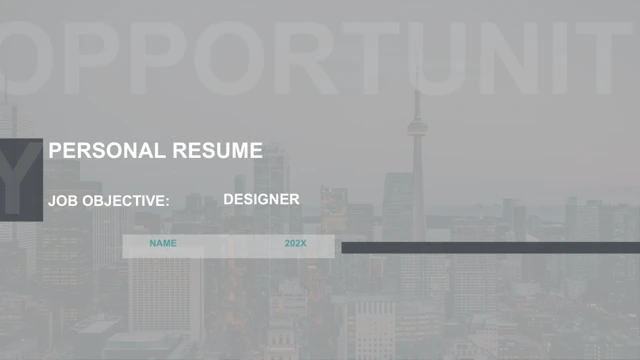
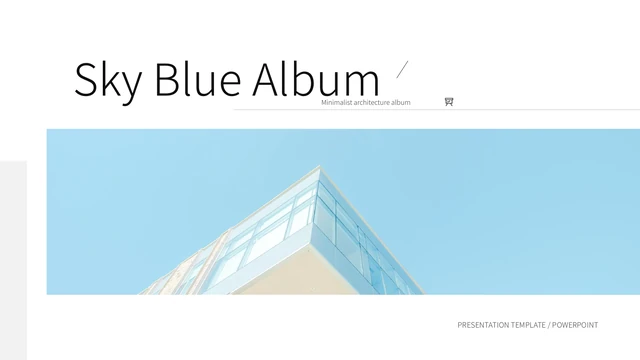
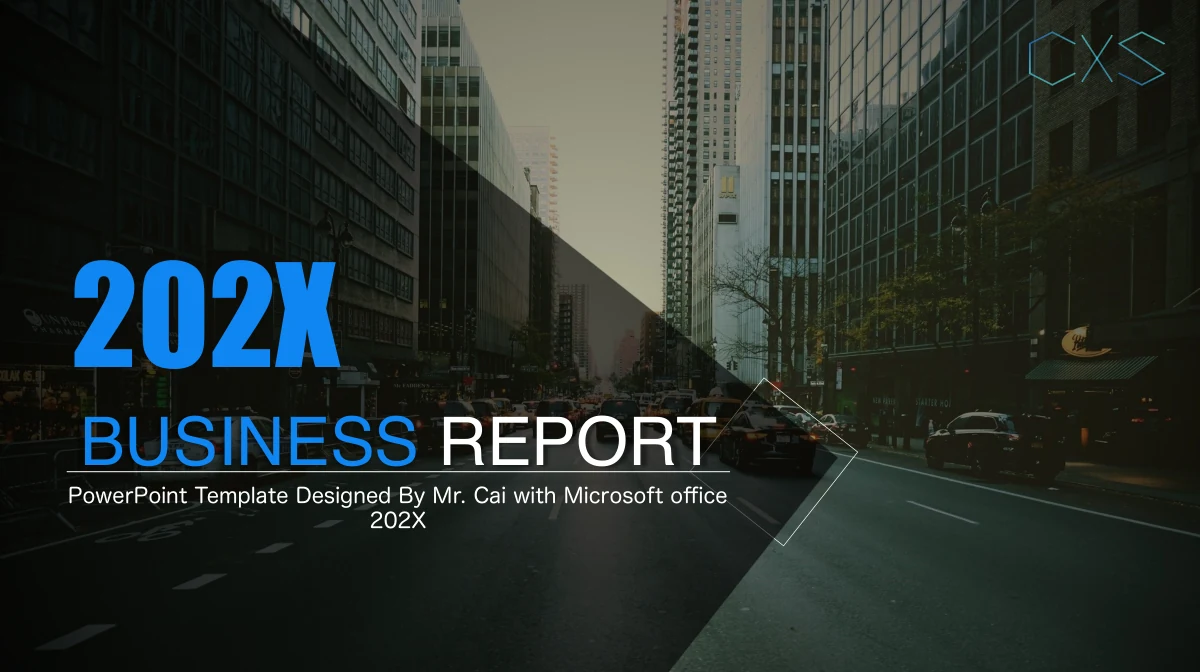
Azure City Business Report Presentation Template combines city photographs with bright blue, graphite and white layouts across 19 slides. Four numbered dividers frame the report, each with a section number inside a diamond-shaped photo. Wide street views, four-picture panels and a laptop illustration leave room for concise commentary. Azure City Business Report Presentation Template includes a radar chart, a 3D pie chart, a column chart and a line chart, each with an embedded workbook. Four percentage rings are separate drawn shapes, so their labels and arcs need manual changes. A Monday-to-Friday timetable supports planning, and a dark quote-style page can introduce a key message. Use Azure City Business Report Presentation Template to connect findings with images, without implying the streets show your offices. Replace the sample dates, titles and business statements with supported information. The file retains its 25:14 canvas and closes with a city photograph and thank-you message.
Key Features of Azure City Business Report Presentation Template
City imagery, clear sections and editable report layouts in Azure City Business Report Presentation Template.
Four Diamond Section Dividers
Azure City Business Report Presentation Template uses four diamond-photo dividers numbered 01–04. Name sections for your report and give its introduction one clear purpose.
City Photography and Image Panels
Azure City Business Report Presentation Template pairs wide street views with four-picture panels. Add photos, check each crop and caption the images accurately.
Four Workbook-Linked Charts
Azure City Business Report Presentation Template offers radar, pie, column and line charts with workbooks. Edit data and labels, then compare results with your report.
Manual Percentage Rings
Azure City Business Report Presentation Template has four rings with example percentages. Edit values and arcs together; these shapes are separate from the linked charts.
Weekly Planning Table
Azure City Business Report Presentation Template has a Monday-to-Friday table. Edit time cells and separate plan labels, keeping each entry in the correct day and slot.
Contrasting Message Layouts
Azure City Business Report Presentation Template combines a dark statement page, white layouts and blue cards. Use contrast for summaries, evidence and actions.
How to Use Azure City Business Report Presentation Template
Set the structure in Azure City Business Report Presentation Template, add evidence and review.
-
Choose Your Four Report Sections
Review all 19 pages of Azure City Business Report Presentation Template. Set four section titles, select the photo and chart layouts you need, then note images and verified figures to prepare.
-
Download and Add Your Material
Download Azure City Business Report Presentation Template with an active paid plan. Open a working copy in PowerPoint, replace the sample copy and dates, and add your images and workbook data.
-
Review Charts and Planning Details
Review Azure City Business Report Presentation Template after editing. Compare chart values with the workbooks, check the manual rings and timetable labels, and test photo crops before sharing.
Questions About Azure City Business Report Presentation Template
How do I download Azure City Business Report Presentation Template?
Sign in with an active paid plan and choose Download PPTX for Azure City Business Report Presentation Template. Paid members have unlimited daily and repeat downloads. Save an untouched Azure City Business Report Presentation Template copy before changing its example report, so you can compare the original Azure City Business Report Presentation Template arrangements with your edited pages.
How many slides are in Azure City Business Report Presentation Template?
Azure City Business Report Presentation Template has 19 slides on a 25:14 canvas, approximately 1.79:1. Dividers on slides 2, 7, 10 and 15 organise Azure City Business Report Presentation Template into four sections before the thank-you close. Keep the Azure City Business Report Presentation Template proportion when adding photographs or exporting, and choose pages that suit your own report.
Can I edit text and colours in Azure City Business Report Presentation Template?
Headings and shapes in Azure City Business Report Presentation Template are editable. Its radar, 3D pie, column and line charts have four embedded workbooks. Edit Azure City Business Report Presentation Template data cells for those charts. The 75%, 48%, 90% and 85% rings in Azure City Business Report Presentation Template are manual shapes: change numbers and arcs together.
Can I preview every page of Azure City Business Report Presentation Template?
Yes. The Azure City Business Report Presentation Template gallery shows all 19 pages using thumbnails and arrows. Compare city photographs, diamond crops, chart pages and the timetable before downloading. Inspect Azure City Business Report Presentation Template small labels and image frames closely, selecting a layout that leaves enough space for the material you intend to explain.
Can I open Azure City Business Report Presentation Template in another editor?
An editor supporting PPTX can open Azure City Business Report Presentation Template, but fonts, chart appearance and picture crops may vary. Test a copy and review all 19 pages, including chart values and timetable text. Keep an editable Azure City Business Report Presentation Template file and check exported PDFs when sharing requires a consistent layout.
Which fonts does Azure City Business Report Presentation Template use?
Azure City Business Report Presentation Template references Helvetica, Impact and Microsoft YaHei for prominent titles and supporting text. Azure City Business Report Presentation Template embeds no font files. If a face is substituted, inspect labels and headings first. Review the remaining Azure City Business Report Presentation Template pages for changed wrapping and spacing before presenting or exporting a PDF.
Are the slides in Azure City Business Report Presentation Template supplied in English?
Azure City Business Report Presentation Template has English headings and sample business text, not verified company findings. Replace example dates, names and figures with your report. All translated website pages describe the same English Azure City Business Report Presentation Template file; changing the page language does not create a translated deck or replace its slide content.
Can I use Azure City Business Report Presentation Template commercially?
Follow source terms and photograph permissions when using Azure City Business Report Presentation Template. PHOTO FROM PIXABAY, Mr. Cai and CXS remain source references in Azure City Business Report Presentation Template, not our authorship claims. A paid Azure City Business Report Presentation Template download adds no rights to third-party imagery; confirm permissions for your intended audience.
How should I share Azure City Business Report Presentation Template?
Share the Azure City Business Report Presentation Template page link to recommend the design. Before sharing an edited Azure City Business Report Presentation Template as PPTX or PDF, check chart values, photo crops and weekday/time table cells. The plan labels sit separately over the grid; review their positions too. These sample appointments are not a live calendar.