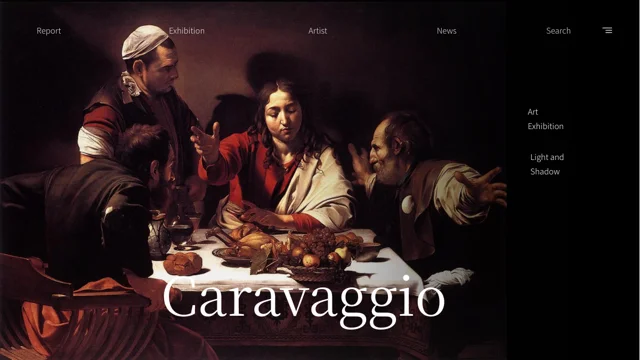
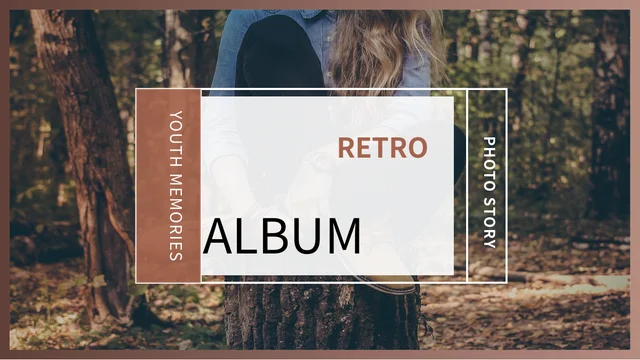
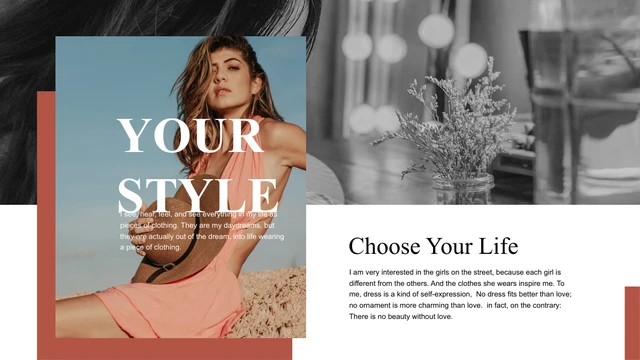
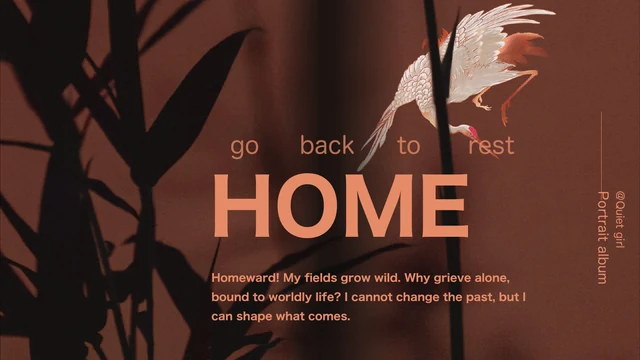
Brown Vibe Studio Presentation Template: warm interiors, contrasting panels and studio project layouts
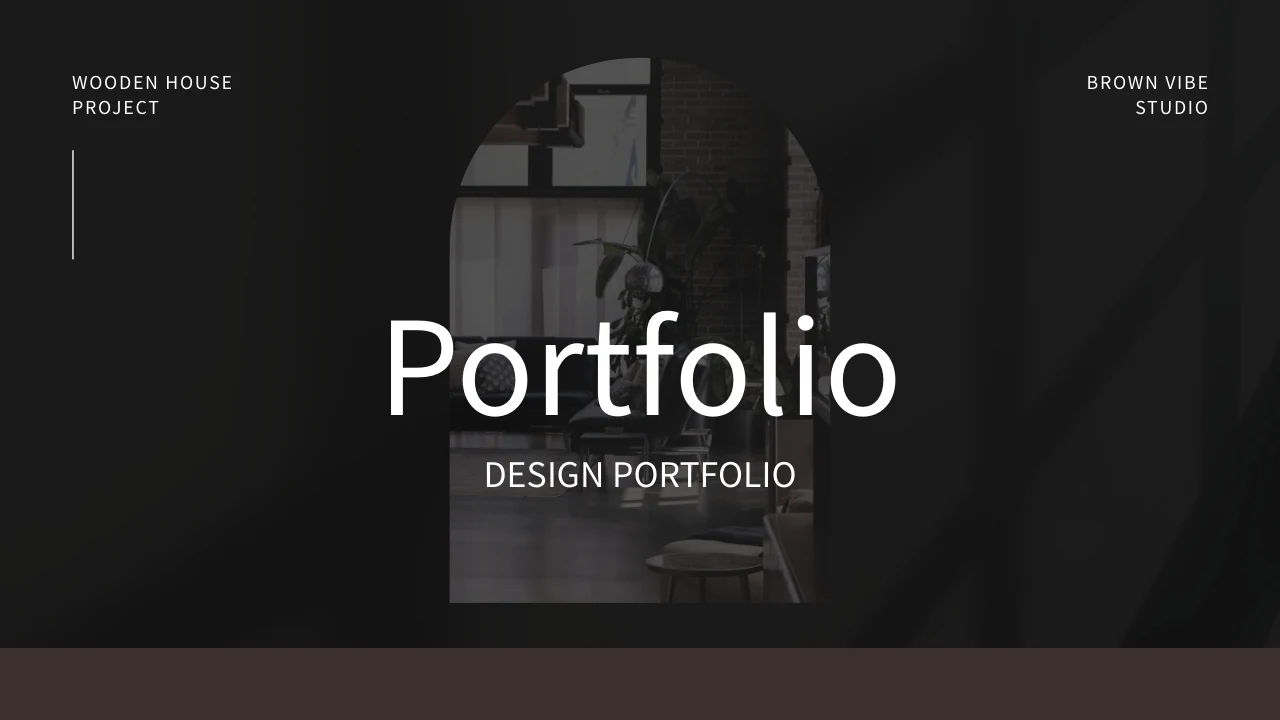
Brown Vibe Studio Presentation Template brings brown, black and cream panels together across 16 widescreen slides. Arched picture frames, interior photographs, soft textures and tape accents connect the pages. Brown Vibe Studio Presentation Template moves from an eight-entry contents page to studio background, objectives, four team portraits and a single-profile layout. Brown Vibe Studio Presentation Template provides a five-month manual timeline, a four-step process, service descriptions and SWOT areas. Three sample price packages and a manually drawn market illustration add other ways to organize a proposal. Brown Vibe Studio Presentation Template closes with contact space and a thank-you page over a dark interior photograph. Replace the guidance with a specific project, clear responsibilities and supported information. The sample people, prices and curves do not verify a real studio or its results. Keep genuine source labels and photograph details accurate when adapting the file.
Key Features of Brown Vibe Studio Presentation Template
Interior photographs, warm panels and organized proposal pages.
Brown, Black and Cream
Brown Vibe Studio Presentation Template alternates dark and cream panels around interior pictures. Keep text contrast clear as you adapt the studio story.
Interior Picture Frames
Brown Vibe Studio Presentation Template uses arched crops and tall photographs. Choose replacements that keep furniture and key details visible within the frames.
Team and Single Profiles
Brown Vibe Studio Presentation Template has four team portraits and a profile page. Add verified names and roles instead of treating example identities as facts.
Manual Project Stages
Brown Vibe Studio Presentation Template offers a five-month timeline and four process steps. Set realistic stages and dates; the shapes do not calculate a schedule.
Services and SWOT Areas
Brown Vibe Studio Presentation Template includes service descriptions and SWOT areas. Explain a relevant choice or issue with concise observations from your project.
Proposal and Contact Pages
Brown Vibe Studio Presentation Template provides sample pricing and contact layouts. Replace example figures and details, then check the final thank-you page.
How to Use Brown Vibe Studio Presentation Template
Choose your project, explain its stages and review the examples.
-
Select a Studio Project Sequence
Brown Vibe Studio Presentation Template has 16 preview pages. Choose the service and team layouts that support your project, then arrange the timeline and process to explain its development.
-
Download and Add Your Information
Download Brown Vibe Studio Presentation Template with a paid plan. Keep a copy, replace sample identities and prices, and write notes about your role, proposal and project responsibilities.
-
Review the Finished Proposal
Review Brown Vibe Studio Presentation Template at display size. Check arched picture crops, small captions, team details and manual stages; compare the PDF with the slides before sharing.
Questions about Brown Vibe Studio Presentation Template
What is included in Brown Vibe Studio Presentation Template?
Brown Vibe Studio Presentation Template contains 16 PowerPoint slides in a 16:9 format. Brown Vibe Studio Presentation Template combines brown, black and cream panels with interiors, arched crops and textures. An eight-entry contents page leads into background, objectives and profile layouts. Brown Vibe Studio Presentation Template includes four team portraits, a single profile, a five-month manual timeline and a four-step process. Services, problem-and-solution areas, SWOT and sample pricing provide proposal layouts. Brown Vibe Studio Presentation Template ends with contact space and a thank-you page over an interior image. Preview Brown Vibe Studio Presentation Template and select the pages that explain your project clearly.
Can I replace the photographs in Brown Vibe Studio Presentation Template?
Brown Vibe Studio Presentation Template uses separate photographs showing interiors, furniture, plants and example people. Select a picture in Brown Vibe Studio Presentation Template before replacing it and inspect its crop, especially the arched frames and tall images. Brown Vibe Studio Presentation Template does not establish that the pictured interiors belong to your studio or that the portraits show your team. Use suitable images with accurate credits. Book and object lettering stays within the photograph, not editable slide text. Keep important furniture and subject details visible in Brown Vibe Studio Presentation Template. Review Brown Vibe Studio Presentation Template after replacement so the picture, notes and surrounding panels still work together.
How do I organize the contents in Brown Vibe Studio Presentation Template?
Brown Vibe Studio Presentation Template has an eight-entry contents page for selecting a studio proposal sequence. In Brown Vibe Studio Presentation Template, choose relevant background, team, profile and service pages. The timeline and process can explain its development, while SWOT and proposal layouts can organize other points. Brown Vibe Studio Presentation Template does not require every page or treat the contents labels as an automatic navigation system. Remove unnecessary pages and update the index to match the final order. Brown Vibe Studio Presentation Template finishes with contact and thank-you layouts. Review Brown Vibe Studio Presentation Template in sequence and check that each heading describes the material beneath it.
Are the team names and prices in Brown Vibe Studio Presentation Template real business information?
Brown Vibe Studio Presentation Template includes sample names beside team photographs and on a profile page. Replace those examples in Brown Vibe Studio Presentation Template with identities and roles you can verify, and do not assume a model's name from the caption. The three prices in Brown Vibe Studio Presentation Template, $192, $210 and $349, are examples rather than confirmed offers or charges for the download. Build your proposal from accurate figures. Brown Vibe Studio Presentation Template can present a studio story without proving a real company's experience or results. Before sharing Brown Vibe Studio Presentation Template, check each personal field and price against the information you intend to communicate.
Do the timeline and curves in Brown Vibe Studio Presentation Template calculate data?
Brown Vibe Studio Presentation Template uses shapes and text for its diagrams, with no native data chart or linked Excel workbook. The five-month timeline in Brown Vibe Studio Presentation Template contains manually positioned stage bars; month labels do not recalculate bar lengths. Brown Vibe Studio Presentation Template includes a four-step process and a market illustration with three manually drawn curves, five labels and a 0–50 axis. These are not verified forecasts or customer statistics. Enter a sequence and figures from your project. Use the SWOT areas in Brown Vibe Studio Presentation Template for observations. Review Brown Vibe Studio Presentation Template to keep graphics consistent with their explanations.
Which fonts does Brown Vibe Studio Presentation Template use?
Brown Vibe Studio Presentation Template uses Source Han Sans SC Regular in the English file, with no font binaries embedded in the PPTX. Open Brown Vibe Studio Presentation Template on your computer and inspect headings, captions, profile names and package labels. Font substitution in Brown Vibe Studio Presentation Template may alter spacing or line breaks. Shorter descriptions can be clearer than smaller type. Keep an editable copy of Brown Vibe Studio Presentation Template and compare the PDF with the slides. Check Brown Vibe Studio Presentation Template for missing characters and text that no longer fits inside its frame.
Is the slide text in Brown Vibe Studio Presentation Template English?
Brown Vibe Studio Presentation Template provides English titles and editing guidance in the prepared PowerPoint file. Replace that guidance in Brown Vibe Studio Presentation Template with your project, services and responsibilities. Genuine source labels in Brown Vibe Studio Presentation Template remain credits rather than becoming proof of your own studio identity. Photograph lettering stays within the original pictures. The language versions of this website describe the same English PPTX, not separately translated decks. Brown Vibe Studio Presentation Template contains example details that still need checking despite English labels. Adapt Brown Vibe Studio Presentation Template to your audience's language, then review fonts, small captions and picture-and-text balance.
How do I download Brown Vibe Studio Presentation Template?
Brown Vibe Studio Presentation Template is available to members with an active paid plan. Sign in and use the PPTX button on this page to download Brown Vibe Studio Presentation Template. Paid members can download Brown Vibe Studio Presentation Template without a daily limit, including repeat downloads. View all 16 previews and save a working copy before editing. You can open Brown Vibe Studio Presentation Template directly in PowerPoint without generating another presentation. Keep the edited file with your project images, caption sources and verified figures for consistent revisions. Store the original download of Brown Vibe Studio Presentation Template separately to compare layouts or restore the starting version.
What should I check before sharing Brown Vibe Studio Presentation Template?
Review Brown Vibe Studio Presentation Template for guidance, sample names, prices and contact details. Ensure the contents in Brown Vibe Studio Presentation Template match the final order, and check the manual timeline and curves. Brown Vibe Studio Presentation Template should describe your project and contribution without implying that supplied photographs prove your own work or business results. It does not grant an additional licence to photographs or source material; follow their applicable terms and keep genuine credits accurate. Inspect Brown Vibe Studio Presentation Template on screen for legible captions, balanced pictures and clear contrast. Share the detail-page link for Brown Vibe Studio Presentation Template for previews or separate downloads.