

Bunting and Balloons Presentation Template: a cheerful classroom framework
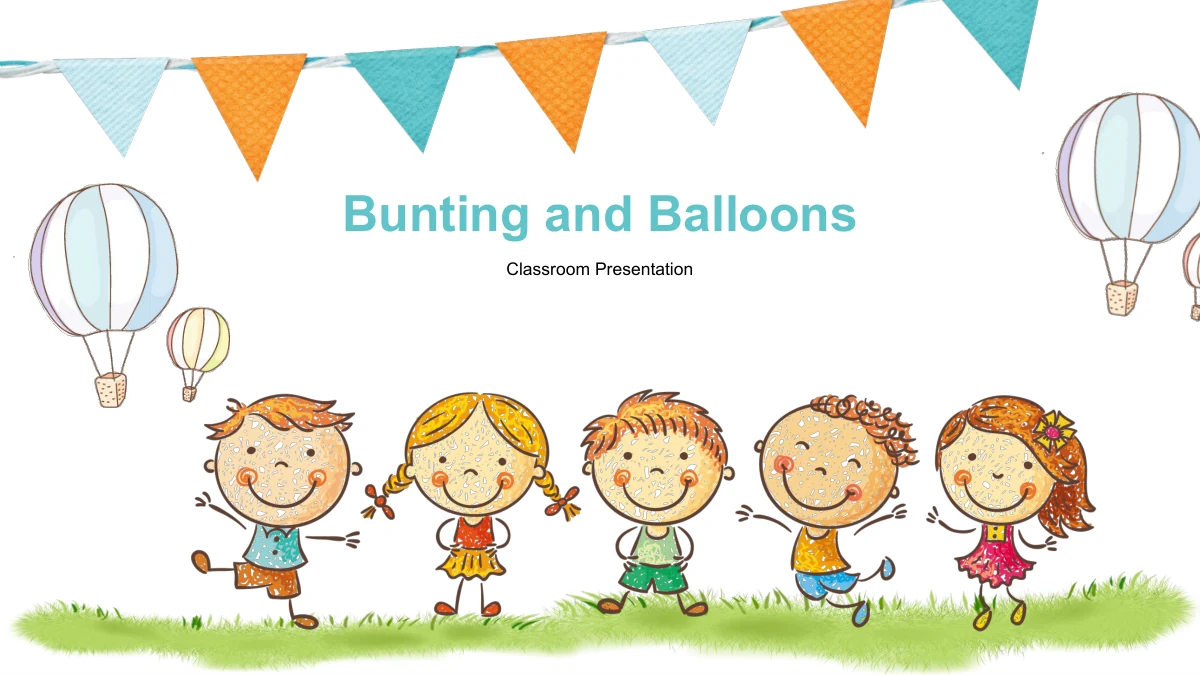
Bunting and Balloons brings orange and teal flags, softly drawn hot-air balloons and smiling cartoon children to a 29-slide classroom presentation. White backgrounds and grassy edges connect the opening, five-part contents and chapter dividers. The middle pages offer varied ways to explain your own subject: a school bus with six callouts, an apple tree with five points, speech bubbles, umbrella notes and a pencil-shaped summary. These are adaptable layouts with example text, not a finished lesson or a classroom management system. The five sections are Overview, Key Ideas, Examples, Practice and Review. A clock-shaped diagram carries manual 60% and 40% labels, while a separate sheet supplies 50 native drawing icons. Choose the pages that suit your explanation, write concise headings and check that each illustration supports the message. The English thank-you artwork provides a closing before the icon appendix.
Bunting and Balloons Presentation Template Features
A playful setting for a clear classroom explanation.
Bunting and Balloon Artwork
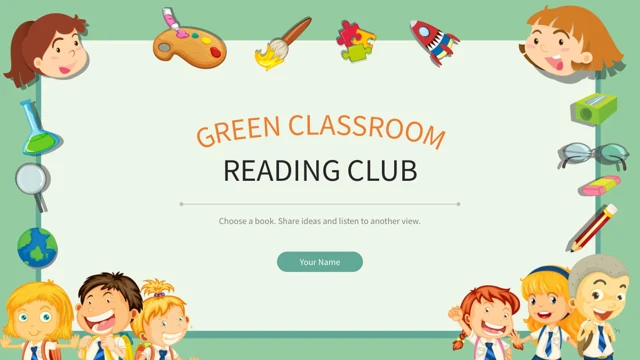
Orange and teal flags frame hand-drawn balloons and smiling children. The supplied pictures create a consistent setting around editable headings and lesson notes.
Five Sections for Your Topic
Overview, Key Ideas, Examples, Practice and Review divide the deck into five parts. Rename the contents entries and dividers together to match your lesson outline.
Diagrams with Familiar Objects
A school bus, apple tree, umbrellas and a pencil turn groups of points into visual arrangements. Keep each callout brief and connect the picture to your explanation.
Manual Percentage Examples
The clock-shaped drawing pairs 60% and 40% sample labels with colored segments. Edit the numbers and shapes separately; they are not linked to a chart or workbook.
Fifty Native Drawing Icons
The final page contains 50 native vector icons in an orange grid. Recolor the drawing objects to suit your pages and choose symbols whose meaning fits your topic.
Editable Notes and Fixed Pictures
Separate text boxes, shapes and callouts support your own content. The six PNG images retain their internal artwork, including the English thank-you message.
How to Use the Bunting and Balloons Presentation Template
Build your outline, add examples and check the details.
-
Plan the Five Sections
Review all 29 previews and choose layouts for your subject. Give each section a clear purpose, then decide where a comparison, sequence, group of notes or summary will help explain the lesson.
-
Replace the Example Content
Download the English PPTX with an active paid membership. Add your own headings and brief explanations, update any manual percentages and select useful symbols from the final icon sheet.
-
Review the Finished Presentation
Check small labels, speech bubbles and text near the illustrations at presentation size. Confirm the chapter order and example values, then review your PDF export before sharing it.
Bunting and Balloons Presentation Template Questions
How can I download this classroom presentation?
Sign in with an active paid membership and use the download button. The English PPTX is available with unlimited daily downloads, and you can download it again when needed.
What is included in the 29 slides?
The 16:9 deck contains a cover, five-part contents, five section dividers, 20 content layouts, a thank-you page and a sheet of 50 native drawing icons. All 29 pages are included.
Is this a complete lesson or classroom planning tool?
No. It is a generic presentation framework with editable example text. Supply your own subject, activities and explanations; the file does not provide a seating planner, classroom game or virtual classroom system.
Are the 60% and 40% values linked to a data chart?
No. They are manual examples beside a clock-shaped drawing. The file has no native data charts or embedded workbooks, so changing either number will not automatically resize the colored segments.
Which elements can I edit?
You can edit the text boxes, separate drawing shapes and native icons. The six PNG images are picture objects: their internal characters, grass, bunting, balloons and thank-you lettering are not separate editable elements.
Do all numbered layouts show a continuous sequence?
No. Several pages use numbered groups, but the four stacked blocks retain the same STEP 01 sample label. Give the blocks suitable labels if you use that layout to explain a sequence.
Which fonts and editors should I use?
The English file uses Arial without embedded fonts. It is a PowerPoint download; Google Slides and Keynote have not been tested. Check text placement, grouped objects and animations if you import it elsewhere.
Does a translated page provide a translated PPTX?
No. Every localized page downloads the same English presentation. Translate the editable text for your audience if needed; the English THANK YOU! wording is part of the original picture artwork.
Can I reuse the illustrations and icons in other work?
Reuse them only within the permissions that apply to the source and your intended use. Membership access does not establish third-party rights or imply endorsement by any brand represented among the icons.