Graph Paper Lesson Plan Presentation Template: a notebook setting for your teaching plan
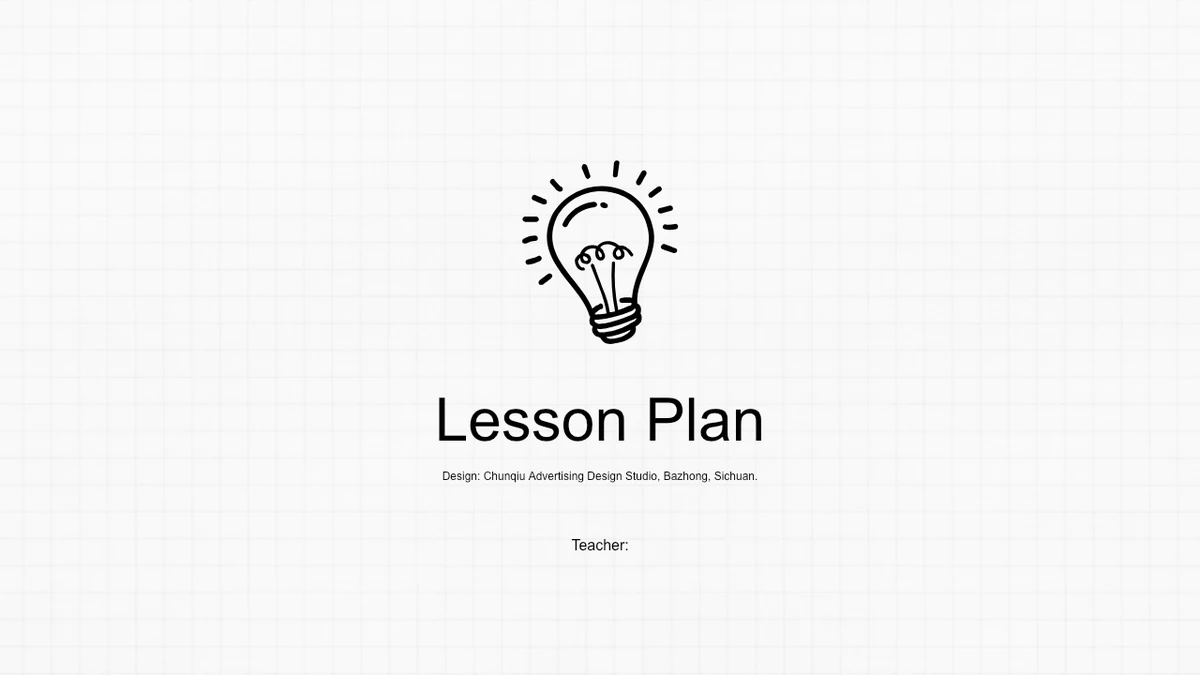
Graph Paper Lesson Plan Presentation Template pairs a faint square grid with black sketch-style illustrations. A lightbulb opens and closes the deck, while speech bubbles and familiar classroom symbols give the inner pages a notebook feel. The 17 widescreen slides in Graph Paper Lesson Plan Presentation Template follow four chapters: Course Review, Lesson Design, Lesson Flow and Reflection. Use them to connect your curriculum choices with activities and what you learned afterward. Graph Paper Lesson Plan Presentation Template includes a search-bar contents page, conversation bubbles, people icons, folders and hourglasses. Short text areas invite a focused account of one lesson rather than a complete teaching script. The two percentages are manually labelled examples, with no linked spreadsheet. Select the pages in Graph Paper Lesson Plan Presentation Template that suit your plan and replace the prompts with your own teaching notes. Keep the source design credit when adapting the file.
Key Features of Graph Paper Lesson Plan Presentation Template
A square grid, sketch icons and four teaching chapters keep the lesson outline connected.
A Notebook Background
Graph Paper Lesson Plan Presentation Template uses a pale grid behind black sketch icons. The restrained background leaves room for lesson notes and short examples.
Four Teaching Chapters
Graph Paper Lesson Plan Presentation Template separates course review, lesson design, lesson flow and reflection. Keep the contents aligned with your chapter order.
Conversation Bubbles
Graph Paper Lesson Plan Presentation Template offers three- and four-part speech bubbles. Use their separate spaces for questions, expected answers or activity prompts.
Manual Percentage Examples
Graph Paper Lesson Plan Presentation Template pairs two folders with 99% and 100% labels. Replace these manual examples with your own evidence and explain each measure.
Clouds and Directional Notes
Graph Paper Lesson Plan Presentation Template includes clouds and four directional note strips. Group teaching resources or use them to outline classroom activities.
Reflection and Timing
Graph Paper Lesson Plan Presentation Template uses magnifiers and hourglasses in its reflection section. Add learning observations and timings beside the illustrations.
How to Use Graph Paper Lesson Plan Presentation Template
Choose the lesson structure, add your teaching notes and review the finished sequence.
-
Choose a Lesson Sequence
Preview all 17 pages of Graph Paper Lesson Plan Presentation Template. Select the course review, activity and reflection layouts you need, then update the contents to follow your chosen order.
-
Add Your Teaching Notes
Download Graph Paper Lesson Plan Presentation Template with an active paid membership. Add lesson objectives and classroom activities, keeping your notes inside the original text areas.
-
Review and Present
Review Graph Paper Lesson Plan Presentation Template in slideshow mode. Check the folder percentages, lesson sequence and small sketch labels before sharing your finished plan with colleagues.
Questions about Graph Paper Lesson Plan Presentation Template
How do I download Graph Paper Lesson Plan Presentation Template?
Sign in with an active paid membership and select Download PPTX on this page. Graph Paper Lesson Plan Presentation Template is available for unlimited daily downloads, including repeat downloads. Keep an original copy of Graph Paper Lesson Plan Presentation Template before replacing the example notes so you can return to a layout later.
How many slides are in Graph Paper Lesson Plan Presentation Template?
Graph Paper Lesson Plan Presentation Template contains 17 widescreen slides in 16:9. The sequence includes a lightbulb cover, a contents page, four chapter dividers and a matching closing page. The inner pages of Graph Paper Lesson Plan Presentation Template provide short notes around speech bubbles, people, folders, clouds, magnifiers and hourglasses.
Can I edit the text and drawings in Graph Paper Lesson Plan Presentation Template?
The text and separate drawing shapes in Graph Paper Lesson Plan Presentation Template are editable in PowerPoint. Keep related objects together when moving an icon. The background grid is a picture and has different editing options. After adapting Graph Paper Lesson Plan Presentation Template, check the spacing inside the bubbles and alongside the smaller symbols.
Can I preview all of Graph Paper Lesson Plan Presentation Template?
The gallery shows all 17 pages of Graph Paper Lesson Plan Presentation Template in their original order. Use the thumbnails and arrows to inspect the contents, chapter dividers and teaching layouts. Compare the amount of room for notes in Graph Paper Lesson Plan Presentation Template with your own outline before choosing which pages to use.
Will Graph Paper Lesson Plan Presentation Template work in another presentation editor?
Graph Paper Lesson Plan Presentation Template is supplied as a PPTX file for PowerPoint. Other apps may import it, but Google Slides and Keynote compatibility has not been verified. If you open Graph Paper Lesson Plan Presentation Template elsewhere, compare the sketch shapes, grid background and line breaks with the previews before presenting.
Which font does Graph Paper Lesson Plan Presentation Template use?
The English text in Graph Paper Lesson Plan Presentation Template uses Arial. Its sketch icons are drawing objects rather than a special icon font. After choosing a different text font in Graph Paper Lesson Plan Presentation Template, inspect the chapter headings and the narrow bubble labels. Longer words may need shorter phrasing to fit comfortably.
Are the slides in Graph Paper Lesson Plan Presentation Template translated into English?
Yes. The downloadable Graph Paper Lesson Plan Presentation Template contains English slide text, including the four chapter names and lesson prompts. The translated website pages all describe this same English PPTX. Replace the prompts in Graph Paper Lesson Plan Presentation Template with your own subject, class details and observations rather than treating them as a finished lesson.
Can I use Graph Paper Lesson Plan Presentation Template commercially?
Check the source terms and the rights to any material you add before using Graph Paper Lesson Plan Presentation Template in paid courses or client work. Membership provides download access, not an unrestricted licence to every asset. Keep the Chunqiu Advertising Design Studio credit in Graph Paper Lesson Plan Presentation Template, and replace any content you cannot use.
How should I share Graph Paper Lesson Plan Presentation Template?
Share the page link for Graph Paper Lesson Plan Presentation Template so colleagues can review the layouts. Share an edited PPTX or PDF only where the relevant permissions allow. Before sending your version of Graph Paper Lesson Plan Presentation Template, check the contents against the chapter sequence and confirm that all sample notes and percentages have been replaced.