Green Books Lesson Plan Presentation Template: Book borders and green teaching diagrams
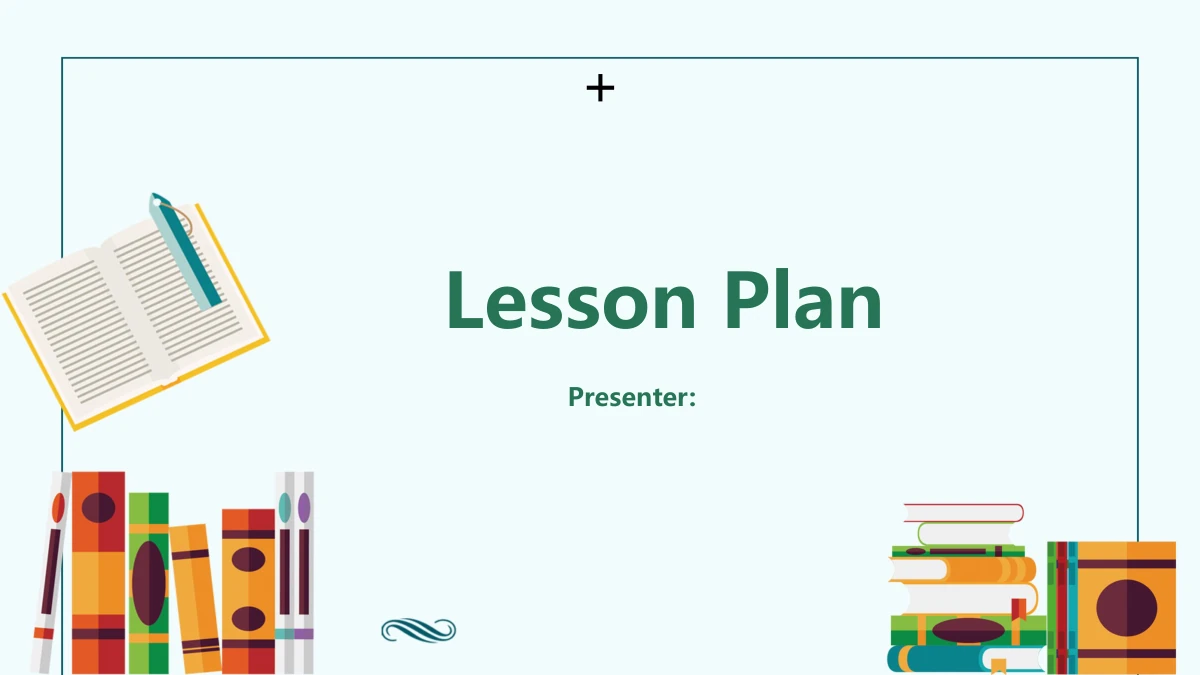
Green Books Lesson Plan Presentation Template brings colorful book illustrations to a pale-blue background, with dark-green headings and diagrams. Its 25 widescreen pages include a book-and-pen cover, a four-part contents page and numbered chapter breaks on pages 3, 8, 14 and 20. Green Books Lesson Plan Presentation Template organizes teaching analysis, strategies, process and reflection; the labels are a starting point for your own lesson outline. A six-part hexagon, four-compartment truck, five-tier pyramid and linked gears give different ways to explain relationships. Later pages pair two architectural campus renderings with short notes and repeat an open-book photograph beneath +65%, +85% and +40% examples. These are manual labels, not evidence of student progress. Choose the layouts in Green Books Lesson Plan Presentation Template that match your material, replace sample wording and keep each note focused. The book decorations leave the center open for your explanation.
Key Features of Green Books Lesson Plan Presentation Template
Book illustrations and diagrams for four teaching chapters.
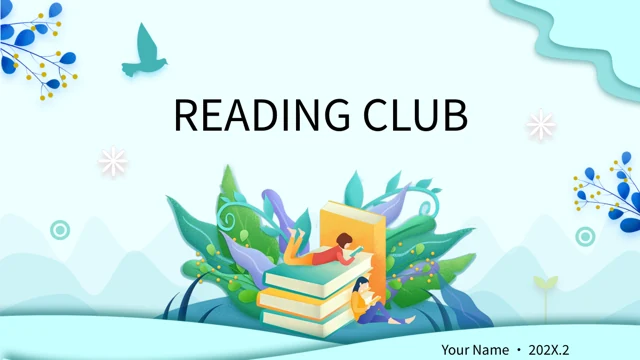
Colorful Book Borders
Green Books Lesson Plan Presentation Template pairs bright book illustrations with an open pale-blue center. Keep your main explanation clear of the decorated edges.
Four Teaching Chapters
Green Books Lesson Plan Presentation Template has four numbered chapter breaks. Match analysis, strategies, process and reflection to the lesson you want to explain.
Manual Green Diagrams
Green Books Lesson Plan Presentation Template includes a hexagon, truck, pyramid and gears. Give each shape a short label explaining its role in your lesson.
Open-Book Percentage Cards
Green Books Lesson Plan Presentation Template repeats a book photo under three percentage examples. Replace the number and label with information you can support.
Campus Images and Notes
Green Books Lesson Plan Presentation Template pairs two campus renderings with four notes. Replace the pictures if your lesson needs a different visual setting.
Reflection in Short Steps
Green Books Lesson Plan Presentation Template ends with circles, half-rings and a zigzag route. Select one layout and use its notes for clear reflection points.
How to Use Green Books Lesson Plan Presentation Template
Choose layouts, download and build your lesson outline.
-
Choose a Lesson Sequence
Review all 25 pages of Green Books Lesson Plan Presentation Template. Select the chapter breaks and diagrams that suit your outline, then decide which examples and pictures to replace.
-
Download an English Working Copy
Download Green Books Lesson Plan Presentation Template with an active paid membership. Daily and repeated downloads are unlimited. Save an untouched file, then work on a separate copy.
-
Add Your Lesson and Review
Edit Green Books Lesson Plan Presentation Template in PowerPoint. Replace sample notes and percentages with your material, check the small diagram labels and review every slide before sharing.
Questions about Green Books Lesson Plan Presentation Template
How do I download Green Books Lesson Plan Presentation Template?
Download Green Books Lesson Plan Presentation Template with an active paid membership. Daily and repeated downloads are unlimited. Green Books Lesson Plan Presentation Template is an editable English PowerPoint file. Keep an untouched copy while adding lesson material, so the book borders and diagram arrangements remain available as a reference. Your page link opens the original Green Books Lesson Plan Presentation Template, rather than your edited lesson.
How many slides are in Green Books Lesson Plan Presentation Template?
Green Books Lesson Plan Presentation Template contains 25 slides in 16:9. Four chapter breaks on pages 3, 8, 14 and 20 cover analysis, strategies, process and reflection. Shorten Green Books Lesson Plan Presentation Template by choosing the pages that support your lesson. Green Books Lesson Plan Presentation Template provides planning prompts, not a completed teaching program. Keep the contents and closing of Green Books Lesson Plan Presentation Template consistent with your selected sequence.
Can I edit the text and colors in Green Books Lesson Plan Presentation Template?
Text boxes and native shapes in Green Books Lesson Plan Presentation Template are editable. Book borders, photographs and some icons in Green Books Lesson Plan Presentation Template are images with no separately editable internal text. Percentage examples and rising segments in Green Books Lesson Plan Presentation Template are manual graphics, without linked chart data. Update each number and explanation together. After changing colors or fonts, check the short labels in Green Books Lesson Plan Presentation Template.
Can I preview all of Green Books Lesson Plan Presentation Template before downloading?
Preview all 25 pages of Green Books Lesson Plan Presentation Template in the gallery. Compare the hexagon, truck and reflection layouts with your lesson outline. Enlarge small callouts in Green Books Lesson Plan Presentation Template to check the writing space. The campus pictures in Green Books Lesson Plan Presentation Template are architectural renderings, not documentary school photographs. Review Green Books Lesson Plan Presentation Template at your intended display size, especially curved timeline labels and notes beside connected shapes.
Will Green Books Lesson Plan Presentation Template work in another presentation editor?
Green Books Lesson Plan Presentation Template is a PowerPoint .pptx file. Other compatible editors may import it, but fonts, grouped diagrams and image transparency can vary. Compare a copy of Green Books Lesson Plan Presentation Template with the preview after import. Check the borders, truck, rings and small notes in Green Books Lesson Plan Presentation Template. Inspect the exported PDF before presenting your edited Green Books Lesson Plan Presentation Template; import success alone does not confirm matching layout.
Which fonts does Green Books Lesson Plan Presentation Template use?
Green Books Lesson Plan Presentation Template uses Microsoft YaHei Regular and Bold. Fonts are not embedded. Use matching fonts or substitutes and check line breaks. Review the large chapter headings and small diagram notes in Green Books Lesson Plan Presentation Template after replacement. Keep labels short inside the truck, circles and hexagons. Compare your edited Green Books Lesson Plan Presentation Template with the preview before sharing the finished file.
Are the slides in Green Books Lesson Plan Presentation Template in English?
Green Books Lesson Plan Presentation Template has English editable headings and layout guidance. Every website language version provides the same English PPTX; the selector translates page information, not slides. To use Green Books Lesson Plan Presentation Template in another language, edit a copy and check each text box. The illustrations and pictures remain visual assets. Replace the sample wording in Green Books Lesson Plan Presentation Template with your lesson content.
Can I use Green Books Lesson Plan Presentation Template commercially?
Check source conditions and rights to images retained from Green Books Lesson Plan Presentation Template. Paid access gives no additional third-party rights. The campus renderings and book photograph in Green Books Lesson Plan Presentation Template do not prove a real school or its results. Confirm permissions and replace pictures if necessary. Verify any teaching claims, percentages and material you add before distributing your edited Green Books Lesson Plan Presentation Template.
How do I share Green Books Lesson Plan Presentation Template?
Share the page URL for Green Books Lesson Plan Presentation Template so recipients can preview the original design. They need their own active paid membership to download it. A link to Green Books Lesson Plan Presentation Template excludes your edited notes. Share the finished lesson as a separate PPTX or PDF under applicable conditions. Keep a working copy of Green Books Lesson Plan Presentation Template for updates and check what recipients receive.