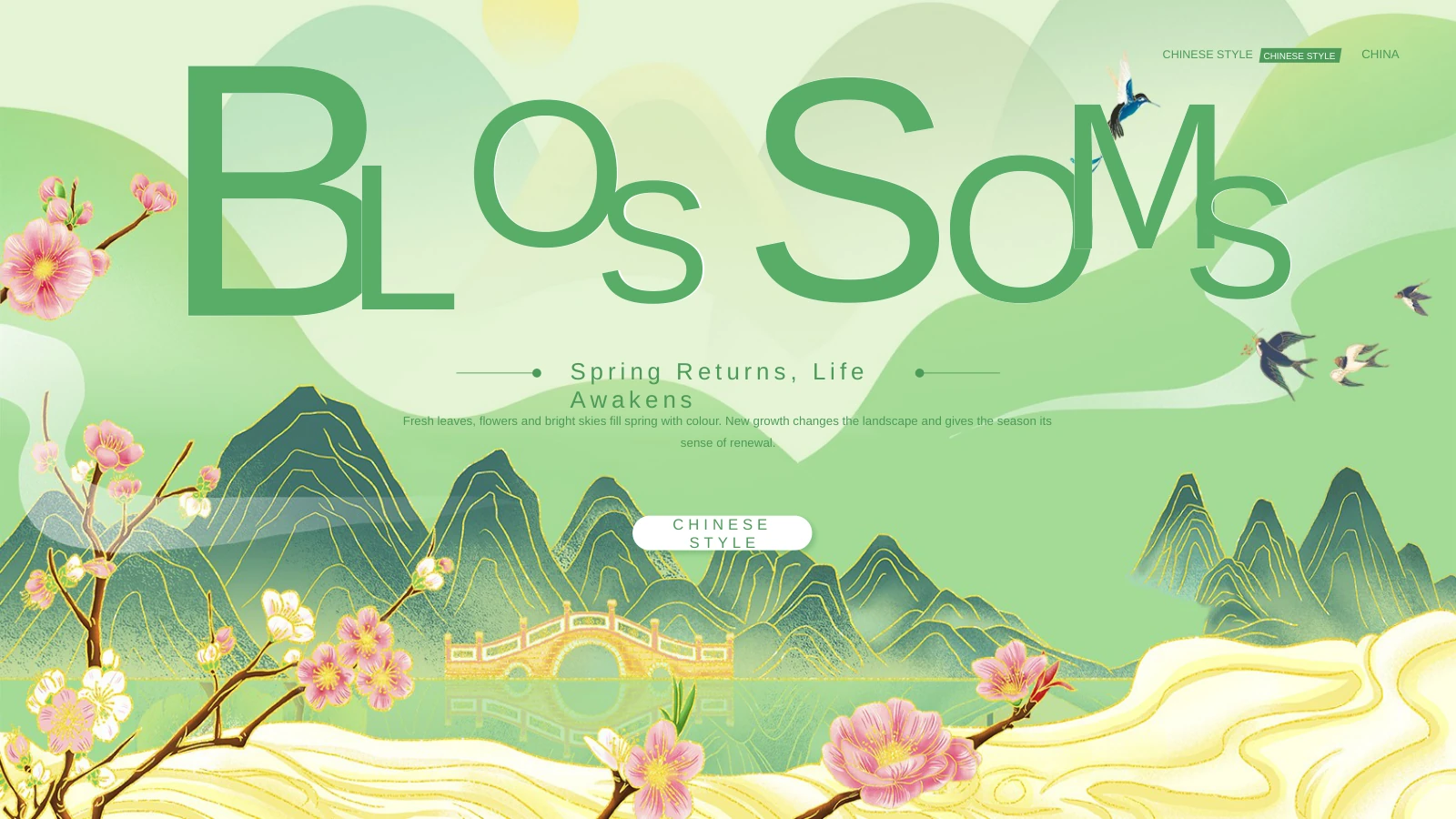
Spring Poetry Presentation Template: classical verse in a fresh green setting
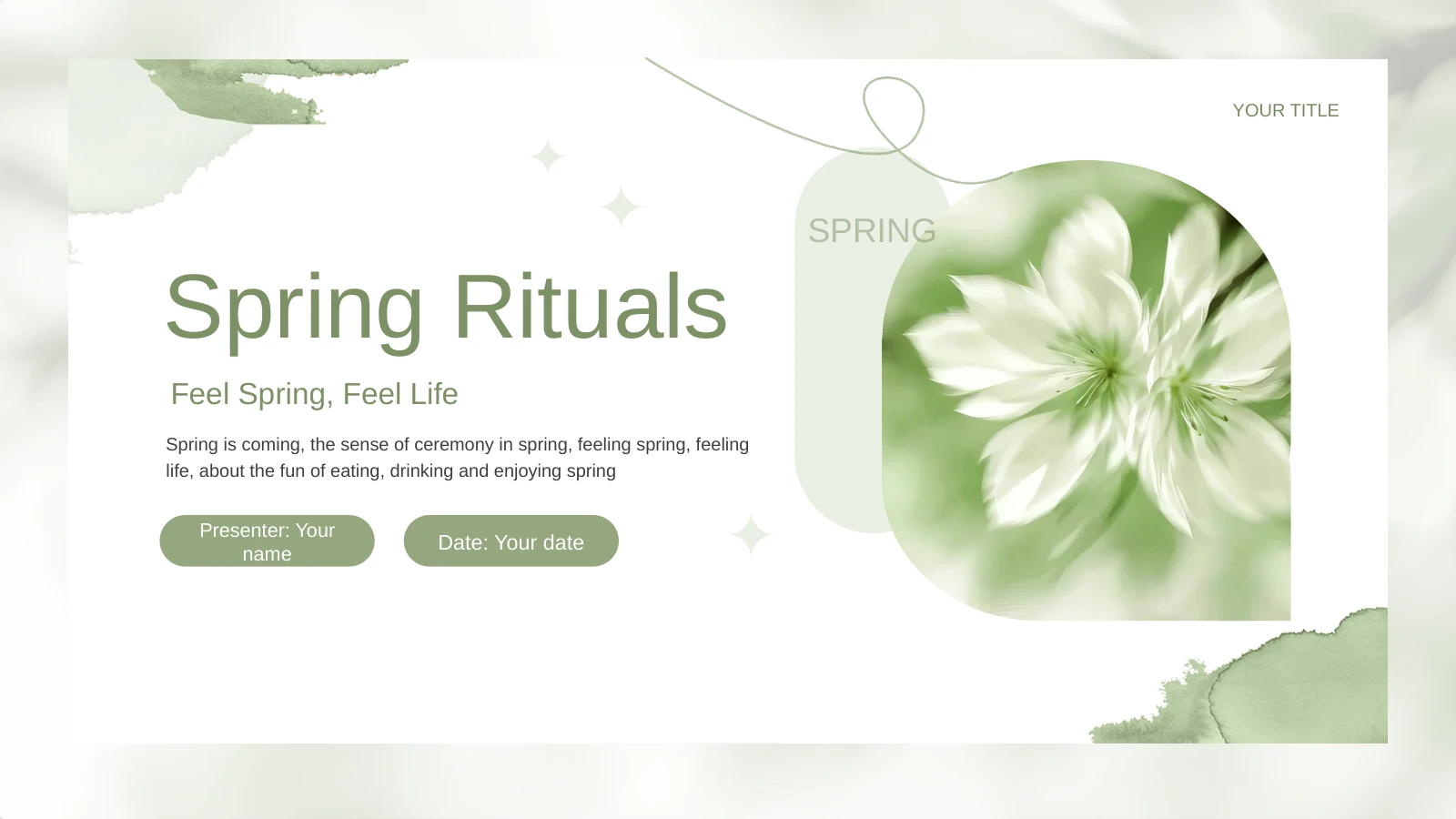
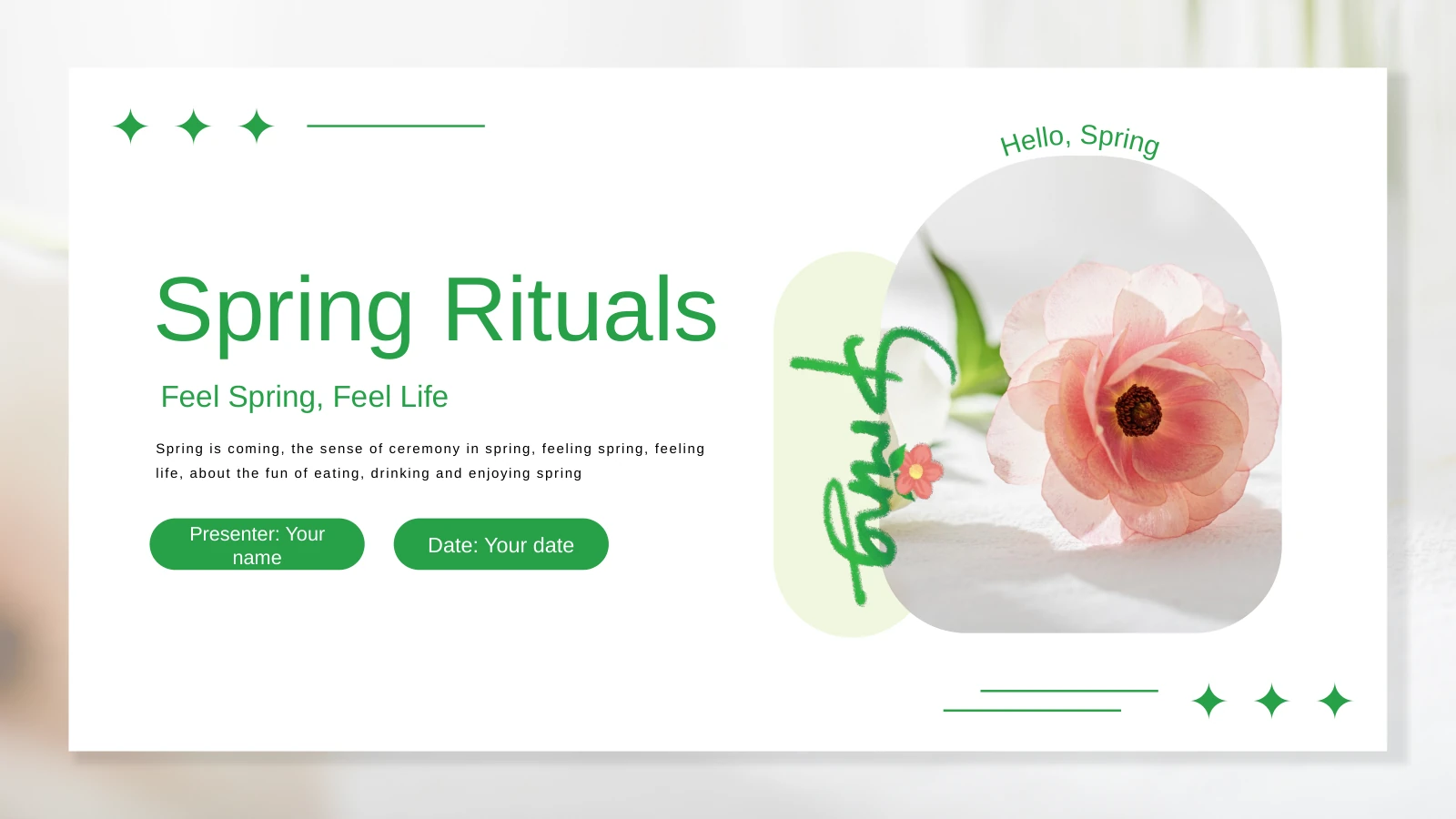
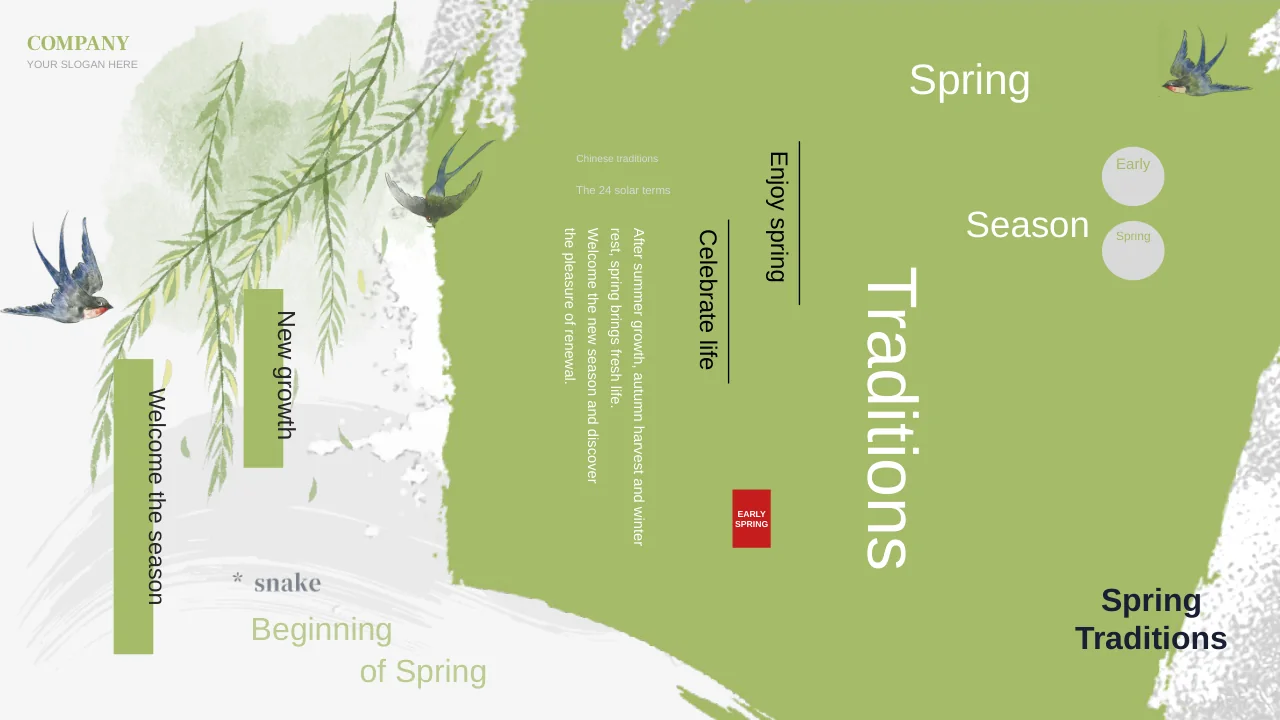
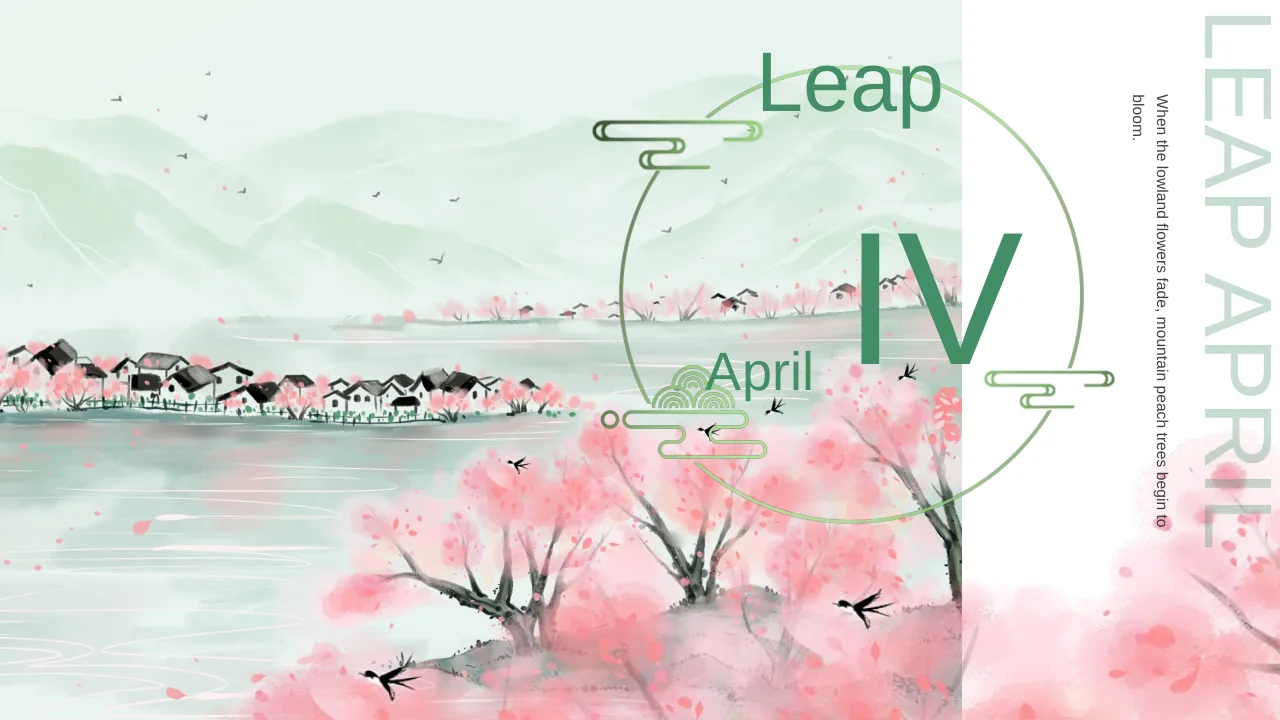
Spring Poetry Presentation Template pairs classical Chinese verse with a quiet green setting. Across 32 widescreen pages, ten poem sections move from a named divider to the verse and a short interpretation. Tea cups, bamboo leaves and pale paper backgrounds connect these different layouts. Spring Poetry Presentation Template includes independent English renderings of the poems, with author names and historical periods retained for context. Use the alternating verse and commentary pages to build a reading session, a literature lesson or a short seasonal presentation. The poems describe village gardens, early willow buds, lake water, birdsong and the arrival of warmer weather. Spring Poetry Presentation Template provides the starting sequence; select the passages you need, adjust the explanations for your audience and check every attribution before sharing. The final file contains English text and all 32 pages can be reviewed in the gallery.
Key Features of Spring Poetry Presentation Template
Classical verse, fresh green pages.
Ten Poem Sections
Spring Poetry Presentation Template gives ten poems a divider, verse page and interpretation. Each three-page section supports a reading followed by discussion.
Green Paper Setting
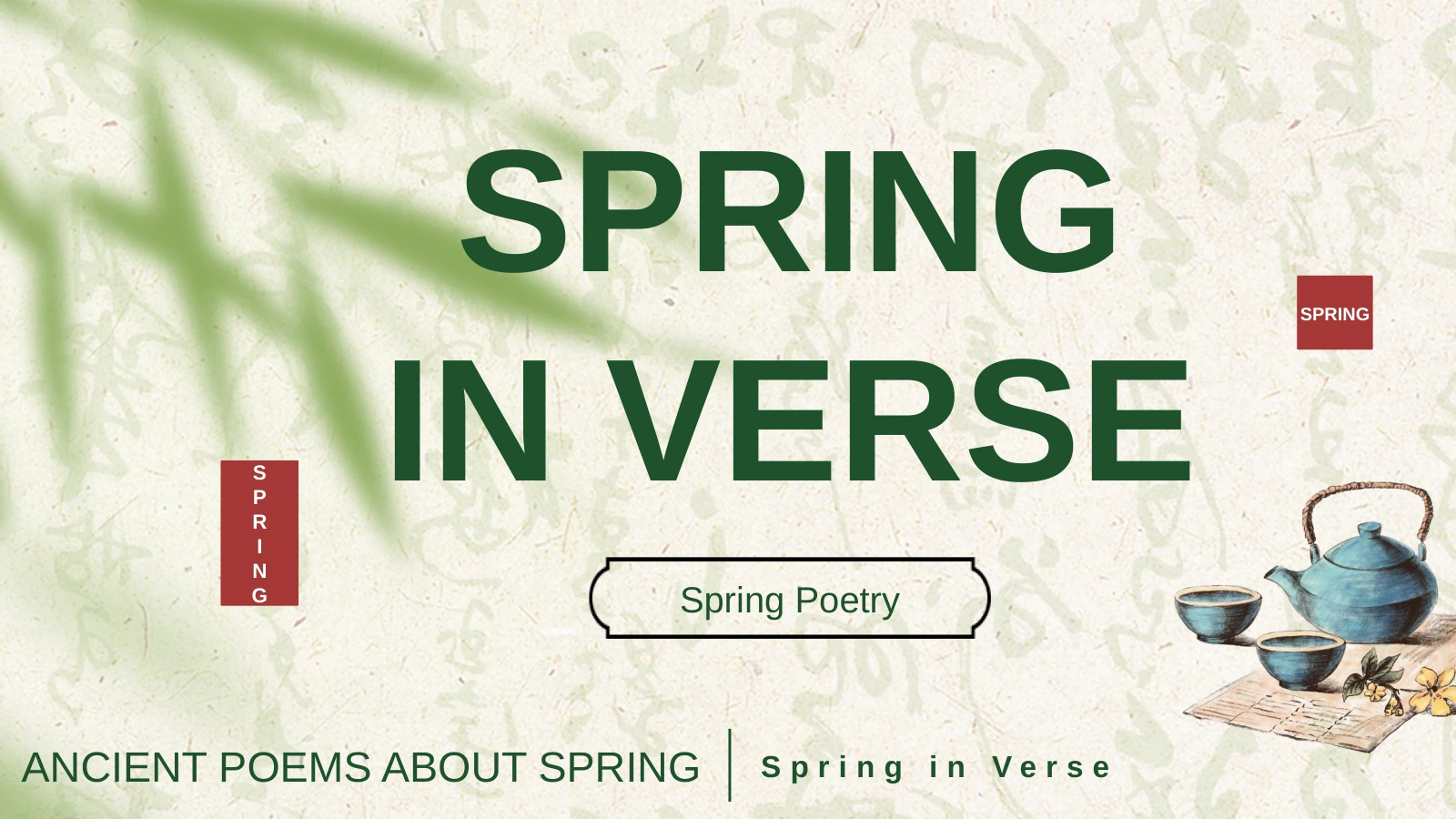
Spring Poetry Presentation Template uses pale paper, bamboo leaves and dark green accents. Tea illustrations frame open central areas for the verse.
English Verse
Spring Poetry Presentation Template contains independent English translations and short explanations. Author names and periods retain each poem’s context.
Varied Reading Pages
Spring Poetry Presentation Template mixes framed passages, numbered notes, photo groups and divided text for reading, comparison or a guided response.
Tea and Nature Images
Spring Poetry Presentation Template links teaware, fresh leaves and landscape images. Keep this visual thread or replace pictures to support your lesson.
Complete Page Preview
Spring Poetry Presentation Template previews all 32 widescreen slides. Compare the verse and commentary layouts, then keep the sections you need.
How to Use Spring Poetry Presentation Template
Choose your pages, prepare the content and present.
-
Preview the poems
Preview all 32 pages of Spring Poetry Presentation Template. Compare ten section openings, English poems and commentary. Enlarge the text and select works and pictures for your reading.
-
Download your copy
Download Spring Poetry Presentation Template with an active paid plan. Daily and repeated downloads are unlimited. Keep the original file separate before changing poem order or explanations.
-
Adapt and rehearse
Edit Spring Poetry Presentation Template in PowerPoint. Adapt the commentary and retain author credits. Check poem lines, rehearse the order and inspect the export on your audience’s screen.
Questions about Spring Poetry Presentation Template
How do I download Spring Poetry Presentation Template?
Open the download control after signing in with an active paid plan. Spring Poetry Presentation Template is supplied as a PPTX file. Paid members may download Spring Poetry Presentation Template repeatedly without a daily limit. Keep an unchanged copy of Spring Poetry Presentation Template and make your edits in a separate file, so you can return to the original poem sequence later.
How many pages does Spring Poetry Presentation Template contain?
Spring Poetry Presentation Template contains 32 slides: a cover, a contents page and ten three-page poem sections. The sections in Spring Poetry Presentation Template pair an opening divider with verse and interpretation. You may use fewer pages from Spring Poetry Presentation Template; removing a complete section can be more coherent than cutting a poem away from the explanation that follows it.
Can I change the text and colours in Spring Poetry Presentation Template?
The English verse, explanations and headings in Spring Poetry Presentation Template are editable text. Change the green accents in Spring Poetry Presentation Template in editable shapes as needed. Illustrations stored as pictures require image replacement rather than text editing. After adapting Spring Poetry Presentation Template, check the framed passages and rotated headings, where a longer line may need a smaller font or shorter wording.
Can I preview every page of Spring Poetry Presentation Template?
Yes. The gallery shows all 32 pages of Spring Poetry Presentation Template, including the poem dividers and the interpretation layouts. Use the thumbnails or arrow controls to move through Spring Poetry Presentation Template. Review Spring Poetry Presentation Template at a readable size before downloading; a small thumbnail helps compare composition but cannot show every detail of a translated verse line.
Can I edit Spring Poetry Presentation Template in another presentation app?
Spring Poetry Presentation Template uses the PowerPoint PPTX format. Another editor that supports PPTX may open Spring Poetry Presentation Template, but rotated text, font substitutions, transparency and picture crops can vary. Check an imported copy of Spring Poetry Presentation Template page by page rather than assuming the layout is identical. PowerPoint is the reference application for checking the editable file.
Which fonts does Spring Poetry Presentation Template use?
Active translated text in Spring Poetry Presentation Template uses Arial and standard Latin font bindings. The original Spring Poetry Presentation Template also contains embedded Chinese and Calibri font parts, retained with the source assets. A different editor may substitute fonts. When changing typography in Spring Poetry Presentation Template, review the poems, framed labels and narrow dividers, since their spacing depends on the chosen font.
Is the slide text in Spring Poetry Presentation Template English?
Yes. Spring Poetry Presentation Template contains English headings, independently translated classical verse and English interpretations. The ten poems in Spring Poetry Presentation Template retain their historical context and author labels. Website language choices translate the description of Spring Poetry Presentation Template; they do not create a different downloadable deck. Replace or revise the explanations for your lesson while keeping the quoted poem attribution accurate.
Can I use Spring Poetry Presentation Template commercially?
The available source does not include a verified redistribution or commercial-use licence for every image and font in Spring Poetry Presentation Template. Downloading Spring Poetry Presentation Template does not establish those rights. Check the permissions that apply to your intended use before publishing or selling material based on Spring Poetry Presentation Template. The old poems and the supplied illustrations may have different rights histories.
How should I share Spring Poetry Presentation Template?
Share a link to the detail page when another person needs to review Spring Poetry Presentation Template or obtain their own download. For a reading session, export your edited deck to PDF or present your working copy. Check credits, text and image permissions first. Keep an editable version of Spring Poetry Presentation Template with your teaching or presentation files.