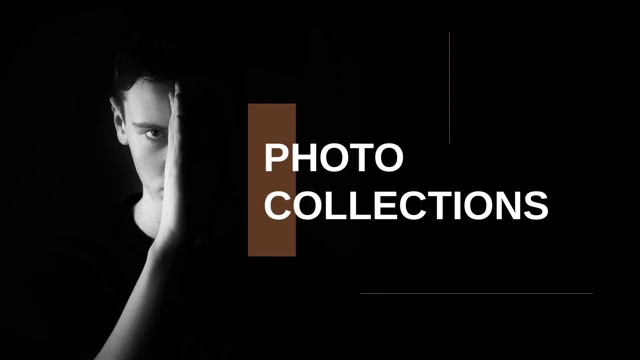
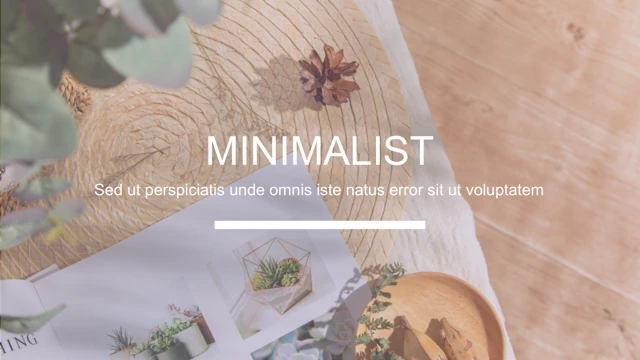
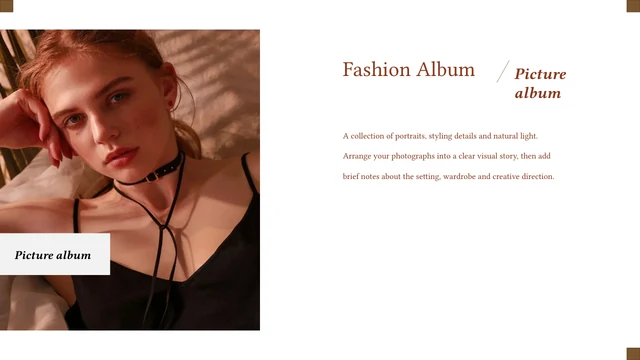
Minimal Studio Portfolio Presentation Template: a cream and charcoal studio proposal
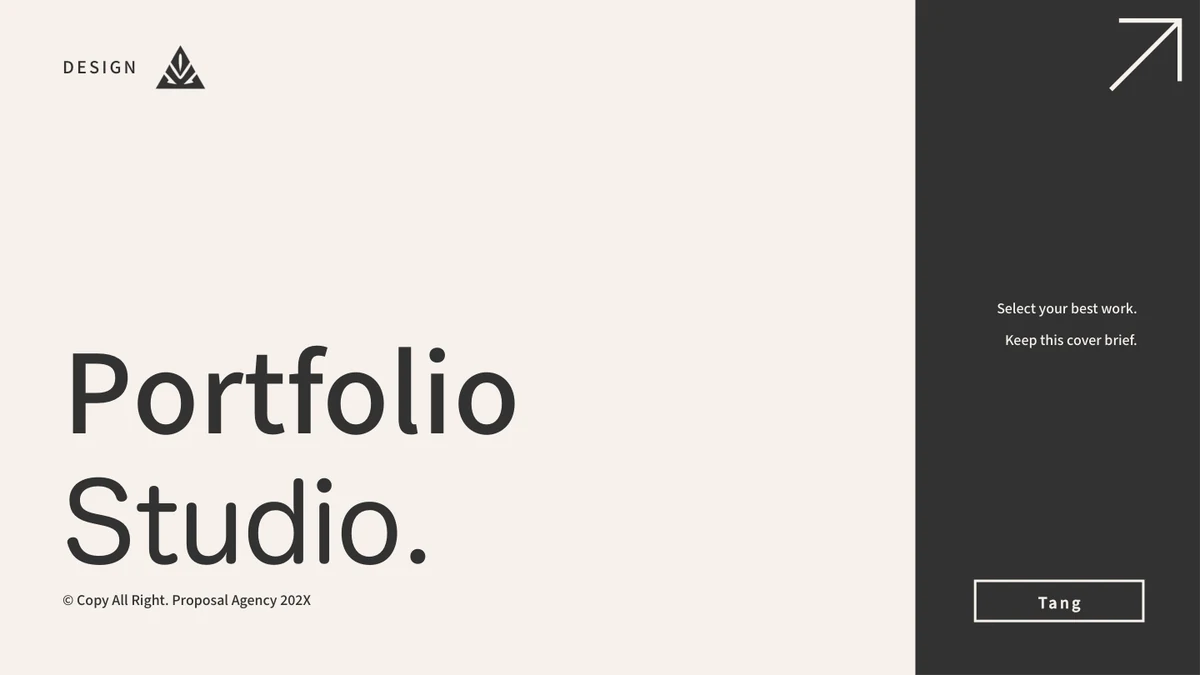
Minimal Studio Portfolio Presentation Template pairs cream pages with charcoal panels, thin rules and large headings. Its 30 widescreen slides move from studio introductions and team profiles to furniture photos, selected projects and a proposal. Minimal Studio Portfolio Presentation Template includes a five-item index and one broad break page, plus two-leader, three- and four-person team layouts. Product pages combine photographs, framed details and notes; later slides offer two quote options and pictured phone, laptop and desktop views. Minimal Studio Portfolio Presentation Template also contains a native pie chart and a stacked column chart, each linked to an Excel workbook. The chart values, dates, product names and prices are examples to replace with your own checked information. Short English editing prompts guide the text areas. The studio names, design credit and copyright lines remain; downloading the file does not verify permission to reuse all of its photos or artwork.
Key Features of Minimal Studio Portfolio Presentation Template
Studio profiles, product images and a concise proposal.
Cream and Charcoal
Minimal Studio Portfolio Presentation Template pairs pale backgrounds with dark panels, large headings and thin rules. Use the contrast to separate key ideas.
Studio and Team
Minimal Studio Portfolio Presentation Template has leader pairs, three- and four-person rows, and individual profiles. Add verified details about your team.
Product Photography
Minimal Studio Portfolio Presentation Template combines furniture and room pictures with framed details and notes. Explain a material, space or design choice.
Two Native Charts
Minimal Studio Portfolio Presentation Template includes a pie chart and stacked columns with linked Excel data. Check sample labels, totals and units together.
Proposal and Devices
Minimal Studio Portfolio Presentation Template adds two pricing options and pictured device views. Set out your scope; replace images to change screen content.
Visible Source Credits
Minimal Studio Portfolio Presentation Template keeps Leona Sapoetrie, Mouthley.Std and Proposal Agency credits. Check photo and artwork permissions for your use.
How to Use Minimal Studio Portfolio Presentation Template
Choose the story, replace the examples and check the result.
-
Select the Pages
Preview all 30 slides of Minimal Studio Portfolio Presentation Template. Choose an introduction, relevant people and projects. Keep the five-item index consistent with the pages you use.
-
Edit the Examples
Open a copy of Minimal Studio Portfolio Presentation Template in PowerPoint. Replace prompts, sample roles and prices; update both chart workbooks and verify the figures before presenting.
-
Check the Presentation
Review Minimal Studio Portfolio Presentation Template at full size. Check text, crops and font substitutions, retain required credits, then export a PDF and open it before sharing your work.
Questions about Minimal Studio Portfolio Presentation Template
How do I download Minimal Studio Portfolio Presentation Template?
Sign in, open Minimal Studio Portfolio Presentation Template and use the page's download button. An active paid plan is required. Download Minimal Studio Portfolio Presentation Template without a daily limit, and repeat the download while eligible. Save an original copy of Minimal Studio Portfolio Presentation Template, then work in a separate file. You can view the gallery before obtaining the PPTX.
How many slides are in Minimal Studio Portfolio Presentation Template?
Minimal Studio Portfolio Presentation Template contains 30 slides in 16:9. Its five-item index and one break page do not create five chapter dividers. Minimal Studio Portfolio Presentation Template includes studio profiles, team rows, product photographs, charts, quote options and device views, followed by a thank-you page. Select the relevant pages of Minimal Studio Portfolio Presentation Template and update the index. Sample dates are not a record of a real project history.
What can I edit in Minimal Studio Portfolio Presentation Template?
Edit native text, shapes, colors and both charts with their linked Excel workbooks in Minimal Studio Portfolio Presentation Template. Replace sample identities, product names and prices with your own information. The pictures and device screens in Minimal Studio Portfolio Presentation Template are images, not editable room scenes or models. Crop or replace them as needed. Retain the credits in Minimal Studio Portfolio Presentation Template unless you have permission to change them.
Can I preview every slide of Minimal Studio Portfolio Presentation Template?
The gallery for Minimal Studio Portfolio Presentation Template shows all 30 pages before download. Use thumbnails and gallery arrows, and enlarge a page to inspect it. You do not need to purchase file access to view Minimal Studio Portfolio Presentation Template. The previews represent the same English deck as the download. Check the full gallery of Minimal Studio Portfolio Presentation Template to assess its layouts, photos and charts.
Can I use Minimal Studio Portfolio Presentation Template in other presentation software?
Minimal Studio Portfolio Presentation Template is a PPTX for PowerPoint. Other editors may import it, but fonts, line wrapping, crops, chart behavior and object positions can change. Compare an imported copy of Minimal Studio Portfolio Presentation Template with the gallery, and check both charts. Use PowerPoint to check the original layout. Export and inspect a PDF before presenting Minimal Studio Portfolio Presentation Template; identical appearance across software is not guaranteed.
Which fonts does Minimal Studio Portfolio Presentation Template use?
Minimal Studio Portfolio Presentation Template references Source Han Sans CN Medium and Bold, Fangzheng Zhengxian Hei and Hanyi Lingxin; the theme refers to Calibri and Calibri Light. Minimal Studio Portfolio Presentation Template has no embedded fonts. Other devices may substitute missing families. Check the text in Minimal Studio Portfolio Presentation Template after opening it. A font reference neither supplies the font nor confirms a commercial font license.
What language is the file in Minimal Studio Portfolio Presentation Template?
Minimal Studio Portfolio Presentation Template uses English editing prompts and labels. The website has 15 localized descriptions, but Minimal Studio Portfolio Presentation Template provides one English PPTX, not 15 translated decks. Original studio names, people, source credits and text within photographs remain where applicable. Use the guides in Minimal Studio Portfolio Presentation Template as starting points, then add your project information and check that it fits the text areas.
Can I use Minimal Studio Portfolio Presentation Template commercially?
The complete commercial and redistribution rights for Minimal Studio Portfolio Presentation Template have not been verified. Credits name Leona Sapoetrie and Art Studio Mouthley.Std; pages retain Proposal Agency copyright lines, Mouthley and Tang. These notices in Minimal Studio Portfolio Presentation Template do not grant rights to every photo or artwork. Paid access to Minimal Studio Portfolio Presentation Template does not clear third-party rights. Obtain the permissions needed for your use and keep required attribution.
How do I share Minimal Studio Portfolio Presentation Template?
Use this page's share controls or copy its URL to share Minimal Studio Portfolio Presentation Template. File recipients need their own eligible access. For finished work made with Minimal Studio Portfolio Presentation Template, export a PDF and check text and crops before sending it. Confirm rights to redistribute content from Minimal Studio Portfolio Presentation Template and keep source credits. Retain an editable copy of Minimal Studio Portfolio Presentation Template; sharing a page link does not transfer a license.