

Mint Floral Stories Presentation Template: illustrated pages for your own subject
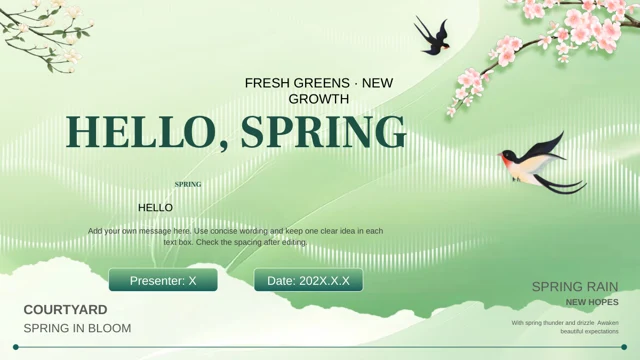
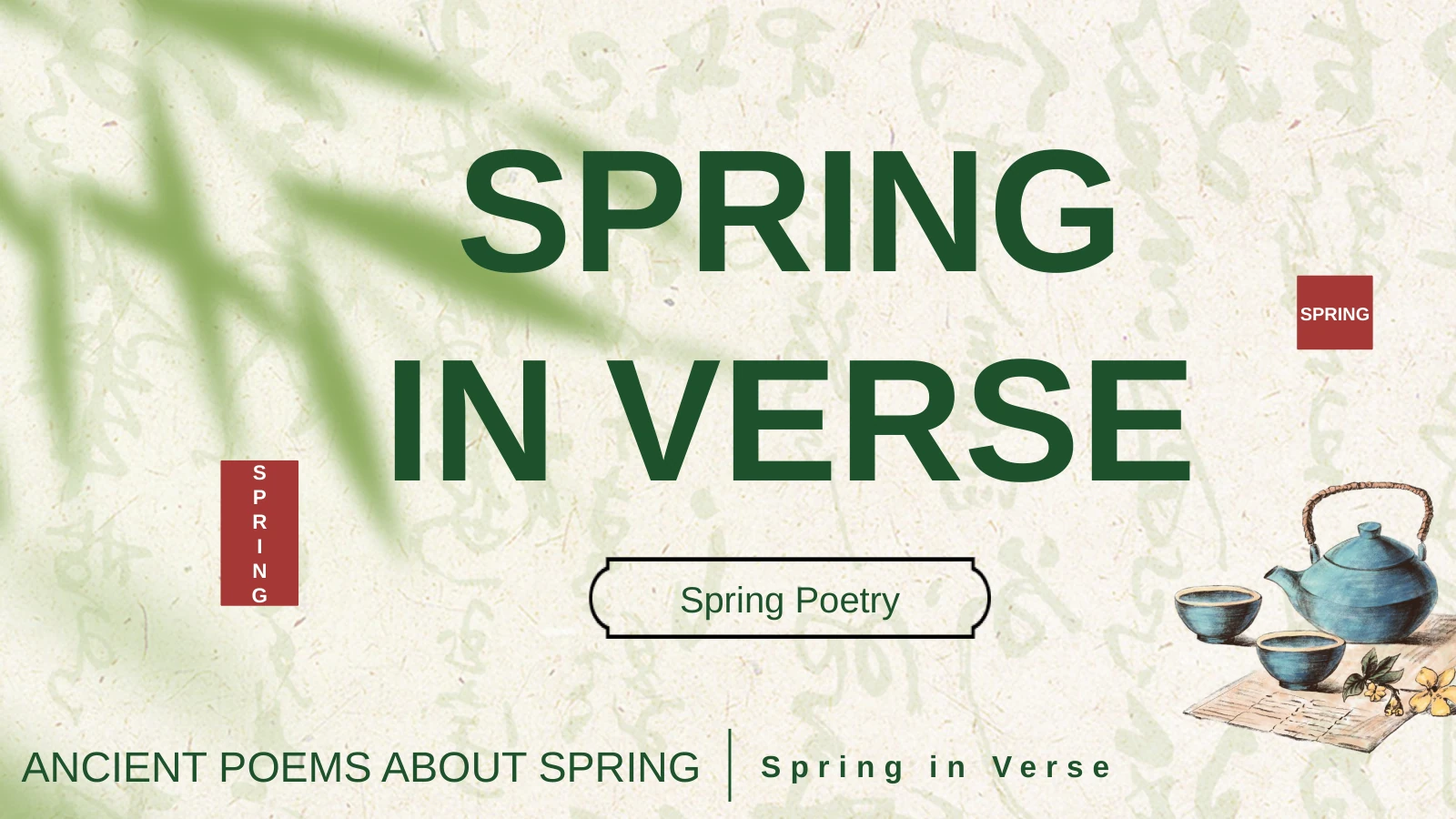
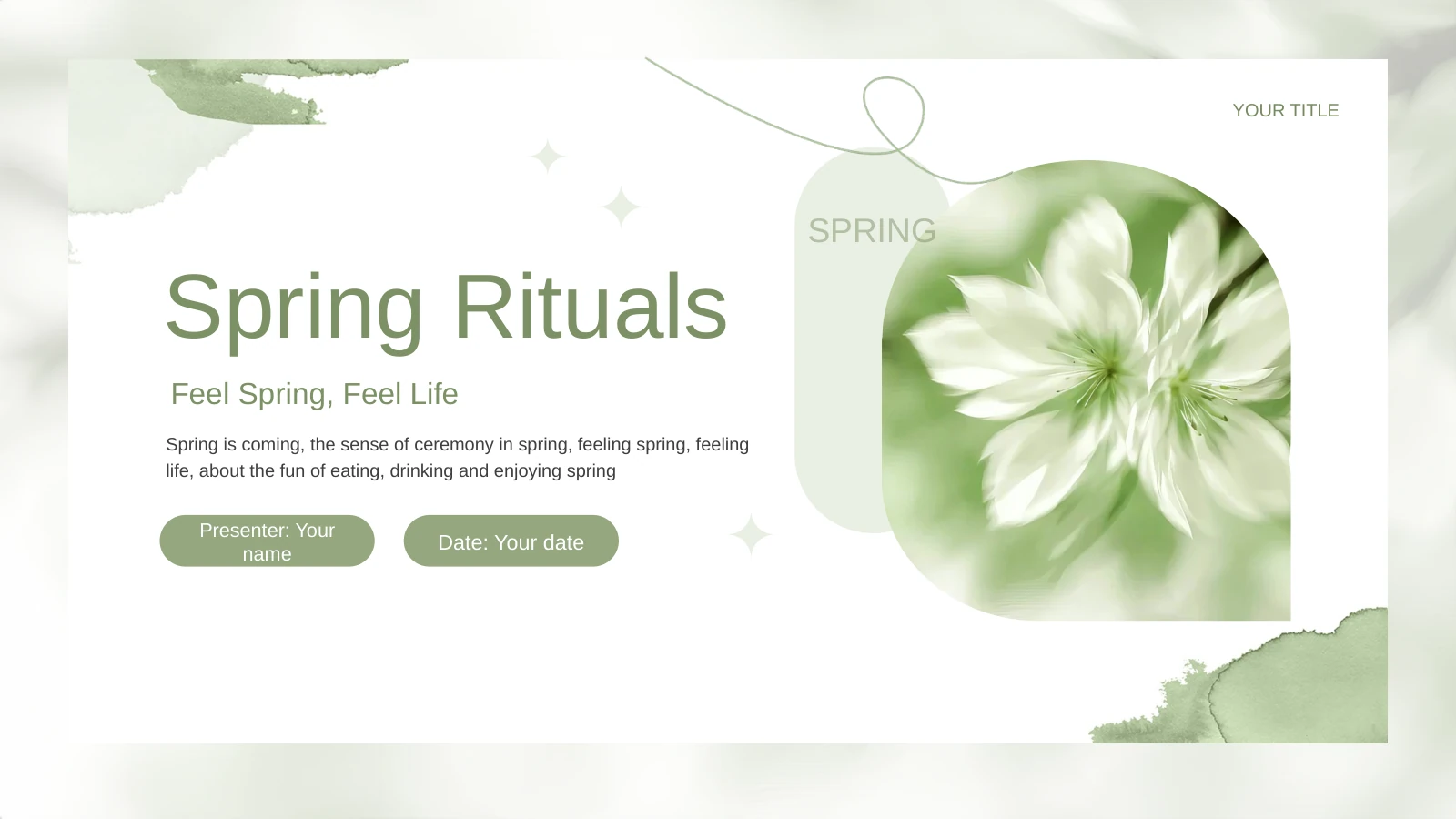
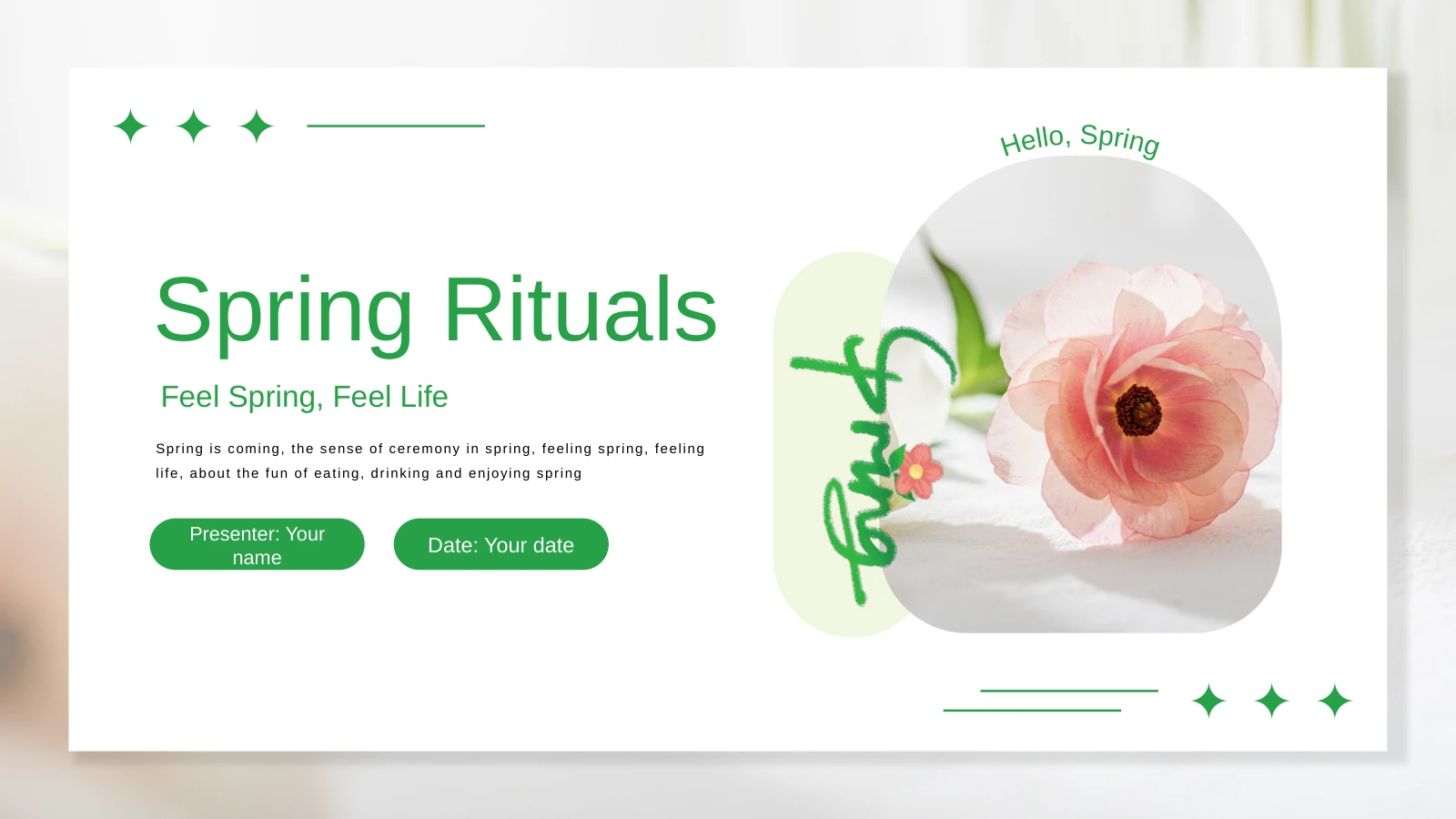
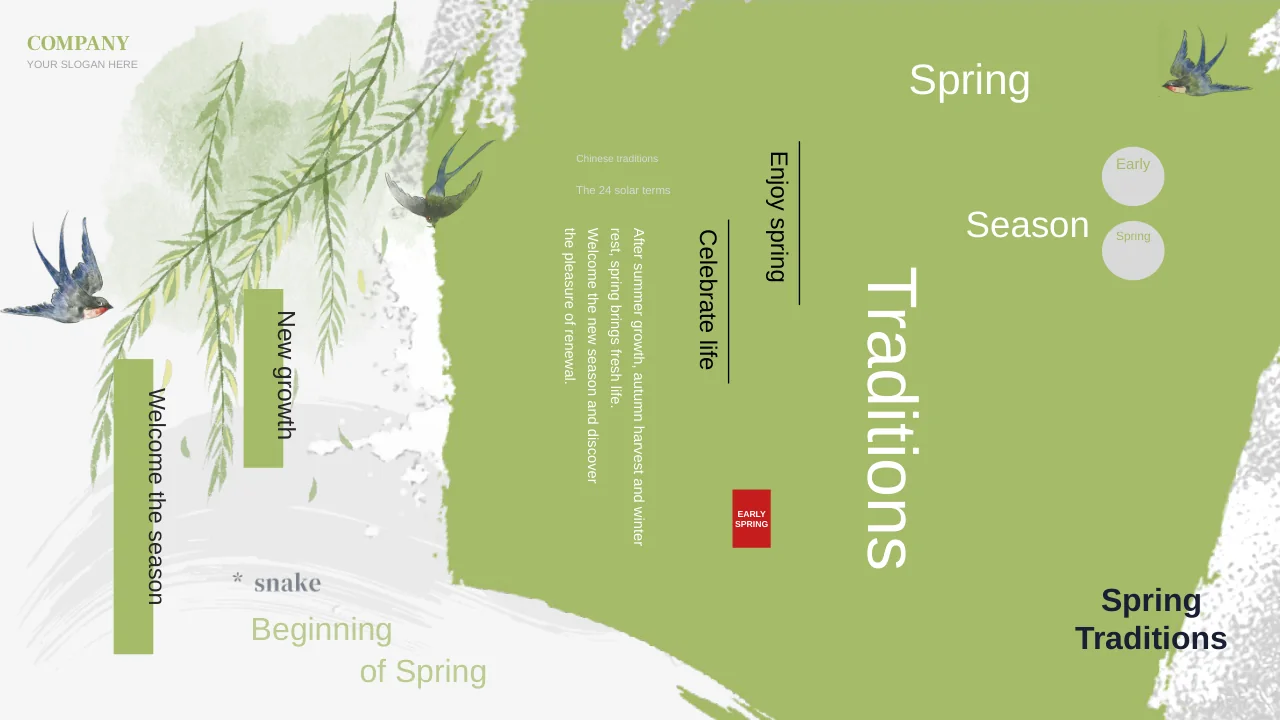
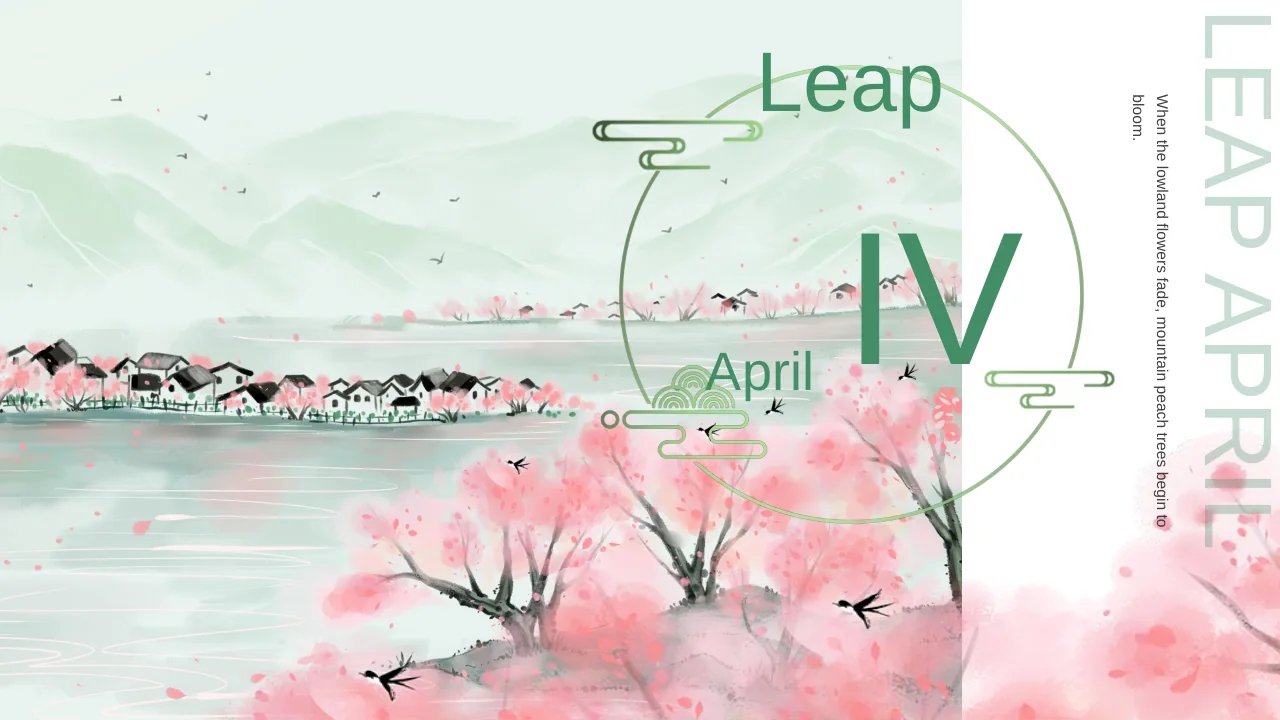
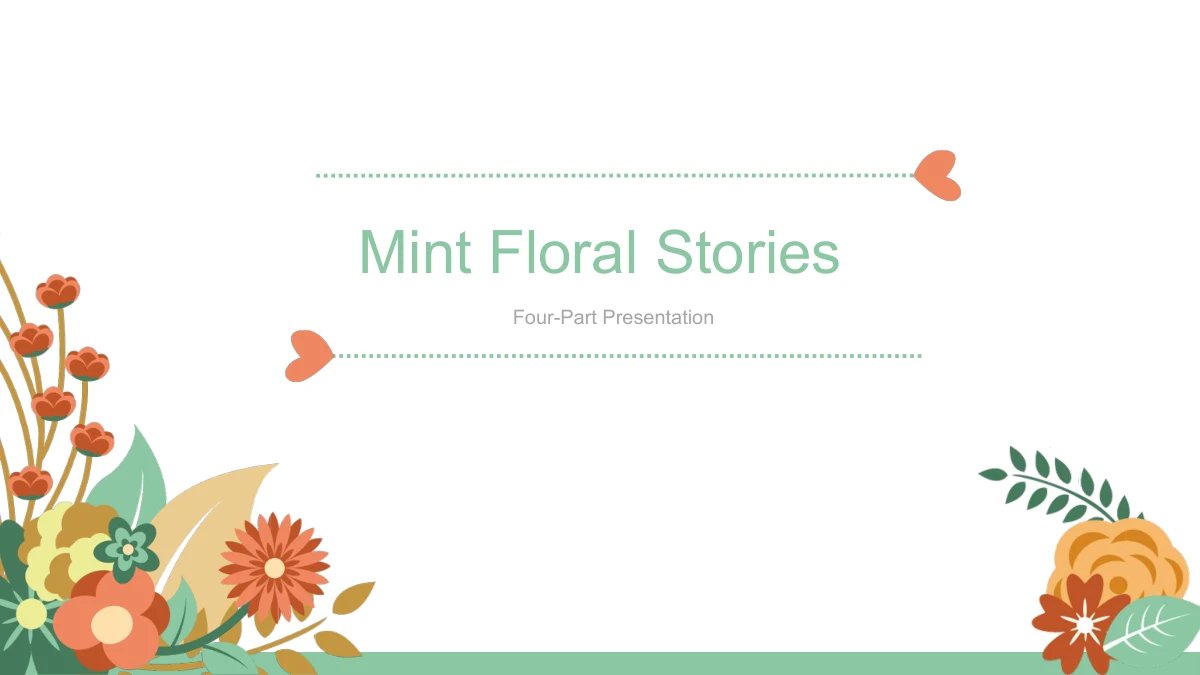
Mint Floral Stories places flowers in the corners and brings birds, owls and heart motifs into a 26-slide presentation. The soft mint palette links a cover, contents page and four sections, with illustrated layouts between the dividers. Use the framework to introduce a personal project, organize a group discussion or develop a short explanation. The content is open-ended, so the headings and notes need your own ideas rather than a fixed subject. A speech bubble beside reading foxes, floral labels and wreath frames vary the page arrangements. Two 90% labels are manual examples; they are not verified results or values linked to a workbook. One picture includes an English Mother’s Day greeting, but the overall file remains a general presentation framework. Choose that page only when its illustration fits your subject. Add concise text, replace sample values where relevant and check the pages in sequence before presenting.
Mint Floral Stories Presentation Template Features
A soft floral setting with varied places for your ideas.
Mint Floral Corners
Floral corner artwork carries the mint palette across the pages. The light background leaves room for your text while keeping the decorative setting consistent.
Birds, Owls and Heart Motifs
Illustrated birds, owls and hearts give the text pages different focal points. Select pictures that suit the message you are adding, not just the available space.
A Four-Part Presentation Framework
Four section dividers separate the file into adaptable parts. Align the contents entries and chapter names with your own outline before filling the text pages.
Paired Notes and Numbered Points
Layouts combine paired text areas with numbered groups of ideas. Keep each heading specific and use the surrounding space to explain one point at a time.
Two Manual Percentage Examples
Two separate 90% labels provide sample callouts. Replace the labels and any related drawing details together; there are no native data charts or linked workbooks.
Pictures Beside Editable Text
Edit text boxes and separate drawing shapes while preserving the illustrations. The floral and character artwork includes fixed pictures with their own details.
How to Use the Mint Floral Stories Presentation Template
Connect the illustrations to a clear four-part outline.
-
Choose Pages for Your Subject
Browse all 26 previews and decide what each of the four parts should cover. Select illustrations and text layouts that support the subject, including whether the holiday picture is relevant.
-
Add Your Story and Examples
Download the English PPTX with an active paid membership. Replace the generic headings with your outline, write brief supporting notes and update the two manual percentages if you use them.
-
Check Text and Picture Context
Review small labels, text near illustrations and the four-section sequence at presentation size. Confirm that each picture fits its page, then check any PDF export before you share it.
Mint Floral Stories Presentation Template Questions
How do I download the English presentation?
Sign in with an active paid membership and select the download button. You receive the English PPTX, with unlimited daily downloads and the option to download the file again when needed.
What is included in the 26-slide deck?
The widescreen 16:9 file includes an opening, contents, four section dividers, illustrated content layouts and a closing. It supplies a visual framework; your topic and explanations are yours to add.
Is this a complete Mother’s Day presentation?
No. One decorative image contains an English Mother’s Day greeting, but the remaining framework is generic. Use that page when appropriate rather than treating the whole file as a prepared holiday presentation.
Are the percentages connected to chart data?
No. The two 90% labels are independent manual examples. The file contains no native data charts or embedded workbooks, so changing a number will not automatically update surrounding drawings.
Can I change the illustrations and text separately?
Text and separate drawing shapes can be edited. The decorative images remain picture objects whose internal details are not separate editable shapes or text; check image crops and placement when making changes.
What fonts are used in the English file?
The English version uses Arial without embedded fonts. If you choose a different typeface, review narrow headings, numbered labels and short captions for changes in spacing and line breaks.
Has the file been tested in Google Slides or Keynote?
The download is a PowerPoint file. Google Slides and Keynote have not been tested; inspect imported text, image placement, grouped shapes and animation behavior before relying on another editor.
Will a localized page download translated slides?
No. Every language page provides the same English PPTX. You may translate the editable text for your audience; any wording inside the supplied decorative pictures remains part of those images.
Can I share an edited version of these slides?
Share edited slides or exports only within the permissions that apply to the source and your added content. Download access does not grant additional third-party rights, and genuine provenance information should remain intact.