Morimoto Digital Presentation Template: Tell a Digital Product Story
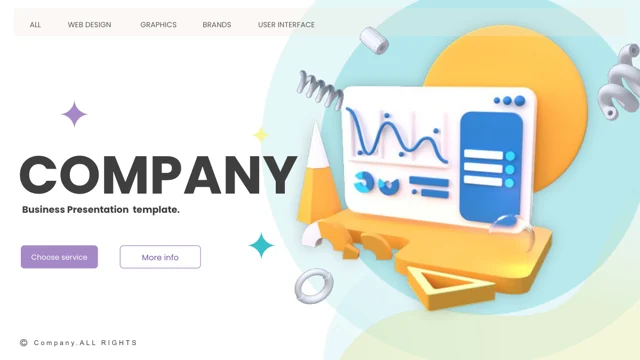
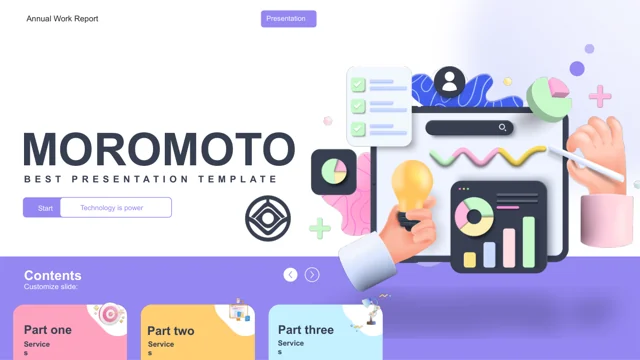
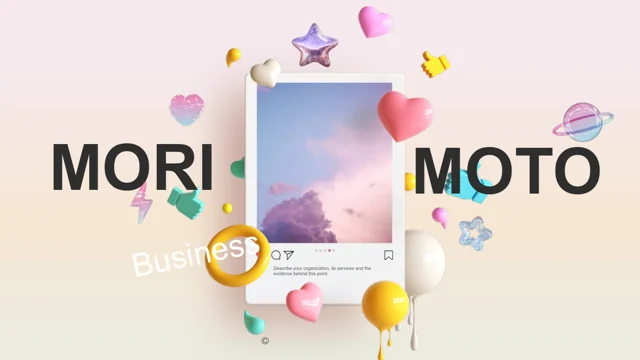
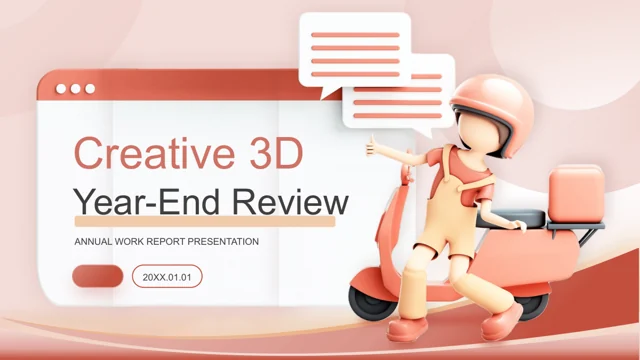
Morimoto Digital Presentation Template connects a company mission with product objectives and development plans. Its 31 widescreen slides use blue, white, purple and 3D accents. Morimoto Digital Presentation Template includes an objective diagram, product tables, social cards, a roadmap and an event agenda. The interface examples are static: Morimoto Digital Presentation Template needs your own labels, figures and product information.
Key Features of Morimoto Digital Presentation Template
From product goals to the next release.
Product objectives
Link goals and tasks in Morimoto Digital Presentation Template.
Interface examples
Adapt static screen mockups in Morimoto Digital Presentation Template.
Product matrix
Compare offerings in Morimoto Digital Presentation Template.
Social cards
Introduce updates with Morimoto Digital Presentation Template cards.
Development roadmap
Show release phases in Morimoto Digital Presentation Template.
Event agenda
Arrange event sessions in Morimoto Digital Presentation Template.
How to Use Morimoto Digital Presentation Template
Make the product story your own.
-
Define the story
Choose product and roadmap pages in Morimoto Digital Presentation Template.
-
Save the PPTX
Download Morimoto Digital Presentation Template with a paid plan; daily access is unlimited.
-
Replace the examples
Edit Morimoto Digital Presentation Template screens, milestones and sample metrics.

Questions About Morimoto Digital Presentation Template
How do I obtain Morimoto Digital Presentation Template?
A paid membership unlocks Morimoto Digital Presentation Template. Sign in and download without a daily limit; keep a working copy for each product release.
How long is the Morimoto Digital Presentation Template deck?
Morimoto Digital Presentation Template provides 31 slides in 16:9. Select product, interface and planning pages; correct duplicated sample section labels in the contents.
Can I restyle and rewrite Morimoto Digital Presentation Template?
Rewrite labels and recolor editable shapes in Morimoto Digital Presentation Template. Replace single-image mockups as images; keep product terms consistent across the deck.
Can I review the screens in Morimoto Digital Presentation Template first?
Use the complete Morimoto Digital Presentation Template preview to inspect product tables and interface layouts. Confirm your product names fit the available space.
Can I import Morimoto Digital Presentation Template into a different app?
Test Morimoto Digital Presentation Template in an editor with PPTX import. Check layered mockups, timeline dates and product columns; the screen examples remain static artwork.
What typography does Morimoto Digital Presentation Template use?
Morimoto Digital Presentation Template lists these source fonts: Arial, Calibri, Century Gothic, Helvetica Neue, Helvetica Neue Medium, Inter, Microsoft YaHei, Montserrat, Montserrat Light, Montserrat SemiBold, Neris Thin, OPPOSans B, Open Sans, Open Sans Light, Open Sans Semibold, Poppins, Poppins Medium, Poppins SemiBold, Roboto, Roboto Thin, Rubik Light, Segoe UI, Segoe UI Light, Source Sans Pro, Titillium Web ExtraLight, Wingdings, Wingdings 2, Wingdings 3. Inspect interface labels, product headings and milestones after substitution rather than shrinking long names.
Does Morimoto Digital Presentation Template contain translated slide text?
The downloadable Morimoto Digital Presentation Template has English text. Provide translated interface labels and product descriptions, keeping goal, task and release terminology consistent.
Can I present Morimoto Digital Presentation Template to paying clients?
Review Morimoto Digital Presentation Template’s license and image rights before client use. Paid access does not authorize resale; replace example accounts and product claims.
How do I send Morimoto Digital Presentation Template to my team?
Link to Morimoto Digital Presentation Template for layout discussions. Share your adapted file within its permissions, removing unreleased roadmap details before sending it outside the team.