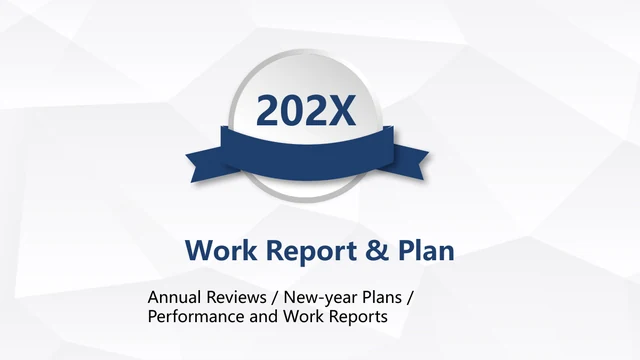
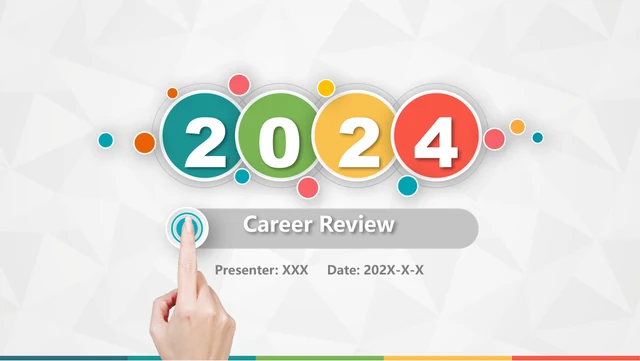
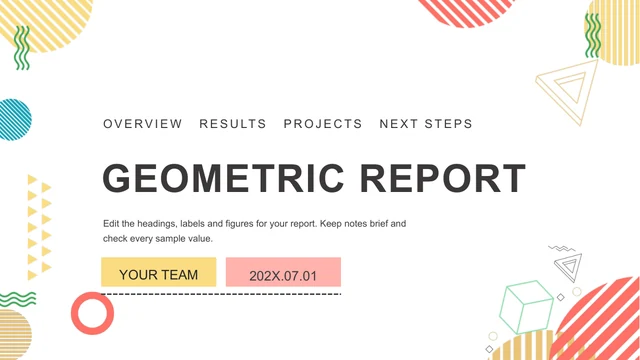
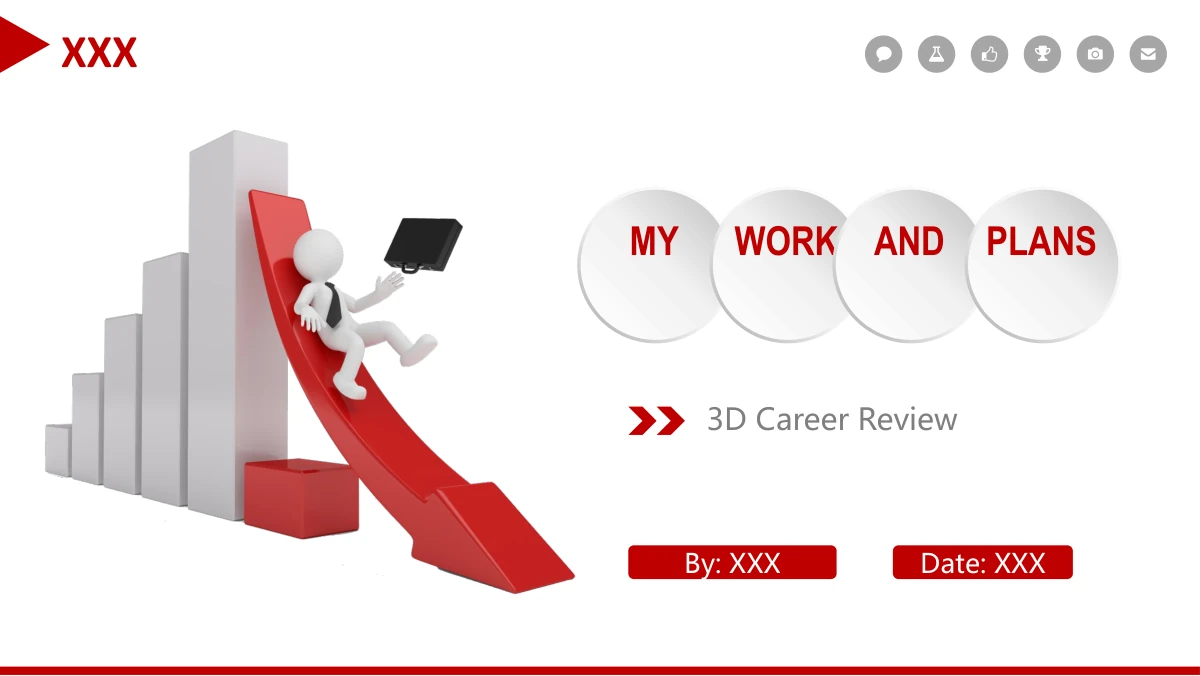
Red 3D Career Review Presentation Template: a career story in red and white
Red 3D Career Review Presentation Template combines red accents, raised circular labels and white 3D figures across 30 widescreen slides. Four chapters move from personal development to role responsibilities, past achievements and future plans. Red 3D Career Review Presentation Template includes a footprint road, a dated timeline and a profile with four sample skill bars. SWOT circles and branching notes help explain your approach, while target, gear and ladder illustrations provide breaks. Red 3D Career Review Presentation Template also has three achievement cards, a five-question discussion page and a handshake layout. The red pie, growth arrow and large 100% figure are pictures, so they serve as visual metaphors rather than data-driven charts. Use Red 3D Career Review Presentation Template to select a clear career narrative, add evidence for your results and finish with actions. Keep the sample ratings, dates and audience counts only when they match information you can support.
Key Features of Red 3D Career Review Presentation Template
Four chapters, career milestones and red 3D scenes.
Four-Part Career Narrative
Red 3D Career Review Presentation Template separates your background, responsibilities, achievements and future plans with four matching icon-led chapter breaks.
Timelines and Profile
Red 3D Career Review Presentation Template pairs a footprint road and dated timeline with an avatar profile, short biography and four manually labelled skill bars.
SWOT and Branching Notes
Red 3D Career Review Presentation Template offers SWOT circles, a three-branch outline and linked brainstorming nodes to organise strengths, challenges and ideas.
Red 3D Illustrations
Red 3D Career Review Presentation Template uses figures, gears, a target and a ladder as visual cues. The pie and growth scenes are pictures, not editable charts.
Achievement and Action Layouts
Red 3D Career Review Presentation Template includes three tall achievement cards and four action columns, giving past work and future commitments separate space.
Discussion and Closing Pages
Red 3D Career Review Presentation Template ends with five question prompts, a handshake scene and a four-disc closing page that echoes the opening cover design.
How to Use Red 3D Career Review Presentation Template
Build the story, add evidence and rehearse.
-
Choose Your Career Story
Review the four chapters in Red 3D Career Review Presentation Template. Choose a timeline, duties layout and results page to support your application or review; leave out repeated examples.
-
Download and Add Your Evidence
Download Red 3D Career Review Presentation Template with an active paid membership. Add your evidence, replacing sample dates, skill ratings and audience counts with verified details.
-
Check the Final Presentation
Rehearse Red 3D Career Review Presentation Template in your chosen app. Check timeline labels, profile text and circular headings, then give each action an owner and a clear next step.
Red 3D Career Review Presentation Template FAQs
How can I download Red 3D Career Review Presentation Template?
Download Red 3D Career Review Presentation Template with an active paid membership. Eligible members can download it again without a daily limit. Before choosing Red 3D Career Review Presentation Template, decide whether you need a promotion application, an internal role review or a summary of your career so far. The four chapter headings in Red 3D Career Review Presentation Template give those talks a starting structure, but your evidence should determine the pages you keep. Save a working copy of Red 3D Career Review Presentation Template before replacing the sample name, dates and profile. Keep your original download separately so you can return to the unused layouts in Red 3D Career Review Presentation Template when another review calls for a different emphasis.
How many slides are in Red 3D Career Review Presentation Template?
Red 3D Career Review Presentation Template contains 30 slides, including its cover, contents, four chapter dividers and closing page. The dividers in Red 3D Career Review Presentation Template appear on pages 3, 8, 17 and 23. They introduce personal development, role responsibilities, past achievements and future plans. For a short interview with Red 3D Career Review Presentation Template, choose one useful page from each chapter rather than presenting every example. Red 3D Career Review Presentation Template has two different timeline designs: footsteps along a road and dated circles on a dotted line. Choose the one that best explains your sequence. You can also use the three achievement cards in Red 3D Career Review Presentation Template to group results by project, responsibility or period.
Can I edit the text and colours in Red 3D Career Review Presentation Template?
The text boxes, circular labels and other native shapes in Red 3D Career Review Presentation Template can be edited in a compatible presentation app. Change text colours and shape fills to suit your organisation, while keeping enough contrast against the pale discs. Red 3D Career Review Presentation Template also includes raster illustrations: recolouring a shape does not recolour a figure, pie or growth scene inside a picture. In Red 3D Career Review Presentation Template, the four skill ratings and three social-audience counts are manually placed examples, not linked measurements. Replace the labels and values in Red 3D Career Review Presentation Template together. If your results need a real chart, insert one with your own data rather than presenting an illustration from Red 3D Career Review Presentation Template as a measured comparison.
Can I preview every slide in Red 3D Career Review Presentation Template?
You can inspect all 30 pages of Red 3D Career Review Presentation Template in the gallery before downloading. Use the thumbnails to jump to the profile, SWOT circles or achievement cards, then enlarge a page to read its smaller labels. The four dividers in Red 3D Career Review Presentation Template make it easier to follow the career story. Compare the timelines in Red 3D Career Review Presentation Template with the dates and milestones you actually need to explain. Check the manual skill bars and audience counts in Red 3D Career Review Presentation Template as examples to replace, rather than evidence of your own results. Before choosing Red 3D Career Review Presentation Template, decide which pages support your review and which can be left out of a shorter talk.
Can I use Red 3D Career Review Presentation Template in another presentation editor?
Red 3D Career Review Presentation Template is a PowerPoint file. Other editors that import PPTX may change text wrapping, shadows, picture handling or slide navigation, so check a converted copy before a live review. Start with the profile and dated timeline in Red 3D Career Review Presentation Template: their short labels and narrow text areas make layout changes easier to spot. Then inspect the SWOT circles, three achievement cards and closing discs in Red 3D Career Review Presentation Template. Red 3D Career Review Presentation Template includes an MP3 resource; its playback and contents have not been tested here, so do not rely on it for your talk. Keep a PowerPoint copy of Red 3D Career Review Presentation Template and rehearse in the editor you will actually use.
Which fonts does Red 3D Career Review Presentation Template use?
Red 3D Career Review Presentation Template uses Microsoft YaHei, Arial Narrow and Calibri for text; Wingdings supplies symbol glyphs. The final English headings in Red 3D Career Review Presentation Template are fitted to the original circles and narrow labels, so a wider replacement font may change their spacing. Red 3D Career Review Presentation Template does not contain embedded font files. If your editor substitutes a font, inspect the four cover words, timeline dates and action headings in Red 3D Career Review Presentation Template before presenting. Keep the distinction between bold headings and smaller supporting notes. When editing Red 3D Career Review Presentation Template, use a font available on your presentation computer, then check line breaks and read the exported PDF. Having a font installed locally does not guarantee the same appearance on another device.
Is the downloadable Red 3D Career Review Presentation Template in English?
The downloadable slide text in Red 3D Career Review Presentation Template is in English. The website descriptions of Red 3D Career Review Presentation Template are translated into 15 languages, while the previews and download refer to the same English PowerPoint file. Red 3D Career Review Presentation Template retains the red 3D figures, four-part sequence and original sample quantities. Replace the profile, skill ratings, dates and audience examples with information that belongs in your own review. English labels in Red 3D Career Review Presentation Template are editable where they are native text; lettering stored inside a picture remains part of that picture. If your audience needs another language, translate a working copy of Red 3D Career Review Presentation Template and check its narrow headings again. The included MP3 resource has not been tested for playback or language.
Can I use Red 3D Career Review Presentation Template for a commercial presentation?
Commercial use of Red 3D Career Review Presentation Template depends on the permissions that apply to the file and its included assets. A paid download does not by itself establish unrestricted rights to every illustration or platform logo. Red 3D Career Review Presentation Template includes stock-style 3D figures, a profile avatar and social-service symbols; check their applicable terms before using them in client-facing material. For an employer or customer review, replace any unnecessary platform symbols in Red 3D Career Review Presentation Template with authorised assets and avoid implying an affiliation. Fill Red 3D Career Review Presentation Template with your own project evidence, approved names and suitable images. If the rights to a required element of Red 3D Career Review Presentation Template are unclear, obtain permission or replace that element.
How should I share a finished Red 3D Career Review Presentation Template?
Share a completed Red 3D Career Review Presentation Template according to the permissions for the template, your inserted assets and the information in your review. For interviewers, a PDF of selected Red 3D Career Review Presentation Template pages may be more useful than the entire editable file. Remove private contact details, internal performance figures and unused profile placeholders from Red 3D Career Review Presentation Template before sending it outside your organisation. The question page in Red 3D Career Review Presentation Template can become a discussion guide, while the four action columns can summarise agreed next steps. If colleagues need to edit Red 3D Career Review Presentation Template, send an authorised working copy through an appropriate channel; do not assume that permission to present also permits redistributing the original template.