Red Faceted Annual Report Presentation Template: raised panels for a clear annual review
Red Faceted Annual Report Presentation Template combines red and white faceted borders with pale backgrounds, raised discs and soft shadows. Its 32 widescreen pages organise annual work, project results, current conditions and future plans. Red Faceted Annual Report Presentation Template uses four contents tabs and matching chapter breaks to keep the review clear. Six-note layouts, photo frames, comparison panels and a month-by-month line in Red Faceted Annual Report Presentation Template offer different ways to explain your work. Ring percentages, arrows and project progress examples use slide objects rather than native data charts. Select the layouts your evidence needs, then replace the wording, figures and photographs. Red Faceted Annual Report Presentation Template adds connected icon diagrams and a winding six-stage path for discussing next steps. Keep headings short enough for the raised labels, and check each manual figure against your own records before presenting.
Key Features of Red Faceted Annual Report Presentation Template
Red facets, soft relief and practical report layouts.
Red and White Facets
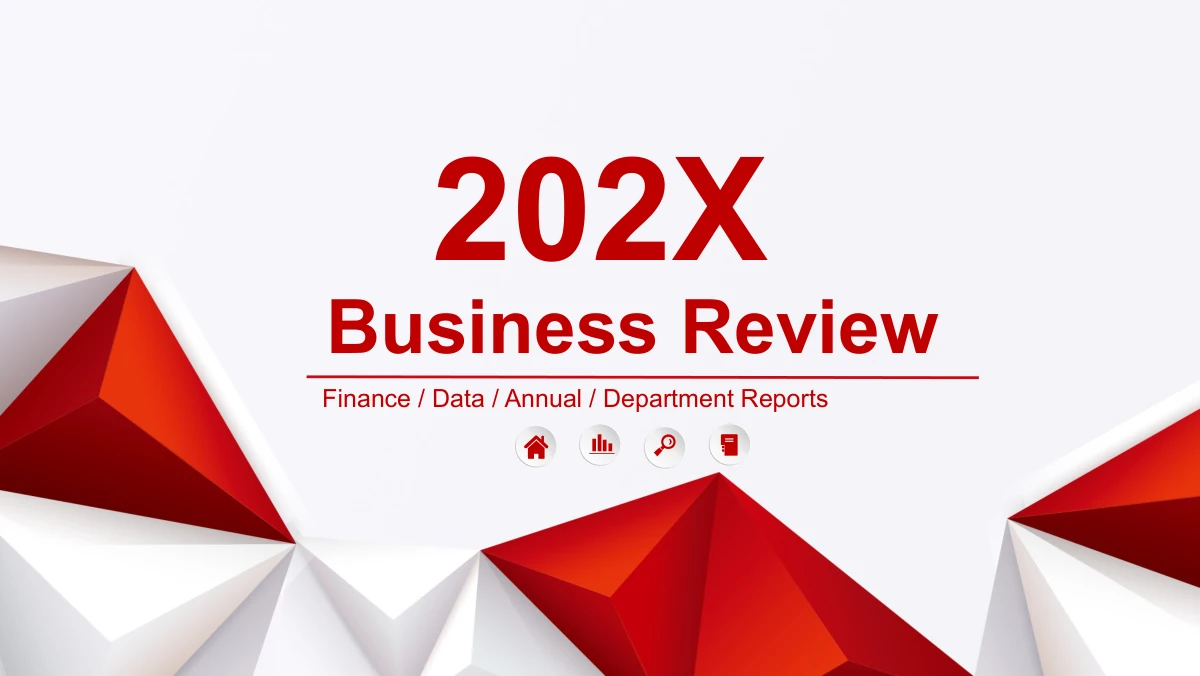
Red Faceted Annual Report Presentation Template frames the cover and chapters with red and white facets. Raised white panels give the detail pages a softer contrast.
Four Report Chapters
Red Faceted Annual Report Presentation Template covers work, results, conditions and plans. Match the contents labels to the chapters you keep.
Manual Progress Graphics
Red Faceted Annual Report Presentation Template has shape-based ring percentages and arrows. Change figures and graphics together; no chart workbook is attached.
Business Photo Layouts
Red Faceted Annual Report Presentation Template uses tablet frames, circular crops and split photo panels. Recheck faces and document edges after replacing images.
Flexible Note Structures
Red Faceted Annual Report Presentation Template offers six-note rows, three cards and four proposal columns. Match the layout to your message before writing.
Connected Planning Diagrams
Red Faceted Annual Report Presentation Template links icons through curved branches and a six-stage path. Use shapes to explain relationships or the order of work.
How to Use Red Faceted Annual Report Presentation Template
Select the evidence, update the examples, then rehearse.
-
Choose Report Pages
Preview Red Faceted Annual Report Presentation Template and select the pages your review needs. Build the four sections around real evidence, then remove unused layouts from your editing copy.
-
Replace the Examples
Add your findings to Red Faceted Annual Report Presentation Template. Replace photos and sample figures, change the manual shapes to match, and check what each percentage is intended to measure.
-
Rehearse the Report
Rehearse Red Faceted Annual Report Presentation Template in your slide software. Check small labels, photo crops and shadowed panels on your intended display, then inspect the exported report.
Red Faceted Annual Report Presentation Template FAQ
How do I download Red Faceted Annual Report Presentation Template?
An active paid plan is required to download Red Faceted Annual Report Presentation Template; downloads have no daily limit and the same file can be downloaded again. Red Faceted Annual Report Presentation Template groups annual work, results, current conditions and plans, so check that this sequence fits your review. Use the gallery to choose which pages of Red Faceted Annual Report Presentation Template can hold your own evidence. After signing in, use the page’s download control to get the PPTX. Keep an untouched copy of Red Faceted Annual Report Presentation Template while assembling the report, so you can recover a layout you remove.
How many slides are in Red Faceted Annual Report Presentation Template?
Red Faceted Annual Report Presentation Template contains 32 pages: the cover, preface, contents, four chapter dividers, report layouts and closing. The chapter breaks are on pages 4, 11, 18 and 25. Shorten Red Faceted Annual Report Presentation Template by choosing the note, photo and planning layouts that support your evidence. Keep the June-to-December line in Red Faceted Annual Report Presentation Template when monthly sequence matters, or select the proposal columns when comparing options. The manual percentage graphics and six-stage path serve different purposes; neither is required in every review. If you remove pages from Red Faceted Annual Report Presentation Template, revise the contents and chapter labels to match the remaining sequence.
Can I change the text and colours in Red Faceted Annual Report Presentation Template?
Text boxes and native shape fills in Red Faceted Annual Report Presentation Template can be edited in PowerPoint. Replace the placeholder paragraphs, keeping headings short enough for the raised tabs. Ring percentages and arrow bars in Red Faceted Annual Report Presentation Template are manual graphics, without a chart workbook: change the labels and associated shapes together. The sales comparison in Red Faceted Annual Report Presentation Template includes sample values in tens of thousands, so preserve the meaning of their units when substituting your data. Faceted backgrounds and photographs are image assets; colours embedded within them need separate image editing. After recolouring Red Faceted Annual Report Presentation Template, check white text on red labels and the contrast of pale panels.
Can I preview every page of Red Faceted Annual Report Presentation Template?
The gallery contains all 32 pages of Red Faceted Annual Report Presentation Template in the order supplied in the English PPTX. Start with the cover and preface in Red Faceted Annual Report Presentation Template, then compare the four chapter dividers with your report outline. Enlarge the sales comparison and percentage rings in Red Faceted Annual Report Presentation Template to inspect their small labels. The month line uses M6 to M12 for June through December. Later pages of Red Faceted Annual Report Presentation Template offer proposal columns and a six-stage path. The closing preview is page 32. Review these choices before downloading Red Faceted Annual Report Presentation Template, and retain only the pages that help explain your evidence in Red Faceted Annual Report Presentation Template.
Can I use Red Faceted Annual Report Presentation Template in another slide editor?
Another slide editor may import Red Faceted Annual Report Presentation Template, but identical appearance and playback have not been verified across applications. Test the contents tabs, a manual ring graphic, the tablet photo and the winding path before moving the whole report. Shadows, groups and photo crops in Red Faceted Annual Report Presentation Template may be interpreted differently by the receiving editor. Compare the imported pages of Red Faceted Annual Report Presentation Template with the gallery, including small labels and panel outlines. The source WAV has not been played or tested. If audio matters to your review, check it independently after importing Red Faceted Annual Report Presentation Template; successful slide import does not verify playback.
Which fonts does Red Faceted Annual Report Presentation Template use?
The English version of Red Faceted Annual Report Presentation Template is rendered with Arial, Arial Narrow, Microsoft YaHei and Wingdings. Arial Narrow helps the compact labels in Red Faceted Annual Report Presentation Template fit within the raised circles and tabs. Font availability on another computer can change the appearance of Red Faceted Annual Report Presentation Template, including small symbols and line breaks. Keep the matching fonts installed when editing Red Faceted Annual Report Presentation Template. After substituting a typeface, inspect the contents tabs, monthly markers and narrow note columns in Red Faceted Annual Report Presentation Template. Compare the exported pages with the gallery and test Red Faceted Annual Report Presentation Template on your intended presentation device.
Is the slide text in Red Faceted Annual Report Presentation Template translated?
The cover, preface, chapter labels, editable placeholders and closing in Red Faceted Annual Report Presentation Template are in English. Replace the sample business statements in Red Faceted Annual Report Presentation Template with your own findings; translation does not make those examples verified company information. The sales page in Red Faceted Annual Report Presentation Template states its sample totals in tens of thousands, without assigning a currency. Website language versions describe the same English Red Faceted Annual Report Presentation Template file. The photographs in Red Faceted Annual Report Presentation Template remain image assets. The original WAV in Red Faceted Annual Report Presentation Template is retained without playback or translation, so the download does not promise English audio.
Can I use Red Faceted Annual Report Presentation Template for a commercial report?
Check whether the source permissions for Red Faceted Annual Report Presentation Template cover your intended use. A paid download does not establish unrestricted rights to redistribute the template, photographs or audio. The handshake and desk photos in Red Faceted Annual Report Presentation Template, and its WAV asset, are not presented as cleared for every commercial purpose. For client work, adapt Red Faceted Annual Report Presentation Template with company images and figures that you are authorised to use. Retain any required attribution or conditions for the assets you keep. Resolve any permission gap before releasing a commercial report based on Red Faceted Annual Report Presentation Template; editing a graphic does not by itself change its licence.
How should I share a report made with Red Faceted Annual Report Presentation Template?
Share a presentation copy of Red Faceted Annual Report Presentation Template with only the pages your audience needs. Replace sample claims, check manual figures against your records, and remove unused layouts. Confirm the contents and chapter labels in Red Faceted Annual Report Presentation Template still describe the edited sequence. For a read-only review, export the selected slides and inspect the shadows, small notes and crops in that export. Share an editable Red Faceted Annual Report Presentation Template file only when your permissions allow it and collaborators need to revise the slides. Tell them which figures require manual shape updates. Test any audio used in Red Faceted Annual Report Presentation Template separately; translated or verified playback is not promised.