Sage Leaf Teaching Presentation Template: bring a calm botanical style to your lesson
Sage Leaf Teaching Presentation Template pairs watercolor foliage with pale green panels and generous white space. A trailing plant accompanies the contents, while leafy chapter pages separate Overview, Ideas, Activities and Review. Sage Leaf Teaching Presentation Template offers more than a decorated title: three nature photographs sit beside text, four puzzle pieces connect related points, and a five-stop timeline gives a sequence room to unfold. Use Sage Leaf Teaching Presentation Template to introduce a topic, compare ideas and explain what learners should do next. The 16 widescreen pages also include numbered cards, a three-step layout and compact icon columns. Choose the arrangements that fit your lesson, replace the English examples and keep each explanation focused. The full preview of Sage Leaf Teaching Presentation Template helps you judge the balance between photographs, diagrams and text before downloading.
Key Features of Sage Leaf Teaching Presentation Template
Watercolor foliage, linked ideas and clear sequences across four chapters.
Watercolor Leaf Accents
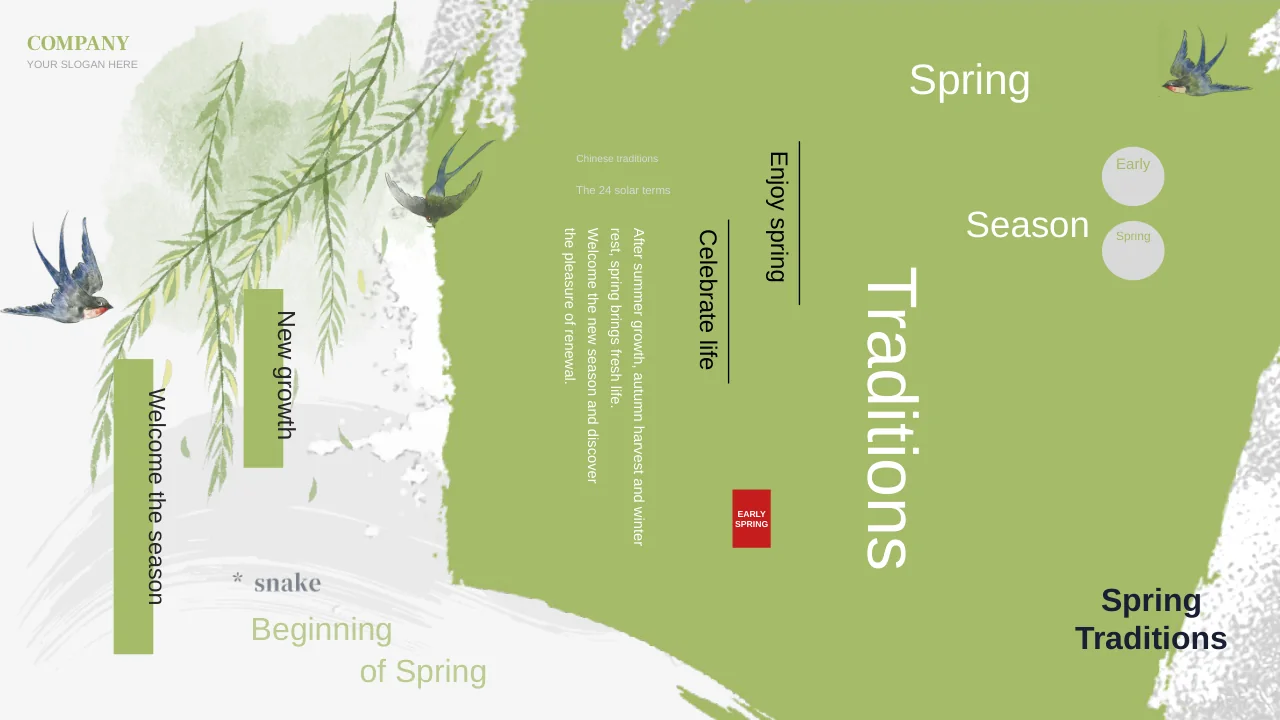
Sage Leaf Teaching Presentation Template uses watercolor foliage on chapter pages and a trailing plant beside the contents. Pale green panels keep the setting calm.
Three Nature Photographs
Sage Leaf Teaching Presentation Template lines up night-sky, ocean-wave and sunset photographs. Add a short observation or question beneath each natural scene.
Four Connected Puzzle Pieces
Sage Leaf Teaching Presentation Template joins four interlocking puzzle pieces with numbered explanations. Assign each piece a related idea or role in a shared topic.
A Five-Stop Timeline
Sage Leaf Teaching Presentation Template sets five points on a horizontal line. Captions alternate above and below, giving each stage a separate place.
Numbered Cards and Steps
Sage Leaf Teaching Presentation Template has three vertical gradient cards and a three-step page. Compare three points or explain an activity in order.
Compact Icon Layouts
Sage Leaf Teaching Presentation Template offers a three-node diagram and four hexagon icon columns. Keep each explanation short enough for its own column.
How to Use Sage Leaf Teaching Presentation Template
Select a chapter structure, add your lesson and check the small labels.
-
Plan the Four Chapters
Preview all 16 pages of Sage Leaf Teaching Presentation Template. Match your outline to Overview, Ideas, Activities and Review, then choose photos, a puzzle or a timeline to support it.
-
Download and Add Your Material
Download Sage Leaf Teaching Presentation Template with an active paid membership. Replace the English examples and name and date fields. Give every puzzle piece or numbered point a clear purpose.
-
Check the Finished Lesson
Run Sage Leaf Teaching Presentation Template in slideshow view. Check the five timeline captions, puzzle labels and small icon columns. Keep the text clear of leaf illustrations before sharing.

Questions about Sage Leaf Teaching Presentation Template
How do I download Sage Leaf Teaching Presentation Template?
Sign in with an active paid membership and choose the download button for Sage Leaf Teaching Presentation Template. Members can download without a daily limit, including repeat downloads. Keep an untouched copy of Sage Leaf Teaching Presentation Template alongside your working file. Use it to restore a crop or layout while adapting Sage Leaf Teaching Presentation Template to your own teaching material.
How many slides are in Sage Leaf Teaching Presentation Template?
Sage Leaf Teaching Presentation Template contains 16 slides in a 16:9 format. The contents and four chapter dividers organise Overview, Ideas, Activities and Review. Content pages in Sage Leaf Teaching Presentation Template range from photos and puzzles to timelines and icons. Select only the pages of Sage Leaf Teaching Presentation Template that your lesson needs.
Can I edit the diagrams in Sage Leaf Teaching Presentation Template?
The text and drawn shapes in Sage Leaf Teaching Presentation Template can be changed in PowerPoint. Keep related pieces aligned when adjusting the puzzle or grouped icon layouts. Photographs and foliage in Sage Leaf Teaching Presentation Template need picture controls or replacement images. Other examples in Sage Leaf Teaching Presentation Template do not update automatically when one label changes.
Are the timeline and numbers in Sage Leaf Teaching Presentation Template linked to data?
No. Sage Leaf Teaching Presentation Template uses manually arranged shapes and text, rather than an Excel-linked chart. Timeline points show a sequence; puzzle and step numbers identify items. When changing Sage Leaf Teaching Presentation Template, edit the labels and any supporting explanation together. After moving points in Sage Leaf Teaching Presentation Template, check that their order still makes sense.
Can I inspect every page of Sage Leaf Teaching Presentation Template before downloading?
The gallery shows all 16 pages of Sage Leaf Teaching Presentation Template, including the four leafy dividers and the closing page. Use thumbnails or arrows to compare text space. In Sage Leaf Teaching Presentation Template, the three photo panels and four hexagon columns suit short explanations, while other pages offer wider text areas. Choose a spacious layout in Sage Leaf Teaching Presentation Template when an explanation needs more room.
Which font does Sage Leaf Teaching Presentation Template use?
Sage Leaf Teaching Presentation Template retains the source font 汉仪正圆-75W, also identified as HYZhengYuan75W, with embedded font data. Font handling can differ between editors. Open Sage Leaf Teaching Presentation Template on the computer you will use and compare its lettering with the preview. If a substitution occurs, check the narrow timeline labels, name and date fields, and numbered cards throughout Sage Leaf Teaching Presentation Template.
Is Sage Leaf Teaching Presentation Template supplied in English?
Yes. The slide text in Sage Leaf Teaching Presentation Template is English. Each website language describes the same English PPTX. Adapt Sage Leaf Teaching Presentation Template to your subject or another language by replacing the sample text. Align the four chapter names with the contents, and shorten longer labels in Sage Leaf Teaching Presentation Template.
Can I use Sage Leaf Teaching Presentation Template for a paid course?
Check the permissions for the design, photographs and included font before using Sage Leaf Teaching Presentation Template commercially. Paid membership provides download access, not unrestricted rights to every asset. Replace material in Sage Leaf Teaching Presentation Template when you lack the necessary permission, and retain any required attribution. Replace the sample nature descriptions in Sage Leaf Teaching Presentation Template with material suited to your learners.
How should I share Sage Leaf Teaching Presentation Template?
Share the page link for Sage Leaf Teaching Presentation Template when others want to browse the original layouts. For a completed lesson, export a PDF or share an edited PPTX where permitted. Before sending your version of Sage Leaf Teaching Presentation Template, remove unused examples and check the chapter order, numbered labels and presenter fields. Keep an editable copy of Sage Leaf Teaching Presentation Template for later revisions.