plant templates: watercolor succulents for a classroom outline
If you are comparing plant templates for teaching, Succulent Classroom offers 20 coordinated slides in one English PPTX. Potted watercolor plants, pale sage borders and shadowed white panels create the setting, with beige ribbons and pink accents. The plant templates in this deck move through Lesson Goals, Key Ideas, Activities and Review. Note columns alternate with cats, a camera-holding rabbit and a child beside a fantasy creature. Plant artwork is the design theme; you supply the subject, examples and classroom activities. These plant templates include both narrow vertical notes and wider text columns, so select pages that fit the length of each explanation. Text and shapes are editable, while plants and character illustrations remain images. Arrange the sections around one learning objective, replace the English sample guidance and connect each picture to a useful question or task for your class.
Features of the plant templates in this deck
These plant templates combine watercolor artwork with distinct spaces for your teaching notes.
Watercolor Plant Templates
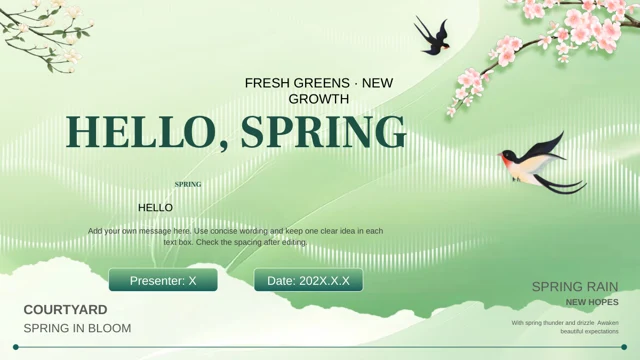
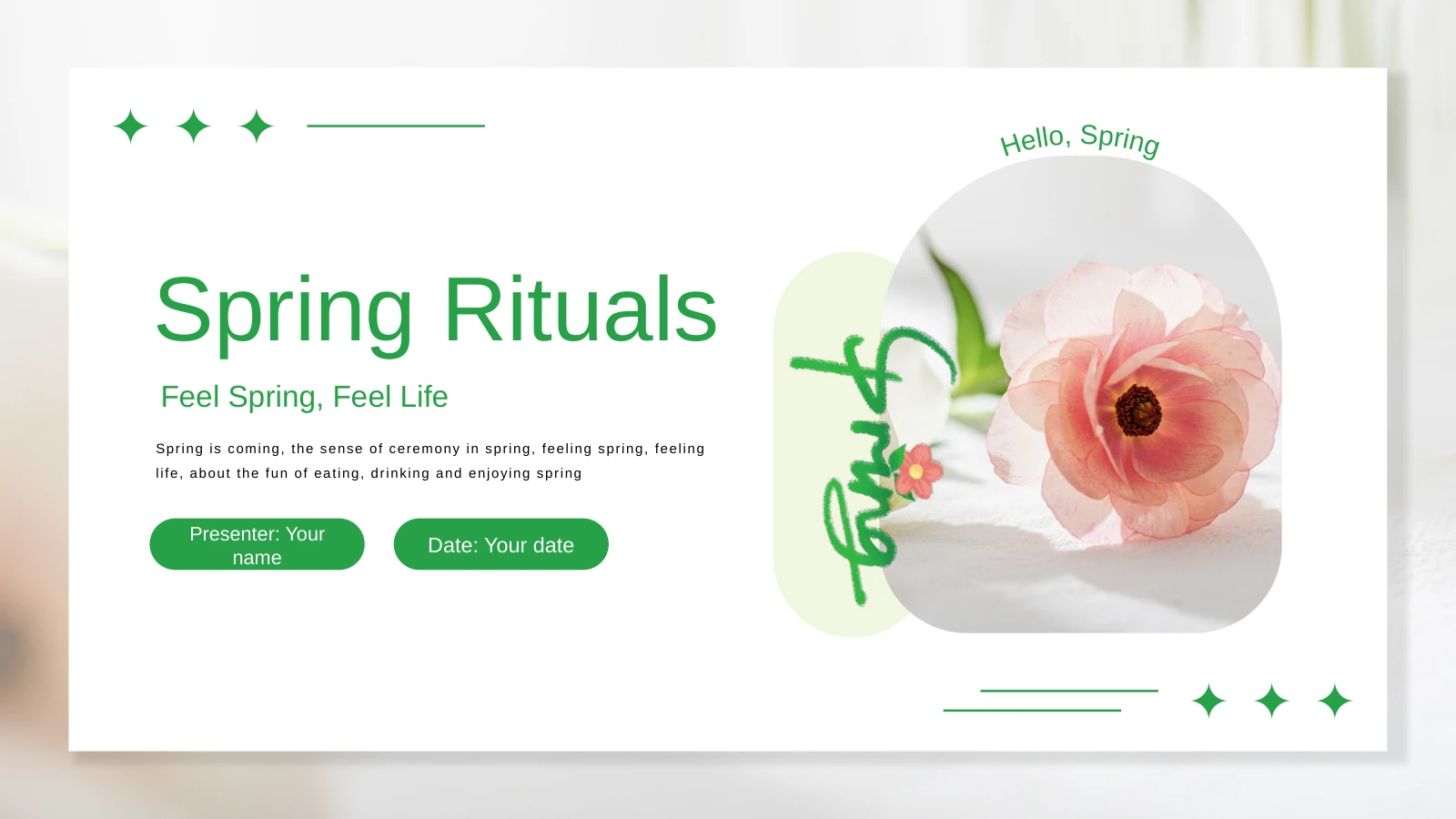
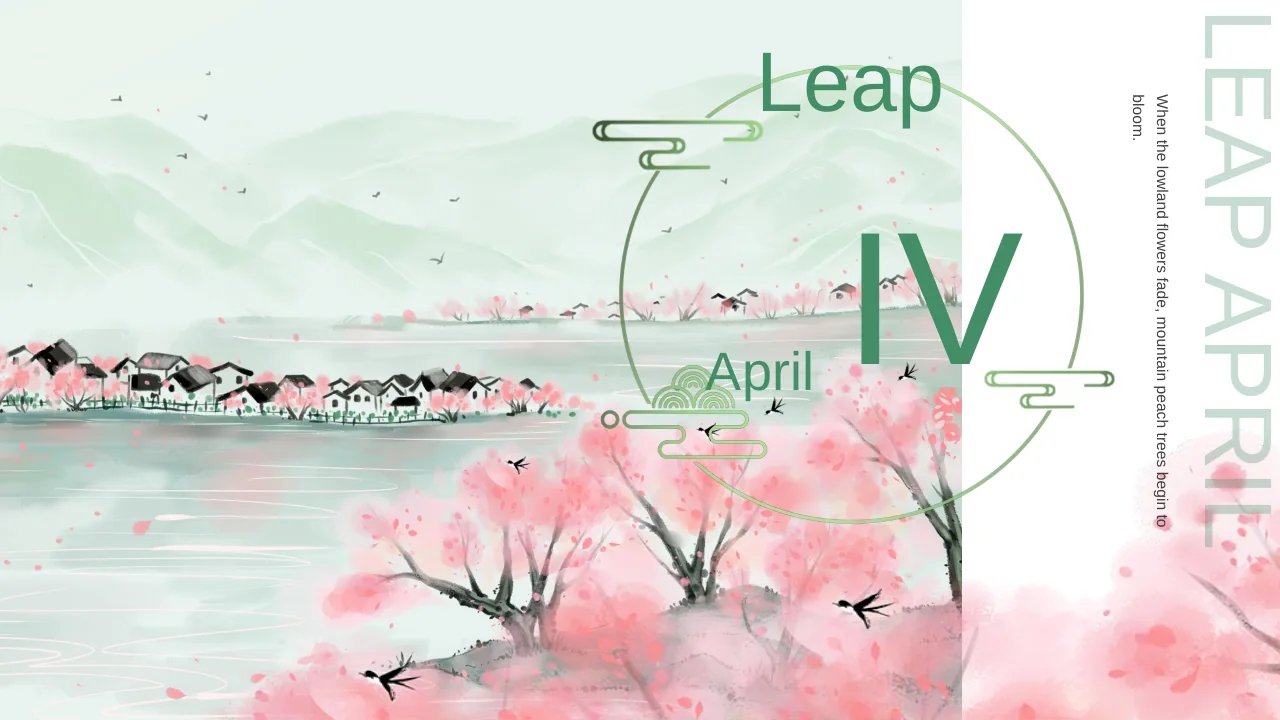
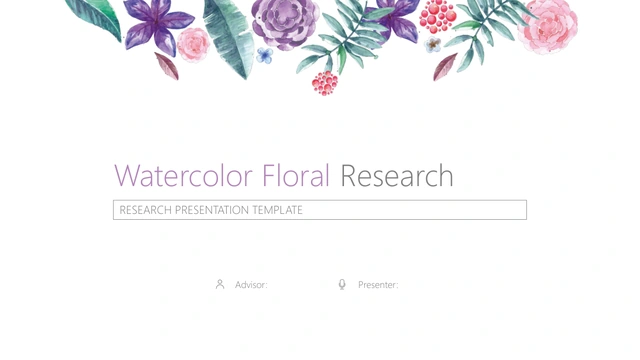
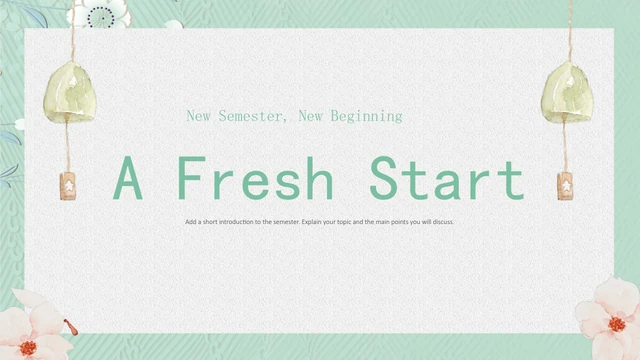
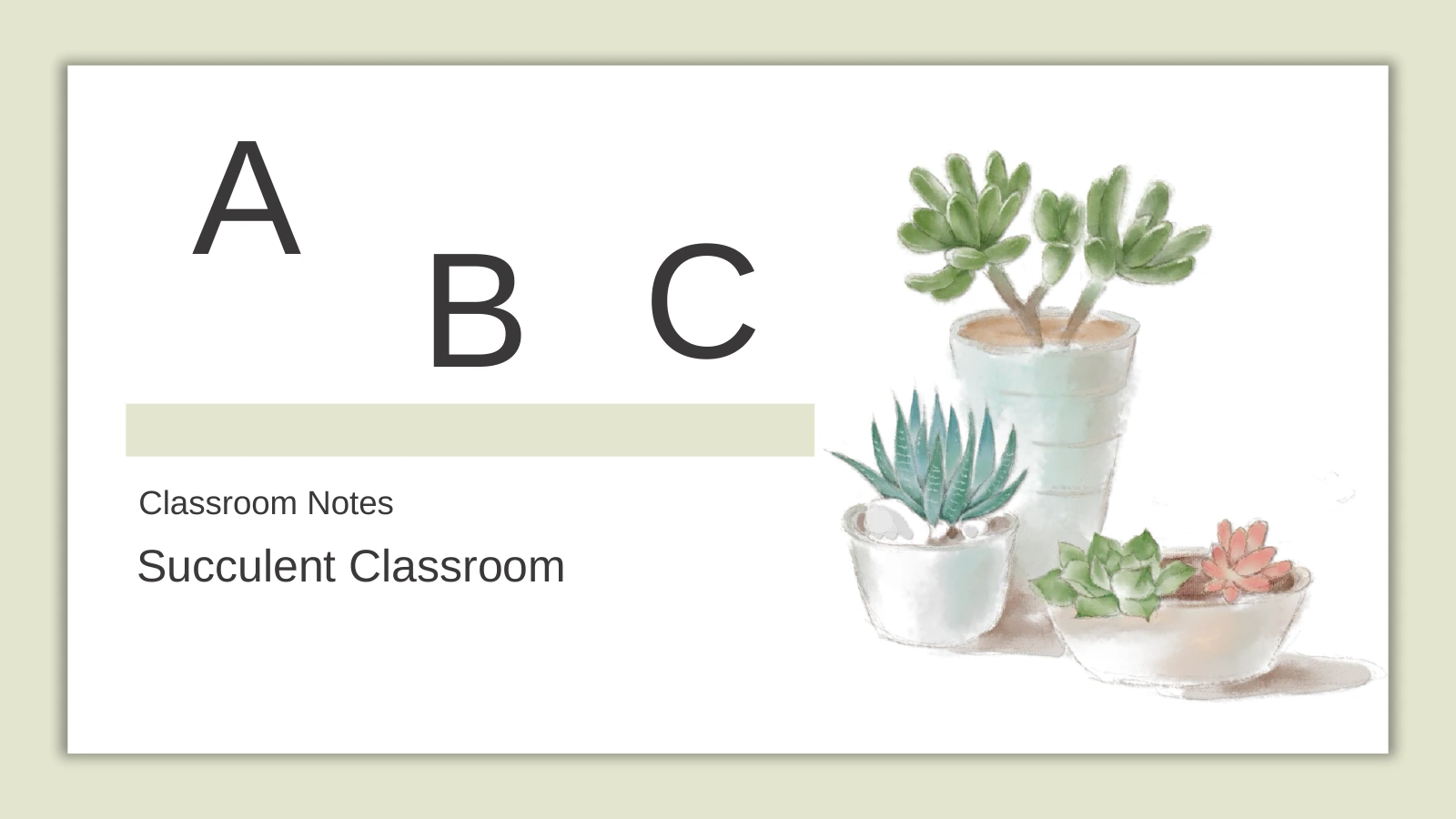
Potted plants and pink-tipped leaves give these plant templates a soft visual theme. Pale sage frames, shadowed white panels and beige accents leave room for notes.
Four Numbered Lesson Sections
The plant templates use four numbered dividers with beige ribbons and leaves. Arrange goals, key ideas, activities and review into a sequence your class can follow.
Playful Character Illustrations
Cats, a camera-holding rabbit and a fantasy scene add variety to these plant templates. Use a picture to introduce a question or a brief pause for class discussion.
Narrow and Wide Note Areas
The plant templates mix narrow vertical notes with wider text columns. Match the space to your explanation, keeping small labels brief and longer notes easy to read.
Simple Cues for Key Points
Numbered rows, small dots and icon tiles organise ideas across the plant templates. Use these visual cues to separate notes; they are not interactive teaching tools.
A Coordinated Closing Page
The plant templates return to three succulent pots on the closing page. End with a short recap and a next task, using the same soft frame as the opening slide.
How to use these plant templates for your lesson
Select plant templates from the deck, add your notes and check the classroom flow.
-
Choose Plant Templates for Your Lesson
Preview all 20 pages before choosing plant templates for your lesson. Set a learning objective, arrange the four sections and select narrow or wider note layouts according to the text you need.
-
Write Your Teaching Notes
Download the plant templates as one PPTX with an active paid membership. Replace sample text with questions and activities, keep narrow labels short and connect each illustration to a point.
-
Rehearse at Classroom Size
Review the plant templates at classroom viewing size. Check text beside the plants and characters, remove unused examples and confirm that the closing task follows from the lesson before sharing.
Questions about the plant templates in Succulent Classroom
How do I download these plant templates?
Active paid members download the plant templates in one Succulent Classroom PPTX. Daily downloads are unlimited and repeatable. Save the original before adapting the plant templates, then edit a copy so the layouts remain available.
How many slides are included with these plant templates?
These plant templates are layouts within one 20-slide presentation in 16:9. Four sections organise the file. Select or reorder the plant templates to match classroom timing, keeping the pages that support your learning objective.
Which parts of the plant templates can I edit?
Text and shapes in the plant templates are editable. Plants and characters are images; replace an image to change its details. The plant templates contain no native charts, leaving note areas for your explanations.
Can I preview all the plant templates before downloading?
All 20 pages appear in the gallery. Compare plant templates with narrow notes against wider layouts before writing. Choose plant templates with space for each explanation, reserving small columns for brief prompts instead of shrinking text.
Will these plant templates open in other presentation apps?
The plant templates are delivered as PowerPoint PPTX. Google Slides and Keynote compatibility is unverified. After importing the plant templates into another editor, inspect vertical text, image placement and fonts, then check the sequence before teaching.
Which font do these plant templates use?
The English plant templates use Arial without embedded fonts. After font changes, inspect vertical notes and large letter tiles. View the plant templates at classroom size to check that words remain legible beside the artwork.
Are the plant templates written in English?
The plant templates contain English guidance; website translations describe the same PPTX. Add subject content, activities and assessment criteria to the plant templates. Plants decorate a classroom framework; the file does not contain a botany course.
What reuse rights apply to these plant templates?
Membership gives no unrestricted rights to artwork in the plant templates. Check source and illustration terms before commercial use or redistribution. Review permissions for material added to the plant templates, including replacement images and text.
How can I share my adapted plant templates?
Share the plant templates page link for previews. Where rights permit, send your edited PPTX or PDF after reviewing instructions, examples and added materials. Retain an editable copy of the plant templates for another class.