Warm Still Life Portfolio Presentation Template: Warm Photography and Studio Stories
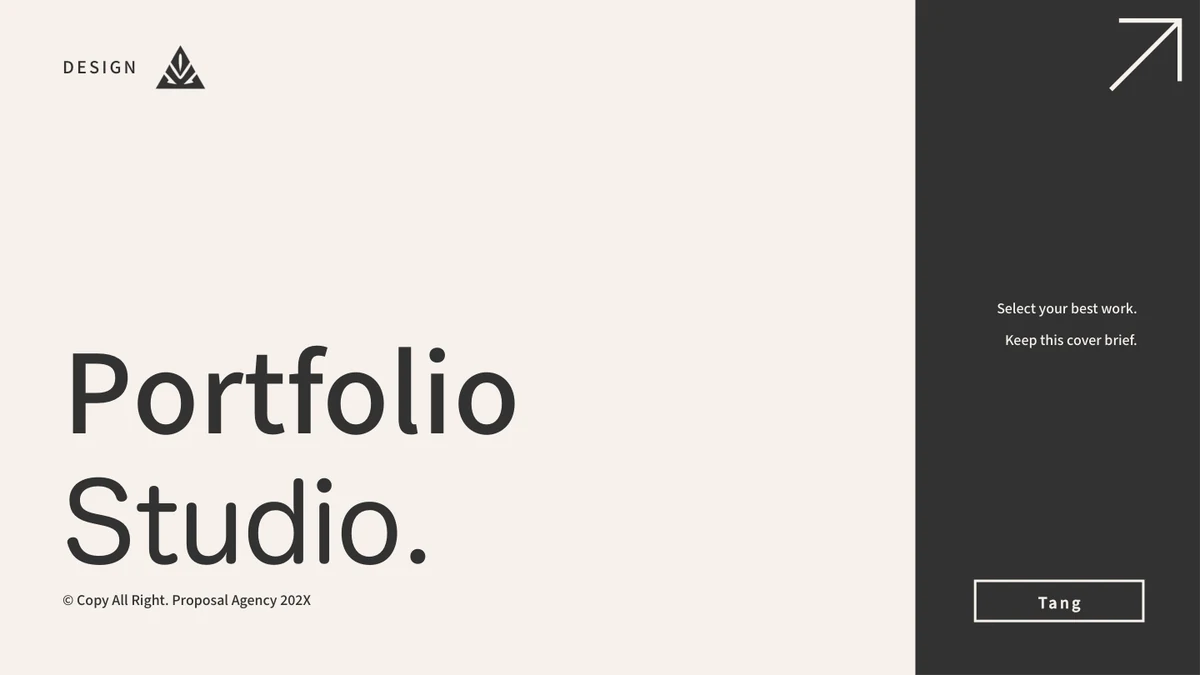
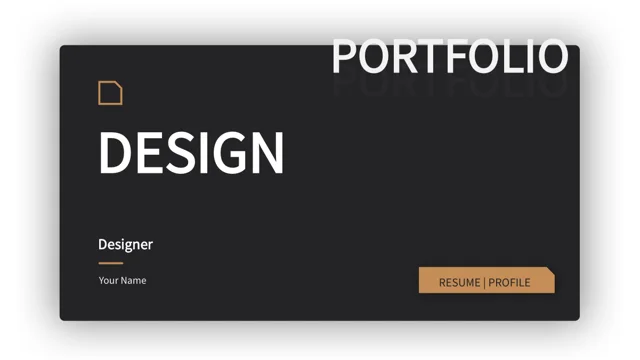
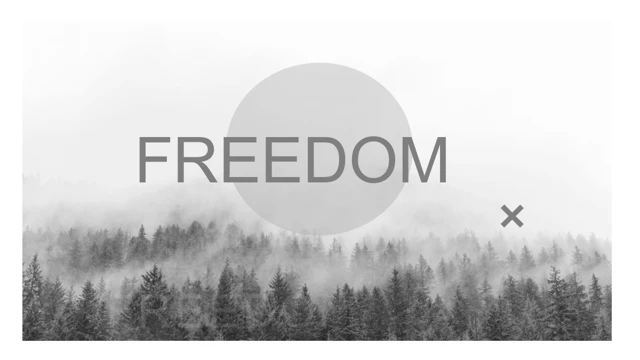
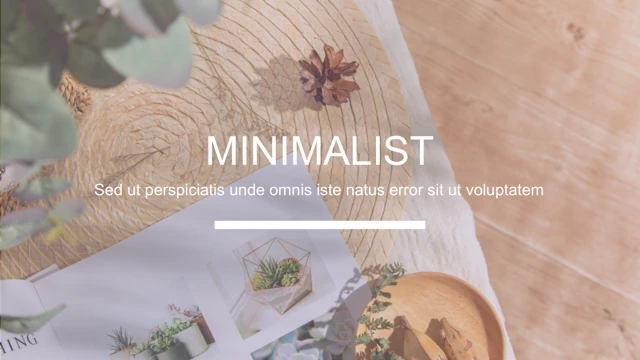
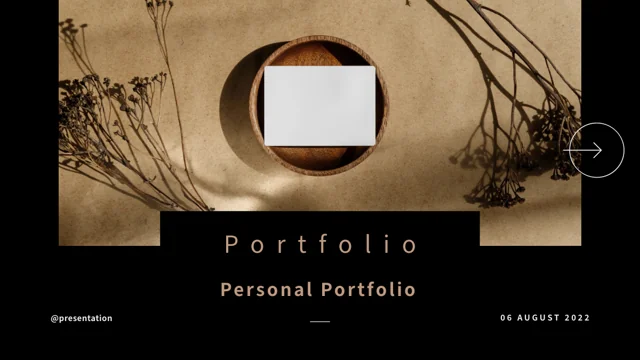
Warm Still Life Portfolio Presentation Template places warm still-life photographs beside beige pages, black backgrounds and fine dividing lines. Warm Still Life Portfolio Presentation Template contains 17 widescreen slides with trays, blank cards, vases, bottles and dried plants, plus a neutral fashion collage. Warm Still Life Portfolio Presentation Template moves through a studio introduction, services, values, milestones, three project pages and a four-step process before feedback, team and contact layouts. Five timeline points carry sample years from 2017 to 2022; project years and roles also need replacing. The testimonial and team pages use black rectangular placeholders, not supplied portraits. A phone-shaped frame holds a desk photograph rather than a working app. Use the visual sequence to introduce your own studio, explain a project’s purpose and show identified work. Replace sample people, comments and contact details, and keep every claim tied to information you can verify.
Key Features of Warm Still Life Portfolio Presentation Template
Warm still lifes, editorial spacing and clear project explanations.
Warm Still-Life Photography
Warm Still Life Portfolio Presentation Template uses trays, vases, bottles and dried plants in warm light. Give each picture a clear role in your studio story.
Black and Beige Editorial Pages
Warm Still Life Portfolio Presentation Template alternates black and beige pages. Check text contrast and leave space around headings and fine dividing lines.
Three Project Layouts
Warm Still Life Portfolio Presentation Template has project layouts on pages 9–11. Add your work, update the year and role, and explain your contribution.
Five-Point Milestone Timeline
Warm Still Life Portfolio Presentation Template places five dated points on page 7. Replace the sample years and explain one verified event at each point.
Four Process Columns
Warm Still Life Portfolio Presentation Template shows Research, Design, Finalize and Delivery on page 13. Adapt the four steps to your studio’s actual process.
Feedback and Team Placeholders
Warm Still Life Portfolio Presentation Template has black shape placeholders on feedback and team pages. Add verified people and comments without inventing clients.
How to Use Warm Still Life Portfolio Presentation Template
Choose your story, replace examples and review every project claim.
-
Choose Your Studio Story
Review all 17 pages of Warm Still Life Portfolio Presentation Template. Pick relevant profile, project and process layouts, then define one message for each page and identify the work you can show.
-
Download and Replace Examples
Get Warm Still Life Portfolio Presentation Template with an active paid plan and unlimited daily downloads. Save a copy, replace project roles and dates, and write your own studio introduction.
-
Review Evidence and Contacts
Check Warm Still Life Portfolio Presentation Template people, comments and contact fields. Verify claims and timeline events, inspect image crops, then compare the export with the editable copy.
Questions About Warm Still Life Portfolio Presentation Template
How do I download Warm Still Life Portfolio Presentation Template?
Sign in with an active paid plan to download Warm Still Life Portfolio Presentation Template. Daily and repeated Warm Still Life Portfolio Presentation Template downloads are unlimited. The Warm Still Life Portfolio Presentation Template file is supplied as PowerPoint (.pptx), so save a separate working copy before changing the studio introduction, project captions or contact details. Browse the complete Warm Still Life Portfolio Presentation Template preview to choose layouts that fit your actual work. Keep an original Warm Still Life Portfolio Presentation Template copy as a reference when moving pages or replacing pictures. The file provides a visual starting point rather than a verified studio history, finished project record or evidence that the example people are your clients.
How many pages and project layouts are in Warm Still Life Portfolio Presentation Template?
Warm Still Life Portfolio Presentation Template contains 17 original slides in 16:9. The Warm Still Life Portfolio Presentation Template sequence includes a cover, studio introduction, index, services, values, milestones and three project layouts on pages 9–11. The Warm Still Life Portfolio Presentation Template file also provides quotation-style breaks, a four-column process, feedback, team and contact pages, followed by a Thank You closing. Use the Warm Still Life Portfolio Presentation Template index as an outline and update its labels and page references after choosing your final sequence. You can keep fewer than 17 Warm Still Life Portfolio Presentation Template pages; the aim is to connect your studio’s purpose and relevant work rather than retain every sample section.
Can I use the Warm Still Life Portfolio Presentation Template pictured products as my work?
Warm Still Life Portfolio Presentation Template includes still-life product pictures, a fashion collage and a desk photograph as source illustrations. These Warm Still Life Portfolio Presentation Template images do not establish that you designed the objects, photographed the scenes or worked with the pictured person. Use your own identified project images in Warm Still Life Portfolio Presentation Template when describing a portfolio, or label retained source pictures as illustrative material. Do not invent a Warm Still Life Portfolio Presentation Template product brand, model name, photographer or client relationship. Review applicable image terms before distributing a revised file. Distinguish your project contribution from the source styling, and retain genuine writing or marks within photographic Warm Still Life Portfolio Presentation Template image pixels rather than falsely present the artwork as wholly yours.
Are the Warm Still Life Portfolio Presentation Template milestone dates linked to live data?
Warm Still Life Portfolio Presentation Template uses a manually arranged five-point timeline on page 7, with example years 2017, 2018, 2019, 2020 and 2022. These Warm Still Life Portfolio Presentation Template dates and nearby descriptions are editable text, not a native data chart or a linked workbook. Replace each Warm Still Life Portfolio Presentation Template point with a verified event and date from your studio or project history. The Warm Still Life Portfolio Presentation Template file contains no native charts or embedded spreadsheets for automatic recalculation. Check spacing and chronological order after changing years, and remove a point that does not explain a meaningful event. A Warm Still Life Portfolio Presentation Template sample date does not establish when your business began or completed work.
How should I adapt the Warm Still Life Portfolio Presentation Template process page?
Warm Still Life Portfolio Presentation Template shows four numbered process columns on page 13: Research, Design, Finalize and Delivery. These Warm Still Life Portfolio Presentation Template steps are example text and graphic lines, not a functioning workflow tool or a promise that your service follows those stages. Rewrite the Warm Still Life Portfolio Presentation Template process to describe your actual approach, including the decision made or deliverable produced at each stage. Keep comparable text lengths so the columns remain easy to scan. If a Warm Still Life Portfolio Presentation Template stage is irrelevant, rename or remove it and check the numbering. Connect the Warm Still Life Portfolio Presentation Template process explanation to a project the audience can identify instead of presenting generic service statements as proven outcomes.
Do the Warm Still Life Portfolio Presentation Template team names and testimonials represent real clients?
Warm Still Life Portfolio Presentation Template contains example feedback and team layouts with names, roles and star graphics. The black rectangles on Warm Still Life Portfolio Presentation Template pages 14 and 15 are native shape placeholders, not supplied portrait photographs. Neither the Warm Still Life Portfolio Presentation Template names nor stars prove that a person worked with your studio, held a role or endorsed a project. Replace the Warm Still Life Portfolio Presentation Template text with identified team members and comments you can accurately attribute, or remove the page if no relevant evidence is available. Obtain appropriate permission for real portraits and quotations. A Warm Still Life Portfolio Presentation Template source example is not a verified review, a measured rating or a ready-made client reference.
Which fonts does Warm Still Life Portfolio Presentation Template use?
Warm Still Life Portfolio Presentation Template uses Source Han Sans SC Regular and Bold in the verified English file. No font files are embedded in Warm Still Life Portfolio Presentation Template. If your computer substitutes a Warm Still Life Portfolio Presentation Template font, choose an available alternative with a suitable license and inspect line breaks and alignment. Check the widely spaced Warm Still Life Portfolio Presentation Template headings, small footer text, project-year labels and narrow process columns after a change. Maintain enough contrast between beige lettering and black pages. Compare the Warm Still Life Portfolio Presentation Template cover, project pages and closing with an exported copy at your intended display size so altered text does not obscure the work you are explaining.
Which Warm Still Life Portfolio Presentation Template contact and date fields need replacing?
Warm Still Life Portfolio Presentation Template includes an example date of 06 August 2022, project-year and role labels, and sample contact details. Replace Warm Still Life Portfolio Presentation Template addresses, telephone text, email, website and social handle with accurate information for your studio; do not treat the source values as working contacts. The Warm Still Life Portfolio Presentation Template phone-shaped frame contains a desk picture, not an interactive app preview. Arrow and contact graphics in Warm Still Life Portfolio Presentation Template are visual elements rather than proof of functional links. Check any links you intentionally add and test them in your exported format. Confirm the Warm Still Life Portfolio Presentation Template cover, closing and project captions use consistent dates and clearly state your own contribution.
What should I check before sharing Warm Still Life Portfolio Presentation Template?
Review the Warm Still Life Portfolio Presentation Template sequence for filler text, sample studio statements and unsupported location or client claims. Verify Warm Still Life Portfolio Presentation Template timeline dates, project years and your stated roles separately from decorative graphics. Check that Warm Still Life Portfolio Presentation Template team names, feedback stars and black placeholders are replaced or clearly appropriate to the presentation. Inspect beige-on-black contrast, small footers, arch crops and project collages on the intended display. Compare every Warm Still Life Portfolio Presentation Template exported page with the editable file, keep a private working copy and share a finished export or the appropriate language-specific Warm Still Life Portfolio Presentation Template page link.