Waterlily Art Portfolio Presentation Template: brown panels, waterlily bands and contrasting art pictures
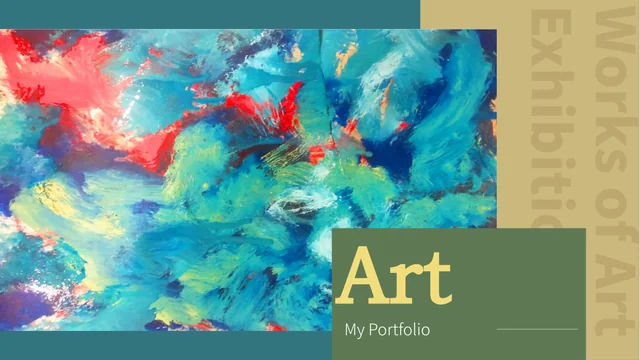
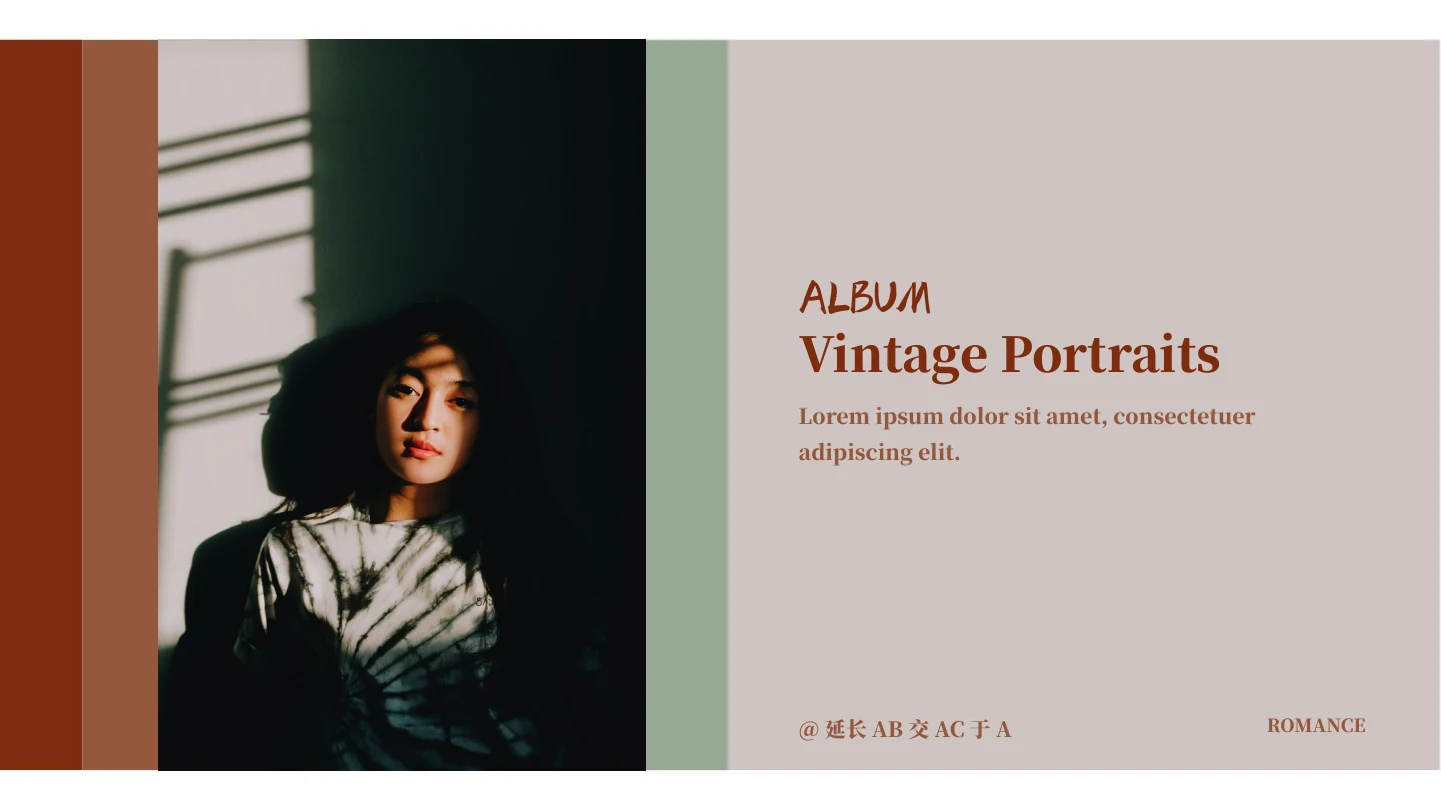
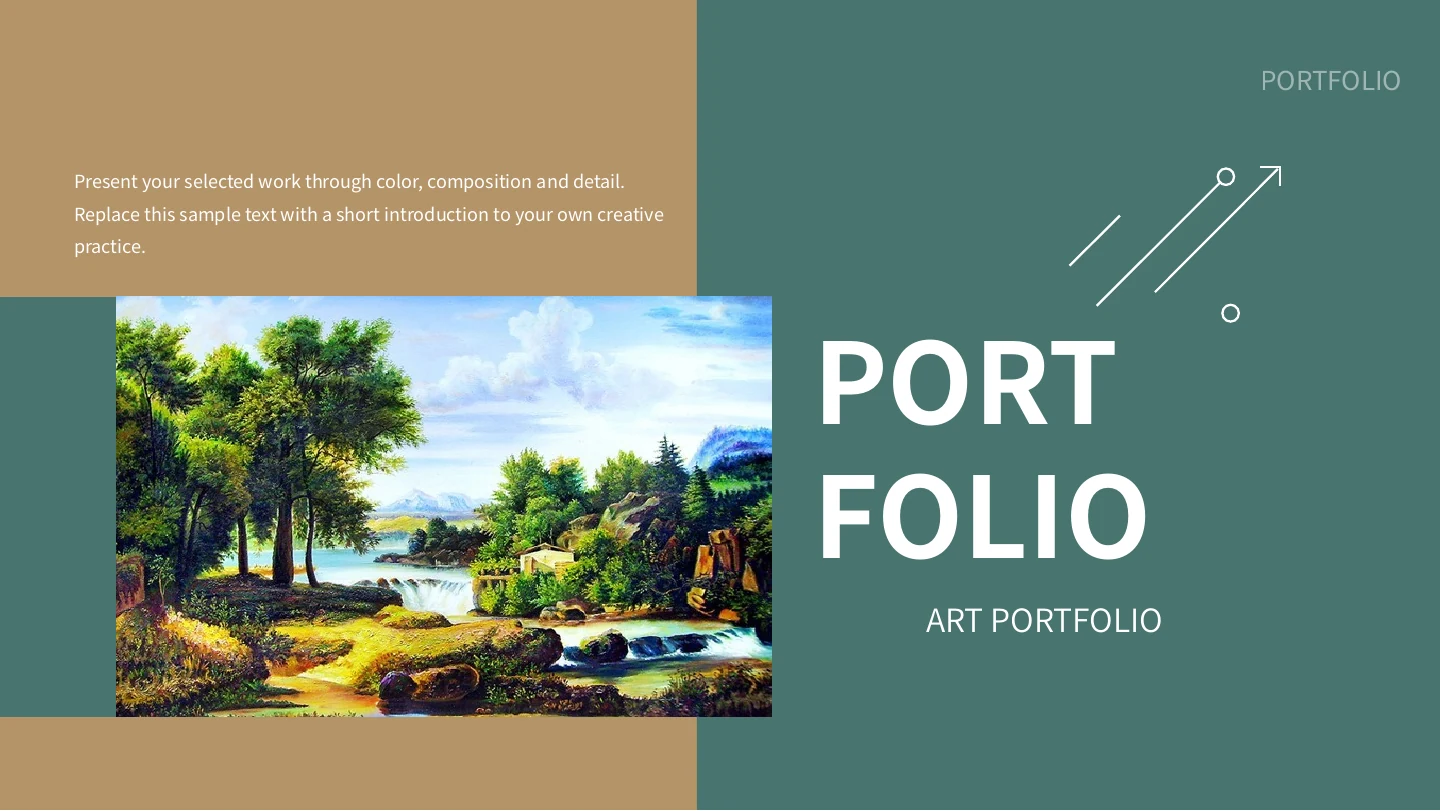
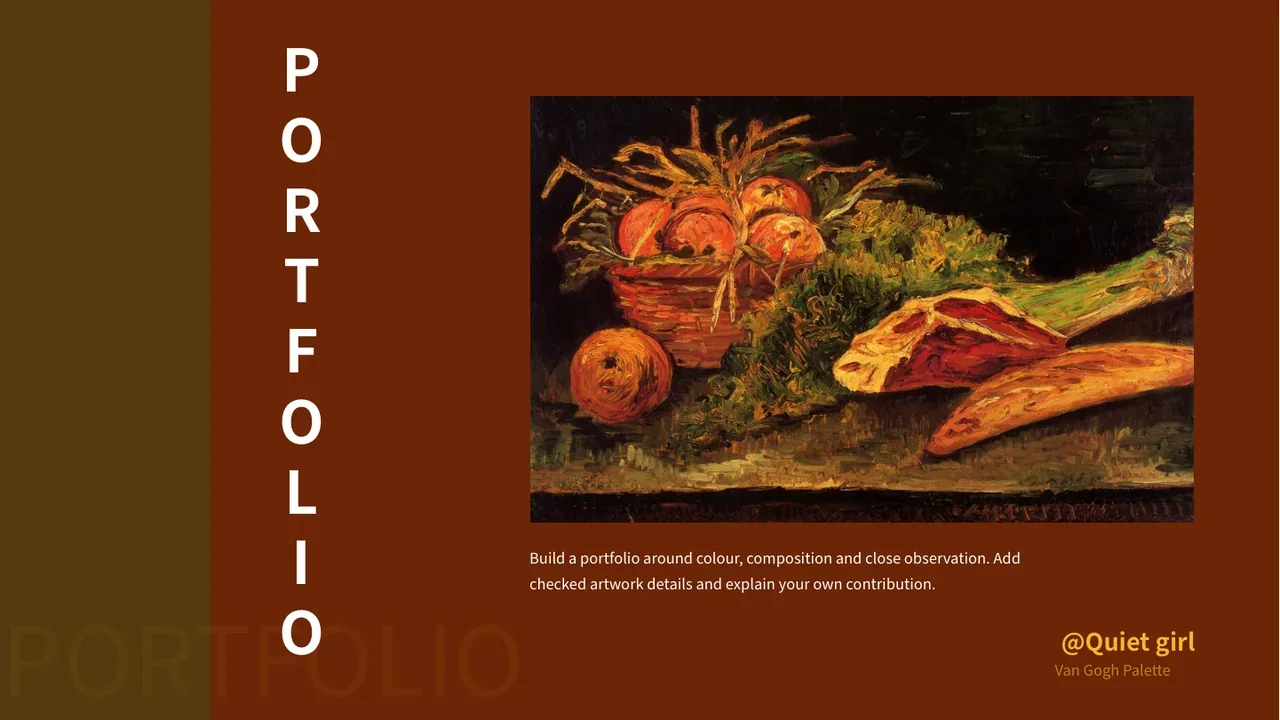
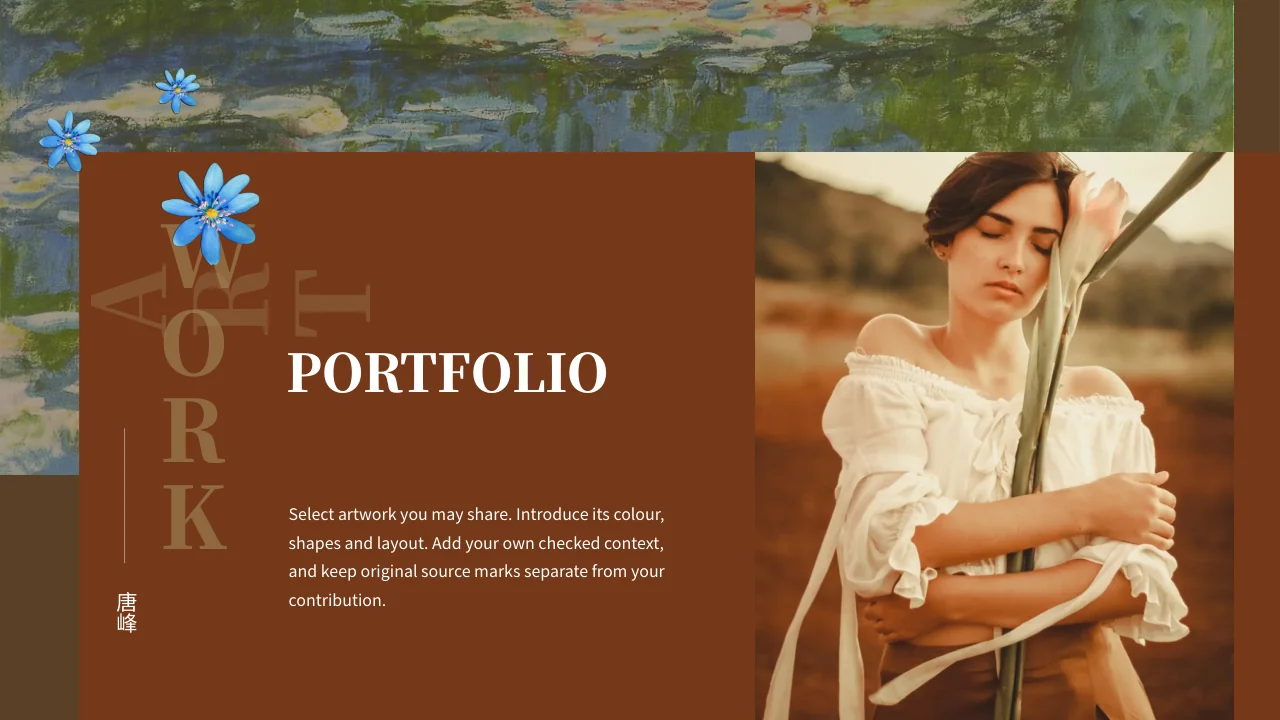
Waterlily Art Portfolio Presentation Template pairs warm brown panels and muted olive blocks with blue flower accents and a painted waterlily band. Waterlily Art Portfolio Presentation Template contains 15 slides in 16:9, with a four-entry contents page and numbered dividers on pages 4, 7, 10 and 13. Waterlily Art Portfolio Presentation Template begins with a portrait beside a title panel, followed by an introduction layout. Later pages place painted landscapes, flowers and a colourful abstract picture in large panels, pairs or overlapping groups. Waterlily Art Portfolio Presentation Template finishes with a two-picture comparison and two caption areas, rather than a thank-you slide. Choose a sequence that supports your observations, and keep the index aligned with the sections you retain. Keep source names and genuine picture marks distinct from your contribution; source biography text does not verify every pictured work.
Key Features of Waterlily Art Portfolio Presentation Template
Warm panels, cool flowers and picture pairs create a consistent visual rhythm.
Waterlily Bands and Blue Flowers
Waterlily Art Portfolio Presentation Template repeats waterlily bands and blue flowers. Balance these accents with the art and concise captions you add.
Brown and Olive Panels
Waterlily Art Portfolio Presentation Template sets pale text on brown and olive panels. Check caption contrast and leave room beside each picture.
Four Numbered Dividers
Waterlily Art Portfolio Presentation Template has dividers on pages 4, 7, 10 and 13. Match contents entries and labels to the picture sequence you retain.
Large Pictures and Paired Views
Waterlily Art Portfolio Presentation Template combines large views with paired pictures. Compare visible colour, texture and composition in short notes.
Introduction and Source Names
Waterlily Art Portfolio Presentation Template includes an introduction panel and source names. Add your role while keeping image marks and credits distinct.
A Picture Comparison Ending
Waterlily Art Portfolio Presentation Template ends with two pictures and two caption areas. Use this layout to link observations or compare visible details.
How to Use Waterlily Art Portfolio Presentation Template
Select pictures, add supported captions and check the chosen sequence.
-
Select Your Art Sequence
Preview all 15 pages of Waterlily Art Portfolio Presentation Template. Choose suitable picture layouts and section breaks, then align the contents entries with the sequence of pages you retain.
-
Download and Add Context
Download Waterlily Art Portfolio Presentation Template with an active paid plan. Add captions based on visible details and records; distinguish supplied pictures and source marks from your work.
-
Review the Complete Portfolio
Review Waterlily Art Portfolio Presentation Template in your presentation app. Check chapter numbers, caption fit, picture crops and contrast, then export a review copy and inspect selected pages.
Questions about Waterlily Art Portfolio Presentation Template
What is included in Waterlily Art Portfolio Presentation Template?
Waterlily Art Portfolio Presentation Template contains 15 PowerPoint slides in a 16:9 format. Waterlily Art Portfolio Presentation Template combines brown and olive panels, a painted waterlily band and blue flower accents. Waterlily Art Portfolio Presentation Template provides a cover, an introduction layout and a contents page with four entries. Numbered dividers appear on pages 4, 7, 10 and 13. The picture layouts include large views, pairs, overlapping panels and short explanatory notes. Waterlily Art Portfolio Presentation Template finishes with two pictures and two caption areas, rather than a separate thank-you page. Preview Waterlily Art Portfolio Presentation Template to choose the pictures and sequence that support the observations you want to present.
Are the artwork names and histories in Waterlily Art Portfolio Presentation Template verified?
Waterlily Art Portfolio Presentation Template includes supplied paintings, an abstract picture and a portrait photograph. Repeated biography wording in Waterlily Art Portfolio Presentation Template is source sample text, not verification that every picture shares one artist or history. Waterlily Art Portfolio Presentation Template does not identify every sitter, location, period or artwork from the available record. A familiar visual style alone is not evidence of authorship. Use Waterlily Art Portfolio Presentation Template to describe visible colour, brush-like texture, composition and contrast, adding names or dates only when supported by your own sources. Review Waterlily Art Portfolio Presentation Template before turning an example caption or retained source name into a factual claim about a particular picture.
Can I replace pictures in Waterlily Art Portfolio Presentation Template?
Waterlily Art Portfolio Presentation Template arranges original pictures in large panels, pairs and overlapping groups. Select a picture in Waterlily Art Portfolio Presentation Template and inspect its frame, crop and visible area before replacing it with material you may use. Waterlily Art Portfolio Presentation Template also repeats the waterlily picture as a narrow decorative band, so changing a full picture and changing that band can affect the overall balance differently. Editing a caption does not alter lettering already printed inside an image. Check Waterlily Art Portfolio Presentation Template after a replacement to ensure the subject remains clear and the surrounding text has enough room. Preview the selected pages of Waterlily Art Portfolio Presentation Template together to assess their picture proportions, colour balance and continuity.
How are the sections arranged in Waterlily Art Portfolio Presentation Template?
Waterlily Art Portfolio Presentation Template has a four-entry contents page followed by four numbered dividers. The dividers in Waterlily Art Portfolio Presentation Template appear on pages 4, 7, 10 and 13. Waterlily Art Portfolio Presentation Template places picture layouts and caption areas between these breaks, offering a starting sequence for grouped observations. The numbers are section labels, not measures of quality or a ranking of the supplied artwork. Change the contents entries in Waterlily Art Portfolio Presentation Template to match the material you choose, then check that the labels and slide order agree. Review Waterlily Art Portfolio Presentation Template from the opening portrait to the final picture pair, keeping only pages that support your topic and provide adequate room for your notes.
Who is credited in Waterlily Art Portfolio Presentation Template?
Waterlily Art Portfolio Presentation Template retains source names and genuine marks that appear in the supplied material. Waterlily Art Portfolio Presentation Template does not establish that the source names identify the creator of every painting, photograph or decorative image. Waterlily Art Portfolio Presentation Template also keeps ordinary original wording in same-slide reference notes, separate from the new English guidance. That guidance helps you add observations and your own context; it is not presented as a statement by a retained source name. When editing Waterlily Art Portfolio Presentation Template, distinguish your role from supplied examples and keep genuine picture credits attached to the relevant material. Check Waterlily Art Portfolio Presentation Template before sharing so names, image marks and your own contribution remain clearly separated.
Which fonts does Waterlily Art Portfolio Presentation Template use?
Waterlily Art Portfolio Presentation Template uses Source Han Sans SC Regular and Source Han Serif SC Regular and Heavy in its editable text. These fonts are not embedded in Waterlily Art Portfolio Presentation Template. Install them or choose suitable alternatives, then check large chapter numbers, headings and narrow notes for wrapping or clipping. Waterlily Art Portfolio Presentation Template combines serif titles with compact captions, so a font change can affect their balance. Lettering already stored inside pictures remains part of those images. Review Waterlily Art Portfolio Presentation Template in the presentation application you intend to use and inspect an exported review copy. Check Waterlily Art Portfolio Presentation Template after saving to confirm that your captions fit and each section number remains readable.
Is Waterlily Art Portfolio Presentation Template a different file for each website language?
Waterlily Art Portfolio Presentation Template is described on the website in multiple languages. Each language page points to the same downloadable Waterlily Art Portfolio Presentation Template, rather than a separate translated PowerPoint deck. Waterlily Art Portfolio Presentation Template provides independent English guidance in ordinary editable headings and caption areas. Original ordinary source wording is retained separately in same-slide reference notes. Genuine source names, image marks and lettering inside pictures remain where applicable, so the entire package is not English. Adapt the editable captions in Waterlily Art Portfolio Presentation Template to your audience while keeping source records distinct from your own account. Inspect Waterlily Art Portfolio Presentation Template before presenting, including the visible pages and their notes, to confirm the language and explanations suit your material.
How do I download Waterlily Art Portfolio Presentation Template?
Download Waterlily Art Portfolio Presentation Template with an account that has an active paid plan. Open the download panel for Waterlily Art Portfolio Presentation Template and sign in if required to request the PowerPoint file. Active paid members can download Waterlily Art Portfolio Presentation Template repeatedly without a daily count limit. All 15 page previews are available for reviewing the picture arrangements before selecting the file. Keep an unchanged copy of Waterlily Art Portfolio Presentation Template and edit a working version using checked captions and suitable images. Access to Waterlily Art Portfolio Presentation Template does not independently expand rights attached to the supplied pictures or genuine source marks. Choose material appropriate for the audience and format in which you intend to share your presentation.
What should I check before sharing Waterlily Art Portfolio Presentation Template?
Waterlily Art Portfolio Presentation Template is a starting point for an art portfolio or picture discussion. Before sharing Waterlily Art Portfolio Presentation Template, check that the contents entries and four numbered sections agree with the pages you retain. Replace generic prompts with concise captions grounded in visible details and supported context. Inspect Waterlily Art Portfolio Presentation Template for cropped subjects, unreadable pale text and large chapter numbers that wrap unexpectedly after font substitution. Keep genuine image marks and distinguish supplied pictures from your own work. Export a review copy of Waterlily Art Portfolio Presentation Template and examine its selected pages in sequence. Review Waterlily Art Portfolio Presentation Template once more for caption fit, picture balance and consistent wording before sharing in the format your audience needs.