Green Art Portfolio Presentation Template: Floral Artwork in Green and Tan Frames
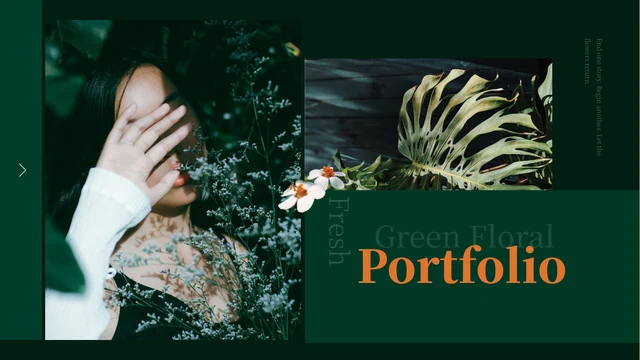
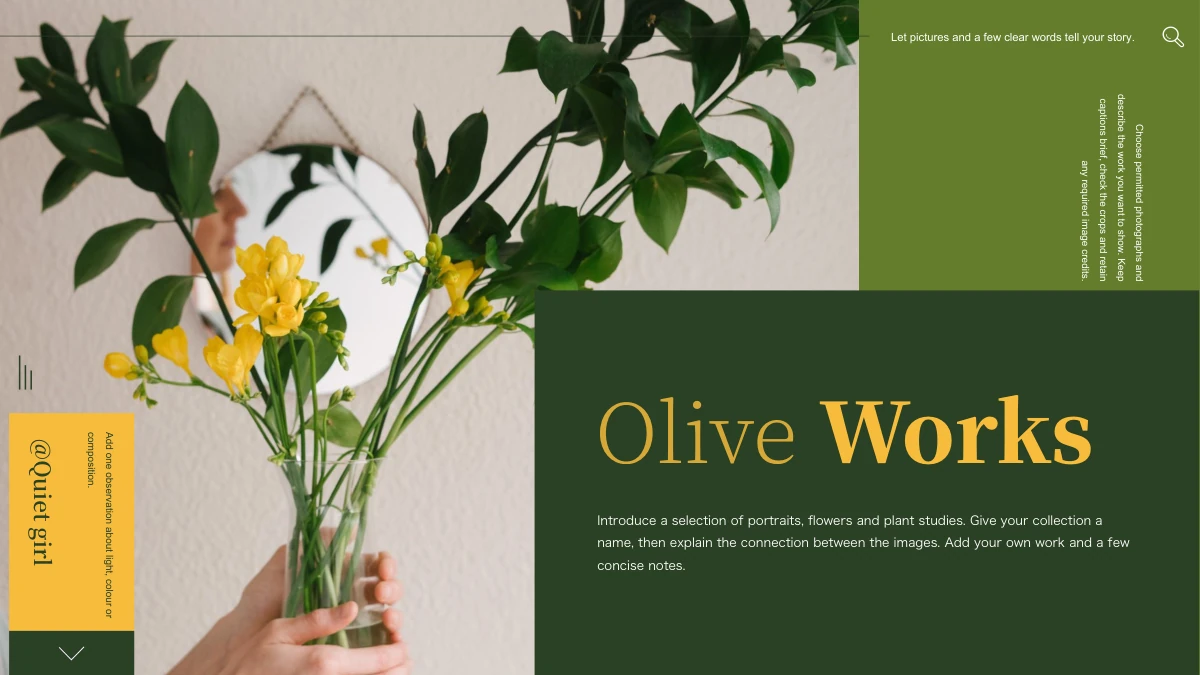
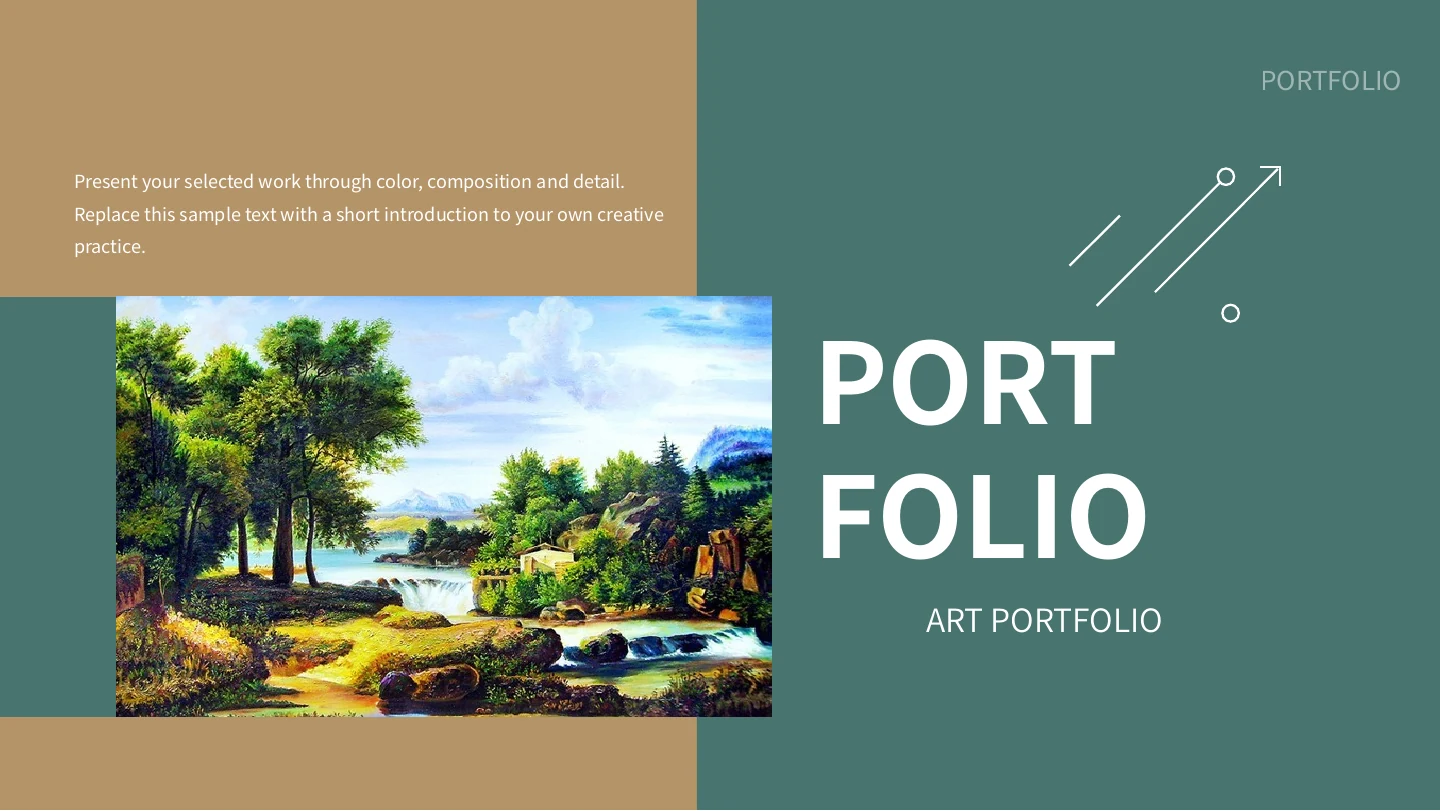
Green Art Portfolio Presentation Template combines muted green fields with warm tan panels, using white captions to connect landscape pictures and flower arrangements. The opening and closing pages share the same river scene, while a four-image contents page introduces the projects inside. Green Art Portfolio Presentation Template contains 15 widescreen slides and four numbered chapter dividers built around a sunflower image. Between them, tall pictures, wide landscapes and paired notes give each work room for a title and a short explanation. Green Art Portfolio Presentation Template has no native data charts; its emphasis is on displaying artwork and describing creative choices. Replace the supplied pictures with work you are entitled to present, add accurate titles and credits, and use the English prompts to explain your own process. The included images should not all be attributed to one artist simply because they share a page style.
Key Features of Green Art Portfolio Presentation Template
Explore green-and-tan framing, floral dividers and landscape compositions.
Green and Tan Panels
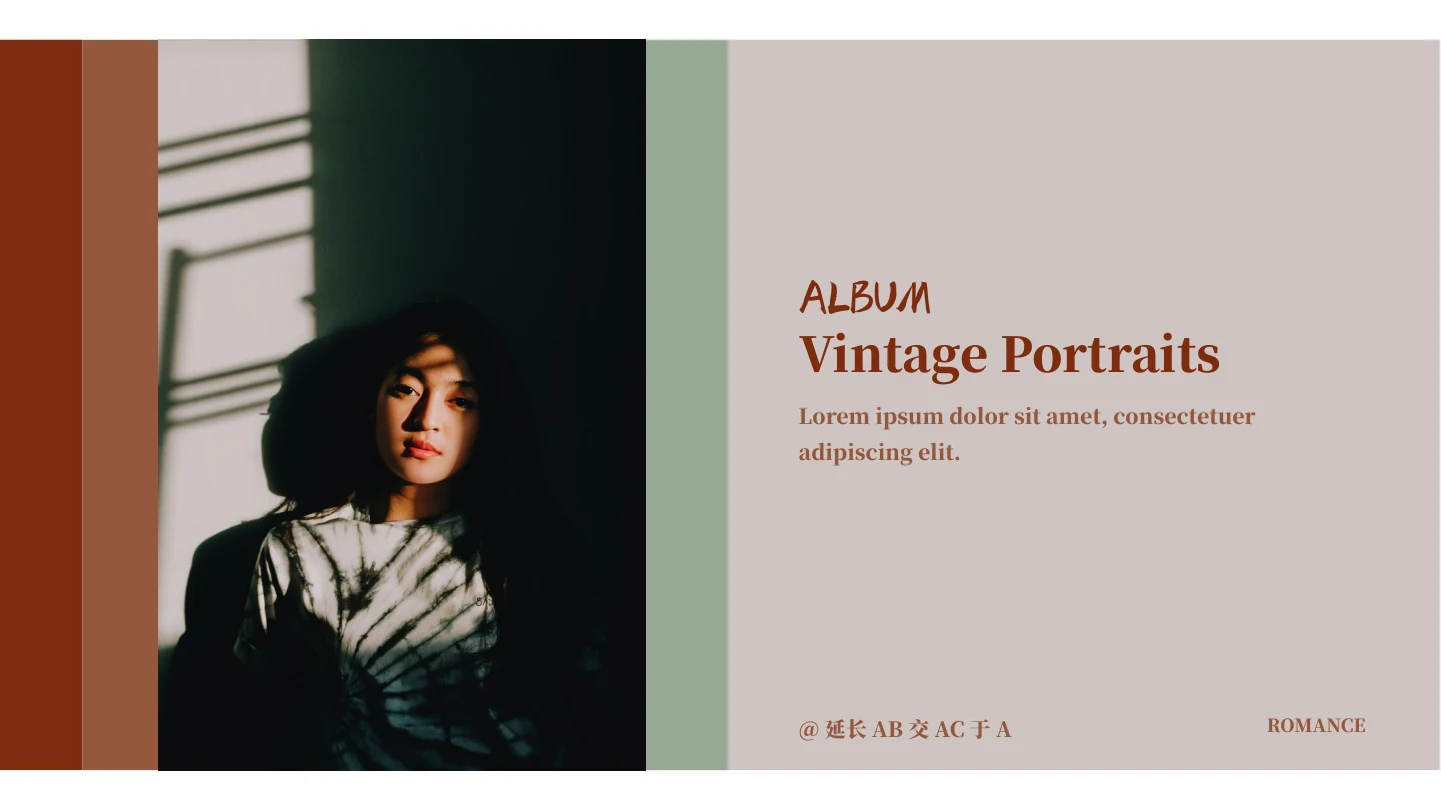
Green Art Portfolio Presentation Template alternates muted green and tan areas. Keep captions short and check the white text against both backgrounds at presentation size.
Four-Image Contents Page
Green Art Portfolio Presentation Template introduces four projects with different picture crops. Replace each image and its label so the contents match your chosen sequence.
Four Floral Dividers
Green Art Portfolio Presentation Template repeats sunflowers on four numbered dividers. Rename the chapters and keep their numbers aligned with the contents.
Tall and Wide Art Views
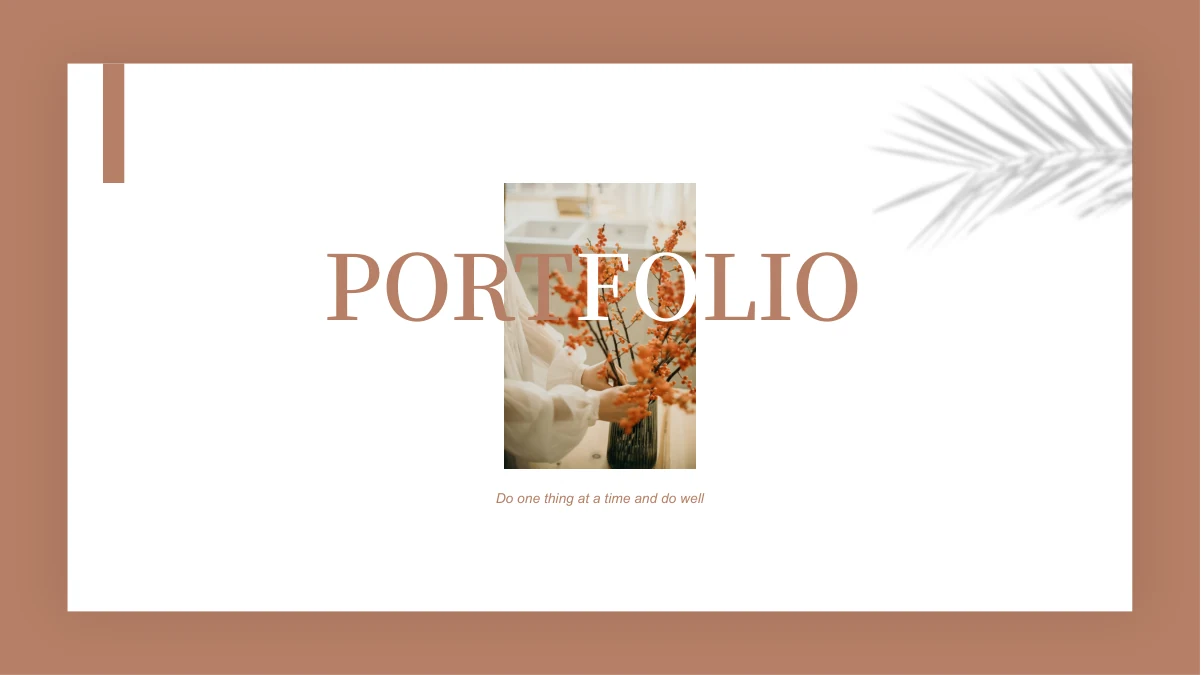
Green Art Portfolio Presentation Template provides portrait flower arrangements and broad river scenes. Choose crops that preserve the details most important to each work.
Paired Creative Notes
Green Art Portfolio Presentation Template places two short notes beside selected pictures. Explain your process or design choices without crowding the artwork with text.
A Matching Closing Page
Green Art Portfolio Presentation Template returns to the cover landscape at the end. Use this repeated image to create a visual link between your introduction and closing.
How to Use Green Art Portfolio Presentation Template
Choose your artwork, write concise notes and review each chapter.
-
Choose Four Project Groups
Preview the 15 pages of Green Art Portfolio Presentation Template. Pick your strongest work, divide it into four groups and update the image-led contents page before arranging the supporting views.
-
Download and Add Your Work
Download Green Art Portfolio Presentation Template with an active paid membership. Daily and repeated downloads are unlimited. Edit a copy, replace the images and add accurate artwork titles and credits.
-
Check Images and Notes
Review Green Art Portfolio Presentation Template at presentation size. Check picture crops, white captions and chapter numbers, then inspect an exported copy to confirm that your artwork is presented clearly.
Questions About Green Art Portfolio Presentation Template
How do I download Green Art Portfolio Presentation Template?
Sign in with an active paid membership to download Green Art Portfolio Presentation Template from this page. Members have unlimited daily downloads and can download Green Art Portfolio Presentation Template again. Before editing Green Art Portfolio Presentation Template, save a working copy so the supplied layouts remain available for comparison. Use the gallery to inspect Green Art Portfolio Presentation Template and choose the pages that suit the work you want to show. The download is a PowerPoint file containing pictures, editable text and shapes. Replace the prompts in Green Art Portfolio Presentation Template with accurate information about your own creative practice before presenting it.
How are the pages in Green Art Portfolio Presentation Template organized?
Green Art Portfolio Presentation Template contains 15 slides in a 16:9 format. After the cover and introduction, an image-led contents page identifies four projects. Numbered dividers in Green Art Portfolio Presentation Template appear on pages 4, 7, 10 and 13, each using the same sunflower composition. The intervening pages provide artwork views and brief notes. The final page of Green Art Portfolio Presentation Template returns to the river landscape used on the cover. You can select a shorter sequence from Green Art Portfolio Presentation Template, but update the contents and numbers when removing a section so the audience can still follow the order.
Can I replace the paintings and photographs in Green Art Portfolio Presentation Template?
Yes. Replace the picture elements in Green Art Portfolio Presentation Template with images you are authorized to show. Some layouts use a tall flower arrangement, while others give a wide river landscape more horizontal space. Choose a crop that preserves the important features of your work. In Green Art Portfolio Presentation Template, the same sunflower appears on four dividers, so consider whether to keep a repeated chapter image or use a different work for each section. Check every replacement in Green Art Portfolio Presentation Template at presentation size. Add appropriate titles and credits to Green Art Portfolio Presentation Template rather than implying that the supplied images are your own artwork.
Can I see the complete Green Art Portfolio Presentation Template before downloading?
All 15 pages of Green Art Portfolio Presentation Template appear in the preview gallery. Use the thumbnails to compare the tall, wide and paired image layouts before deciding which ones suit your work. Look closely at the two-note areas in Green Art Portfolio Presentation Template: they provide room for short observations, not long essays. The previews show the supplied Green Art Portfolio Presentation Template file and do not change when you edit a downloaded copy. After replacing pictures or fonts, review your version of Green Art Portfolio Presentation Template again. Export a sample page if you need to check how the green and tan backgrounds appear in the final output.
Does Green Art Portfolio Presentation Template include editable data charts?
Green Art Portfolio Presentation Template focuses on artwork and project descriptions. Green Art Portfolio Presentation Template does not contain native data charts or embedded spreadsheet workbooks. The large numbers in Green Art Portfolio Presentation Template label the four chapters; they are not measured results. Use the paired note areas in Green Art Portfolio Presentation Template to explain a process, a material choice or a detail visible in the picture. If your portfolio needs a data chart, create it with your own verified information and place it in a suitable layout. Keep additions to Green Art Portfolio Presentation Template visually consistent, and avoid treating its decorative shapes or chapter numbers as existing data visualizations.
Which fonts are used in Green Art Portfolio Presentation Template?
Green Art Portfolio Presentation Template uses Source Han Sans CN in Regular, Normal and Bold styles. No font files are embedded in Green Art Portfolio Presentation Template, so matching fonts need to be available on the editing computer. If you choose alternatives, inspect the project titles, contents labels and small two-column notes for changed line breaks. White captions in Green Art Portfolio Presentation Template should remain legible on both green and tan panels. Check the large portfolio lettering in Green Art Portfolio Presentation Template too. Website preview images do not install fonts; compare your edited Green Art Portfolio Presentation Template with the previews and adjust text length if a substitute changes the spacing.
Is Green Art Portfolio Presentation Template in English, and can I use another presentation app?
The editable labels and sample descriptions in Green Art Portfolio Presentation Template are in English. They are prompts for your own project descriptions, not finished claims about an artist or artwork. Website translations refer to the same English Green Art Portfolio Presentation Template file. Other applications that import PPTX may open Green Art Portfolio Presentation Template, but fonts, picture crops and text alignment can differ. Use PowerPoint as the main reference and compare imported pages with the gallery. Before sharing an exported Green Art Portfolio Presentation Template, check every title and caption, including the narrow contents labels and the two-note layouts.
Can Green Art Portfolio Presentation Template be used in a commercial portfolio?
Check the terms covering Green Art Portfolio Presentation Template, the artwork images and the fonts you use. A paid download of Green Art Portfolio Presentation Template does not establish separate rights to every painting or photograph. For a client-facing portfolio, replace sample images with work you are entitled to show and include any required credits. Do not attribute all the supplied pictures in Green Art Portfolio Presentation Template to one artist without verifying their origins. Before selling or redistributing an adapted Green Art Portfolio Presentation Template, confirm the relevant permissions. Clear, accurate artwork titles and ownership information are part of presenting a professional portfolio.
What is the best way to share Green Art Portfolio Presentation Template?
To recommend Green Art Portfolio Presentation Template, send the public page link so recipients can view the gallery and download through their own eligible accounts. To show your finished work, export an edited Green Art Portfolio Presentation Template to PDF or present it in your application after reviewing the output. Keep a PowerPoint copy of Green Art Portfolio Presentation Template for future updates. Before sharing Green Art Portfolio Presentation Template, remove unused prompts, verify image credits and check that the contents match the chapter order. The repeated opening and closing landscape in Green Art Portfolio Presentation Template can provide a visual connection, but replace it if another work represents your portfolio more accurately.