Rust Coast Portfolio Presentation Template: coastal colour, curved chapters and image-led art studies
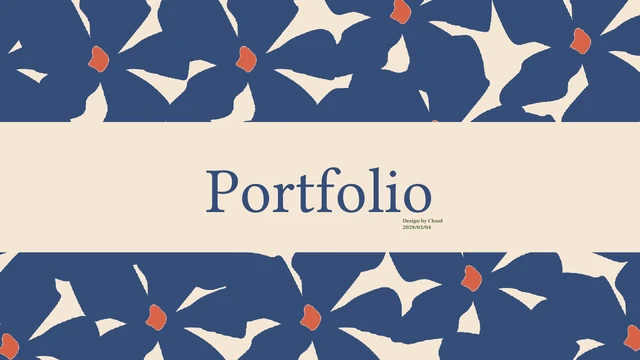
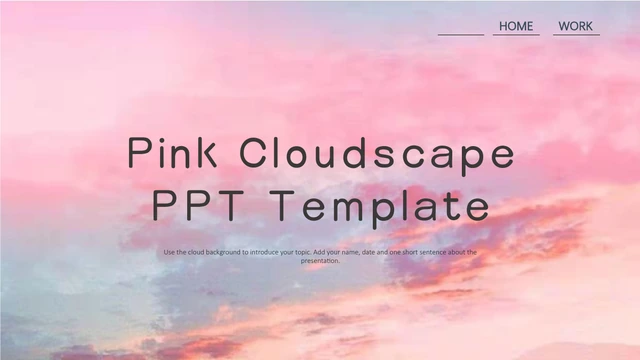
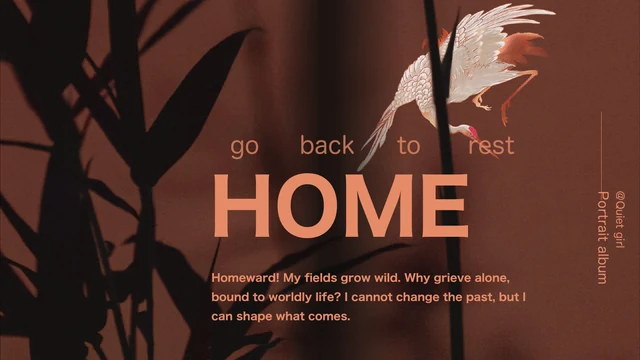
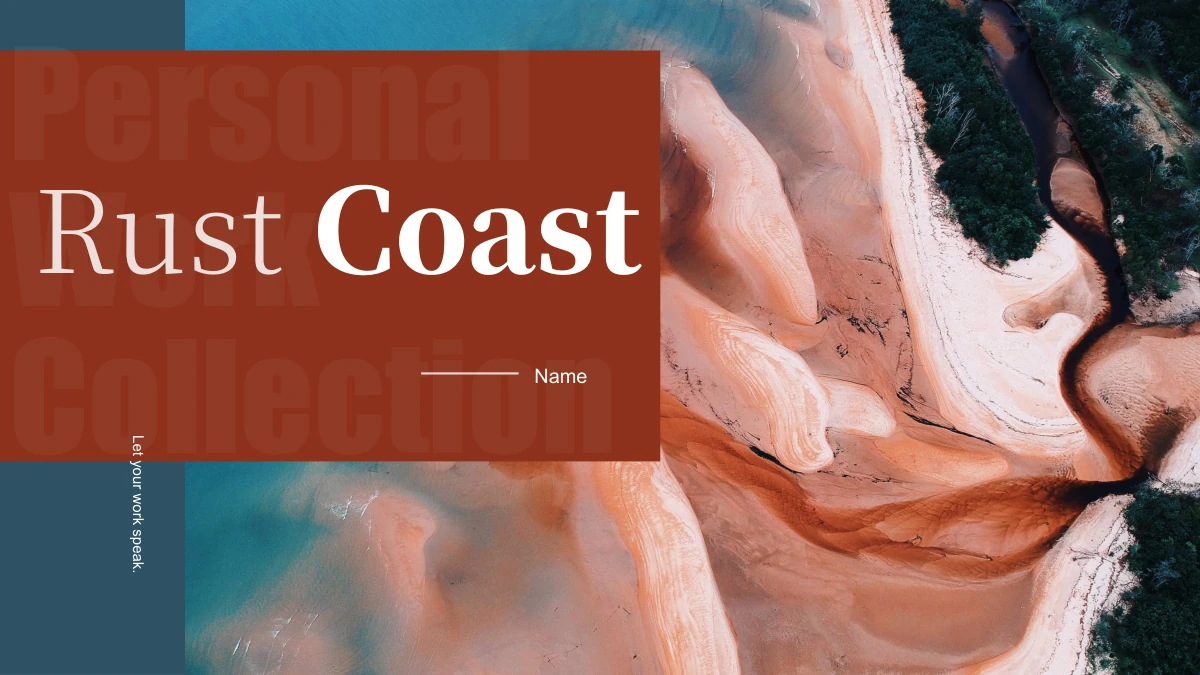
Rust Coast Portfolio Presentation Template opens with a copper-toned coast behind rust panels and deep teal bars. A portrait introduction and four-item contents lead to Project A–D dividers. Rust Coast Portfolio Presentation Template repeats teal arcs, orange flower accents and the coast under a warm tint on pages 4, 7, 10 and 13. Rust Coast Portfolio Presentation Template alternates flower photographs, a floral painting, swirled abstract images and a brush-and-palette scene. Large pictures meet short Art labels and separate 01/02 observation blocks. Rust Coast Portfolio Presentation Template ends with two flower photographs rather than a Thanks page. Short English prompts invite pictures and comments. Group related work into four sections, replace labels and explain one visual choice at a time. Check short captions and crops before sharing. The orange flower motif is a separate image; its petals remain picture content.
Key Features of Rust Coast Portfolio Presentation Template
Rust fields, teal curves and varied art-picture arrangements.
Coast and Rust Palette
Rust Coast Portfolio Presentation Template opens with a copper-toned coast, rust panels and teal bars. Check title contrast when replacing the cover photograph.
Four Curved Chapters
Rust Coast Portfolio Presentation Template marks four projects with teal arcs and orange flowers on pages 4, 7, 10 and 13. Match titles to the four contents entries.
Orange Flower Accent
Rust Coast Portfolio Presentation Template repeats a flower PNG beside chapter titles and Art labels. Its petals are image pixels, not editable vector shapes.
Two Observation Blocks
Rust Coast Portfolio Presentation Template pairs large artwork with separate 01 and 02 notes. Use each block for a short observation about subject, light or texture.
Mixed Artwork Studies
Rust Coast Portfolio Presentation Template shows photos, a floral painting, swirled colour and a brush scene. Choose these picture panels to fit your selection.
Two Flower Ending
Rust Coast Portfolio Presentation Template pairs two flower photos on the last page. Add a short comparison to connect them; there is no separate Thanks page.
How to Use Rust Coast Portfolio Presentation Template
Select four projects, add your observations and check the picture sequence.
-
Plan Four Related Projects
Preview 15 pages of Rust Coast Portfolio Presentation Template. Match permitted pictures to four chapters, then choose the portrait intro, abstract studies and two-flower ending you need.
-
Download and Add Your Notes
Download Rust Coast Portfolio Presentation Template after signing in with an active paid plan. Daily and repeat downloads are unlimited. Edit a copy, replace names and labels, then add notes.
-
Inspect the Final Sequence
Review Rust Coast Portfolio Presentation Template for crops, rotated Art labels and flower overlays. Retain required credits, export a PDF and reopen it to inspect every page before sharing.
Questions about Rust Coast Portfolio Presentation Template
How do I download Rust Coast Portfolio Presentation Template?
Sign in with an active paid plan and use this page’s download button for Rust Coast Portfolio Presentation Template. Daily and repeat downloads are unlimited. Rust Coast Portfolio Presentation Template is one English PowerPoint (.pptx); keep the original and edit a copy. Access to Rust Coast Portfolio Presentation Template supplies the file without confirming photograph, artwork, font or design permissions. Check resource permissions.
How many pages are in Rust Coast Portfolio Presentation Template?
Rust Coast Portfolio Presentation Template has 15 slides in 16:9: coast cover, portrait introduction, four-item contents, four dividers and image studies. Chapter pages in Rust Coast Portfolio Presentation Template appear at 4, 7, 10 and 13. The last page pairs two flower photographs, without a separate Thanks slide. Reorder Rust Coast Portfolio Presentation Template and update project letters, numbers and contents together.
What can I edit in Rust Coast Portfolio Presentation Template?
Edit native text, rules, coloured panels and picture objects in Rust Coast Portfolio Presentation Template. Rust Coast Portfolio Presentation Template has no native charts or linked Excel workbooks. Replace names, titles and observation prompts, checking crops. The separate orange flower PNG in Rust Coast Portfolio Presentation Template can be moved or replaced as an image; its petals are not separate vectors. Painted and photographed details remain pixels. Check layering beside flower accents.
Can I see all pages of Rust Coast Portfolio Presentation Template without buying?
All 15 pages of Rust Coast Portfolio Presentation Template are in the free gallery. Use thumbnails or arrows and enlarge views to compare arcs, portraits and the flower ending. Previews of Rust Coast Portfolio Presentation Template match the English download: static images, not an online editor. Compare Rust Coast Portfolio Presentation Template; viewing grants no reproduction rights.
Can other editors open Rust Coast Portfolio Presentation Template?
PPTX-compatible editors may import Rust Coast Portfolio Presentation Template, but fonts, translucent text, rotated labels and crops can change. Compare Rust Coast Portfolio Presentation Template with the gallery, particularly Art labels beside flowers and notes in narrow panels. Matching appearance is not guaranteed. Keep the original of Rust Coast Portfolio Presentation Template; export your edited copy to PDF, reopen it and inspect each page before sharing.
Which fonts does Rust Coast Portfolio Presentation Template reference?
Rust Coast Portfolio Presentation Template references Source Han Serif CN Heavy/Light/SemiBold, Source Han Sans CN Light, Kozuka Mincho Pr6N H, Kozuka Gothic Pr6N R, 汉仪秦川飞影W, Bahnschrift SemiLight, Segoe Script, Calibri/Arial and theme families. Rust Coast Portfolio Presentation Template embeds no fonts. Previews use available original faces and local substitutes without changing declarations. Check headings, notes and rotated labels in Rust Coast Portfolio Presentation Template. Review font sources and terms before installation or distribution.
Is Rust Coast Portfolio Presentation Template translated into other languages?
The site describes Rust Coast Portfolio Presentation Template in 15 languages, all supplying one English PPTX. Chinese headings and sample text in Rust Coast Portfolio Presentation Template become short project labels and picture-editing guidance. Inaccurate biography examples become practical observations, not verified art history. Rust Coast Portfolio Presentation Template retains its pictures, page order and text frames. Translate your own comments as needed, checking narrow boxes and rotated labels; languages may fit differently.
Can I use Rust Coast Portfolio Presentation Template commercially?
Commercial and redistribution rights for pictures, artwork reproductions and design in Rust Coast Portfolio Presentation Template are unverified. Paid access to Rust Coast Portfolio Presentation Template provides the file, not extra resource rights. Original creator entry 孔 融 remains; the design is not presented as new PPT AI work. Before distributing adapted Rust Coast Portfolio Presentation Template, confirm permissions for the coast, portrait, flowers and replacements. Retain attribution and replace resources you cannot use.
How should I share Rust Coast Portfolio Presentation Template?
Use this page’s sharing controls or URL for free previews of Rust Coast Portfolio Presentation Template; recipients need eligible paid access to download. In a collection made with Rust Coast Portfolio Presentation Template, remove private notes and confirm sharing rights for photographs, artwork and fonts. Export a PDF, reopen it and inspect all 15 pages, including small captions and ending flowers. Retain credits and an editable copy of Rust Coast Portfolio Presentation Template, then choose a format your audience can open.