Yves Elegant Presentation Template: Sage and Black, Shaped Around Your Pictures
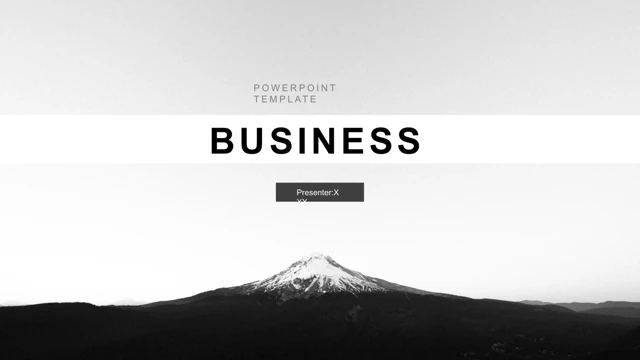
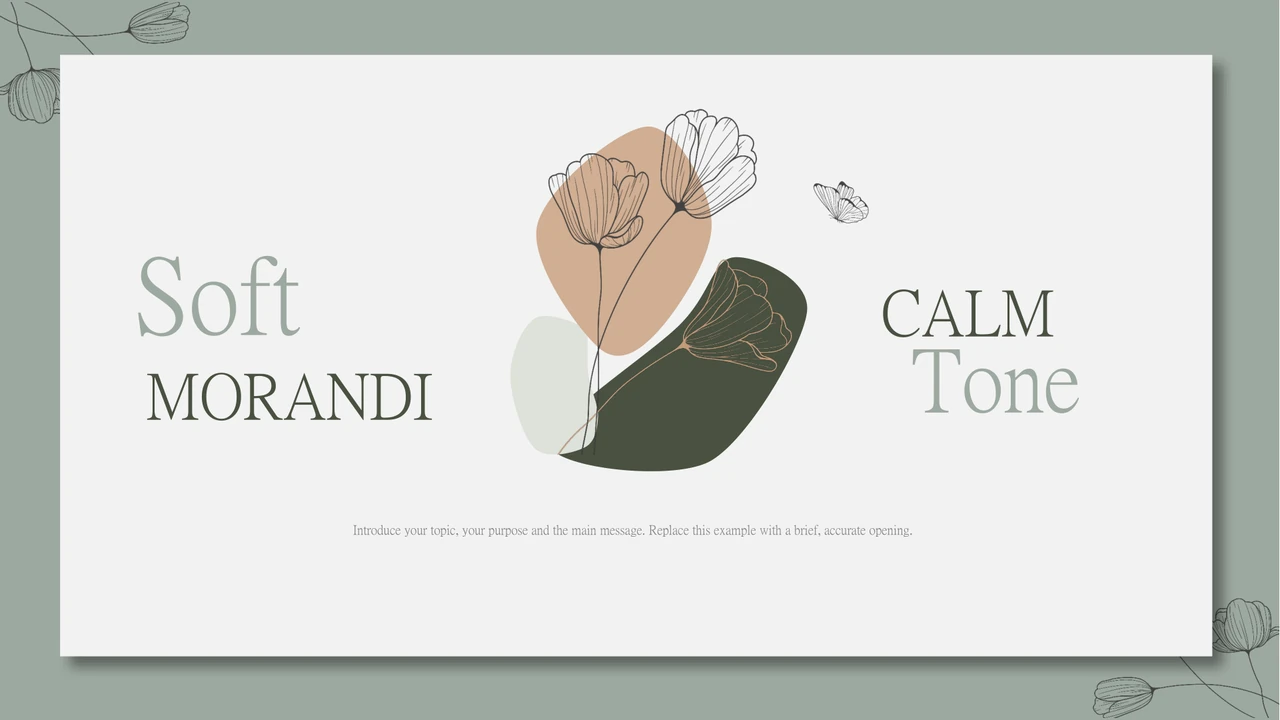
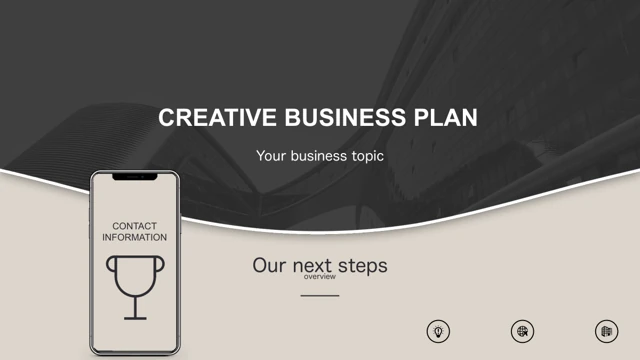
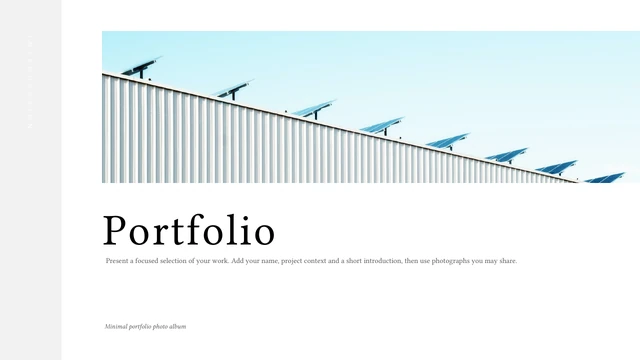
Yves Elegant Presentation Template pairs pale sage panels with black backgrounds across 35 widescreen slides. An underlined cover leads into contents pages, text columns and custom picture frames. The angled shapes, circles and tiled panels in Yves Elegant Presentation Template make the placement of your pictures part of the design. Yves Elegant Presentation Template also includes a world map, profile layouts, a short timeline and device illustrations. A native column chart has its own embedded workbook; the separate value markers are drawn examples. Many Yves Elegant Presentation Template text boxes contain Latin filler or sample names, so plan to replace them with your own material. Use the Yves Elegant Presentation Template preview to select the pages that fit your outline rather than keeping every layout. Yves Elegant Presentation Template works best when photographs and short headings carry the message, with longer explanations reserved for its column layouts.
Key Features of Yves Elegant Presentation Template
Yves Elegant Presentation Template pairs picture frames with a restrained palette.
Sage and Black
Yves Elegant Presentation Template alternates sage panels and black backgrounds. Keep headlines short so the strong contrast and generous margins remain clear.
Custom Picture Frames
Yves Elegant Presentation Template uses angled strips, circles and tiled frames. Choose pictures with room around the subject, then check the crop in each shape.
Flexible Text Columns
Yves Elegant Presentation Template provides single, double and triple columns. Replace the Latin filler with focused copy, keeping each column balanced in length.
Profiles and Timelines
Yves Elegant Presentation Template includes a three-person profile page and a vertical timeline. Add your own names and dates, then check the small labels at full size.
Editable Column Chart
Yves Elegant Presentation Template includes a native column chart with three series and four categories. Edit its workbook; change separate markers manually.
Map and Device Layouts
Yves Elegant Presentation Template adds a world map and device illustrations. Use these pages when they support your story, leaving out decorative layouts you do not need.
How to Use Yves Elegant Presentation Template
Select pictures, replace the samples and review.
-
Preview the Layouts
Review all 35 pages of Yves Elegant Presentation Template. Match its text columns and picture frames to your outline, and identify layouts that need your own photographs or data.
-
Download and Personalize
Download Yves Elegant Presentation Template with an active paid plan. Open a copy in PowerPoint, replace the filler text and use Picture Fill where the sample instructions specify it.
-
Check and Share
Review Yves Elegant Presentation Template after editing. Check picture crops, text spacing and chart labels, then run the slides on your intended screen before exporting a PDF to share.
Questions About Yves Elegant Presentation Template
How do I download Yves Elegant Presentation Template?
Sign in with an active paid plan and choose Download PPTX for Yves Elegant Presentation Template. Paid members have unlimited daily and repeat downloads. Save an untouched Yves Elegant Presentation Template copy before replacing its sample text or filling the custom frames, so you can compare your changes with the original layout.
How many slides are in Yves Elegant Presentation Template?
Yves Elegant Presentation Template contains 35 slides in 16:9, from an underlined cover through contents and picture-frame variations to a neutral closing page. Choose the Yves Elegant Presentation Template pages that fit your outline. You can remove or reorder Yves Elegant Presentation Template layouts without keeping every profile, timeline or decorative device example.
Can I edit text and colours in Yves Elegant Presentation Template?
Text and pale sage or dark shapes in Yves Elegant Presentation Template are editable. Follow its Picture Fill guidance for custom frames. The Yves Elegant Presentation Template column chart has one workbook, three series and four sample categories: Wine, Books, Shoes and Lamps. Edit chart cells; change the separate value markers manually as shapes.
Can I preview every page of Yves Elegant Presentation Template?
Yes. The Yves Elegant Presentation Template gallery shows all 35 pages through thumbnails and arrows. Compare angled strips, circles, tiled picture panels and text columns before downloading. Enlarge Yves Elegant Presentation Template pages with narrow copy or small labels, choosing frames that give your subjects and supporting notes enough space.
Will Yves Elegant Presentation Template work in another editor?
An editor supporting PPTX may import Yves Elegant Presentation Template, but picture fills, fonts and vector illustrations can render differently. Test a copy of Yves Elegant Presentation Template page by page, using the PowerPoint arrangement as your reference. Keep an editable Yves Elegant Presentation Template file and review exported PDFs when sharing needs a fixed layout.
Which fonts does Yves Elegant Presentation Template use?
Yves Elegant Presentation Template references Source Han Sans Heavy (思源黑体 Heavy) and Open Sans Light. Font files are not embedded. Match these faces or choose replacements, then inspect the Yves Elegant Presentation Template headings, line breaks and spacing, especially where a large title sits beside a narrow picture panel.
Are the slides in Yves Elegant Presentation Template supplied in English?
Yves Elegant Presentation Template contains English headings and sample instructions, with Latin filler in many text areas. Replace examples with wording for your audience. Every translated website page describes the same English Yves Elegant Presentation Template download; changing the website language does not replace the slide text inside Yves Elegant Presentation Template with that language.
Can I use Yves Elegant Presentation Template commercially?
Follow the original terms and permissions applicable to pictures or other material when using Yves Elegant Presentation Template. A paid Yves Elegant Presentation Template download does not grant additional rights to third-party images, brands or people. Before a client presentation or public release, use permitted content and verify the claims you include.
How should I share Yves Elegant Presentation Template?
Use the Yves Elegant Presentation Template page link to recommend the design. Before sharing an edited Yves Elegant Presentation Template as PPTX or PDF, replace sample names and contact details, check chart figures and review picture crops. Keep your editable copy; downloading the template file still requires an active paid plan.