Beyond the Clouds Presentation Template: pastel skies for an organised sequence
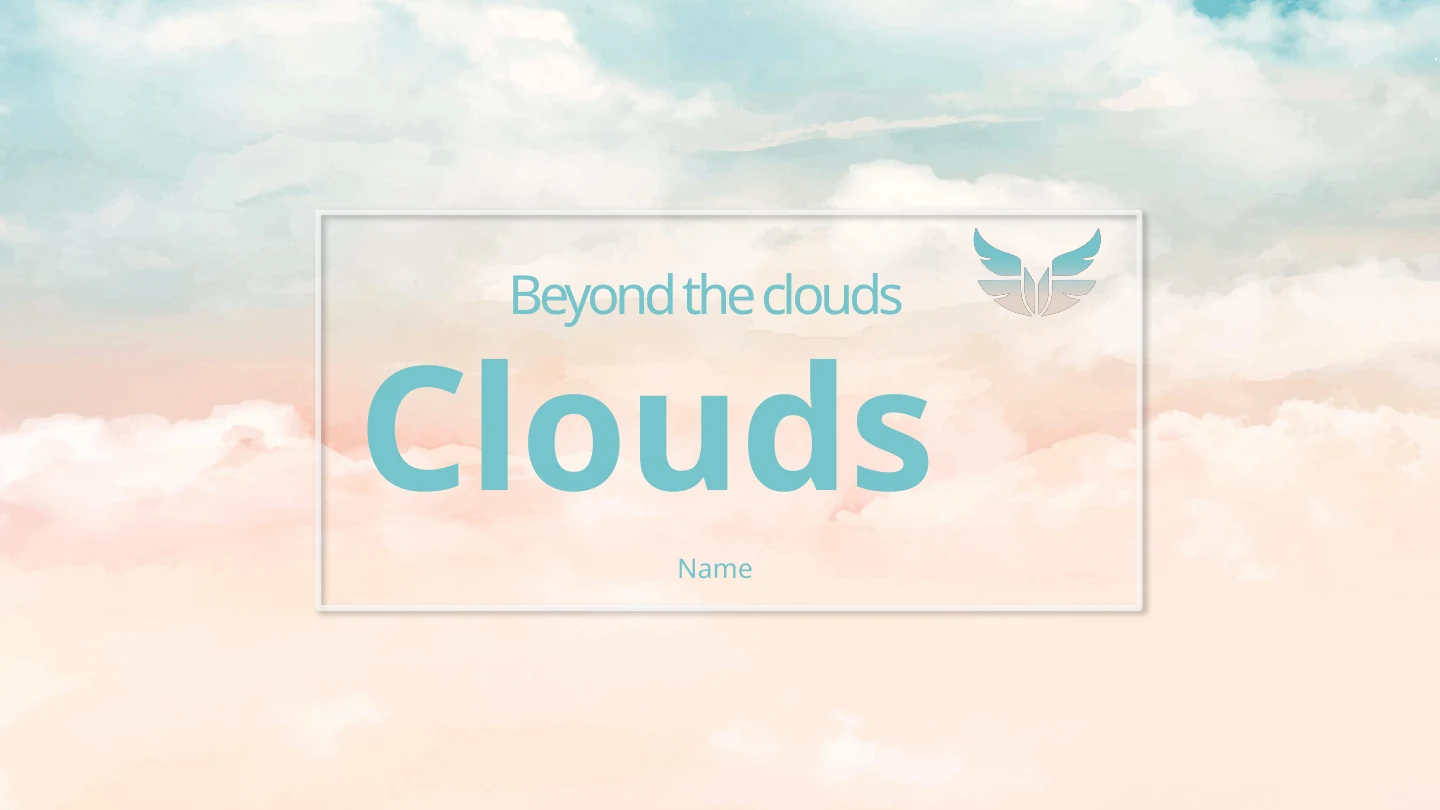
Beyond the Clouds Presentation Template sets teal, pink and cream clouds behind white panels and shadowed cards. A wing emblem marks the cover, while pale sky pictures appear beside notes throughout the file. Beyond the Clouds Presentation Template has a four-topic contents page and four numbered dividers, with space to arrange your explanation. Three quarter cards compare short updates; a hand-drawn route links ten months from March to December. Beyond the Clouds Presentation Template also uses column-shaped proportion examples, rotated cards, communication icon rows and an envelope with four surrounding notes. These diagrams are shapes and typed labels, not data-linked charts. Update dates, figures and drawn proportions together using verified information. Beyond the Clouds Presentation Template contains 25 widescreen slides and ends with a Thanks page. Choose useful layouts, keep headings concise and check pastel contrast, picture crops and the order of your notes before sharing.
Key Features of Beyond the Clouds Presentation Template
Pastel cloud artwork, layered notes and a flexible four-part sequence.
Pastel Clouds and a Wing Emblem
Beyond the Clouds Presentation Template combines teal, pink and cream skies with a wing emblem. Keep text legible against the cloud pictures and pale panels.
Four Numbered Section Dividers
Beyond the Clouds Presentation Template has four contents topics and numbered dividers. Arrange your ideas in order, then use the matching Thanks page to close.
Three Quarter Comparison Cards
Beyond the Clouds Presentation Template includes first-, second- and third-quarter cards. Replace headings and notes, or duplicate one for another period.
A Hand-Drawn Ten-Month Route
Beyond the Clouds Presentation Template links March to December with ten coloured points. Update month labels and notes together; the line is a manual diagram.
Manual Proportion Examples
Beyond the Clouds Presentation Template uses columns and rotated cards with percentage text. Edit numbers and shapes together; they do not update from workbook data.
Communication Icons and an Envelope
Beyond the Clouds Presentation Template offers mail and phone icon rows plus an envelope with four notes. Use short labels and make the connections easy to follow.
How to Use Beyond the Clouds Presentation Template
Choose the pages, replace examples and check the complete sequence.
-
Preview the Cloud-Themed Layouts
Browse all 25 pages of Beyond the Clouds Presentation Template. Compare dividers, quarter cards, the monthly route and notes with your outline, then choose pages that explain your ideas.
-
Download and Replace the Examples
Download Beyond the Clouds Presentation Template with an active paid plan. Open a PowerPoint copy, replace titles and notes, and update dates, percentage labels and drawn shapes together.
-
Review the Final View and Sound
Review Beyond the Clouds Presentation Template on your intended device. Check picture crops, pastel contrast, diagrams and fonts, test any audio, inspect a PDF and keep an editable copy.
Questions about Beyond the Clouds Presentation Template
How do I download Beyond the Clouds Presentation Template?
Sign in with an active paid plan and use the download button to save Beyond the Clouds Presentation Template. Paid members have unlimited daily and repeat downloads. Beyond the Clouds Presentation Template is supplied as an English PowerPoint (.pptx) with native text, shapes, picture artwork and one retained audio file. Keep an original copy of Beyond the Clouds Presentation Template and edit Beyond the Clouds Presentation Template in a separate file so that you can return to the provided layouts. Replace the presenter, date, headings and notes with your own information. The prompts in Beyond the Clouds Presentation Template help organise ideas, not establish verified achievements or a completed report. Choose the useful pages and explain the period and measures behind any figures you add.
How many slides are in Beyond the Clouds Presentation Template?
Beyond the Clouds Presentation Template contains 25 slides in a 16:9 format. Four contents topics and numbered dividers support a four-part sequence before a Thanks closing. Beyond the Clouds Presentation Template includes layered text panels, sky picture layouts and communication icon rows. Three cards in Beyond the Clouds Presentation Template are labelled for the first, second and third quarters; they are not a complete set of four quarters. A manual monthly route in Beyond the Clouds Presentation Template connects ten points from March to December. Later pages of Beyond the Clouds Presentation Template add percentage examples, rotated cards and an envelope with four notes. Select pages from Beyond the Clouds Presentation Template, duplicate a suitable layout if needed and update the contents and labels to match your chosen reporting period.
Can I edit the diagrams and cloud pictures in Beyond the Clouds Presentation Template?
PowerPoint can edit native text and shapes in Beyond the Clouds Presentation Template. The monthly line, column-shaped proportions and percentage labels are manual diagrams, not native data charts or linked workbooks. Change the numbers, dates and corresponding shapes in Beyond the Clouds Presentation Template together; a label change alone does not recalculate the visual. Quarter cards and the envelope diagram in Beyond the Clouds Presentation Template can hold your own concise notes. The painted skies and communication icons include picture artwork rather than individually editable cloud scenery. Replace a picture in Beyond the Clouds Presentation Template through the image controls and inspect its crop and alignment. Keep important text clear of the sky details and neighbouring cards.
Can I preview every page of Beyond the Clouds Presentation Template?
Yes. The gallery shows all 25 pages of Beyond the Clouds Presentation Template, including the cover, four dividers, quarter cards, monthly route, percentage examples, envelope and closing. Use thumbnails, arrows or an enlarged view of Beyond the Clouds Presentation Template to compare the layouts with your outline. The gallery represents the same English Beyond the Clouds Presentation Template supplied for download, and you can see the design before buying download access. Check small notes, pale labels and overlapping panels in Beyond the Clouds Presentation Template at presentation size. The static previews show the visual pages; they do not demonstrate audio playback. Spread long explanations across useful pages of Beyond the Clouds Presentation Template so that the pastel design retains room to breathe.
Can another presentation editor open Beyond the Clouds Presentation Template?
An editor with PPTX import may open Beyond the Clouds Presentation Template, but fonts, picture transparency, crops, shadows and spacing can vary. Compare the imported Beyond the Clouds Presentation Template with PowerPoint and the gallery. The diagrams in Beyond the Clouds Presentation Template have no native charts or workbooks to update; the line, columns and percentages need manual checks. Inspect the icons, envelope and layered panels in Beyond the Clouds Presentation Template for shifted alignment or hidden text. One MP3 asset is retained in the file, with references on the opening and closing slides; test playback and settings on the intended device rather than assuming audio works after import. Review a PDF of Beyond the Clouds Presentation Template for the finished visual layout. A PDF or static gallery does not confirm sound playback.
Which fonts does Beyond the Clouds Presentation Template use?
The English copy of Beyond the Clouds Presentation Template uses Noto Sans for the adapted primary family. Other retained references include Arial, Calibri, Gill Sans, Aparajita, 一纸情书, 华文仿宋, 字魂105号-简雅黑, 字魂159号-古刻宋, 字魂59号-创粗黑, 宋体, 思源黑体 CN Bold and 思源黑体 CN Normal. No font files are embedded in Beyond the Clouds Presentation Template. Missing families in Beyond the Clouds Presentation Template may be substituted, changing line breaks and spacing. Use fonts you are permitted to use and review Beyond the Clouds Presentation Template on the intended device. Check the cover, dividers, quarter headings, small month labels and envelope notes throughout Beyond the Clouds Presentation Template, especially when replacing short prompts with longer content.
Are the slides in Beyond the Clouds Presentation Template translated into every site language?
The website descriptions of Beyond the Clouds Presentation Template are localised, while every language page provides the same English PowerPoint file. The downloadable Beyond the Clouds Presentation Template uses English headings, editing prompts, diagram notes and month labels. Original painted cloud pictures, icons and the retained audio remain media assets; website translations do not create translated versions of those assets. Replace the sample figures, period labels and notes in Beyond the Clouds Presentation Template with your own material. If Beyond the Clouds Presentation Template is needed in another slide language, translate your content in a working copy of Beyond the Clouds Presentation Template, then check the contents, four dividers and all quarter and month labels for consistency. Longer words or a different writing direction can affect wrapping and alignment.
Can I use Beyond the Clouds Presentation Template commercially?
The source design, picture, icon, audio and font permissions for Beyond the Clouds Presentation Template have not been independently verified. A paid plan provides download access to Beyond the Clouds Presentation Template; it does not establish commercial or redistribution rights for every asset in Beyond the Clouds Presentation Template. Check the permissions required for your intended use and keep genuine attribution where necessary. Replace uncertain pictures, audio or fonts in Beyond the Clouds Presentation Template with authorised material before client delivery or distribution of the editable source. The percentages and diagrams in Beyond the Clouds Presentation Template are design examples, not evidence of actual results. Supply verified information, explain what it measures and distinguish sharing a finished presentation from redistributing a reusable template.
How do I share Beyond the Clouds Presentation Template?
Use the sharing controls or copy this page URL to share Beyond the Clouds Presentation Template. Other people can preview the gallery and download under their own account conditions. Before sharing a finished presentation made with Beyond the Clouds Presentation Template, replace sample notes and figures, remove private details and confirm picture, icon, audio and font permissions. Check the manual proportions, month order, picture crops and complete sequence in Beyond the Clouds Presentation Template. Export a PDF for a finished visual view; test audio separately if sharing a file that includes sound. Keep an editable working copy of Beyond the Clouds Presentation Template so that dates, measures and notes can be updated for the next version.