Pastel Watercolor Presentation Template: soft watercolor borders and practical white layouts
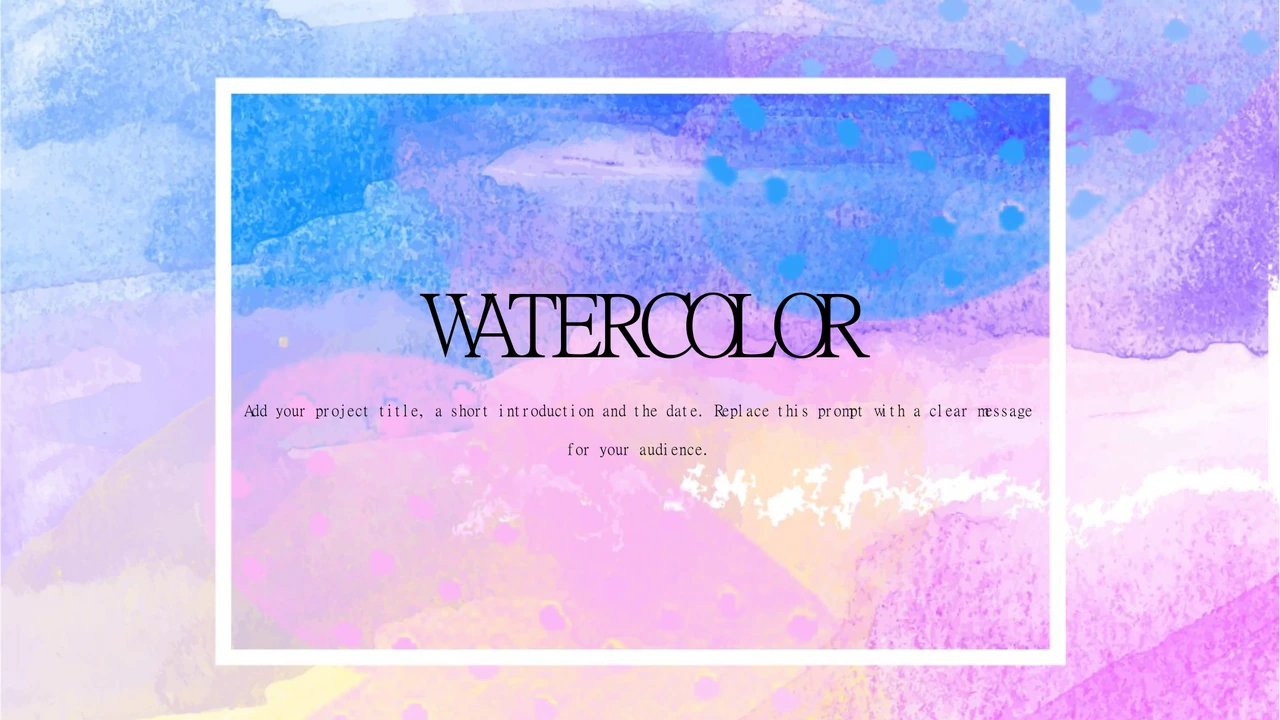
Pastel Watercolor Presentation Template pairs blue, pink and purple watercolor textures with white pages and lavender accents. The opening and closing share a painted background with a white frame. Pastel Watercolor Presentation Template has a four-item contents page and four numbered section dividers. Interior layouts put two options side by side, pair a sunset photograph with short text, and arrange four outlined cards with icons. Pastel Watercolor Presentation Template also includes ideas and revision panels, three parallel icon columns, two text columns and numbered lists. A native clustered bar chart compares two example series across four categories. Its values are samples for replacement with verified data. Pastel Watercolor Presentation Template keeps the watercolor texture as an image, while text, shapes and the chart remain editable. Choose pages that fit your outline, use images you may share and replace the English prompts with your own content.
Key Features of Pastel Watercolor Presentation Template
Watercolor borders, lavender accents and flexible white layouts.
Watercolor Frame
Pastel Watercolor Presentation Template uses blue, pink and purple watercolor edges. The painted texture and white frame are an image; native text remains editable.
Four Section Dividers
Pastel Watercolor Presentation Template has a four-item contents page and four numbered dividers. Name the topics in a useful order and keep each introduction brief.
Side-by-Side Comparisons
Pastel Watercolor Presentation Template places two options on white and lavender panels. Use the same criteria for both sides and check the contrast of each heading.
Photo and Card Layouts
Pastel Watercolor Presentation Template pairs a sunset photo with text and offers four icon cards. Choose an authorized picture and give each card one focused point.
Editable Bar Chart
Pastel Watercolor Presentation Template includes a native chart with two series and four categories. Edit the linked workbook and verify labels, values and scale.
Ideas and Numbered Points
Pastel Watercolor Presentation Template combines ideas, revision panels and numbered lists. Write concise points and use the final row to make the next action clear.
How to Use Pastel Watercolor Presentation Template
Choose your pages, replace the examples and check the finished deck.
-
Choose the Sequence
Review all 16 pages of Pastel Watercolor Presentation Template. Match the four sections to your outline. Choose a comparison, photo, card or chart layout for each message before writing.
-
Save an Editing Copy
Download Pastel Watercolor Presentation Template with an active paid plan. Daily and repeat downloads are unlimited. Keep an original copy, then gather authorized photos and verified chart data.
-
Edit and Check
Open Pastel Watercolor Presentation Template in PowerPoint. Replace titles, prompts and chart examples. Check photo crops, contrast, fonts and the PDF export before sharing your finished deck.
Questions about Pastel Watercolor Presentation Template
How do I download Pastel Watercolor Presentation Template?
Sign in with an active paid plan and select the download button beside the preview. Pastel Watercolor Presentation Template is supplied as an editable English PowerPoint PPTX. Daily downloads and repeat downloads are unlimited for paid members. Save Pastel Watercolor Presentation Template on your device and keep an original copy before editing. Working in a separate Pastel Watercolor Presentation Template copy lets you compare the watercolor border, section order and picture positions with the source as you replace prompts.
How many slides are in Pastel Watercolor Presentation Template?
Pastel Watercolor Presentation Template contains 16 slides in a 16:9 widescreen format. They include a four-item contents page, four numbered section dividers, comparisons, photo and card layouts, an editable bar chart and closing page. Pastel Watercolor Presentation Template also offers ideas and revision panels, icon columns and numbered lists. You can select fewer pages of Pastel Watercolor Presentation Template for a shorter presentation. After rearranging Pastel Watercolor Presentation Template, check that the contents and section numbers still follow the story you want to tell.
Can I edit text and colors in Pastel Watercolor Presentation Template?
Yes. Pastel Watercolor Presentation Template retains native text, shapes, icons and a chart for editing in PowerPoint. White areas and lavender accents help separate information. The painted background and its white frame in Pastel Watercolor Presentation Template are part of an image, so they cannot be recolored as individual native shapes. Replace that image if needed, using artwork you may use. Keep the proportions of Pastel Watercolor Presentation Template pictures and check text contrast when changing panels or colors.
Can I preview every page of Pastel Watercolor Presentation Template?
Yes. All 16 pages of Pastel Watercolor Presentation Template have previews matching the downloadable English file. Use the thumbnails and arrow controls to compare section dividers, comparisons, photo pages and the chart. Enlarge Pastel Watercolor Presentation Template to assess heading space and the amount of text each layout can hold. Look carefully at small card notes and chart labels. Choose pages of Pastel Watercolor Presentation Template that fit your outline before writing detailed content, and keep the original aspect ratio when presenting.
Can another presentation app open Pastel Watercolor Presentation Template?
Pastel Watercolor Presentation Template is a PowerPoint PPTX. A compatible editor may import it, but fonts, line breaks, chart behavior and picture positions can vary. Compare the imported Pastel Watercolor Presentation Template with the full preview, especially the numbered rows, four cards and chart legend. PowerPoint is recommended for editing Pastel Watercolor Presentation Template. Test the file on your intended screen and inspect the exported PDF. Keep an editable Pastel Watercolor Presentation Template copy so you can correct any changes introduced by an import or export.
Which fonts does Pastel Watercolor Presentation Template use?
Pastel Watercolor Presentation Template retains source font references including 楷体, 宋体, 尔雅新大黑, 新細明體 and Lato Light. Theme references also include Calibri and Times New Roman. No fonts are embedded. An unavailable font in Pastel Watercolor Presentation Template may be replaced by your editor. Install a font you may use or select a suitable alternative, then check line breaks and alignment. Review large cover lettering, contents headings, small card notes and chart labels throughout Pastel Watercolor Presentation Template after a font change.
Are the slide texts in Pastel Watercolor Presentation Template English?
Yes. Chinese titles and chart labels in Pastel Watercolor Presentation Template are translated into short English wording. Repeated filler becomes concise editing prompts, and hidden master prompts are English too. Chart labels in Pastel Watercolor Presentation Template match the linked workbook, while original example values remain unchanged. The site translations all describe the same English Pastel Watercolor Presentation Template file; they do not provide separate translated decks. Replace guidance in Pastel Watercolor Presentation Template with accurate titles, authorized images and data appropriate to your own presentation.
Can I use Pastel Watercolor Presentation Template commercially?
There is no verified commercial-use or redistribution grant for the source of Pastel Watercolor Presentation Template. The original creator entry Administrator is retained. Paid access to Pastel Watercolor Presentation Template does not add rights to its design, painted texture or photograph. Check permission for your intended use, preserve genuine credits and obtain rights for any replacement assets. Do not present example figures as verified findings or stock-image subjects as your own clients. Use Pastel Watercolor Presentation Template only with material and permissions appropriate to your project.
How do I share Pastel Watercolor Presentation Template?
Use the share controls to copy or send the preview link to Pastel Watercolor Presentation Template. For a finished presentation, export a PDF or presentation file after replacing examples with material you may distribute. Check all 16 pages, chart labels, photo crops and the closing message. Keep your editable Pastel Watercolor Presentation Template copy separately for updates. A recipient who needs the original Pastel Watercolor Presentation Template should download it using their own eligible paid account. Confirm permissions before redistributing an edited Pastel Watercolor Presentation Template file.