Blue Doodle Classroom Presentation Template: explain classroom ideas with characters, arrows and open space
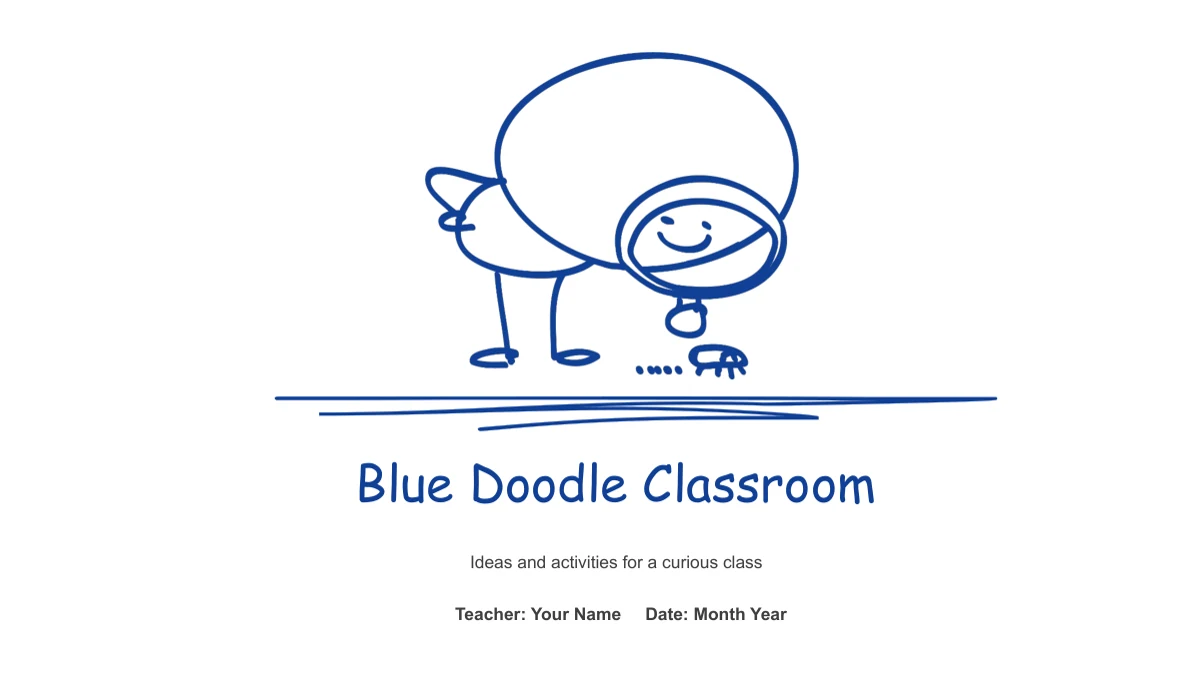
Blue Doodle Classroom Presentation Template uses blue line drawings to give classroom ideas a light, informal setting. A curious figure bends toward a creature on the cover; inside, a paper plane trails a dotted line above the headings. Blue Doodle Classroom Presentation Template offers four chapter dividers and several ways to organise short explanations. A clock-holding character sits between eight notes, three people form an arrow-linked cycle, and two sign holders introduce a comparison. One editable column chart supports a four-category example, while separate speech bubbles carry sample percentages. Blue Doodle Classroom Presentation Template also includes a three-step path, running figures on horizontal tracks and three large sketched numbers. These drawings help mark a change of topic without requiring a photograph. Choose from all 26 widescreen pages of Blue Doodle Classroom Presentation Template and replace the examples with your own lesson, activity or classroom discussion.
Key Features of Blue Doodle Classroom Presentation Template
Blue sketch lines, paper-plane headings and expressive figures guide the eye.
Paper-Plane Page Headings
Blue Doodle Classroom Presentation Template carries a paper plane and looping dotted trail across its content pages. Keep headings short so the drawing has space.
Eight Notes Around a Clock
Blue Doodle Classroom Presentation Template places four notes on each side of a clock-holding figure. Use the two columns for routines, observations or choices.
Characters Connected in Cycles
Blue Doodle Classroom Presentation Template includes three-person and four-card cycles. Follow the drawn arrows when explaining how activities relate to one another.
An Editable Column Chart
Blue Doodle Classroom Presentation Template keeps a four-category column chart with Excel data. Edit the values and check the separate figure above the second column.
Comparisons in Speech Bubbles
Blue Doodle Classroom Presentation Template gives two drawn characters their own percentage bubbles. Replace these manual figures with values you can explain.
Sketches for Three-Step Sequences
Blue Doodle Classroom Presentation Template pairs pencil, eraser and grid icons with three steps. Another page uses large sketched numbers for a shorter explanation.
How to Use Blue Doodle Classroom Presentation Template
Choose a teaching sequence, replace the examples and check the drawings beside your data.
-
Choose the Classroom Sequence
Preview Blue Doodle Classroom Presentation Template and choose the chapter pages you need. Decide whether a cycle, comparison or numbered sequence explains each idea before adding lesson details.
-
Replace the Sample Material
Download Blue Doodle Classroom Presentation Template with an active paid membership. Replace the text, edit the chart data and update the independent percentages, presenter name and date.
-
Check the Slides Together
Play Blue Doodle Classroom Presentation Template as a slideshow. Read the narrow notes, confirm the chart labels and check the figure above its second column before sharing the finished lesson.
Questions about Blue Doodle Classroom Presentation Template
How do I download Blue Doodle Classroom Presentation Template?
Sign in with an active paid membership and select the download button for Blue Doodle Classroom Presentation Template. Members can download without a daily limit including repeat downloads. Save an untouched copy of Blue Doodle Classroom Presentation Template before editing. It helps restore an arrow or moved character in Blue Doodle Classroom Presentation Template.
How many pages are in Blue Doodle Classroom Presentation Template?
Blue Doodle Classroom Presentation Template contains 26 widescreen slides, including a cover, contents, four chapter dividers and a matching closing page. Pages in Blue Doodle Classroom Presentation Template range from short numbered notes to diagrams and a data chart. Choose pages that fit your lesson. Blue Doodle Classroom Presentation Template provides editable examples, not a complete teaching programme.
Can I change the text and colors in Blue Doodle Classroom Presentation Template?
Yes. Text, colors and separate drawing shapes in Blue Doodle Classroom Presentation Template can be edited in PowerPoint. Keep figures grouped to preserve their alignment. Some artwork in Blue Doodle Classroom Presentation Template is a picture and needs image-level editing or replacement. Short labels fit the speech bubbles in Blue Doodle Classroom Presentation Template; longer explanations belong in the wider text areas.
Can I preview every page of Blue Doodle Classroom Presentation Template?
The gallery shows all 26 pages of Blue Doodle Classroom Presentation Template, so you can compare the eight-note spread, character cycles and three-step layouts before downloading. Inspect how much space each note has. The previews of Blue Doodle Classroom Presentation Template also show the matching cover and closing illustration. Use them to select pages from Blue Doodle Classroom Presentation Template.
Is the chart in Blue Doodle Classroom Presentation Template linked to Excel?
Blue Doodle Classroom Presentation Template includes one native column chart with an embedded Excel workbook. Its four outlined columns use sample values, not verified classroom results. The character above column two in Blue Doodle Classroom Presentation Template is a separate object; it will not move with the data. The 15% and 85% speech bubbles elsewhere in Blue Doodle Classroom Presentation Template are manual labels, so replace them separately.
Which fonts and editors work with Blue Doodle Classroom Presentation Template?
The slides use Comic Sans MS and Arial, including bold Arial. Check Blue Doodle Classroom Presentation Template on the computer you will use for the lesson. Font substitution can change the narrow notes and chapter labels. Other editors may alter chart layouts or grouped drawings in Blue Doodle Classroom Presentation Template; inspect every page against the previews before presenting. Keep an editable copy of Blue Doodle Classroom Presentation Template when trying another editor.
Is Blue Doodle Classroom Presentation Template supplied in English?
Yes. The final slide text and chart labels in Blue Doodle Classroom Presentation Template are in English. Each website language describes the same downloadable English PPTX. You can adapt Blue Doodle Classroom Presentation Template to another language or subject. Replace the presenter and date fields, keep chapter titles consistent with the contents and turn the short examples in Blue Doodle Classroom Presentation Template into your own checked teaching material.
Can I use Blue Doodle Classroom Presentation Template in a paid course?
Check the rights to the illustrations and fonts before using Blue Doodle Classroom Presentation Template in a paid course or client project. A paid membership gives download access, not unrestricted permission for every asset. Keep required credits and replace unauthorised material. The sample percentages in Blue Doodle Classroom Presentation Template also need context and evidence before being presented as findings.
How should I share an edited Blue Doodle Classroom Presentation Template?
Send colleagues the page link for Blue Doodle Classroom Presentation Template to preview the layouts. Share your completed lesson as a PDF or edited PPTX where permissions allow. Before sending Blue Doodle Classroom Presentation Template, review the chart categories, percentages and unused sample notes. Keep a working copy of Blue Doodle Classroom Presentation Template for revisions after the class.