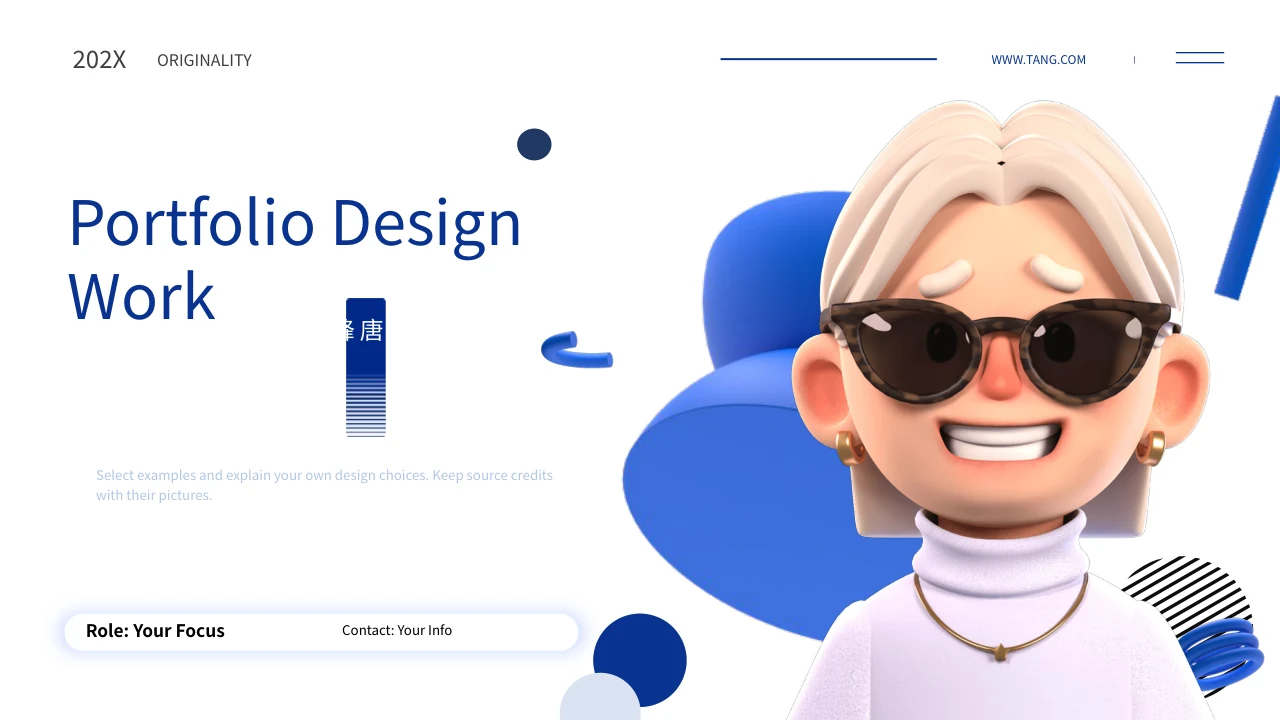
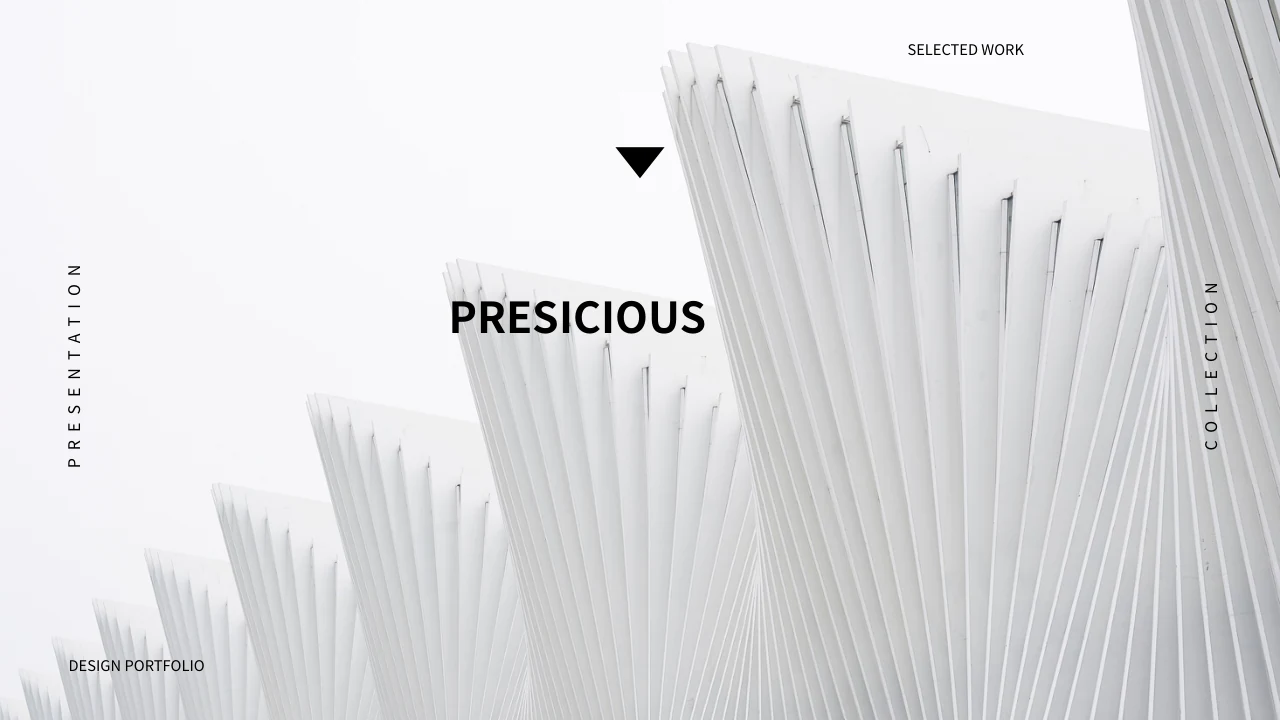
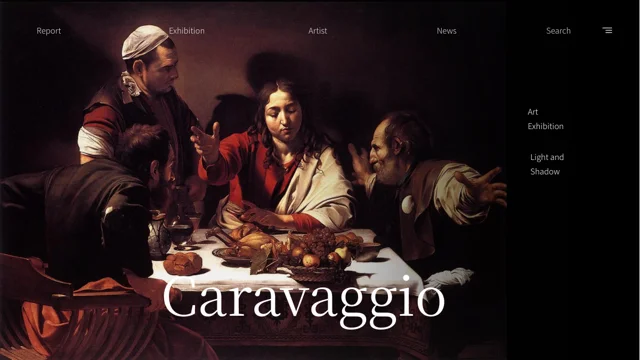
Blue Interface Portfolio Presentation Template: blue window frames and four design areas
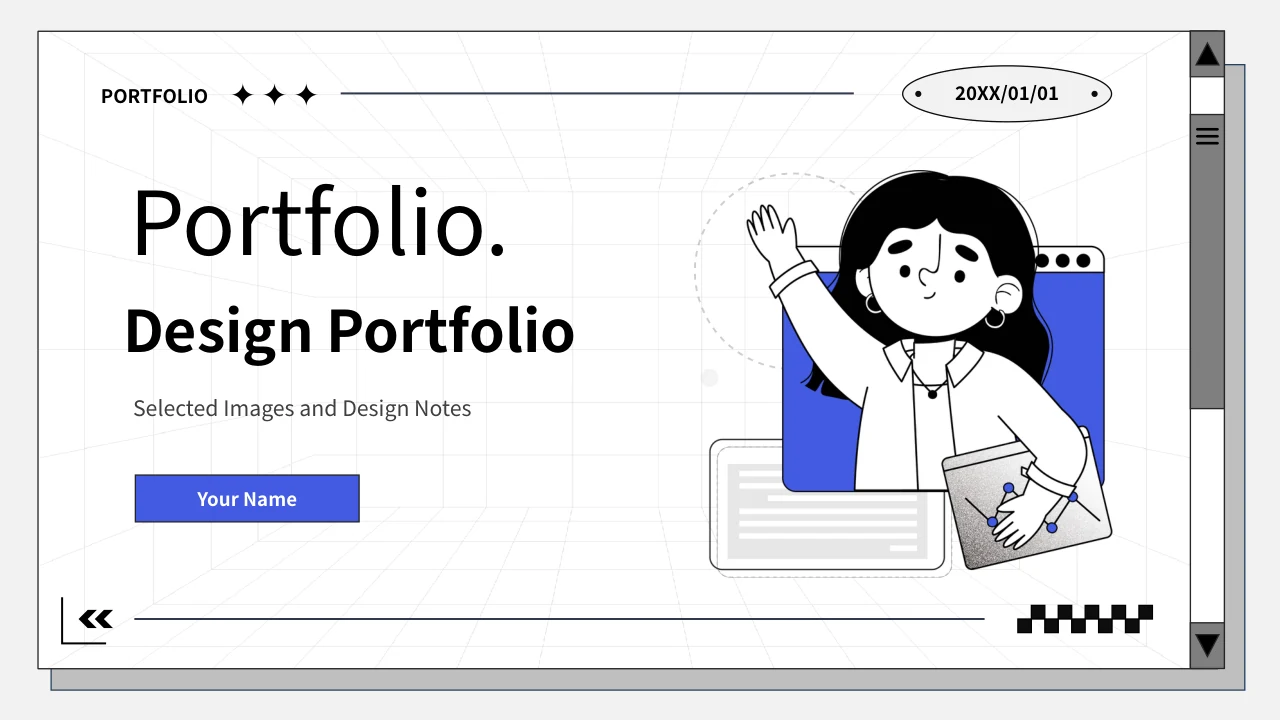
Blue Interface Portfolio Presentation Template combines blue accents, white panels, thin black rules and a perspective grid with cartoon designers. Blue Interface Portfolio Presentation Template contains 20 slides in 16:9, with an index and four numbered dividers on pages 4, 8, 12 and 16. Blue Interface Portfolio Presentation Template groups poster, e-commerce, illustration and logo examples inside window-like frames. Pages pair large pictures with short notes; others arrange multiple images, numbered details or pictorial icons. The interface elements are static decoration, not a working browser or application. Blue Interface Portfolio Presentation Template finishes with a matching cartoon cover and a thank-you heading. Add your own project context without treating pictured prices, dates, skills or source-file labels as verified current claims. Retained Chinese artwork and image marks belong to the supplied pictures; English prompts help you describe the work you choose to present.
Key Features of Blue Interface Portfolio Presentation Template
Window frames, blue accents and compact notes connect four design areas.
Window Frames and Blue Accents
Blue Interface Portfolio Presentation Template uses blue accents and window-like frames. Keep the pictured controls decorative and captions concise.
Four Design Dividers
Blue Interface Portfolio Presentation Template has dividers on pages 4, 8, 12 and 16. Match the index to your poster, shop, illustration and logo work.
Poster and Print Examples
Blue Interface Portfolio Presentation Template shows posters, signs and print applications. Describe the visual hierarchy without claiming current offers.
Shop and Promotional Pictures
Blue Interface Portfolio Presentation Template arranges food banners and promo overlays. Keep pictured dates and prices distinct from live campaigns.
Characters and Illustration Details
Blue Interface Portfolio Presentation Template combines character cards and six numbered image details. Add captions based on the artwork you select.
Logo Pictures and a Matching Ending
Blue Interface Portfolio Presentation Template pairs logo examples with brief notes and a matching thank-you page. Retain genuine image marks and credits.
How to Use Blue Interface Portfolio Presentation Template
Choose a design area, add your own context and inspect the finished pages.
-
Select Your Design Areas
Preview 20 pages of Blue Interface Portfolio Presentation Template. Choose the design areas and image layouts that fit your material, then align the index and dividers with your sequence.
-
Download and Add Project Context
Download Blue Interface Portfolio Presentation Template with an active paid plan. Add project captions and your own role; use pictures you may share and distinguish samples from your work.
-
Inspect Text, Pictures and Credits
Review Blue Interface Portfolio Presentation Template in your presentation application. Check narrow labels, image crops and source marks, then export a review copy and inspect every page.
Questions about Blue Interface Portfolio Presentation Template
What is included in Blue Interface Portfolio Presentation Template?
Blue Interface Portfolio Presentation Template contains 20 PowerPoint slides in a 16:9 format. Blue Interface Portfolio Presentation Template uses blue-and-white panels, perspective grids, cartoon designers and window-like outlines. Blue Interface Portfolio Presentation Template has an index and four numbered dividers on pages 4, 8, 12 and 16 for poster, e-commerce, illustration and logo material. Large pictures, smaller comparisons, character cards and six numbered image areas offer different ways to discuss selected work. Blue Interface Portfolio Presentation Template ends with the matching cartoon and a thank-you heading. Preview Blue Interface Portfolio Presentation Template to choose a sequence that suits your material and the space needed for your own captions.
Are the interface elements in Blue Interface Portfolio Presentation Template functional?
Blue Interface Portfolio Presentation Template uses window outlines, scrollbars, menus and other interface-like marks as visual decoration. Blue Interface Portfolio Presentation Template is not a working browser, store or design application. Pictured controls do not establish a login, order or editing function. Blue Interface Portfolio Presentation Template also includes illustrated graphs and icons inside supplied pictures; these are not native charts linked to a dataset. Describe visible design details when using Blue Interface Portfolio Presentation Template rather than promising software behavior. Check Blue Interface Portfolio Presentation Template in your own application, keeping the decorative interface separate from the editable headings, captions and presentation controls you actually use.
Does Blue Interface Portfolio Presentation Template include PSD or AI project files?
Blue Interface Portfolio Presentation Template includes pictured poster, print, illustration and logo examples. Source labels in Blue Interface Portfolio Presentation Template refer to PSD, AI and design applications, but those labels do not guarantee separate editable design-source files. Blue Interface Portfolio Presentation Template is supplied as a PowerPoint deck, with ordinary headings and captions you can edit. A logo or poster stored as a picture does not become an editable vector project when its caption changes. Use Blue Interface Portfolio Presentation Template to explain work supported by your own files and records. Review Blue Interface Portfolio Presentation Template before describing deliverables, and keep application marks or sample skills distinct from verified abilities.
Can I replace pictures in Blue Interface Portfolio Presentation Template?
Blue Interface Portfolio Presentation Template arranges supplied artwork in large panels, smaller pictures and grouped examples. Select an image in Blue Interface Portfolio Presentation Template and check its visible area, frame and overlap before replacing it with material you may share. Blue Interface Portfolio Presentation Template keeps source picture lettering, logos and watermarks within the original images. Caption editing does not translate or change those pixels. Keep genuine image credits separate from your own contribution. Review Blue Interface Portfolio Presentation Template after a replacement to ensure its subject remains clear and the surrounding labels fit. Preview the selected pages of Blue Interface Portfolio Presentation Template together so the new pictures still support a coherent sequence.
Are the dates, prices and profile details in Blue Interface Portfolio Presentation Template verified?
Blue Interface Portfolio Presentation Template contains supplied examples, including pictured dates, sale prices and promotional wording. Blue Interface Portfolio Presentation Template does not verify current offers, real commissions or the identity and abilities of a presenter. The source presenter label is an unverified example retained in reference notes, while the visible cover provides a name placeholder. Blue Interface Portfolio Presentation Template uses independent English guidance for adding your own checked details. Keep dates printed inside artwork separate from dates you can support for your work. Replace editable samples in Blue Interface Portfolio Presentation Template as appropriate, and review Blue Interface Portfolio Presentation Template without turning pictured examples into current business claims.
Which fonts does Blue Interface Portfolio Presentation Template use?
Blue Interface Portfolio Presentation Template uses Source Han Sans SC Regular and Bold in its editable English text. These fonts are not embedded in Blue Interface Portfolio Presentation Template. Install them or select suitable alternatives, then check line breaks, spacing and narrow labels. Blue Interface Portfolio Presentation Template includes large headings, vertical labels and short notes that can change when fonts are substituted. Lettering already printed inside posters, logos or illustrations remains part of the image. Review Blue Interface Portfolio Presentation Template in the presentation application you intend to use. Export a review copy of Blue Interface Portfolio Presentation Template and check each selected page for clipping, overlap and readable captions before sharing.
Do all language pages provide a translated Blue Interface Portfolio Presentation Template file?
Blue Interface Portfolio Presentation Template is described on the website in multiple languages. Every language page refers to the same downloadable Blue Interface Portfolio Presentation Template, rather than a separate translated PowerPoint deck. Blue Interface Portfolio Presentation Template provides English guidance in ordinary editable text areas and retains original ordinary source wording separately in same-slide reference notes. Chinese lettering already printed inside supplied artwork, source marks and example records remain where applicable. The whole package is not entirely English. Adapt Blue Interface Portfolio Presentation Template to the audience language and keep source records distinct from your own captions. Inspect Blue Interface Portfolio Presentation Template before presenting, including the visible pages and their notes.
How do I download Blue Interface Portfolio Presentation Template?
Download Blue Interface Portfolio Presentation Template using an account with an active paid plan. Open the download panel for Blue Interface Portfolio Presentation Template and sign in if needed to request the PowerPoint file. Active paid members can download Blue Interface Portfolio Presentation Template repeatedly without a daily count limit. The gallery provides all 20 previews for inspecting the design before choosing it. Keep an unchanged copy of Blue Interface Portfolio Presentation Template and edit a working version with your own checked captions and suitable pictures. Access to Blue Interface Portfolio Presentation Template does not independently expand rights attached to the supplied artwork, source materials or genuine image marks.
What should I check before sharing Blue Interface Portfolio Presentation Template?
Blue Interface Portfolio Presentation Template is a starting point for your own design presentation. Before sharing Blue Interface Portfolio Presentation Template, check that the index and four section labels agree with the pages you retain. Replace generic prompts with supported project details and distinguish your contribution from supplied examples. Inspect Blue Interface Portfolio Presentation Template for font changes, cropped subjects and captions that reach beyond their frames. Keep genuine picture marks and avoid describing pictured prices or dates as current offers. Export a review copy of Blue Interface Portfolio Presentation Template and examine the selected pages together. Share Blue Interface Portfolio Presentation Template in the format your audience needs after reviewing wording, sources and the overall sequence.