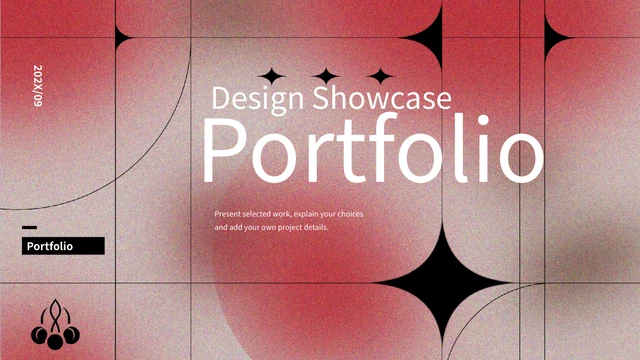
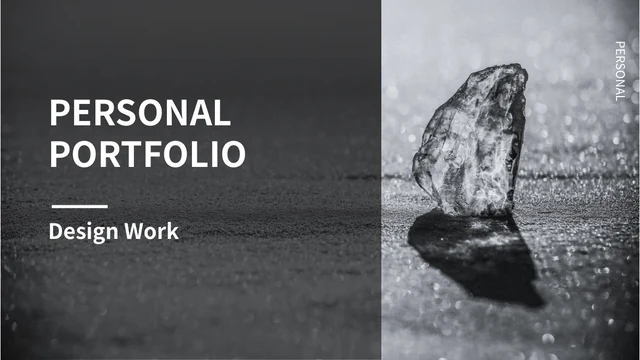
Presicious Presentation Template: pale architecture and black-and-white portfolio layouts
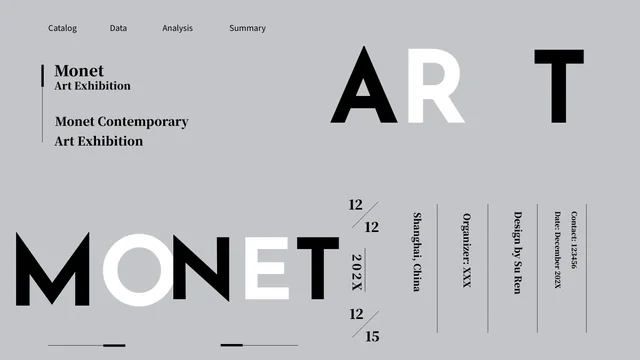
Presicious Presentation Template combines pale architecture photographs with white space, black text panels and fine horizontal rules. Its 50 slides use a 16:9 canvas, supporting photo studies, sample profiles and numbered notes. Presicious Presentation Template includes text-only layouts on pages 25–38 with open areas for your own pictures; these spaces are part of the original design. Static phone, laptop, tablet and desktop pictures appear on pages 39–45. Presicious Presentation Template has two native column charts with linked workbooks on pages 46 and 47, a Thanks page on 48, then outline and solid icon collections. It has no supplied contents page or four-chapter structure. The original Chinese PowerPoint tutorial remains in the file on page 24. Presicious Presentation Template uses independent English guidance, with original ordinary wording kept in same-slide source-reference notes; source names, photographs and sample prices do not establish a real biography or offer.
Key Features of Presicious Presentation Template
Pale photographs, dark caption panels and flexible space for your own work.
Pale Architecture and Dark Panels
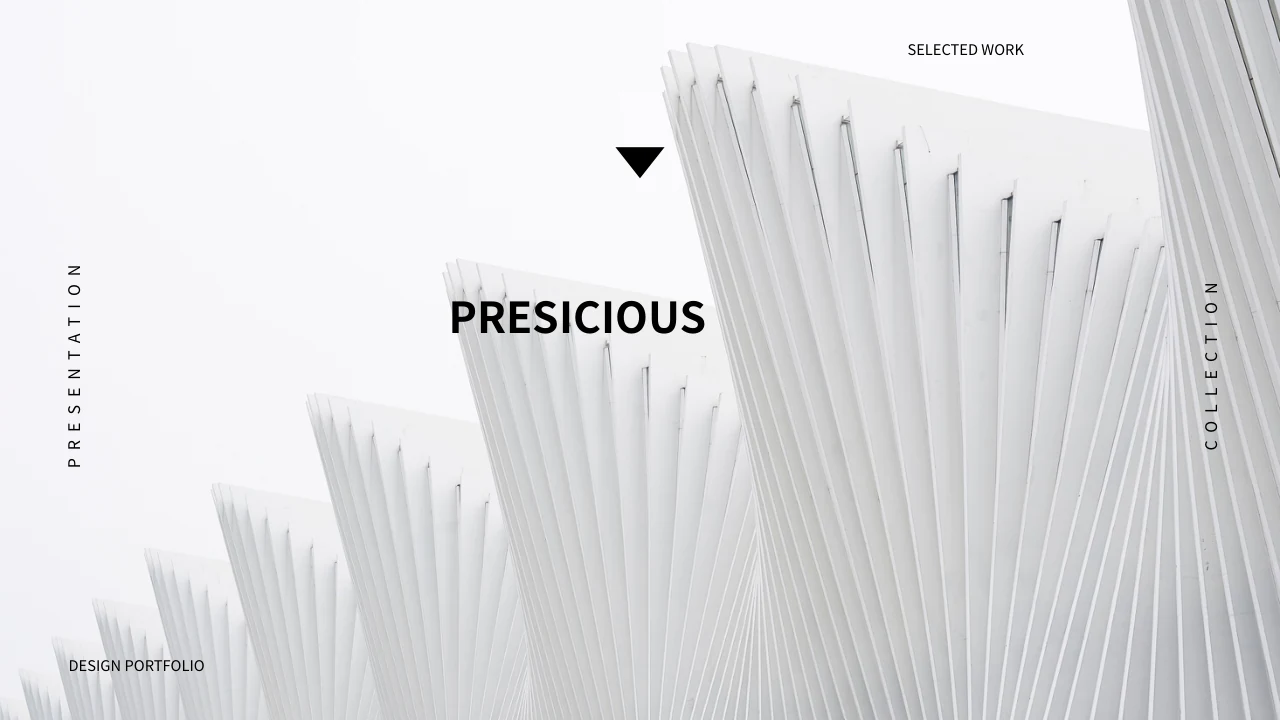
Presicious Presentation Template pairs pale building photos with black panels. Note lines and light, keeping source pictures distinct from your own work.
Open Picture Areas
Presicious Presentation Template has text-only layouts with open picture areas. Add your images as needed and balance them with concise project captions.
Static Device Picture Layouts
Presicious Presentation Template uses static phone, laptop, tablet and desktop pictures. Discuss your screen design with captions about your own work.
Two Native Column Charts
Presicious Presentation Template has two native column charts and linked workbooks. Replace sample labels and values, then check bars against your data.
Options, Profiles and Numbered Notes
Presicious Presentation Template has three option cards, sample profiles and numbered notes. Use checked details to separate your work from source samples.
Thanks Page and Two Icon Collections
Presicious Presentation Template ends with a Thanks page and two icon collections. Pick symbols for your story, then check their labels and contrast.
How to Use Presicious Presentation Template
Choose a page sequence, add your own context and check the edited file.
-
Choose the Layout Sequence
Preview 50 pages of Presicious Presentation Template. Select photo studies, open picture areas and device layouts for your outline, then choose where a chart or short note adds useful context.
-
Download and Add Your Work
Download Presicious Presentation Template with an active paid plan. Save a working copy, replace sample profile and option text, and add your own pictures, captions and checked chart data.
-
Check the Finished Presentation
Open Presicious Presentation Template in your presentation app. Review title spacing, picture crops, chart labels and source material, then inspect an exported copy before sharing your work.
Questions about Presicious Presentation Template
What comes with Presicious Presentation Template?
Presicious Presentation Template contains 50 PowerPoint slides in a 16:9 widescreen format. Presicious Presentation Template combines pale building photographs, white space, black caption panels, sample profiles, three option cards and numbered notes. Presicious Presentation Template includes open picture areas on pages 25–38, static device pictures on pages 39–45 and two linked column charts on 46 and 47. Presicious Presentation Template has a Thanks page on 48 and two icon collections on 49 and 50, rather than a supplied contents page or fixed four-chapter outline. Browse Presicious Presentation Template before choosing the pages for your own story; the supplied names, prices and photographs are examples, not proof of verified people, projects or current offers.
How can I use the architecture photographs in Presicious Presentation Template?
Presicious Presentation Template presents pale façades, stairs, glazing, curved walls and other architectural views. Presicious Presentation Template also includes snow and ice photographs and a ship scene, so the visual material is not a verified record of one building project or location. Presicious Presentation Template gives you space to discuss visible lines, light, framing and contrast with a concise caption. Presicious Presentation Template should be adapted using details you actually know, keeping your own contribution distinct from the supplied reference photographs. If you replace a picture in Presicious Presentation Template, review its crop and caption together; a new view may need different wording even when the surrounding black-and-white composition remains the same.
Why do some pages of Presicious Presentation Template have open picture areas?
Presicious Presentation Template includes text-only layouts on pages 25–38 with open areas around headings and caption panels. These spaces are part of Presicious Presentation Template and do not indicate that supplied photographs are missing from the file. Presicious Presentation Template lets you introduce a selected project, add your own image where useful or keep a page focused on a short explanation. Presicious Presentation Template uses both dark and light backgrounds, so inspect contrast before placing new pictures or longer captions. Save a working copy of Presicious Presentation Template and check the balance of the heading, text panel and open area after editing; use supported captions and retain relevant source information with your selected material.
Are the device layouts in Presicious Presentation Template working applications?
Presicious Presentation Template uses static phone, laptop, tablet and desktop pictures on pages 39–45. Presicious Presentation Template can frame a screen design discussion, but the supplied devices are not working applications, login pages or software demonstrations. Presicious Presentation Template does not promise separate layered device files or an editable design project for each pictured screen. Presicious Presentation Template provides nearby text areas where you can explain a layout decision or your own contribution. When adapting Presicious Presentation Template, choose screen content you are entitled to show and inspect its crop; the device picture, sample caption and visual icons do not establish a verified client, product capability or design result.
Can I edit the charts in Presicious Presentation Template?
Presicious Presentation Template contains two native clustered column charts, each linked to an embedded Excel workbook. The chart on page 46 of Presicious Presentation Template displays three series across four categories; the chart on page 47 displays three series across two categories. Presicious Presentation Template keeps the original sample numbers as examples, not verified performance results. Presicious Presentation Template supports editing labels and values through the chart data, so review the corresponding workbook and displayed bars together before presenting new information. Use data you can support in Presicious Presentation Template and explain what the series and categories represent; the separate option cards and numbered labels are ordinary slide content, not connected financial or measurement data.
Which fonts does Presicious Presentation Template use?
Presicious Presentation Template uses Source Han Sans SC Regular and Bold for ordinary editable text. These fonts are not embedded in Presicious Presentation Template. Install them or select suitable alternatives before changing headings, narrow captions and numbered notes. Presicious Presentation Template combines large titles with small caption areas, so another font can change spacing and line breaks even when the text box remains in place. Compare Presicious Presentation Template with the page previews after saving or exporting your edits, checking the cover name and labels inside dark panels. Reopen Presicious Presentation Template in the app you will present with and inspect any missing characters; lettering already merged into a picture remains part of that image.
Are all parts of Presicious Presentation Template translated into English?
Presicious Presentation Template uses independent English guidance for ordinary editable titles and explanations. Presicious Presentation Template retains original ordinary wording in same-slide source-reference notes, separately from those new prompts. Presicious Presentation Template also keeps the original Chinese PowerPoint tutorial on page 24, along with supplied picture lettering and source information. Presicious Presentation Template is therefore a presentation with English guidance and preserved source material, rather than a promise that every part of the package is English. All website language pages describe the same downloadable Presicious Presentation Template; they do not provide separate decks with translated photographs or videos. Check which source material is useful for your audience and keep your own captions distinct from reference text.
How should I handle the example profiles and options in Presicious Presentation Template?
Presicious Presentation Template retains sample names such as Daniel Fernandez and Lolita Pricilla without verifying their identities or connecting them to the supplied photographs. Presicious Presentation Template also includes three option cards labelled Personal, Business and Professional, with Free as source sample text. Presicious Presentation Template does not establish current prices, real staff qualifications or a confirmed service offer through those labels. Presicious Presentation Template should use your own supported information when you adapt a profile, role or option description. Keep the genuine design and image source information in Presicious Presentation Template separate from your contribution; a paid download gives access to the file without adding rights to third-party material or making you the creator of every supplied picture.
How do I download and share Presicious Presentation Template?
Download Presicious Presentation Template with an account that has an active paid membership. Active paid members can download Presicious Presentation Template repeatedly without a daily count limit. Browse all 50 previews first, keep an unchanged file and edit a separate working copy of Presicious Presentation Template for your own presentation. Presicious Presentation Template may display text spacing or picture crops differently in another app, so review the headings, chart data, device pictures and source tutorial before sending the file. Share your edited Presicious Presentation Template in a format suited to the recipient, retain the editable version for later changes and use only pictures or other material you are entitled to include.