

Parents Meeting: blue waves around a clear school discussion
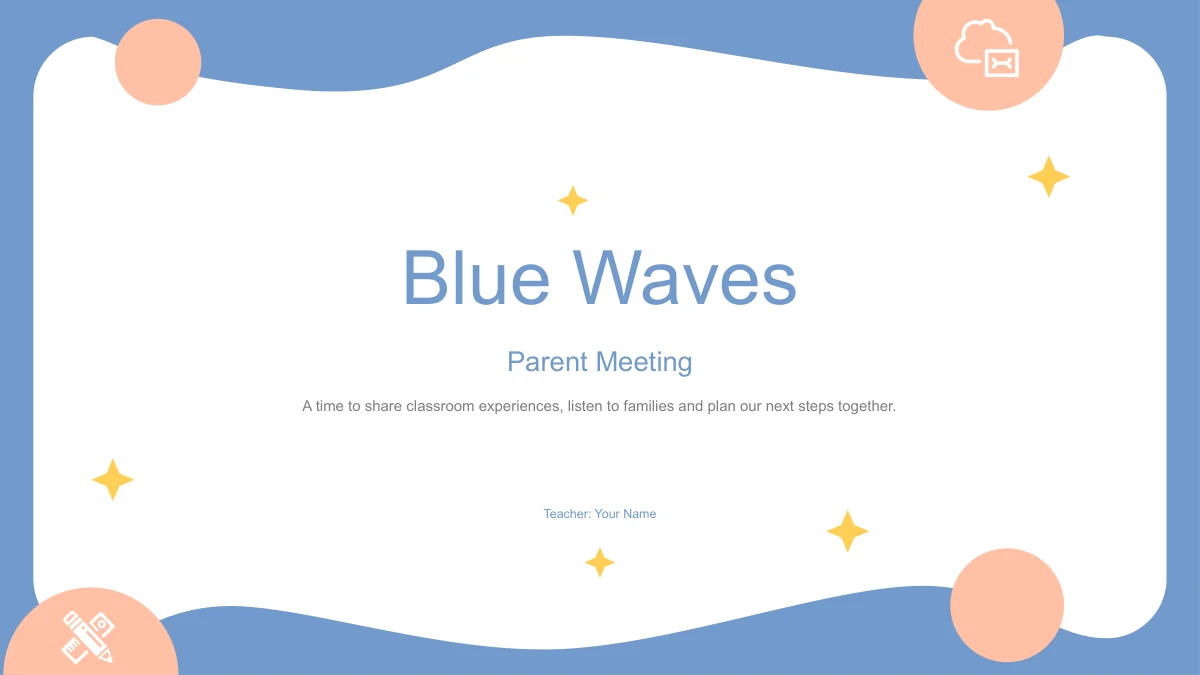
Blue waves, peach circles and curved white panels frame this 14-slide parents meeting deck. Small yellow stars and line icons add detail around the notes. Four chapters guide the parents meeting through Meeting Goals, Class Overview, Family Support and Learning Plans. Layouts pair photographs with note cards, a circular four-point discussion, three tall columns and a numbered plan beside a hexagonal photo. Two large percentages are ordinary editable text, not a linked chart or verified class results. Choose the parents meeting pages that fit your agenda, replace the teacher name and examples, and select photographs suited to your setting. Check the completed parents meeting slides on your presentation screen, especially the longer notes in the three-column layout.
Parents Meeting Features in Blue Waves
Photo panels and simple diagrams for a focused conversation.
Blue and Peach Parents Meeting Design
Curved white panels and blue borders give these parents meeting slides a consistent frame. Peach circles, yellow stars and thin icons provide gentle accents.
Four Parents Meeting Chapters
Move your parents meeting through Meeting Goals, Class Overview, Family Support and Learning Plans. Blue divider pages separate the four parts of the discussion.
Parents Meeting Photo Layouts
Leafy books, a desktop and a person at a window appear in three photo layouts. Match each image to your parents meeting topic and check the crop when replacing it.
Sample Figures You Can Replace
Two large sample percentages sit below a photograph. Edit these parents meeting figures as ordinary text, and add your own context; they are not a native chart.
Space to Compare Short Notes
A circle diagram, three columns and a hexagon layout offer different ways to group notes. Use one clear idea in each area of your parents meeting presentation.
A Four-Part Learning Plan
Four numbered lines sit beside a hexagonal photo on the learning-plan page. Use this parents meeting layout to show the next steps, with a brief note for each.
How to Use the Blue Waves Parents Meeting Template
Decide what families should understand before you start editing.
-
Plan the Parents Meeting Sequence
Browse the 14 parents meeting previews and follow the chapter order. Choose the photo, discussion and planning layouts that fit your agenda, leaving time for families to ask questions.
-
Download the Parents Meeting PPTX
Sign in with an active paid plan, then download the English parents meeting PPTX. Members have unlimited daily downloads. Save a working copy before changing the teacher name or examples.
-
Edit the Parents Meeting Notes
Replace the parents meeting sample figures and notes with your own information. Review photo crops and the three-column page, then check your presentation and any PDF before sharing.
Blue Waves Parents Meeting Questions
How do I download the parents meeting template?
Sign in with an active paid membership and choose Download PPTX. Unlimited daily downloads let you get this parents meeting file again when needed.
What does the parents meeting file include?
The parents meeting deck has 14 widescreen slides: a cover, agenda, four dividers, seven content pages and a closing page. The final content layout is a four-part plan.
Can I edit the parents meeting photos and percentages?
Replace photos and edit parents meeting text, shapes and colors in PowerPoint. The percentages are ordinary text examples with no chart worksheet; explain your replacement figures.
Can I preview every parents meeting slide?
Yes. The parents meeting gallery shows all 14 pages. Use the thumbnails or arrows to inspect the circular discussion, three-column notes and learning-plan layout.
Which editor should I use for the parents meeting PPTX?
Use PowerPoint for these parents meeting slides. Google Slides and Keynote are untested; check photo crops, fonts, curved shapes and animation after importing into another app.
Which font do the parents meeting slides use?
The English parents meeting slides use Arial. If another font replaces it, check the cover and narrow note columns for changed wrapping.
Does the parents meeting download follow the website language?
All website languages supply one English parents meeting PPTX with matching previews. The website copy and image explanations are localized; translate your working copy in the editor.
Can I use the parents meeting template commercially?
Paid access does not establish rights to every source photograph, font or illustration. Check permissions for your parents meeting use and replace assets when necessary.
How should I share my parents meeting slides?
Check your parents meeting PDF before sending a read-only handout. Share editable copies only with the necessary rights; recommend the design through its template page link.