

book presentation template: open-book artwork for a teaching plan
Teal Book Lesson Plan is a book presentation template for explaining your teaching choices. Open-book artwork, a graduation-cap pencil and teal and orange leaves surround rounded white panels. The 29 widescreen pages follow Lesson Analysis, Teaching Strategy, Classroom Process and Learning Review. The book presentation template uses gears for connections, tags for notes and arrow bands for activity stages. A four-series doughnut and two column charts offer editable data displays, while other diagrams use shapes and text. The book presentation template supplies a planning framework: add your objectives, subject examples and evidence from your own class. Keep narrow labels brief and replace the illustrative figures, including the separate percentage text beside the doughnut chart. Select review layouts that help explain what learners understood and what needs another explanation.
Features of this book presentation template
Explore the book presentation template through its artwork, chapters and teaching diagrams.
Open Books and Botanical Accents
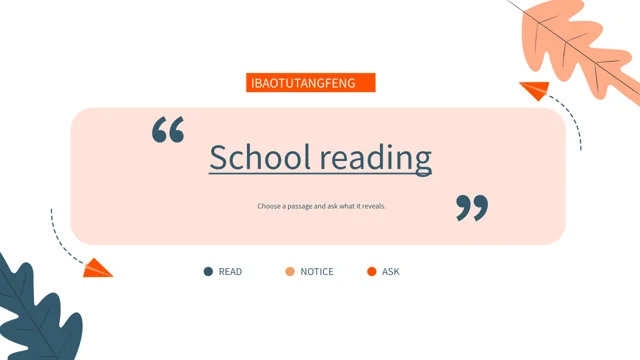
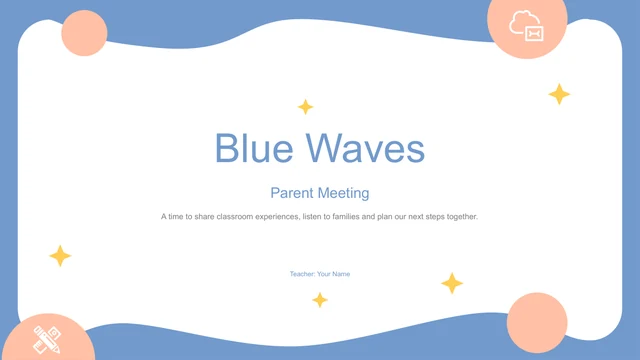
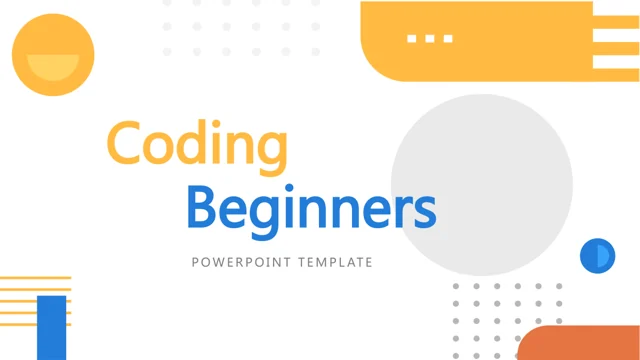
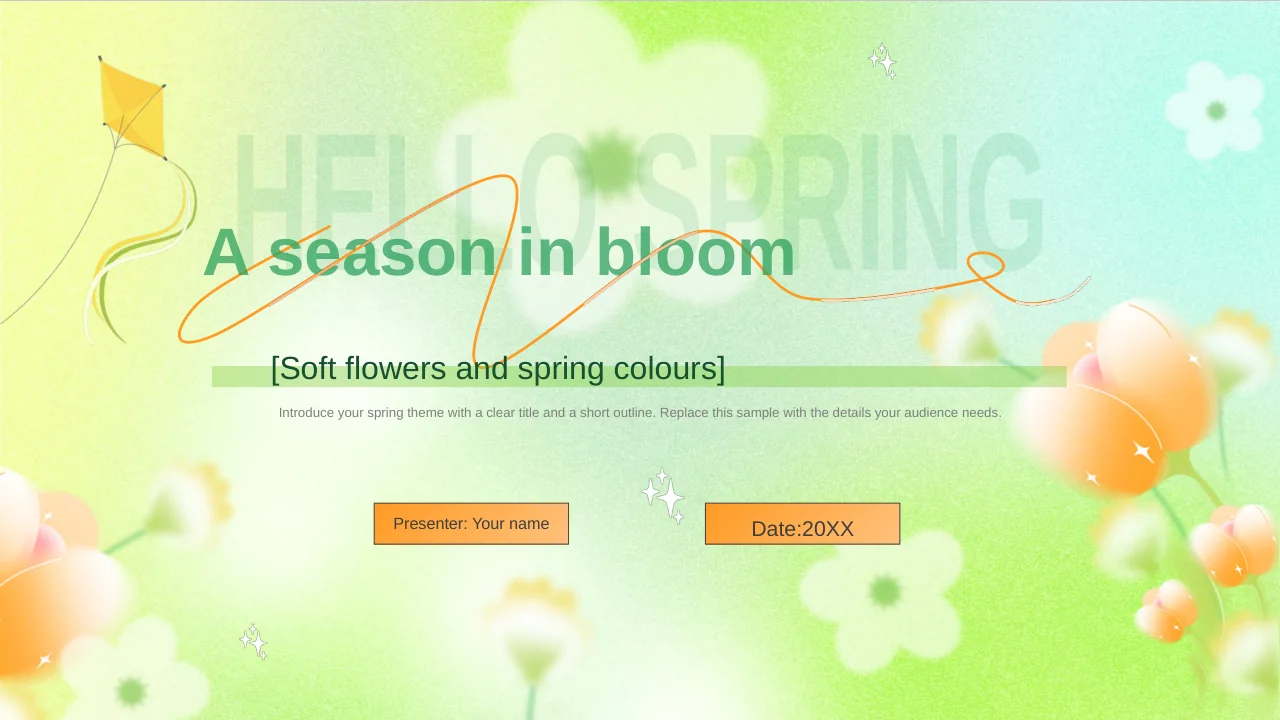
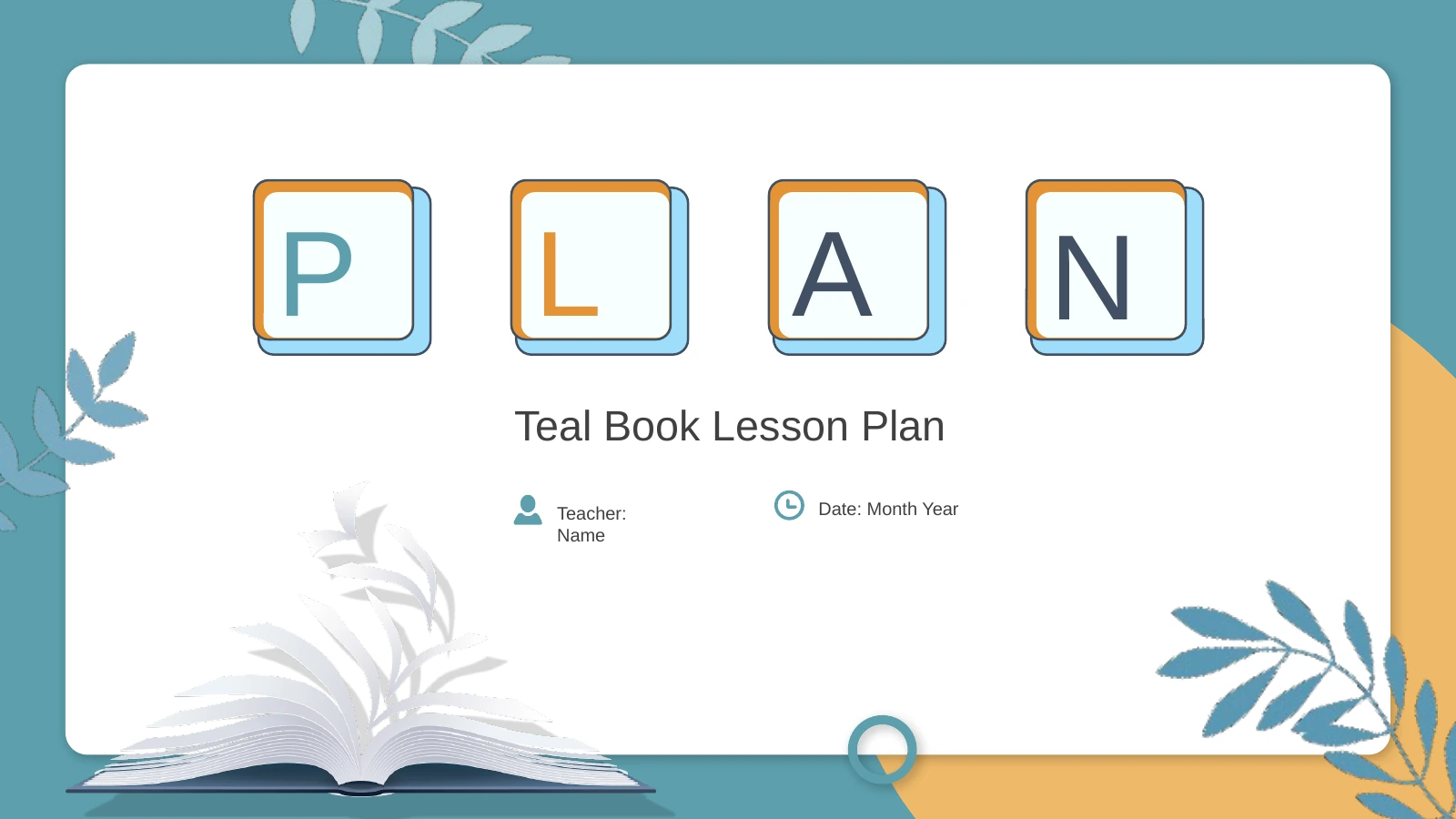
This book presentation template frames rounded white panels with teal and orange leaves. Open-book and pencil illustrations carry the education theme across pages.
Four Teaching Chapters
The book presentation template separates analysis, strategy, classroom process and review. Numbered dividers help you introduce each part of your teaching outline.
Three Editable Charts
A four-series doughnut and two column charts make data editable in this book presentation template. Update the separate percentage labels on slide 8 by hand.
Connections and Activity Stages
Gears, balloons and arrow bands in the book presentation template offer ways to connect ideas or show stages. Give each diagram a clear teaching purpose and label.
Short Notes for Discussion
Hanging tags, hexagon groups and speech bubbles give this book presentation template note areas. Keep one idea in each so your discussion stays easy to follow.
Evidence for Learning Review
The book presentation template closes with puzzle pieces, a lightbulb and comparison charts. Add observations and evidence to explain your teaching step.
How to use this book presentation template
Prepare a lesson outline with the book presentation template, then check the examples.
-
Select Your Teaching Layouts
Browse all 29 pages of the book presentation template. Choose diagrams for your learning goals and classroom activities, then arrange the four chapters in the order you will explain your lesson.
-
Replace Notes and Figures
Download the book presentation template with an active paid membership. Add your subject material, change chart data and update separate percentages so the notes and figures agree.
-
Rehearse the Lesson Outline
Present the book presentation template at classroom size. Inspect narrow tags, follow arrow sequences and check chart labels, then remove unused sample pages before exporting or sharing.
Questions about this book presentation template
How do I download this book presentation template?
An active paid membership lets you download the book presentation template as a PPTX. Daily downloads are unlimited, including repeat downloads. Keep an original copy of the book presentation template and edit a working file.
How many slides are in the book presentation template?
The book presentation template contains 29 slides in 16:9, including contents and four numbered dividers. Select only the pages your lesson needs from the book presentation template, keeping the chapters relevant to your teaching goals.
Which elements of the book presentation template are editable?
Text, shapes and three charts in the book presentation template are editable. Doughnut percentages need separate updates. Books and pencils in the book presentation template are images; replace images to change their internal details.
Can I preview every page of the book presentation template?
The gallery shows all 29 pages of the book presentation template. Use thumbnails or arrows to inspect the hanging tags, notes and charts. Compare these layouts in the book presentation template with your planned explanations before downloading.
Does this book presentation template work in other apps?
The book presentation template is supplied as PPTX; Google Slides and Keynote compatibility is unverified. After importing the book presentation template into another editor, check charts, fonts, illustrations and slide order before using it with a class.
Which font does the book presentation template use?
The English book presentation template uses Arial, without embedded fonts. If another font is substituted, check narrow labels and chart text throughout the book presentation template. Keep short headings within the available space around the illustrations.
Is the book presentation template written in English?
The downloadable book presentation template contains English sample notes and figures. Website translations describe that same file. Add your subject material, lesson tasks and assessment criteria to the book presentation template; it is a teaching framework.
Can I use this book presentation template commercially?
A membership does not establish unrestricted rights to the book presentation template or its artwork. Check source and illustration terms before commercial use or redistribution. Review permissions for additional material placed in the book presentation template.
How should I share the book presentation template?
Share the book presentation template page link for previews. Where permitted, distribute your edited PPTX or PDF after checking the instructions, data and added-material rights. Keep an editable book presentation template copy.