Gradual Change Presentation Template: Tell the Story Behind Your Business
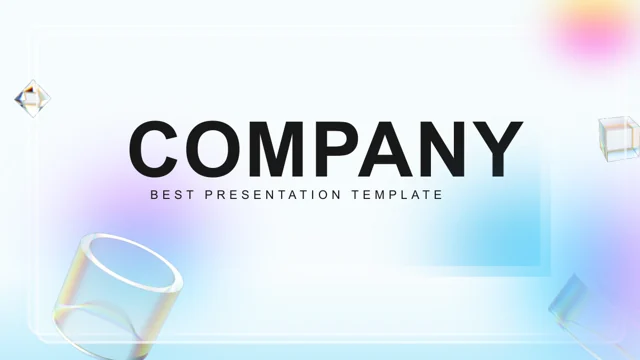
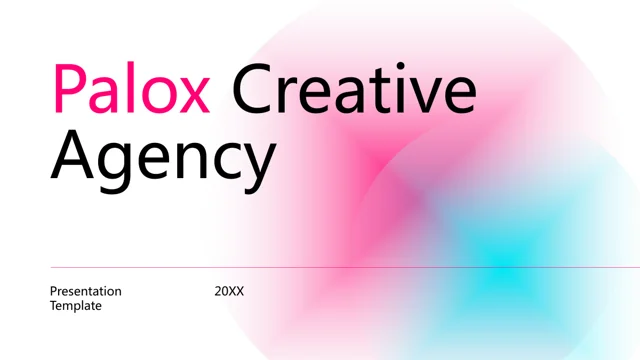
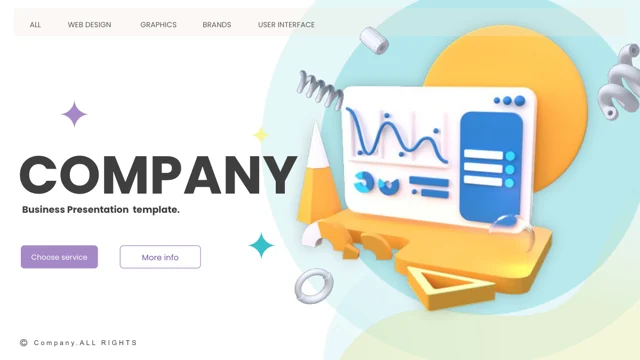
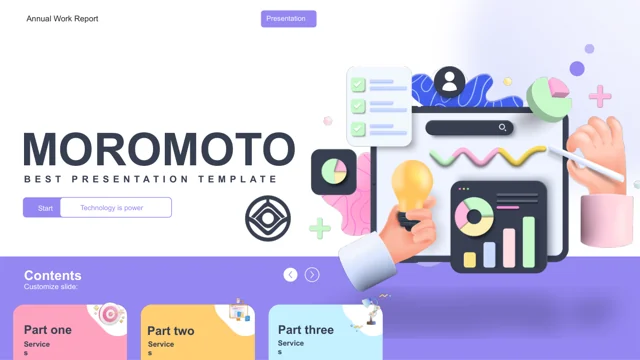
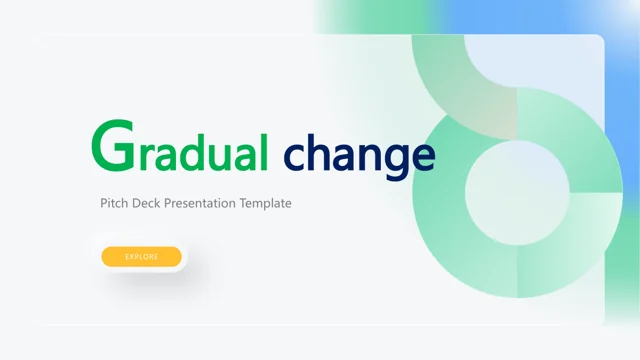
Gradual Change Presentation Template connects an agency introduction with problems, solutions and evidence. Its 36 slides use green, blue and white gradients. Gradual Change Presentation Template includes company history, team profiles, SWOT sections, pricing layouts and charts. Choose pages that answer your audience's questions. The examples in Gradual Change Presentation Template describe a fictional agency: replace names, claims, prices and figures. Preview the design, then add your facts and conclusions.
Key Features of Gradual Change Presentation Template
Design, layouts and charts at a glance.
Business overview
Gradual Change Presentation Template includes mission, history and team pages.
Problems & solutions
Use Gradual Change Presentation Template to explain problems and proposed solutions.
SWOT analysis
Use the four SWOT pages in Gradual Change Presentation Template to structure your analysis.
Charts and data
Read trends and shares with charts in Gradual Change Presentation Template.
Pricing options
Replace sample plans and prices in Gradual Change Presentation Template.
Gradient styling
Edit Gradual Change Presentation Template on a 16:9 gradient canvas.
How to Use Gradual Change Presentation Template
Make it your own in three steps.
-
Preview
Browse Gradual Change Presentation Template and choose the layouts you need.
-
Download
Sign in with a paid plan to download Gradual Change Presentation Template. Daily downloads are unlimited.
-
Edit and share
Update Gradual Change Presentation Template, check fonts and export a PDF.
Questions About Gradual Change Presentation Template
How do I download Gradual Change Presentation Template?
Sign in with a paid plan, then download Gradual Change Presentation Template. Daily downloads are unlimited. Keep an untouched copy.
How many slides does Gradual Change Presentation Template contain?
Gradual Change Presentation Template has 36 slides. Preview them all, then keep only the pages your audience needs.
Can I edit Gradual Change Presentation Template in PowerPoint?
Edit separate text and shapes in Gradual Change Presentation Template. Replace image-based artwork and check alignment after changing the content.
Can I preview every page of Gradual Change Presentation Template?
Yes. Browse every page of Gradual Change Presentation Template using thumbnails or arrows; enlarge the preview to inspect layouts.
Which fonts does Gradual Change Presentation Template use?
Gradual Change Presentation Template lists Calibri, Gill Sans, Open Sans, Poppins, Wingdings and Microsoft YaHei. Check line breaks after substituting fonts.
Are the examples in Gradual Change Presentation Template real business data?
No. Replace sample names, claims, prices and figures in Gradual Change Presentation Template with verified information before presenting.
Is the text in Gradual Change Presentation Template translated?
Gradual Change Presentation Template retains English slide examples. Translate them yourself and check that new labels fit the layouts.
Can I use Gradual Change Presentation Template for client work?
Review the source license and image permissions before reusing Gradual Change Presentation Template. Paid download access does not grant additional usage rights.
How do I share Gradual Change Presentation Template?
Share the page link for the original preview of Gradual Change Presentation Template. Send your edited PPTX or PDF to share your changes.